
Building used to be the automatic win if you cared about value. Pick the parts, pay less than a box, learn something, move on. That math held for a long time.
In September 2026 it is no longer automatic. DIY still wins for specific buyers. The blanket “always build” line quietly stopped being true, and a lot of forums have not caught up.
It is important to be aware of how this shortage affects the used market if that is where you’ll be shopping. Cards that used to be cheap (and should still be) are listed for significantly more now.
Last verified: September 12, 2026. Memory and storage still tax DIY carts hard. Midrange GPUs sit above sticker (RTX 5060 ~$450, 5070 ~$800, RX 9060 XT 16GB ~$460, 9070 XT ~$750 TechSpot Aug lows). Prebuilt makers buying in volume can still look cheap next to a retail parts tally that includes Windows.
Why the calculation shifted
AI demand yanked manufacturing toward high-bandwidth memory. Consumer DDR5 tightened. NAND followed. You feel that the day you open Newegg. Big builders feel it differently: bulk contracts, earlier inventory, bundled Windows and a desk kit that pads the “total” comparison.
A tidy DIY list that used to clear under $1,000 can push past $1,200 before Windows and your time. A comparable prebuilt sometimes lands near $999 with a keyboard and mouse in the photo. That does not make every prebuilt a bargain. It does kill the lazy assumption that DIY always saves cash.
What good prebuilts do well now
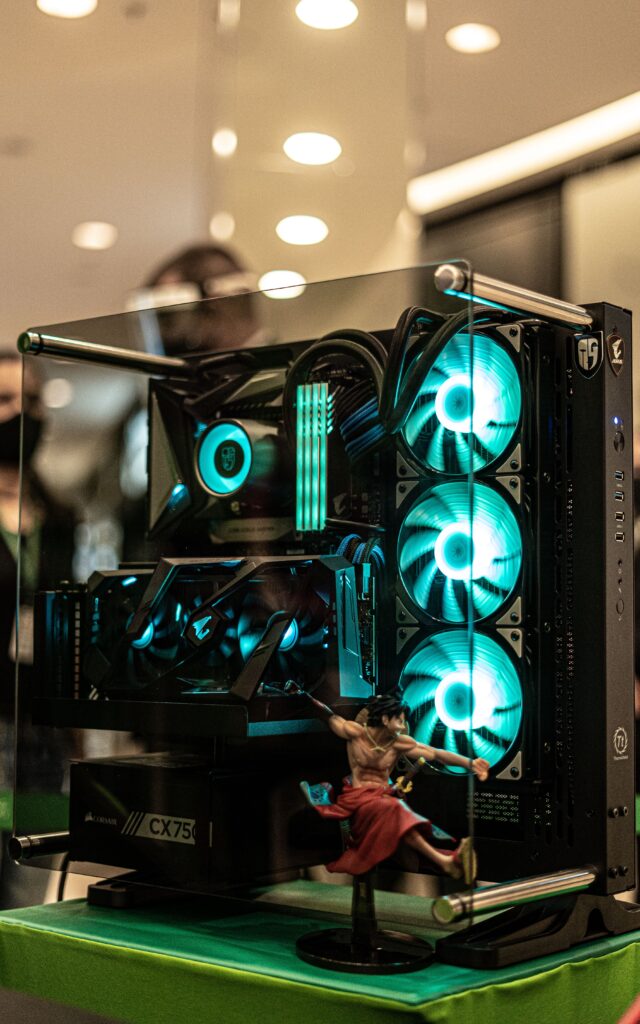

The junk-era gap narrowed at reputable builders. Named PSUs, real airflow cases, and parts that are not pure mystery meat show up more often than they did five years ago.
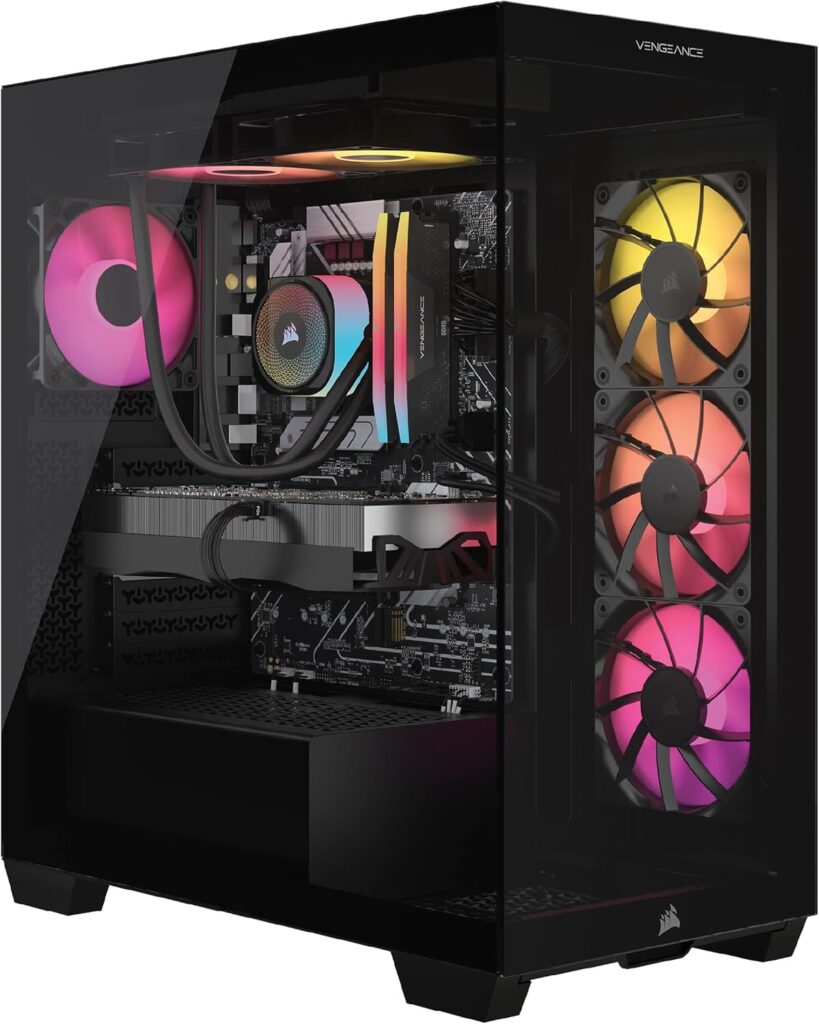
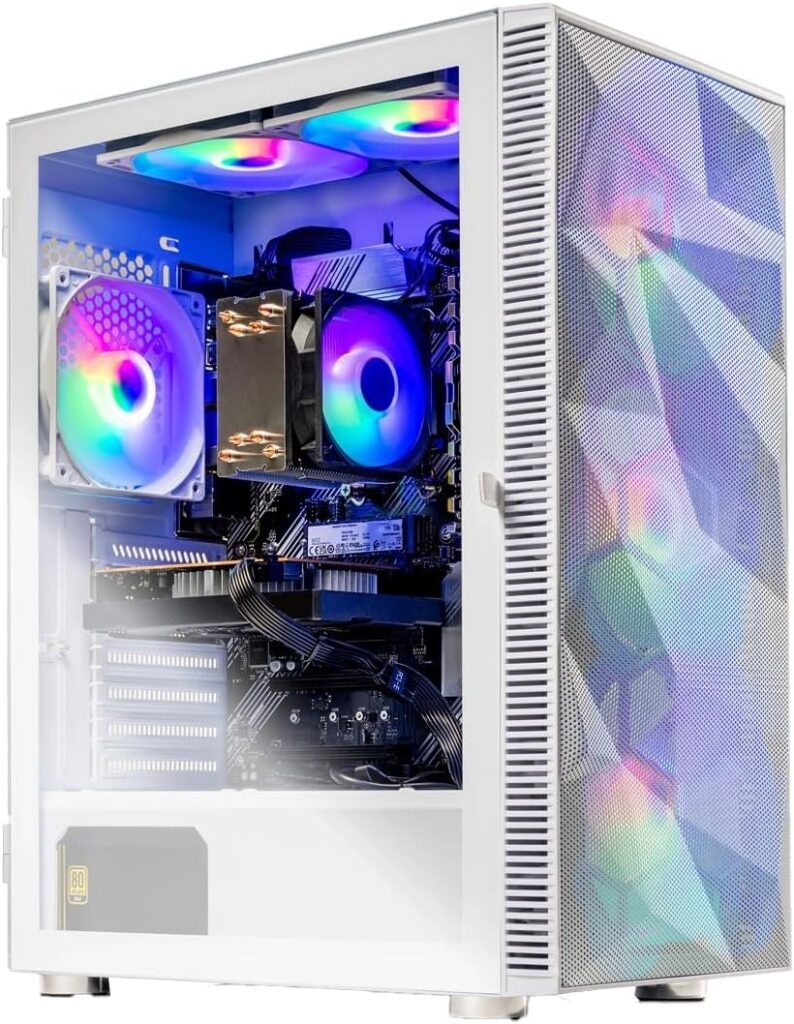
You also get a system warranty. DIY means component warranties and your own RMA shipping when a GPU dies after the retailer window. One call to a builder is a different stress profile.
Fair comparisons add a Windows licence to DIY. Skipping that line item is how people invent savings that were never there.
What prebuilts still get wrong
Mass-market HP/Dell/Lenovo gaming boxes still ship proprietary boards and skinny PSUs. That machine is a sealed product, not a platform. GPU upgrade day becomes whole-system day.
Before you buy any prebuilt, check four things:
- PSU wattage and brand on a real tier list. Under 650W or a nameless label is a warning.
- Standard ATX or mATX board from a recognisable brand, not a proprietary sled.
- RAM actually running rated EXPO/XMP, not stuck at 4800.
- VRAM on the GPU. 8GB 5060/5050 marketing is loud right now. Stepping to RX 9060 XT 16GB near ~$460 or living with a 5060 Ti 16GB near ~$730 is not a tiny SKU bump anymore.
Hard limit: if the listing hides PSU brand or VRAM, walk away. You are buying a surprise invoice.
Where DIY still wins
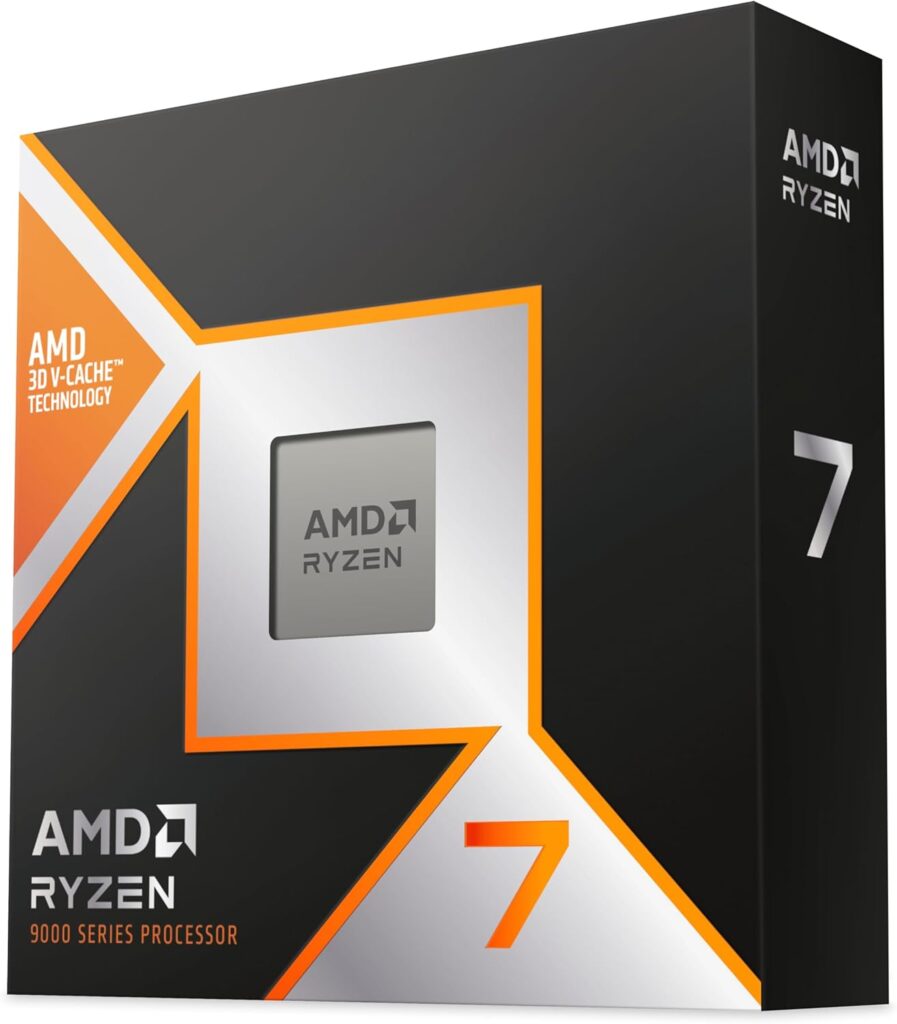
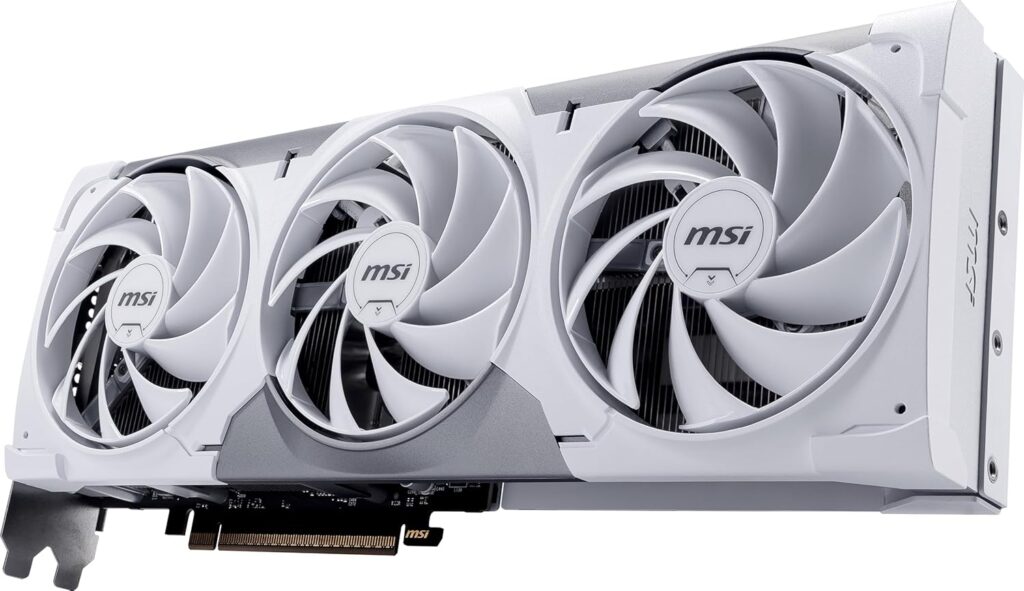
Above roughly $1,800, DIY usually wins on value and control. You pick the exact 5070 Ti or 9800X3D cooler and case airflow you want. Prebuilts at that spend still hide compromises in the PSU and board to protect margin.
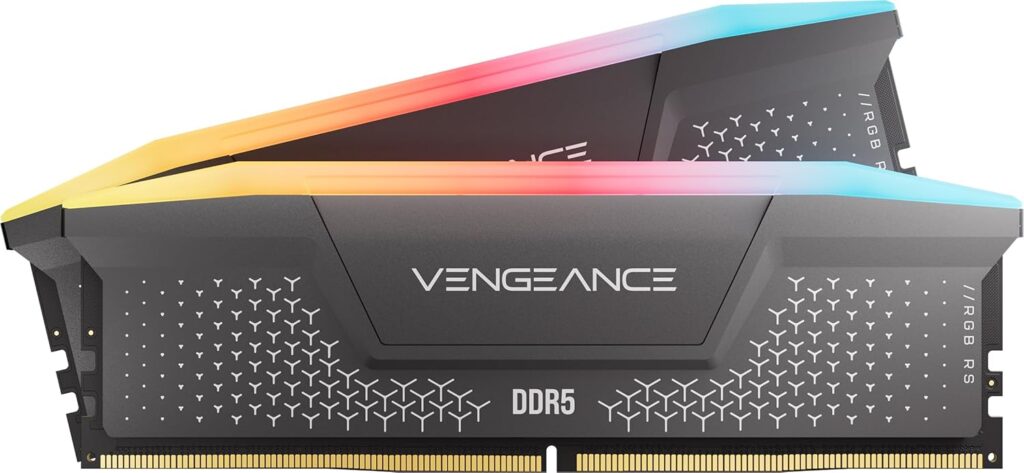
The build skill compounds. You learn what failed, what to upgrade, and why EXPO matters. That is not a spreadsheet line. It is still real.
Many prebuilts still leave DDR5 loafing at 4800. On Ryzen that is free performance left in the box. Thirty seconds in BIOS if you know to look. Plenty of owners never do.
Honest breakdown by budget
Under ~$1,200: prebuilt often wins on total delivered value if the builder is reputable and the four checks pass. DIY at this tier watches RAM and SSD eat the GPU budget first.
~$1,200-$1,800: genuinely close. Open PCPartPicker the same morning. If the prebuilt is within about $100-$150 of DIY after Windows, the warranty and assembly can win. If DIY saves $200+, build.
Above ~$1,800: DIY for people who want the exact stack. Buy the prebuilt if zero assembly risk is worth the premium to you personally.
The one question that settles it
Do you want to understand the machine, or just use it?
Both answers are legitimate. Building is a hobby for a lot of people. For them, DIY stays correct even when the spreadsheet is messy.
If you want a working gaming box and zero interest in torque sequences, a good 2026 prebuilt is a real option, not a confession. Verify PSU, board form factor, RAM speed, and 16GB VRAM when the budget allows. Those four checks catch most regret.
Living with either choice
A clean DIY first boot feels like you earned the fans spinning up. A good prebuilt unbox feels like the evening stayed yours. Both can be the right mood. What ruins either path is discovering an 8GB card and a mystery PSU three months later when a sale card will not fit the power budget.
SpecClear participates in affiliate programmes. When you purchase through links on this site, we may earn a commission at no extra cost to you.