
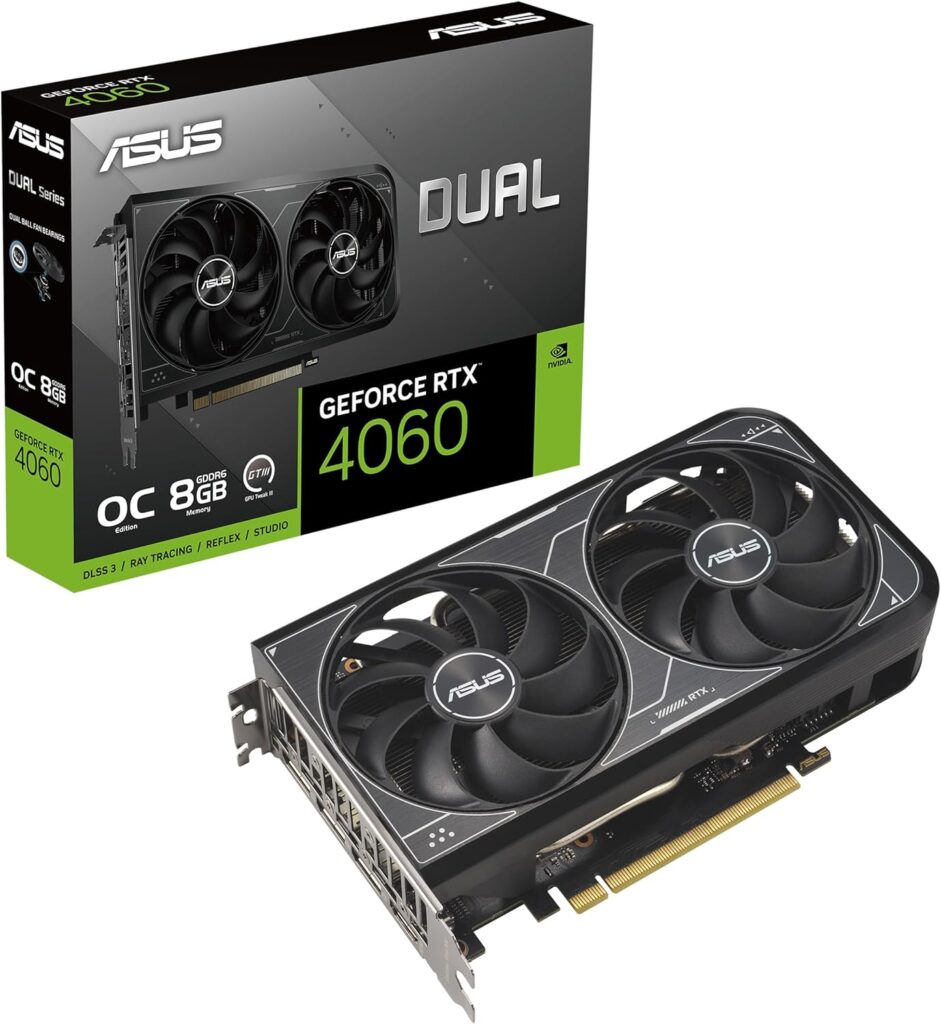
The RTX 4060 isn’t the card it launched as. It launched at $299 in 2023. In September 2026 a new 4060 is scarce and often lists around $450–$500 when stock appears, which is the same money as the card that replaced it. The RTX 5060 launched in May 2026 at $299 MSRP with faster architecture, faster memory, and DLSS 4.
At overlapping street prices, buying the 4060 new is a bad call. There are still a few cases where a used 4060 makes sense. This guide covers those, and when you should skip both 8GB cards.
Specs — What Actually Changed
Both cards share a 128-bit bus and 8GB of VRAM. That shared ceiling matters. Underneath it, the 5060 is a different machine.
| Spec | RTX 4060 | RTX 5060 |
| Architecture | Ada Lovelace | Blackwell GB206 |
| CUDA Cores | 3,072 | 3,840 |
| VRAM | 8GB GDDR6 | 8GB GDDR7 |
| Memory Bandwidth | 272 GB/s | 448 GB/s |
| Memory Bus | 128-bit | 128-bit |
| TDP | 115W | 145W |
| PCIe | 4.0 x8 | 5.0 x8 |
| DLSS | DLSS 3 (Frame Gen) | DLSS 4 (Multi-Frame Gen) |
| Street price (Sep 2026) | ~$450–$500 new (scarce) | ~$430–$470 new |
| Used / eBay | ~$230–$310 | still scarce / nearer new |
| MSRP at launch | $299 | $299 |
The bandwidth jump is the number that matters. 448 GB/s vs 272 GB/s is about 65% more on the same bus width. GDDR7 is doing the work. DLSS 4 Multi-Frame Generation is the other real upgrade: three generated frames per rendered frame in supported titles, not one.
Performance — Real-World Numbers at 1080p
Raster gains average about 22–28% across modern titles. Ray tracing lands nearer 30–35% without counting MFG. The path-tracing row is the asterisk:
| Game / Workload (1080p) | RTX 4060 avg fps | RTX 5060 avg fps | Gain |
| Cyberpunk 2077 (Ultra, RT off) | 61 | 76 | +25% |
| Call of Duty: Warzone | 138 | 168 | +22% |
| Black Myth: Wukong (High) | 54 | 69 | +28% |
| Microsoft Flight Sim 2024 | 48 | 60 | +25% |
| Cyberpunk (Path Tracing + DLSS) | 42 | 98* | +133%* |
| CS2 (Competitive, High) | 310 | 370 | +19% |
*Path tracing gain is almost entirely DLSS 4 Multi-Frame Generation. The 4060 can do DLSS 3 (one generated frame). The 5060’s MFG does three. That’s the gap in heavy RT, and it widens as more games ship DLSS 4.
DLSS 4 — The Exclusive That Matters
DLSS 3 adds one frame. DLSS 4 MFG adds three.
In supported games the 5060 doesn’t feel like a mild refresh. It feels like a different class of card when MFG is on. Cyberpunk 2077, Alan Wake 2, Hogwarts Legacy, and Black Myth: Wukong already support it. Newer 2026 releases are shipping with it. If you’re buying for three years, DLSS 4 support is the line between current and last-gen.
The 8GB Problem — Both Cards Have It
Neither card escapes 8GB.
At 1080p, most current titles still fit. At 1440p ultra in heavy 2026 games, they don’t. The failure mode isn’t a gentle FPS dip. It’s stuttering on texture loads.
The 5060’s GDDR7 handles VRAM pressure better than the 4060’s GDDR6 when the buffer is nearly full. Faster bandwidth helps. It does not raise the ceiling. If you game at 1440p and want longevity, the RTX 5060 Ti 16GB is the better buy than either 8GB card. The extra money over a 5060 buys 16GB and ends the VRAM argument.
It is still a very capable card when paired with the right CPU and can run AAA titles just fine provided your resolution and graphics quality expectations are not unrealistic.
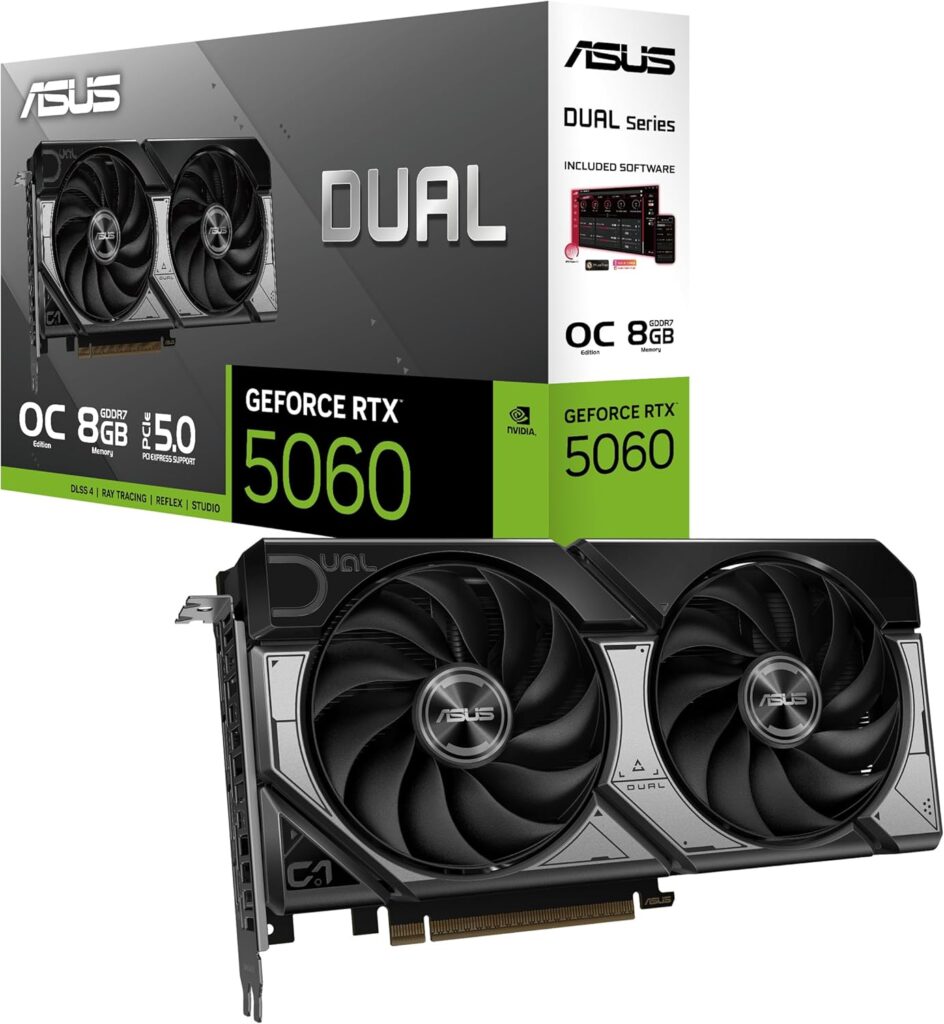
Who Should Buy What — The Decision Guide
| Your situation | Buy this | Why |
| Buying new at current street pricing | RTX 5060 | Same ballpark money as a new 4060, meaningfully better card |
| Found a used RTX 4060 under $200 | RTX 4060 | Acceptable at that price only |
| Upgrading from a 4060 you already own | Neither | Not worth the sell/rebuy into another 8GB card — go 5060 Ti 16GB or higher |
| Coming from GTX 1660 Super / RTX 2060 | RTX 5060 | Real upgrade at current 5060 street prices |
| Gaming at 1440p, want longevity | RTX 5060 Ti 16GB | 8GB ceiling matters at 1440p in 2026 |
| Pure esports — CS2, Valorant | Either | Gap shrinks at high FPS; used 4060 wins on value if it’s cheap |
One scenario worth spelling out: if you own a 4060 and you’re eyeing a 5060, don’t. Roughly 22% at 1080p still doesn’t pay for selling and rebuying inside the same VRAM bracket. If the 4060 isn’t cutting it, the problem is resolution or the 8GB ceiling. The answer is a 16GB card, not a lateral 5060.
What About AMD?
The RX 9060 XT 16GB belongs in this conversation. Street prices in September often land around the mid-to-high $400s (sometimes higher). You get 16GB and strong raster. If you prioritise VRAM and raw frames over DLSS 4 MFG, it’s the smarter spend than either 8GB Nvidia card.
The non-XT RX 9060 can undercut the 5060 for pure 1080p esports. The competitive gap is small. Arc B580 at roughly $290–$320 with 12GB is the VRAM-per-dollar play, with the usual Intel driver caveats on older titles.
The Verdict
Buy the RTX 5060 new. Don’t buy a new RTX 4060 at overlapping money.
The 4060 still has one job: used, under about $200, for older titles or esports on a hard budget. At that price it’s fine. At current new-street pricing it loses to its own successor.
If you need more than 8GB and you’re at 1440p in 2026, skip both and buy a 16GB card (5060 Ti 16GB or RX 9060 XT 16GB). That’s the whole decision.