
Gaming laptops cost more than they did two years ago. That is the honest start in September 2026. The same DRAM crunch that hammered desktop kits hit LPDDR5X inside these chassis, and every price tag shows it.
They are not suddenly bad. They are just expensive in a new way. Compare today’s tiers to today’s street prices, not to a 2024 screenshot.
You’re always going to be paying a premium for laptops due to the compact design plus the added benefit of being able to take it with you wherever you decide to go. So in a way it’s not quite fair to try to compare them to a desktop system, as this won’t be an apples-to-apples comparison.
Last verified: September 12, 2026. Budget RTX 5060 LOQ-class deals can land near ~$1,050-$1,100 when stock cooperates. Midrange Vector-class machines sit nearer ~$1,600. Blade 16 money starts around ~$2,500 depending on GPU and RAM. Treat every figure as a same-morning check.
What a laptop trades that a desktop never will
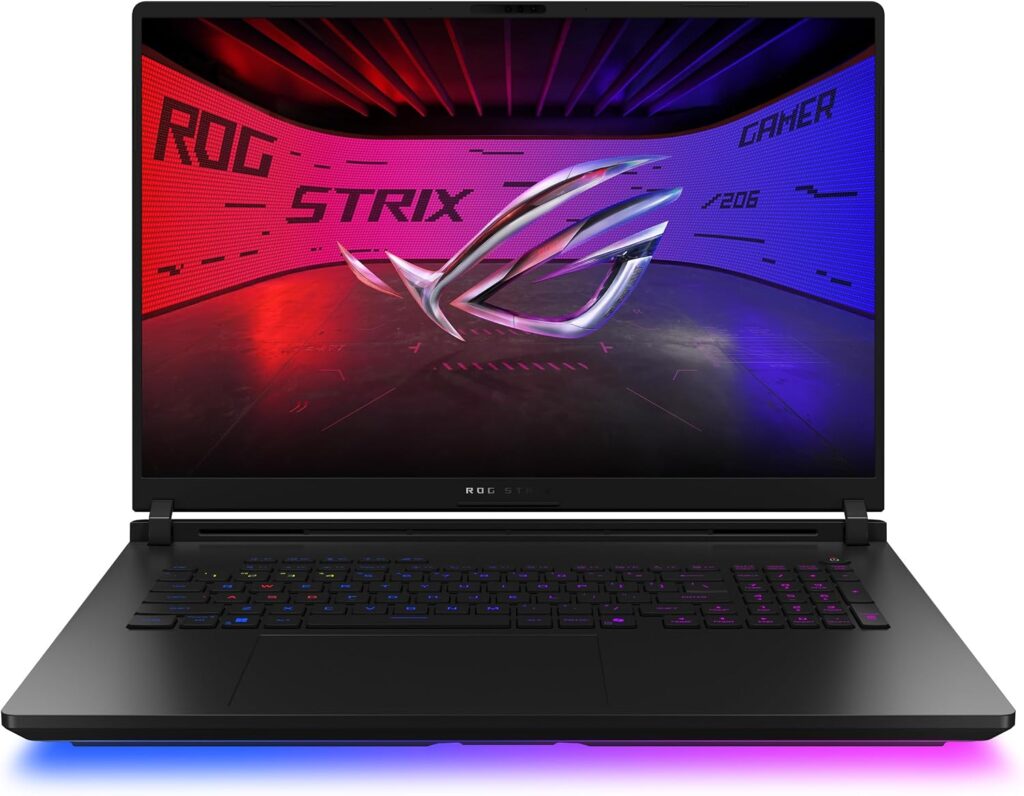
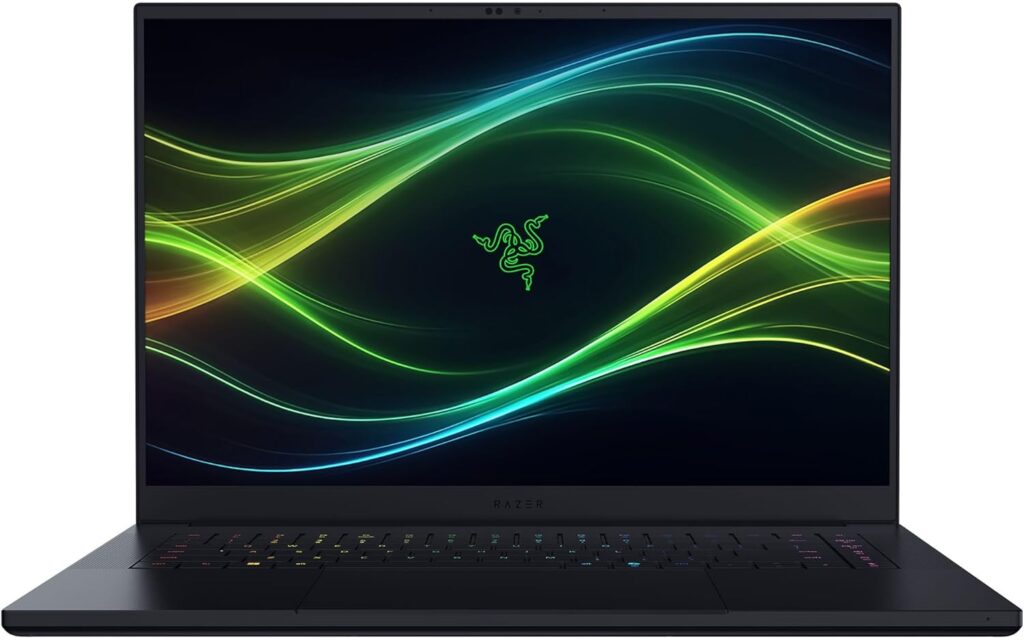
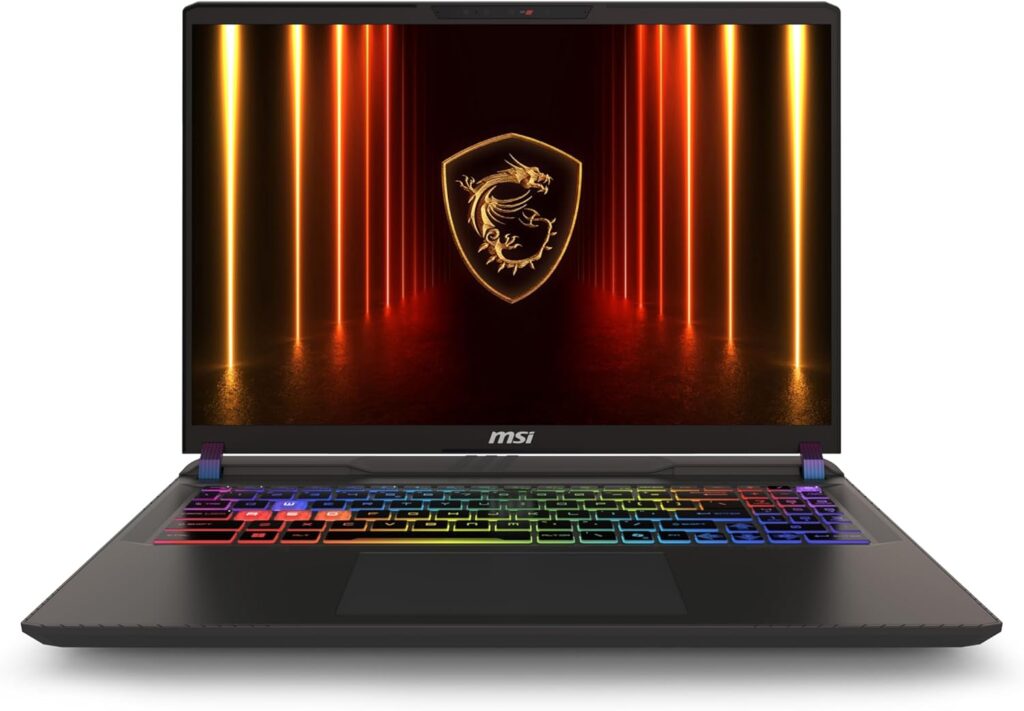
Thermals are the hard ceiling. A desktop GPU can dump heat into a full tower. A laptop GPU shares a thin vapor chamber and two small fans with the CPU. Same marketing name, less wattage, less FPS. A laptop RTX 5070 is not a desktop RTX 5070 at any price.
Displays decide how the machine feels every night. Cheap 1080p 144Hz IPS panels are fine for Discord and ranked queues. They look flat next to QHD OLED or mini-LED once you stare for hours.
Battery gaming is usually 1.5 to 3 hours. Plug in for real sessions. Review battery numbers are mostly productivity, not Cyberpunk.
Weight is real. An 18-inch full-power chassis can clear 3kg. Thin-and-light models cut GPU headroom to fit a bag. Pick which compromise you can live with.
Under ~$1,200: Lenovo LOQ (RTX 5060 class)
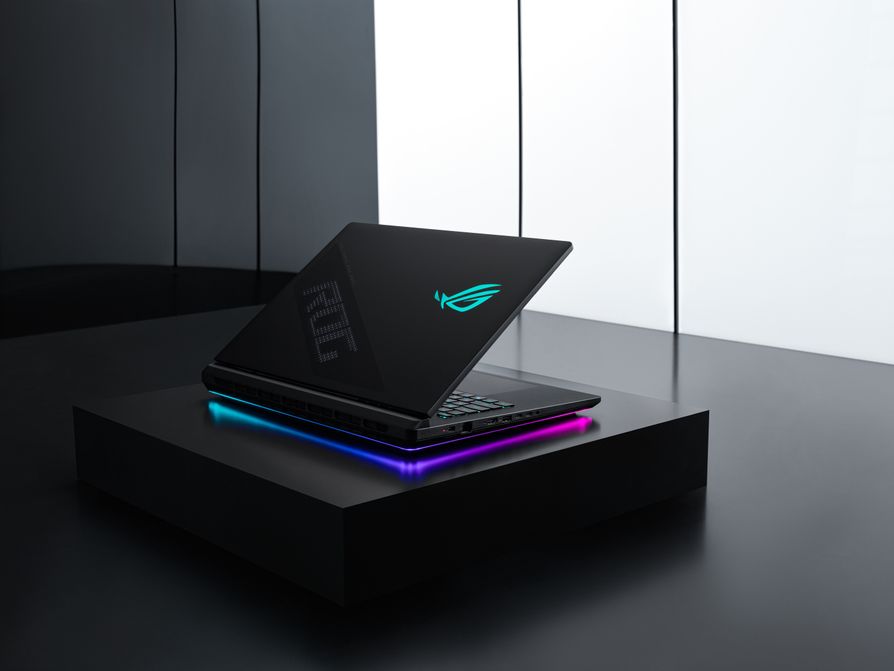
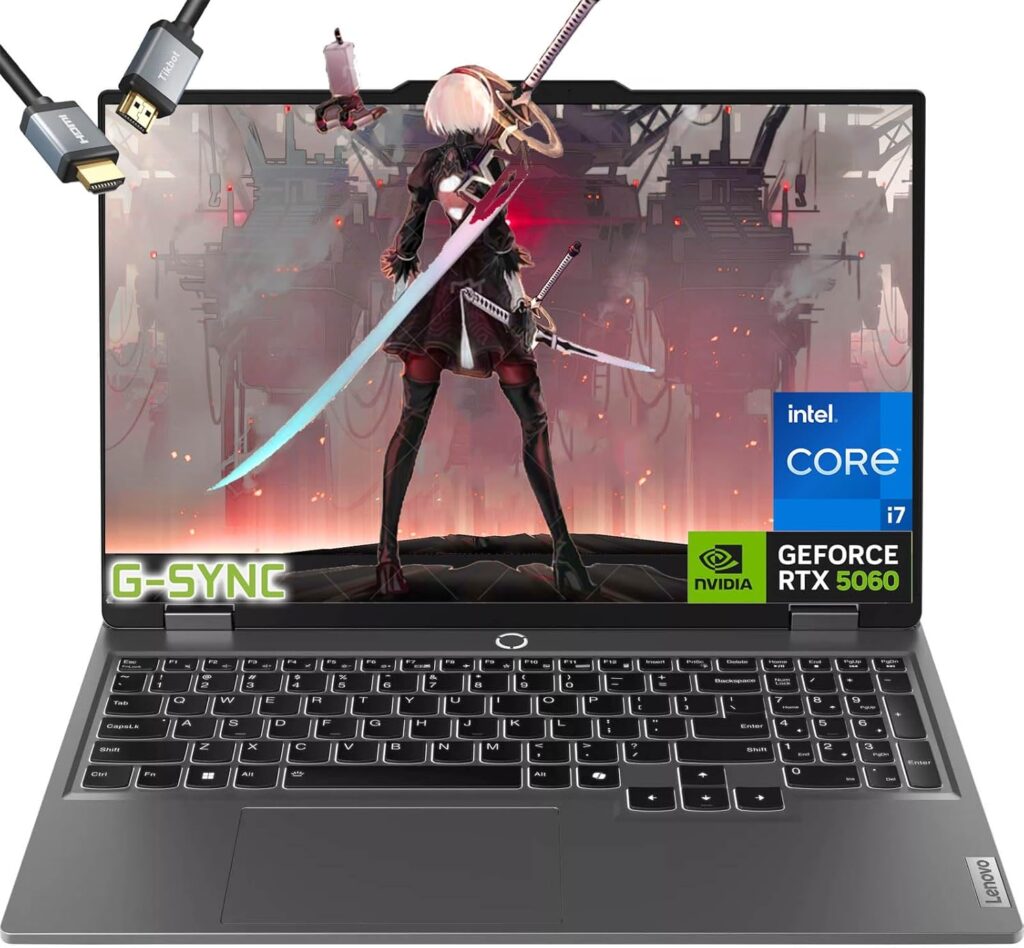
The LOQ remains the budget pick that keeps showing up in sensible roundups. An RTX 5060 config near ~$1,050-$1,100 with a usable CPU is the entry that still makes sense if you need a portable box and every dollar matters.
TGP decides whether that 5060 is actually good. Some LOQ configs sit closer to 115W. Others choke lower. Dig for Total Graphics Power on the exact SKU. The badge alone lies.
Honest weaknesses: average panel, plastic that feels like plastic, fans that announce themselves under load. Acer Nitro V and MSI Katana sit in the same messy aisle. LOQ usually wins on consistency, not magic.
Hard limit: if the listing will not show GPU wattage (TGP) and RAM amount, walk away. You are buying a lottery ticket with a charger.
Around ~$1,500-$1,800: MSI Vector 16 HX AI
PC Gamer still likes the Vector 16 HX AI as a loud, old-school chassis that punches for the money near ~$1,600. Higher TGP GPU configs, a 16-inch panel, and fewer “mystery wattage” surprises than the bargain bin.
This band is awkward in 2026. Fresh RTX 5070 laptop money often starts near the top of the range. At ~$1,500 you are usually buying a hotter RTX 5060, or a discounted last-gen 4070/4080 laptop while 50-series stock expands. Both can be rational.
Watch RAM. Plenty of $1,200-$1,500 machines still ship 16GB LPDDR5X soldered. Gaming plus browser plus Discord plus a stream app will lean on that ceiling. Prefer 32GB. Confirm whether a stick can be added later. Many boards solder everything and laugh at your upgrade plan.
Around ~$2,500+: Razer Blade 16
Build quality is why Blade money exists. CNC aluminum feels different from a $1,100 chassis the first week and still feels different a year later. Review consensus through mid-2026 kept Blade 16 near the top of “best overall” lists, with 2026 refreshes still landing.
You pay a chassis and brand premium versus Legion or ROG at similar GPU labels. If you hate that tax, buy the Legion with the better screen deal and move on. If you want the machine that still looks expensive after travel, Blade is the lane.
Blade 18 chatter from July 2026 reviews (dual-mode panels, big-screen muscle) sits in the same premium family. Carry weight jumps hard. Treat 18-inch as a desktop replacement that happens to fold.
Above ~$3,000-$4,000: ASUS ROG Strix Scar 18 and thin Zephyrus money
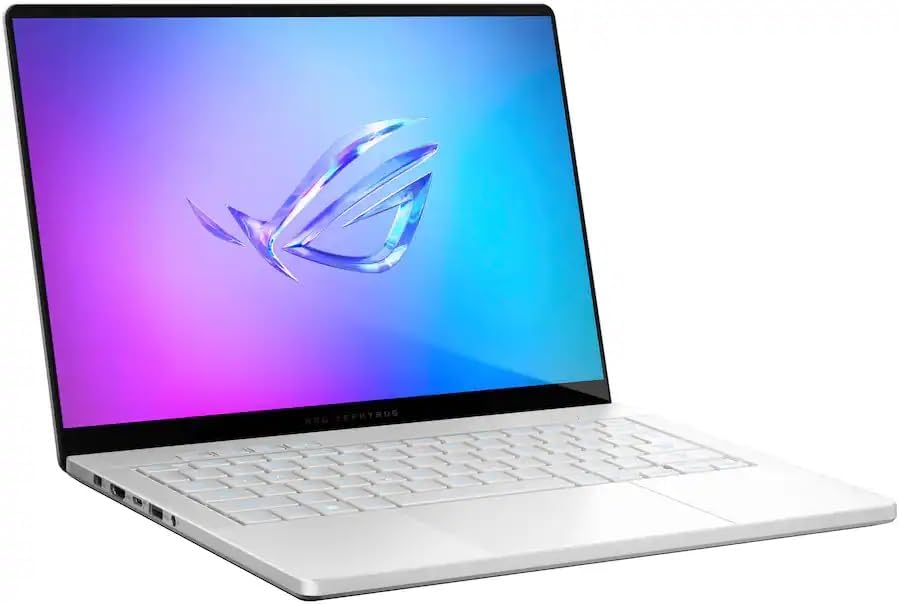
Scar 18 is for people who want mini-LED punch and high-TGP silicon in a bag-shaped desktop. Tom’s Hardware style praise for the panel usually comes with notes on battery and thermals. That is the deal. You bought a heater that travels.
Zephyrus G14 is the thin-and-light counterweight. 2026 configs have been priced high enough that last-year G14 stock can still be the smarter buy if the form factor is the point. Check both years before you pay the refresh tax.
Checklist before you click buy
- GPU TGP in watts, not just the marketing name.
- Panel resolution, refresh, and whether a MUX switch exists.
- 32GB RAM preferred; soldered vs upgradeable.
- Fan noise notes from a real review under sustained gaming.
- Weight with the charger in the bag, not the brochure.
Buy the LOQ-class machine when the budget is tight and 1080p gaming on the go is enough. Buy Vector-class when you want more sustained wattage without Blade money. Buy Blade or Scar when the chassis and panel are part of why you are not building a desktop instead.
SpecClear participates in affiliate programmes. When you purchase through links on this site, we may earn a commission at no extra cost to you.