
SpecClear earns a commission if you buy through Newegg links on this page, at no extra cost to you.
For most people building or upgrading in 2026, start at 32GB if the budget allows. The longer answer below shows when 16GB is still fine and when it is not, so you can decide for your own library instead of buying capacity because a forum thread told you to. When the new kit arrives, our guide on how to install RAM covers the slot order and XMP.
Where 16GB stood until recently
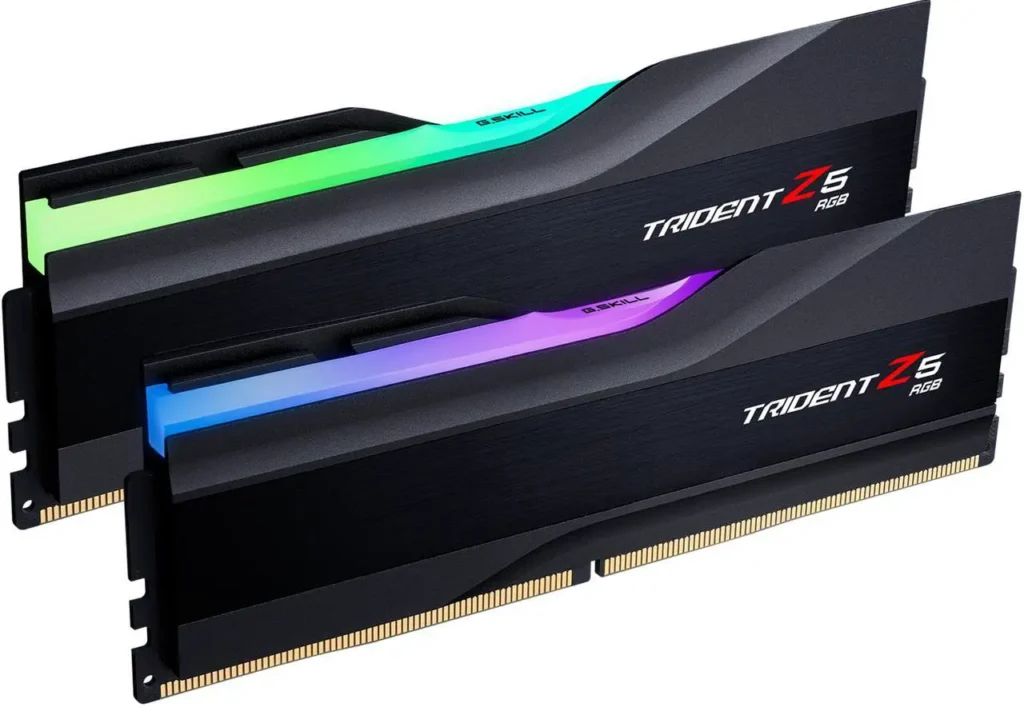
For years, 16GB was the correct answer for gaming. Most titles used 8 to 12GB at their highest settings and left headroom. Recommending 32GB felt like upselling capacity people would never touch. That math has shifted. As of October 19, 2026, 32GB DDR5-6000 kits cost about $470 to $580 on Newegg, which is painful but still the right starting point for a new build. G.Skill Trident Z5 32GB DDR5-6000 (about $560)
That changed. Not overnight, but enough to matter. Modern titles stream larger worlds and heavier textures, and background apps (Discord, browsers, overlay tools) eat into the same pool. More storage and more GPU power help, but system RAM is part of that bill now.
What’s happening in 2026
Modern titles are using more RAM than they did two years ago for several reasons. Game worlds are larger. Texture streaming is more aggressive. Background processes like Discord, streaming software, a browser with open tabs or the Nvidia app all consume RAM alongside the game. And shader compilation, which has become standard in DirectX 12 and Vulkan titles, front-loads RAM usage during initial load sequences.


The Steam Hardware Survey from July 2026 showed 16GB as still the single most common configuration among PC gamers. That number reflects the installed base, not what’s optimal for a new build today. A significant portion of those 16GB systems are running games that are starting to push against that ceiling.

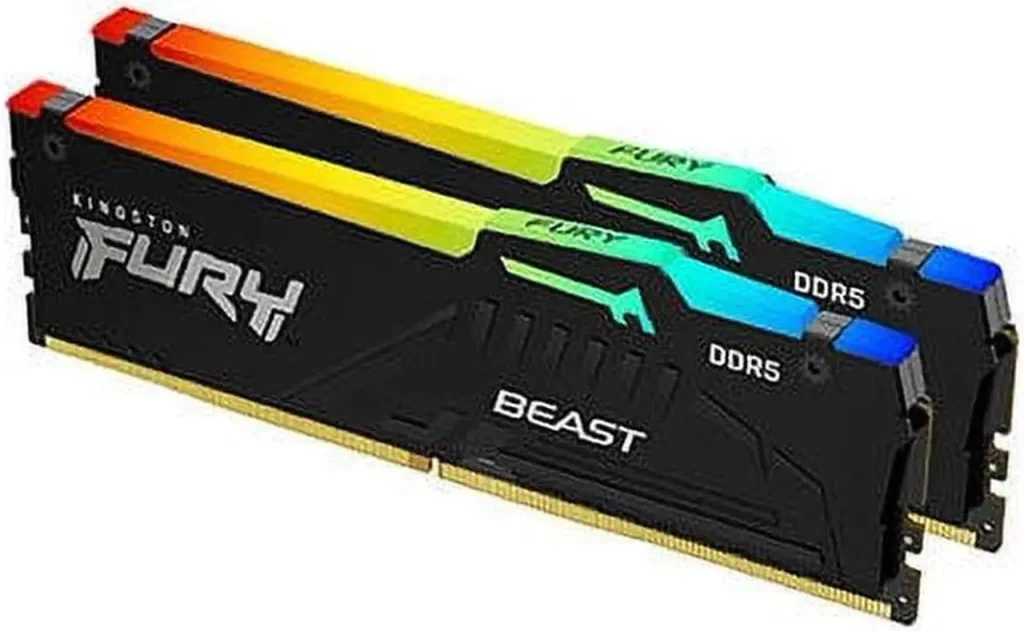
Several 2025 and 2026 titles recommend 32GB in their official sheets. Recommend, not require. They will run on 16GB, but with reduced texture streaming budgets and more hitching as the OS pages into slower storage. Those freezes show up during fast movement or dense areas. It is not a crash and it is not a GPU or CPU fault; the system ran out of fast memory. Minimum specs still barely scrape you through the door. Kingston Fury Beast 32GB DDR5-6000 (about $580)
Games where 16GB is still perfectly fine
Esports titles like CS2, Valorant, League of Legends and Apex Legends place no stress on RAM capacity at any level. 16GB is more than enough headroom for the game plus background processes. You will not gain a single frame upgrading to 32GB for these titles.


Older games. If your library is primarily titles from 2022 and earlier, 16GB almost certainly covers everything you play. RAM requirements crept up gradually and older titles don’t retroactively become more demanding.
If your gaming use case is squarely in either of those categories, 16GB is fine today. It may become limiting in two to three years as the installed base shifts and developers target higher minimum specs.
Games where 16GB is genuinely limiting
Open-world titles with large streaming distances. Cyberpunk 2077 at Ultra, Hogwarts Legacy, Microsoft Flight Simulator, and similar heavy streamers run noticeably better with 32GB. You will feel the difference.


Games with ray tracing enabled. Ray tracing adds to memory use, mostly on the graphics card but in system RAM too. On a 16GB system that is already close to full, that can push the OS into the page file and cause the stutters above. If the hardware cannot keep up, frame pacing falls apart first.
Content creation alongside gaming. If a video editor, Photoshop, or a DAW sits open while you play, even minimised, 16GB fills fast and 32GB removes that constraint. Do not make a habit of stacking heavy apps behind a game, but anything using system RAM will hit you once the pool is gone.
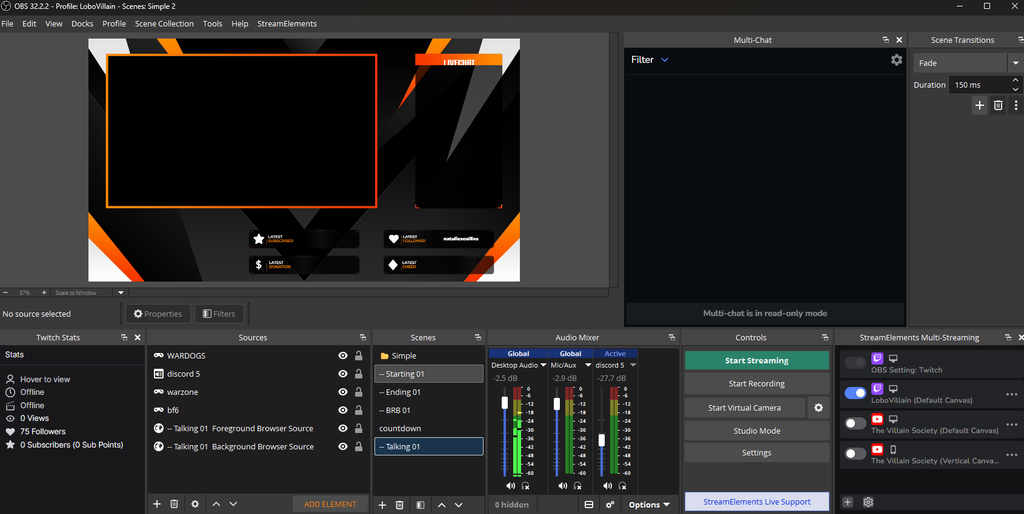
Streaming your own gameplay. OBS or similar software eats 1 to 2GB depending on encoding settings. On a 16GB system running a demanding modern title, that’s often enough to push you into page file territory.
Single stick vs dual channel matters more than capacity
If you are running a single 16GB stick, a dual-channel 16GB kit (2x8GB) helps more in many titles than a single 32GB stick. Dual channel doubles memory bandwidth to the CPU, which feeds the GPU faster. That matters most on AM5 and Ryzen, where bandwidth sensitivity is well documented.
If you already have dual-channel 16GB and you are still hitching, capacity is the likely culprit and 2x16GB is the right call. The cheapest 32GB DDR5-6000 kit Newegg sells right now is the Klevv 32GB DDR5-6000 CL30 (about $470), which also undercuts 32GB DDR5-4800 kits like Corsair’s Vengeance (about $500), so there is no reason to buy the slower kit.

The recommendation
For a new build in 2026, 32GB (2x16GB) is the correct starting point. It is expensive at Newegg prices of about $470 to $580 for a 6000 kit as of October 19, 2026, and nobody should pretend otherwise. Best DDR5 RAM for gaming in 2026
For an existing system: check Task Manager during gaming. If your RAM usage is consistently above 80% while playing, upgrade. If it sits at 50 to 65%, you have room and can spend your money elsewhere.
Don’t buy 64GB for gaming. 64GB is a workload recommendation for video editors, 3D artists, and people running virtual machines. Games don’t use it and won’t for a long time. 32GB is the ceiling that makes sense for a gaming-focused build in 2026.
The one exception to this is if you’re building a combined gaming and content creation machine and you edit video at 4K or above, 64GB is worth considering due to those memory hungry applications as well as the type of work being done. For pure gaming, it just isn’t.