
SpecClear earns a commission if you buy through Newegg links on this page, at no extra cost to you.
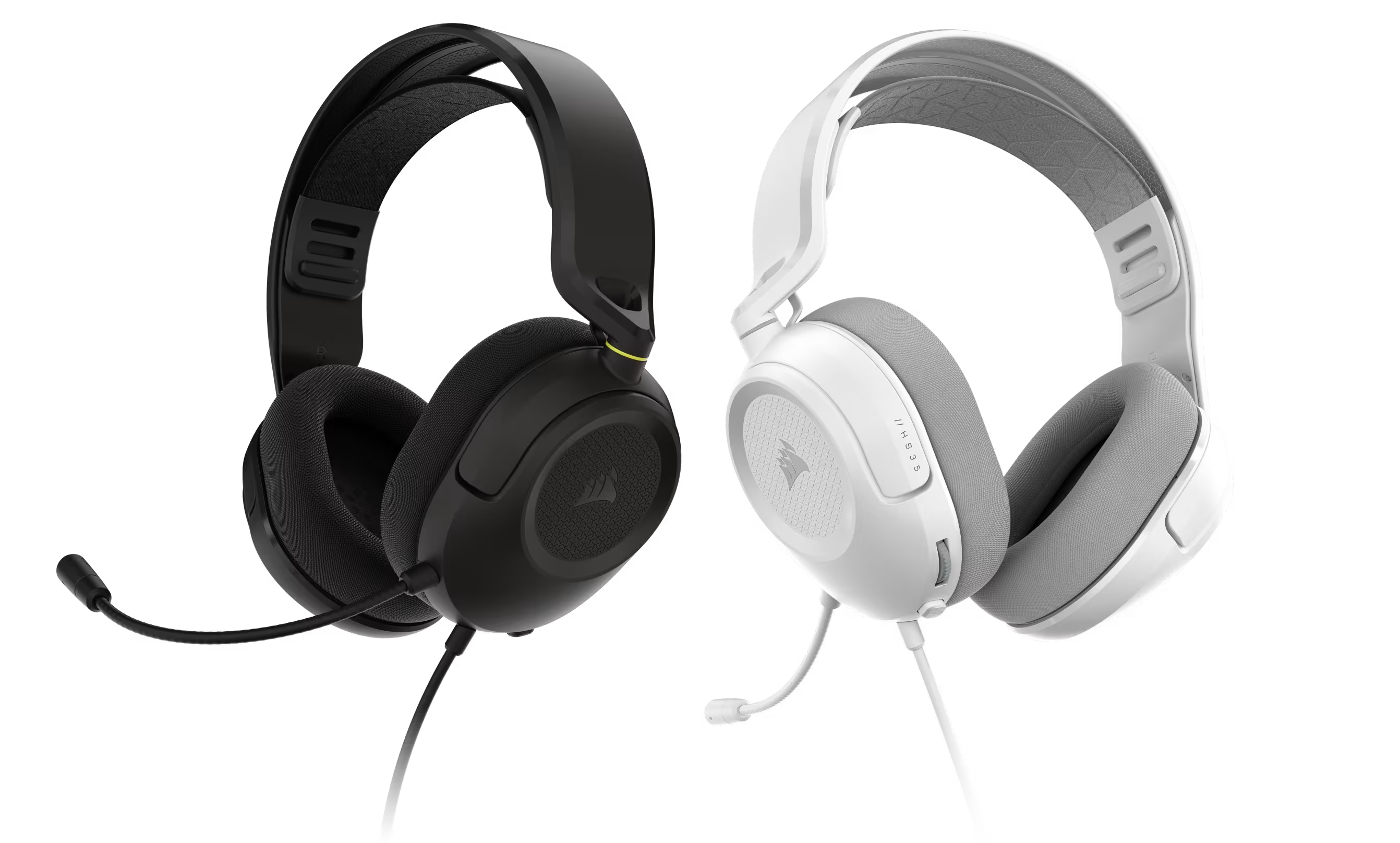
Most gaming headset advice starts at $100. That’s where the interesting spec wars happen — dual wireless modes, ANC, planar magnetic drivers, spatial audio that actually works. Below $100 the market gets complicated fast, because a lot of headsets in that range cut corners in ways that only become obvious after a few weeks of daily use.
The Corsair HS35 v3 and HS35 v3 Wireless are those headsets. At $49.99 wired and $79.99 wireless, it makes a specific set of promises that goes into lightweight, comfortable, wide platform compatibility, decent audio that we all enjoy it delivers without drama. That’s actually harder to do at this price than it sounds.
Launched June 2, 2026 at Computex, the HS35 v3 is the third generation of Corsair’s entry-level HS35 line. Both versions launched June 2, 2026 and remain available now in black and white at $49.99 wired / $79.99 wireless.
Corsair HS35 v3 — Full Specs
| Specification | HS35 v3 Wired | HS35 v3 Wireless |
|---|---|---|
| Drivers | 50mm neodymium dynamic | 50mm neodymium dynamic |
| Frequency Response | 20Hz – 20,000Hz | 20Hz – 20,000Hz |
| Impedance | 32 ohms | 32 ohms |
| Weight | 230g | 250g |
| Connectivity | 3.5mm universal | 2.4GHz + Bluetooth 5.0 + 3.5mm wired |
| Microphone | Fixed omnidirectional | Detachable omnidirectional |
| Spatial Audio | None | Dolby Atmos (PC only, requires Dolby Access app) |
| Battery Life | N/A | 30 hours (2.4GHz, 50% volume) / 32 hours (Bluetooth) |
| Wireless Range | N/A | Up to 60 feet (20m) in clear line of sight |
| Platform Compatibility | PC, Mac, PS5/PS4, Xbox, Switch, mobile | PC, Mac, PS5/PS4, Switch, Switch 2, mobile |
| Simultaneous dual connection | N/A | No |
| Colours | Black (Carbon), White | Black (Carbon), White |
| Warranty | 2 years | 2 years |
| Price | $49.99 | $79.99 |
Build and Comfort
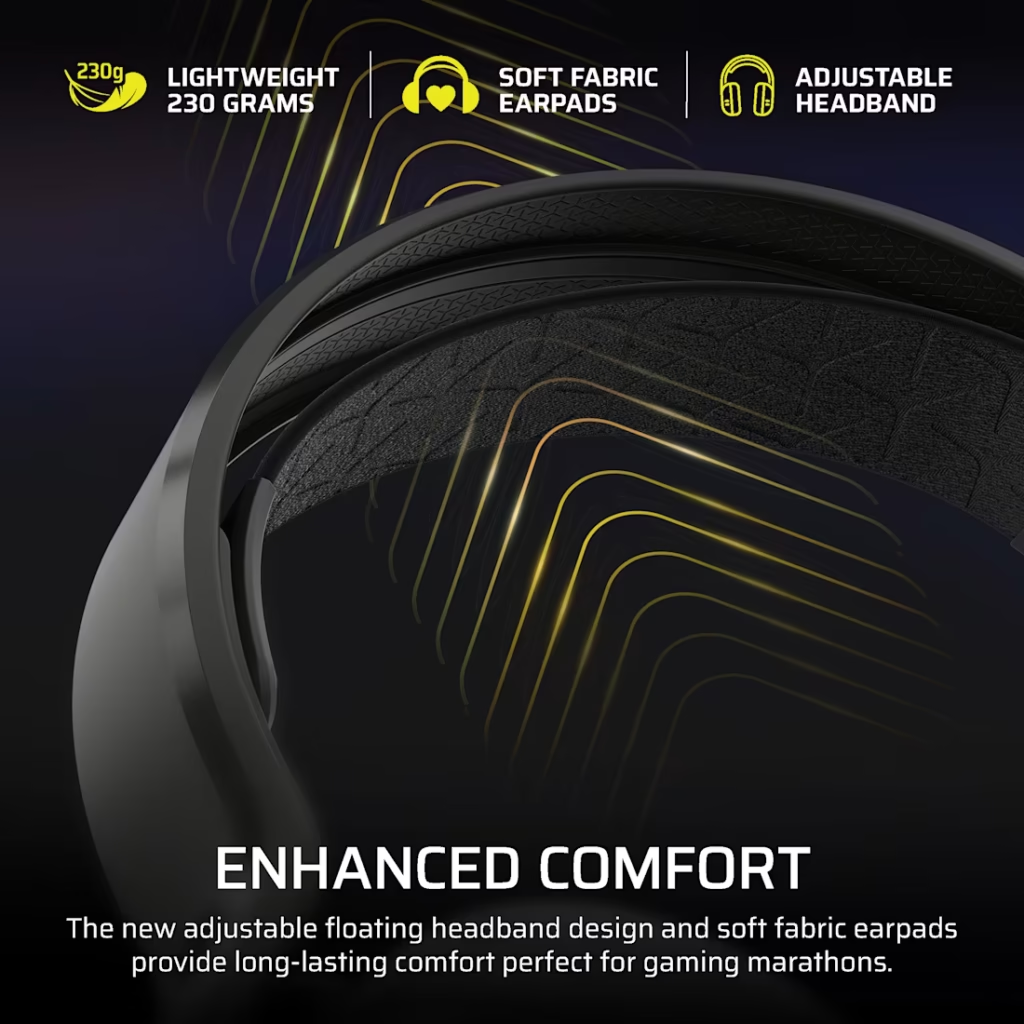
The HS35 v3’s most immediately noticeable quality is how light it is. 230g on the wired version makes it one of the lightest gaming headsets from a major brand available right now. The HyperX Cloud III one of the most comfort-praised headsets in its class it weighs 308g. The difference of 78g is meaningful across a four-hour gaming session.
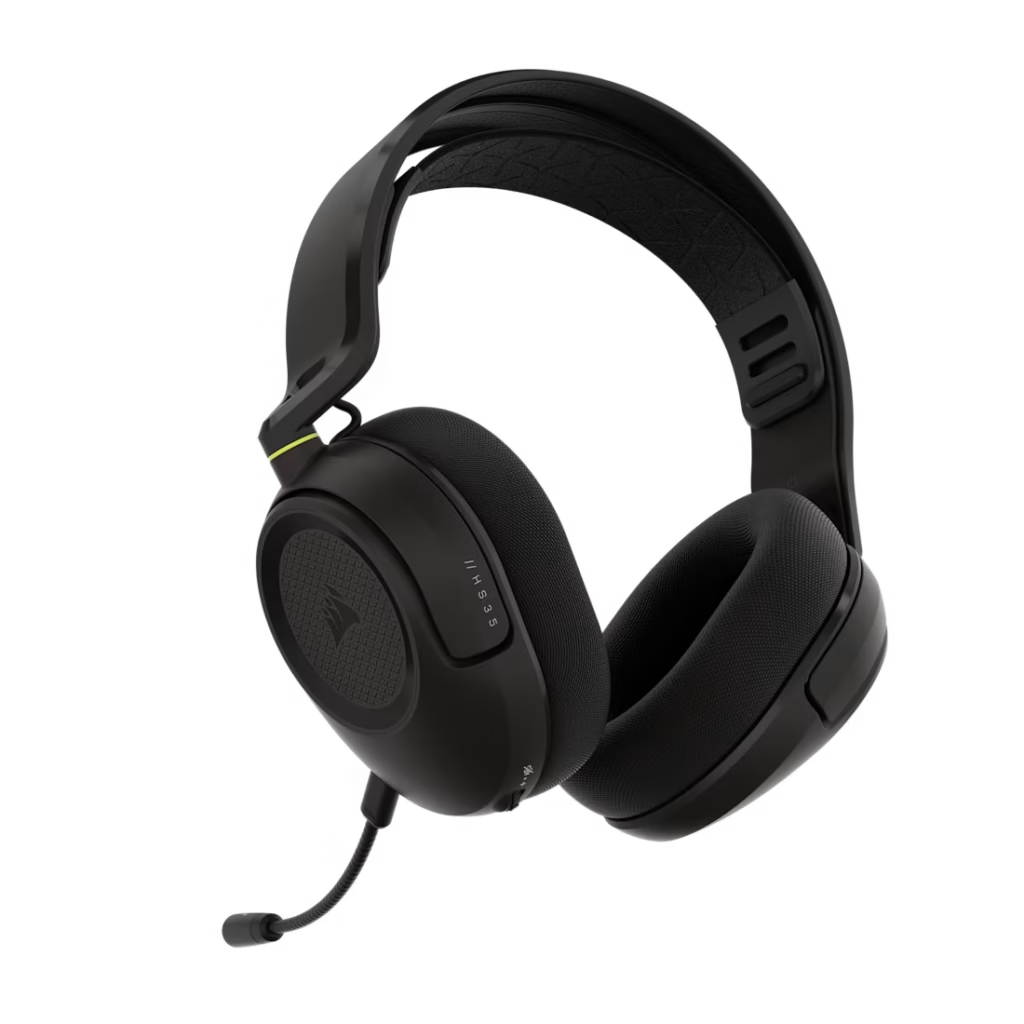
The new floating headband design is the main structural change from the v2. Instead of a fixed headband that rests on the top of your head at a specific pressure point, the floating design uses an adjustable inner band that distributes weight across a wider area. Less concentrated pressure means less fatigue for people who are sensitive to headband hotspots during long wear.
Ear cushions are soft fabric rather than leatherette or pleather. The practical difference is breathability plus fabric doesn’t trap heat the way synthetic leather does. For warm climates or people who run hot, this is worth noting. The trade-off is that fabric doesn’t isolate sound as well as closed leatherette pads, and it absorbs sweat over time. Corsair hasn’t specified whether the ear cushions are replaceable, but at this price point they’re easy to replace if they wear out.
The frame is primarily plastic with an aluminium headband. That’s standard for this price tier. The construction feels solid for what it is up to now not fragile, not premium. It’s a headset you’d feel comfortable throwing in a bag.
Sound
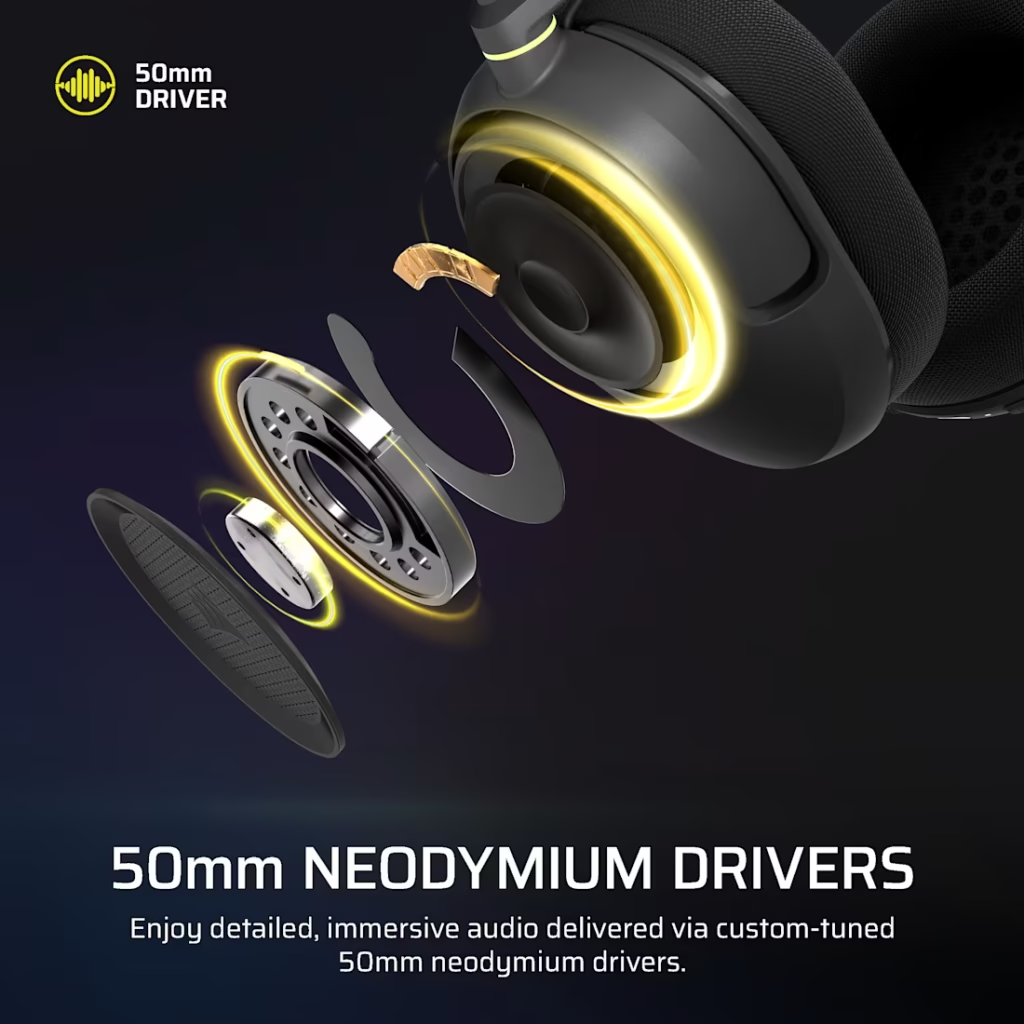
The HS35 v3 uses custom-tuned 50mm neodymium dynamic drivers across both versions. That 50mm size is towards the larger end for gaming headsets become larger drivers generally move more air, which tends to produce more low-end response.
The sound profile skews toward the gaming tuning you’d expect at this price: slightly boosted bass, reasonably clear mids, adequate treble. Footsteps and environmental cues register well, which matters more for gaming than audiophile accuracy. Music through these headsets sounds competent but not impressive but situated at the low-end can get loose on bass-heavy tracks.
What the HS35 v3 doesn’t do is anything embarrassing. It’s not muddy, it’s not harsh, it’s not fatiguing. For someone building their first PC gaming setup who wants a headset that works properly without spending $150, this delivers exactly that.
The wired version has no spatial audio processing stereo only If positional audio matters to you in competitive games, you’ll need to enable Windows Sonic (free, built into Windows) or source your own solution.
The Wireless Version — What the Extra $30 Gets You
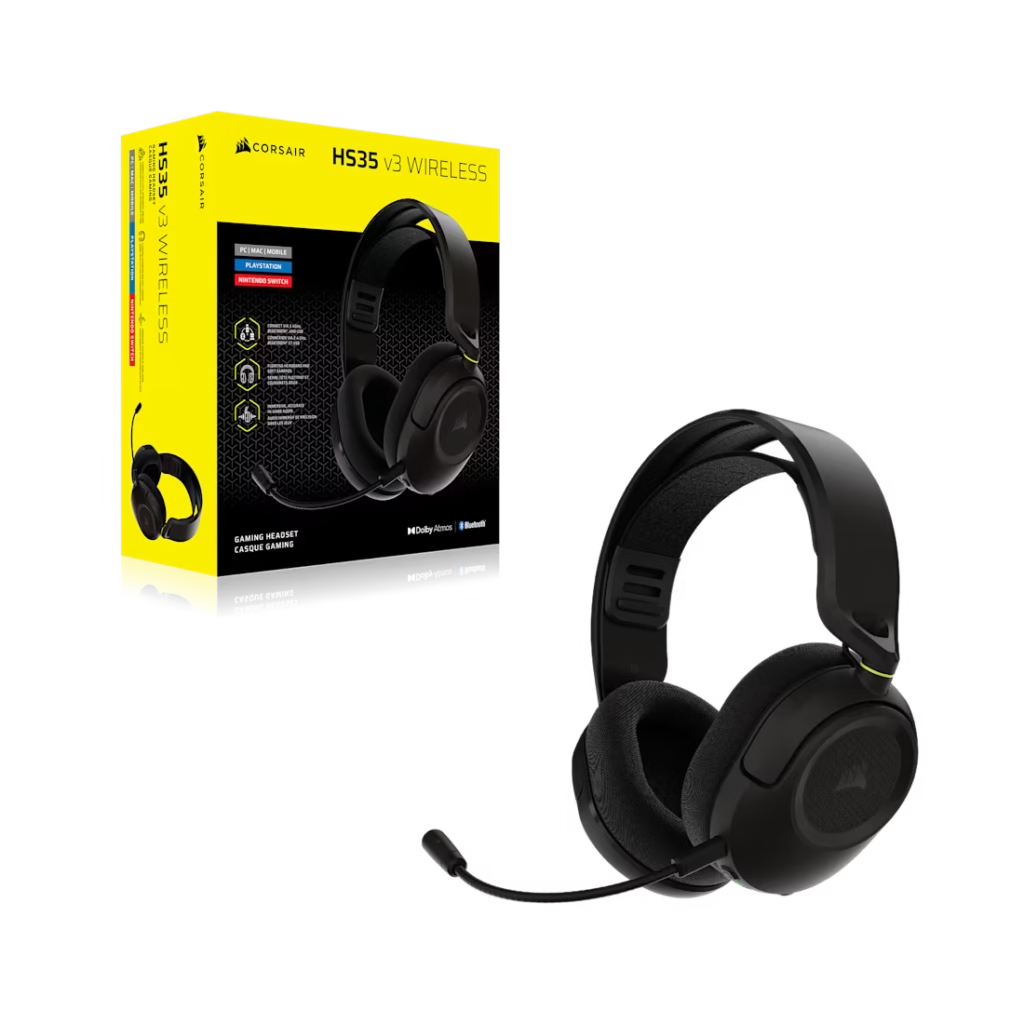
The jump from $49.99 to $79.99 is worth understanding clearly because it’s not just about cutting the cable. Corsair HS35 v3 ($62)
Tri-mode connectivity. The wireless version connects three ways: 2.4GHz via USB dongle, Bluetooth 5.0, and wired via USB cable. The 2.4GHz connection is the gaming connection at low latency, stable signal up to 60 feet. Bluetooth is for your phone, tablet, or any device without a USB port. The wired fallback means you’re never stuck without audio if the battery runs out mid-session.
One limitation worth knowing upfront: simultaneous dual connection isn’t supported. You can’t have your PC on 2.4GHz and your phone on Bluetooth at the same time, switching between audio sources automatically. You choose one connection and manually switch. For most people this isn’t a problem. For people who want to hear Discord on PC and take phone calls without touching the headset, it’s a limitation.
Detachable microphone. The wired version has a fixed mic that stays attached permanently. The wireless version’s mic detaches while useful when you’re using the headset for music or commuting and don’t want the boom hanging off your face.
Dolby Atmos Spatial Audio. Available on PC only, via the 2.4GHz wireless connection. Requires downloading the free Dolby Access app from the Microsoft Store. This adds simulated 3D audio positioning footsteps coming from a specific direction, overhead sounds registering above rather than beside you. It’s not hardware surround sound, it’s software processing of the stereo signal. Whether it improves your gaming depends on the game and your sensitivity to spatial audio. In competitive FPS games it can help with positional awareness. In single-player story games it adds atmosphere. It’s not transformative at this price level but it’s a genuine addition over the wired version.
Battery life. 30 hours at 50% volume via 2.4GHz. 32 hours via Bluetooth. That’s a full day of gaming and then some before you need to charge. Corsair’s battery guidance recommends not leaving it fully discharged for long periods and keeping it at room temperature for maximum longevity will be standard lithium battery advice.
The Microphone
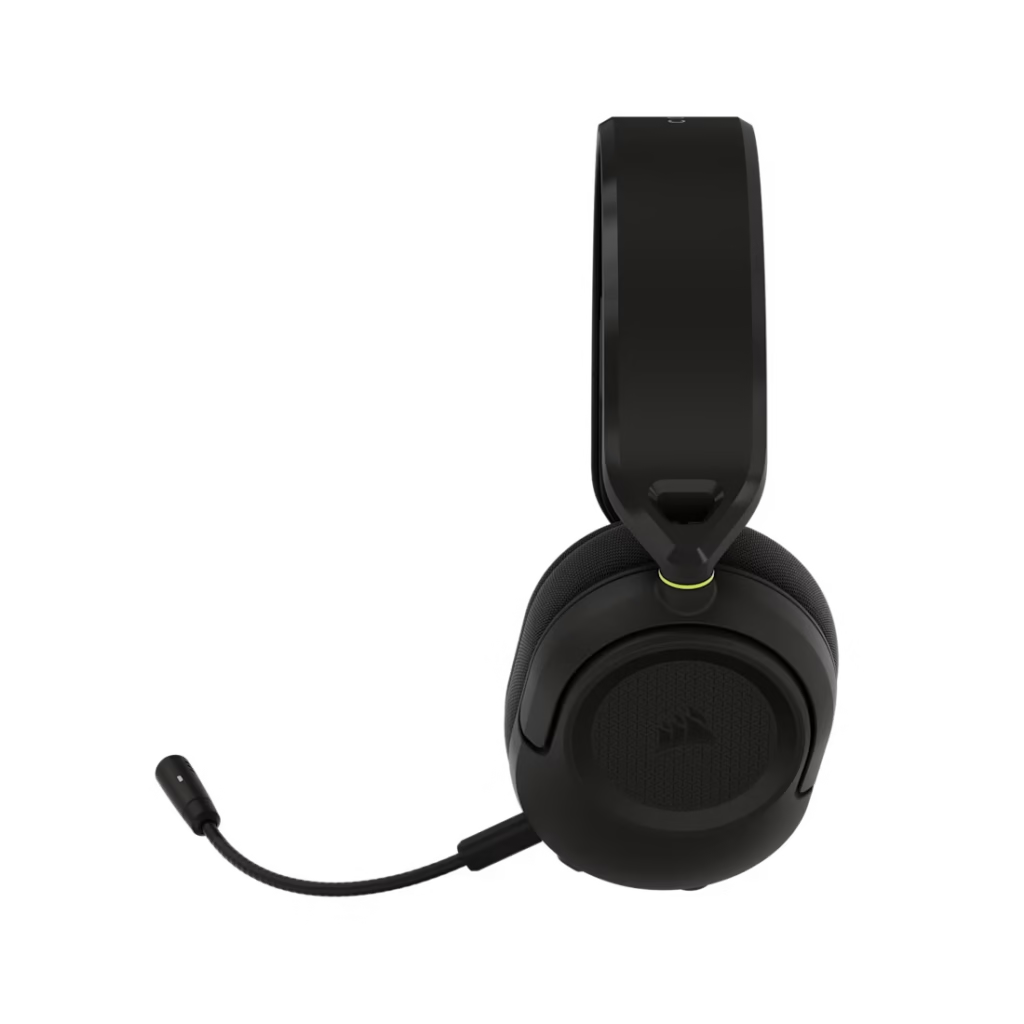
Both versions use an omnidirectional condenser microphone. The wired version’s mic is fixed but it doesn’t retract, it doesn’t swivel to mute. You mute via the headset’s hardware mute button instead. Corsair HS35 v3 ($62)
The wireless version’s mic is detachable. Remove it for casual listening, attach it for gaming or calls.
Omnidirectional means the mic picks up from all directions rather than a cardioid pattern that focuses on sound in front of it. For a gaming headset this is generally fine where as you want to capture your voice clearly and the mic’s noise handling does reasonable work at filtering keyboard and environment noise. Don’t expect professional broadcast quality at $50–$80. Expect voice chat that doesn’t embarrass you.
Platform Compatibility — How It Actually Works
This is the area where the HS35 v3 genuinely earns points. Both versions work across PC, Mac, PlayStation 5 and 4, Xbox, Nintendo Switch, Switch 2, and mobile. That’s not marketing language it’s practically true across both versions.
Wired version: Plug the 3.5mm connector into any compatible audio port. PC, console controller, phone headphone jack, handheld console anything with a 3.5mm port works immediately, No drivers, no setup, no app required.
Wireless version across platforms:
- PC: plug the USB dongle in, Windows detects it automatically as a USB audio device
- PS5/PS4: plug the dongle into a USB port on the console after that has happened the PlayStation UI recommends setting Output to Headphones to “All Audio” and adjusting the in-game volume slider, then using the headset’s physical volume wheel for fine control
- Nintendo Switch (original): dongle via USB-C port on the handheld, not via the dock
- Nintendo Switch 2: dongle works both handheld and docked
- Xbox: no USB dongle support for Xbox — use Bluetooth or the wired 3.5mm connection on the controller
- Mobile: Bluetooth connection
Corsair Web Hub — What It Is and How to Use It
If you’re new to Corsair products, their software is worth understanding before you buy. The HS35 v3 is configured through Corsair’s Web Hub a browser-based platform that requires no software installation.
Go to hub.corsair.com in any browser next The headset is detected automatically when plugged in via the USB dongle (wireless) or USB cable. From Web Hub you can:
- Update firmware on the wireless version
- Adjust EQ settings on the wireless version
- Configure the Dolby Atmos spatial audio profile
- Save custom audio profiles to the headset’s onboard storage
The wired version has fewer software features because there’s less to configure along side stereo audio through a 3.5mm connection doesn’t offer EQ adjustment via software.
For first-time Corsair users, here’s what to do on day one:
- Open hub.corsair.com in Chrome, Firefox or Edge
- Plug in the USB dongle (wireless) or connect via USB cable
- The browser will prompt you to install a small browser extension that allows the web page to communicate with connected USB devices — this is a one-time install, not a background app
- Once connected, go to Firmware and check whether an update is available — update it before changing anything else
- Navigate to the EQ section and try the Gaming preset first — it’s tuned for the HS35 v3’s driver characteristics
If you already use iCUE including Corsair’s full software suite used for keyboards, mice and RGB lighting the HS35 v3 does not appear in iCUE. The HS35 v3 is a Web Hub product, separate from the iCUE ecosystem. This isn’t a problem, it just means you manage it through the browser rather than the desktop app.
Who Should Buy the HS35 v3
Buy the wired version at $49.99 if:
- You’re building a first gaming PC and need a headset that works immediately without complexity Corsair HS35 v3 ($62)
- You game across multiple platforms and want one headset that handles all of them via 3.5mm
- You have no interest in wireless and want something reliable at minimum cost
Buy the wireless version at $79.99 if:
- Cable clutter bothers you and you want the freedom to move around the desk
- You use Dolby Atmos or want spatial audio without paying $150+
- You switch between PC and mobile or tablet and want Bluetooth flexibility
Don’t buy either if:
- Competitive audio quality is your priority — at $80 there are better-sounding headsets, including the HyperX Cloud Alpha Wireless at around $100 which steps up noticeably in audio detail
- You want simultaneous dual wireless connection — this doesn’t support it
- You need active noise cancellation for a noisy environment — there’s none here at any price point on this model
The Honest Verdict
The Corsair HS35 v3 is exactly what it should be. A lightweight, comfortable, multiplatform headset that works properly and doesn’t overclaim. At $49.99 wired it’s one of the more complete packages at that price. At $79.99 wireless the addition of tri-mode connectivity and Dolby Atmos makes a real argument against spending $20–30 more for a mid-range competitor.
It won’t satisfy anyone who cares about serious audio quality. But for the person setting up their first gaming PC, the person who wants a second headset for the living room TV, or anyone who needs a no-fuss multiplatform solution this is the headset to buy.
SpecClear participates in affiliate programmes. When you purchase through links on this site we may earn a commission at no additional cost to you.