
Most people get the power supply decision wrong in one of two ways. They buy a massively oversized unit because “more is safer” and spend $150 on a 1000W PSU for a build that will never draw more than 550W. Or they spend $50 on a no-name 750W unit from a brand nobody’s heard of, which trips its overcurrent protection during GPU power spikes and gets blamed on the graphics card.
The wattage is the easy part. What actually matters is picking the right size from a reputable manufacturer with ATX 3.1 compliance for current-generation builds. Here’s how to do both.
How to Choose PSU Wattage: The Formula That Works
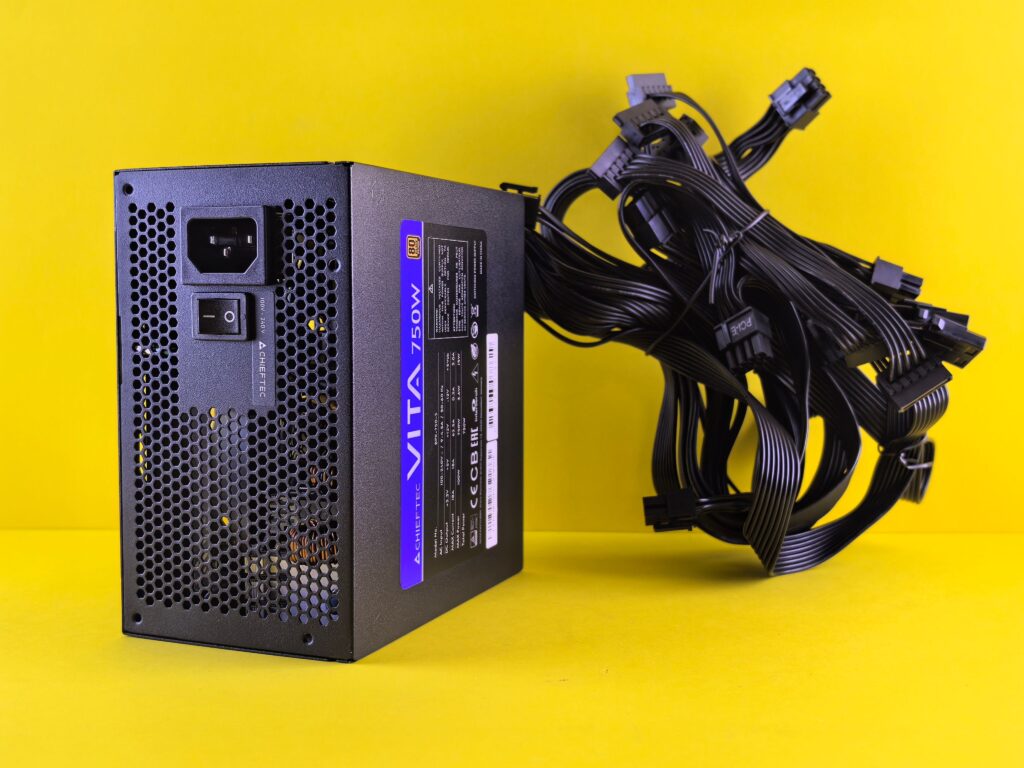
how to choose PSU gaming PC 2026 The formula is straightforward believe it or not . Add your CPU’s TDP to your GPU’s TDP, add approximately 90W for everything else in the system motherboard, RAM, SSDs, case fans, cooler then multiply the total by 1.25 to give yourself the headroom buffer.
CPU TDP + GPU TDP + 90W = base draw
Base draw × 1.25 = recommended PSU size
That 1.25 multiplier isn’t arbitrary. A PSU runs most efficiently and runs coolest and quietest when it’s operating at 50–80% of its rated capacity. Running a PSU continuously at 95–100% of its rated wattage degrades it faster and leaves no margin for transient power spikes. The headroom also gives you room for a future GPU upgrade without needing to replace the PSU.
Here’s what the formula looks like for the most common 2026 build combinations:
| Build | CPU TDP | GPU TDP | System | Total | Recommended PSU |
|---|---|---|---|---|---|
| RX 9060 XT / Ryzen 5 9600X | 65W | 150W | 90W | 305W | 550W |
| RTX 5060 Ti / Ryzen 5 9600X | 65W | 160W | 90W | 315W × 1.25 | 550W |
| RX 9070 / Ryzen 7 9800X3D | 120W | 220W | 90W | 430W × 1.25 | 650W |
| RTX 5070 / Ryzen 7 9800X3D | 120W | 250W | 90W | 460W × 1.25 | 650–750W |
| RX 9070 XT / Ryzen 7 9800X3D | 120W | 300W | 90W | 510W × 1.25 | 750–850W |
| RTX 5080 / Ryzen 7 9800X3D | 120W | 360W | 90W | 570W × 1.25 | 850W |
| RTX 5090 / Ryzen 9 9950X3D | 170W | 575W | 90W | 835W × 1.25 | 1000–1200W |
A bigger PSU does not push extra power into your components. It delivers exactly what they draw. A 1000W PSU running a 450W system simply runs cooler, quieter, and more efficiently it doesn’t stress your hardware. The only downside to oversizing is spending more money than you needed to.
Why Transient Spikes Matter More Than Average Draw
TDP Thermal Design Power is a sustained average figure. It tells you how much power your CPU or GPU consumes under prolonged load. It does not tell you the peak.
Modern GPUs generate transient power spikes brief surges that last between microseconds and milliseconds that can significantly exceed their rated TDP. The RTX 5090, rated at 575W TDP, can spike to 625W or above for fractions of a second according to Igor’s Lab testing. The RTX 5080, rated at 360W TDP, can spike to 450–500W. These spikes aren’t edge cases they happen every time the GPU shifts from a lower-load scene to a demanding one.
An older PSU that isn’t rated for transient loads hits its overcurrent protection when these spikes arrive and cuts power abruptly. This is what causes sudden crashes and shutdowns that look like GPU failures but are actually PSU failures under load. Your system runs fine at desktop, runs fine in menus, and crashes when you load into a demanding scene. That’s the transient spike signature.
This is why ATX 3.1 compliance matters specifically for RTX 50-series and RX 9000-series builds.
ATX 3.1: What It Is and Why It Matters for Current-Generation GPUs
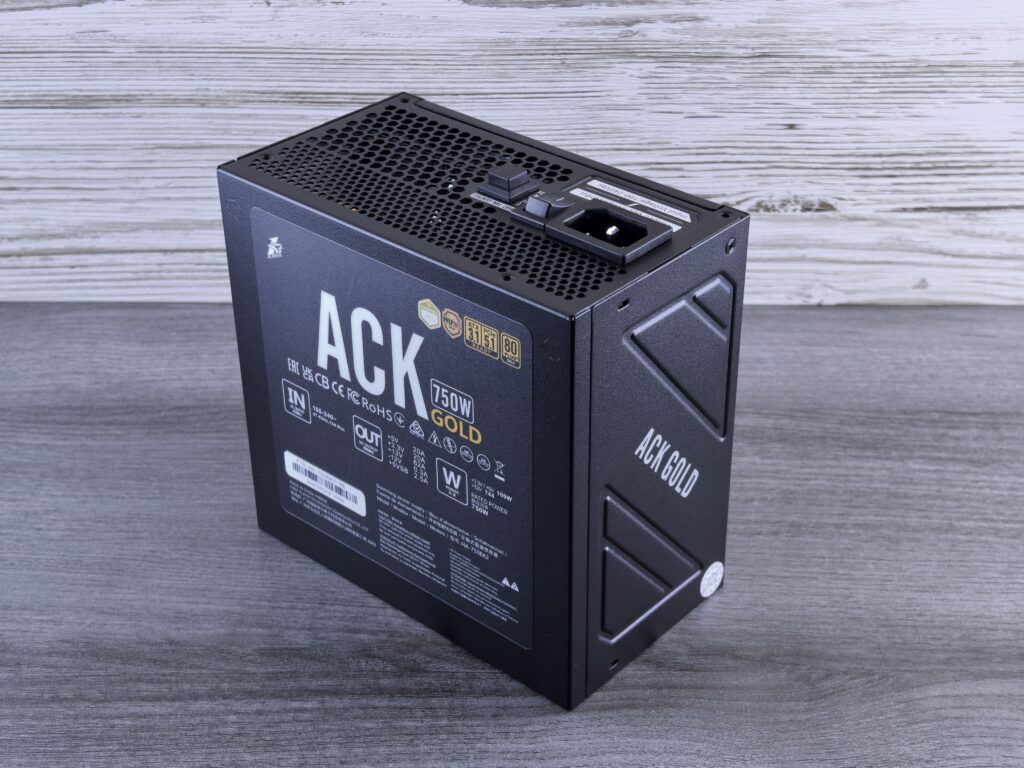
ATX 3.1 is the current PSU specification standard, released in 2024 as an update to ATX 3.0. The key difference from older standards is how the specification defines transient load handling.
ATX 3.1 PSUs must handle transient spikes of up to 200% of rated wattage on the 12V-2×6 rail for at least 100 microseconds. An 850W ATX 3.1 PSU can handle transient spikes of up to 1700W momentarily on that rail. Older ATX 2.x PSUs have no similar transient tolerance requirement they’re only specified to handle sustained loads, which means transient GPU spikes can trigger their protection circuits.
For RTX 50-series and RX 9000-series cards every current-generation mid-range to high-end GPU — ATX 3.1 compliance is the correct baseline. ATX 3.0 is also acceptable it introduced similar transient handling requirements. ATX 2.x PSUs from the previous decade are the compatibility risk.
ATX 3.1 PSUs also include native 12V-2×6 cables, eliminating the need for adapters entirely. As covered in the connector melting article, adapter cables are the highest-risk configuration for 12V-2×6 connections. A native cable from an ATX 3.1 PSU removes that risk.
If you’re upgrading your GPU and keeping an older PSU, check whether it is ATX 3.0 or ATX 3.1 rated. If it’s ATX 2.x and you’re installing an RTX 5070 or above, the PSU should be upgraded alongside the GPU not because the wattage is necessarily insufficient, but because the transient handling specification isn’t there.
Efficiency Ratings: 80 PLUS vs Cybenetics
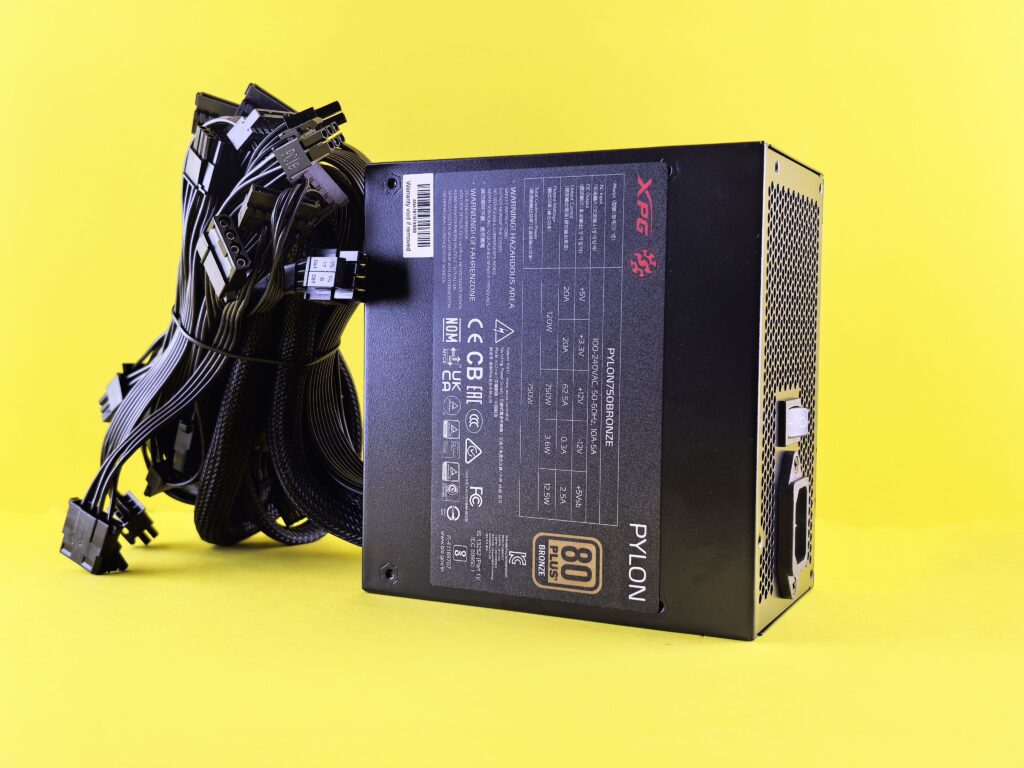
Two independent testing organisations certify PSU efficiency: 80 PLUS and Cybenetics. Understanding both helps you read PSU specifications honestly.
80 PLUS certifies efficiency at three load points: 20%, 50%, and 100% of rated load. The tiers from lowest to highest are: Standard, Bronze, Silver, Gold, Platinum, Titanium. 80 PLUS Gold is the sensible baseline for any gaming PSU purchase in 2026. Below Gold, the efficiency losses generate meaningfully more heat and cost more to run over time. Above Gold (Platinum, Titanium), the efficiency improvements are real but the premium cost typically takes 3–5 years of electricity savings to recover.
Cybenetics uses a more comprehensive testing methodology more load points, wider conditions and some reviewers consider it the stricter of the two. An 80 PLUS Gold PSU can also hold Cybenetics Platinum certification. These are parallel certifications from different organisations, not the same rating at different tiers. When a PSU lists both 80 PLUS Gold and Cybenetics Platinum, it’s met the standard of both testing regimes a meaningful quality signal.
The practical takeaway: buy at least 80 PLUS Gold. Anything below Bronze is not worth purchasing for a gaming build regardless of price. A PSU running at 80% efficiency rather than 90% generates 25% more heat per watt delivered that heat goes into your system and shortens component life.
Modular, Semi-Modular, or Non-Modular
The three cable configurations define how much flexibility you have in cable management.
Non-modular PSUs have all cables permanently attached to the unit. Every cable ships with the unit whether you need it or not. The unused cables have to go somewhere inside the case, which complicates cable management. Appropriate for budget builds where cost is the priority and cable management isn’t.
Semi-modular PSUs have the essential cables 24-pin ATX, CPU power permanently attached, while peripheral cables (SATA, PCIe) are removable. A reasonable middle ground for most builds.
Fully modular PSUs allow every cable including the 24-pin and CPU power to be removed. Only cables you actually need are installed, which significantly simplifies routing and keeps the interior clean. For any build where presentation and airflow matter particularly if you’re building in a windowed case fully modular is worth the typically small premium over semi-modular.
Reputable Manufacturers: Who to Buy From
PSU quality varies dramatically between manufacturers in ways that wattage ratings and certification tiers don’t fully capture. The internal components, voltage regulation quality, protection circuits, and build longevity differ significantly between tier-A and tier-C manufacturers, often at similar price points.
Manufacturers consistently rated in the top tier by independent PSU reviewers including Hardware Busters, Tom’s Hardware, and Gamers Nexus include: Seasonic (in-house manufacturing, regarded as a quality benchmark), Corsair (RMx and HXi lines specifically), be quiet! (Dark Power and Straight Power lines), ASUS (ROG Thor and TUF lines), and MSI (MAG and MPG lines with ATX 3.1 certification).
Avoid: unbranded units, very low priced units from unknown manufacturers, and anything that doesn’t clearly list its ATX specification version. A no name 750W unit that costs $45 is not the same product as an 80 PLUS Gold fully modular Seasonic unit at $100. The difference in internal quality, voltage regulation under transient loads, and long-term reliability is significant and a failed PSU can damage other components when it goes.
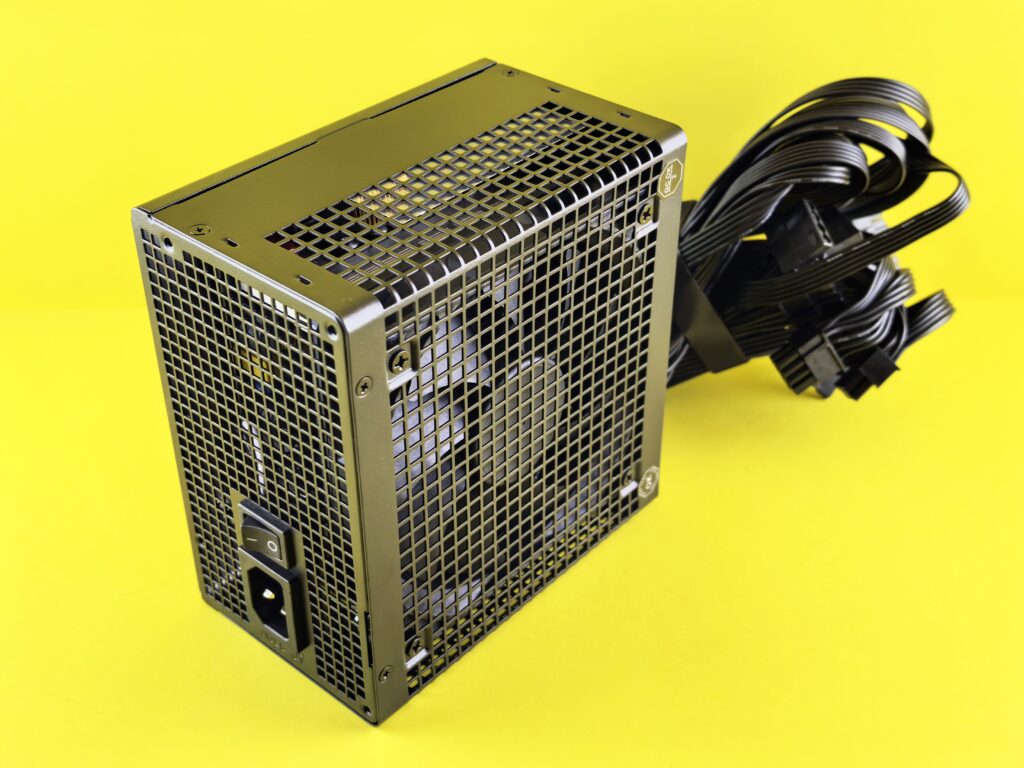
The PSU is the only component that touches every other part of the build through the power delivery. It’s the wrong place to cut costs.
The Quick PSU Decision Framework
- Calculate your build’s total draw: CPU TDP + GPU TDP + 90W × 1.25
- Round up to the next standard PSU size (550W, 650W, 750W, 850W, 1000W, 1200W)
- Confirm ATX 3.1 compliance for any RTX 50-series or RX 9000-series GPU
- Choose 80 PLUS Gold as the minimum efficiency tier
- Choose fully modular for windowed builds, semi-modular for everything else
- Buy from a tier-A manufacturer Seasonic, Corsair RMx/HXi, be quiet! Dark Power, MSI MAG/MPG
For most 2026 gaming builds: 750W ATX 3.1, 80 PLUS Gold, fully modular, from a reputable manufacturer. That covers an RTX 5070 or RX 9070 build with headroom for a GPU upgrade in two years without replacing the PSU.
SpecClear participates in affiliate programmes. When you purchase through links on this site we may earn a commission at no additional cost to you.