
The 12V-2×6 connector melting RTX 5090 problem didn’t start with the RTX 5090. It started with the RTX 4090 and its predecessor 12VHPWR connector. Nvidia’s response was to introduce the revised 12V-2×6 standard with shorter sense pins and longer power pins, specifically designed to prevent the improper seating that was blamed for most of the 4090 failures.
It didn’t fix it.
Club386 had their RTX 5090 Founders Edition and be quiet! Dark Power 13 PSU both destroyed by a melted 12V-2×6 cable with a properly seated, native cable not a third-party adapter, not an improperly installed connector. TechPowerUp documented an RTX 5090 melting its connector with a -100W power limit applied. VideoCardz covered a user who inspected their connector every three months and still ended up with melting. Multiple reports involve properly installed cables from reputable PSU brands.
This is a design problem, not a user error problem. Here’s what’s actually happening, and what to do about it.
RTX 5090 12V-2×6 Connector Melting: The Root Cause
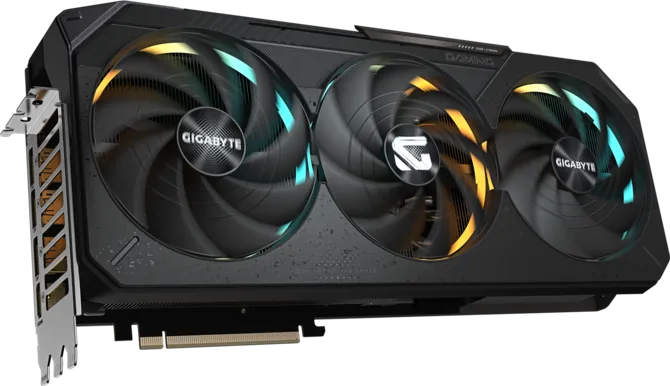
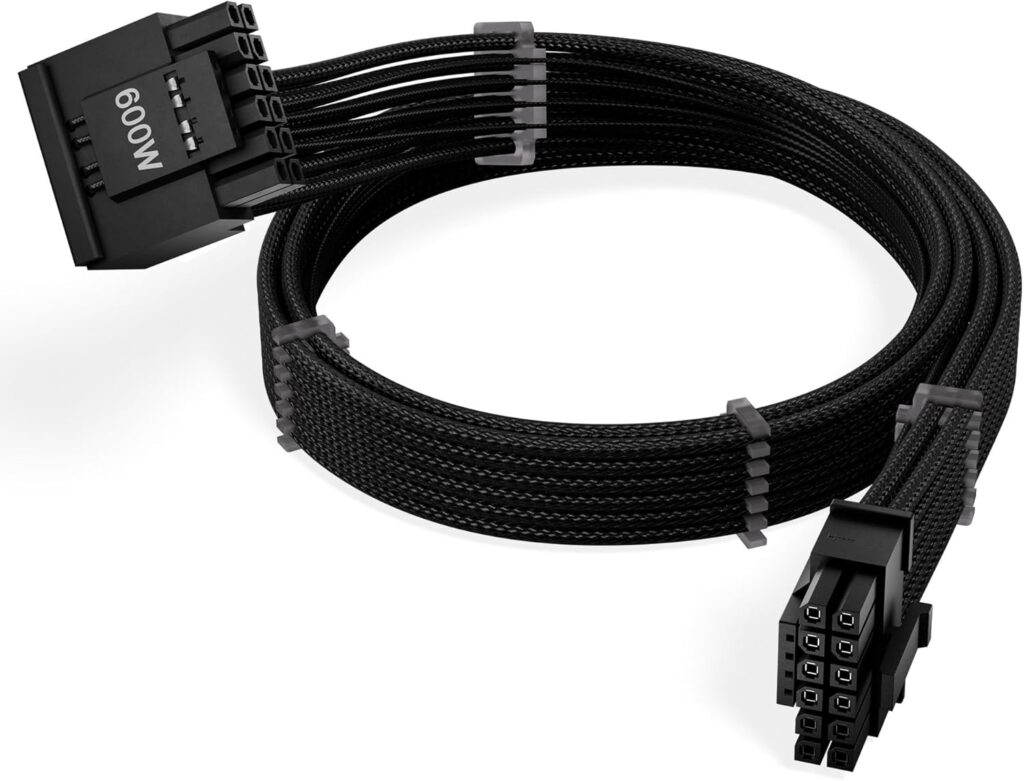
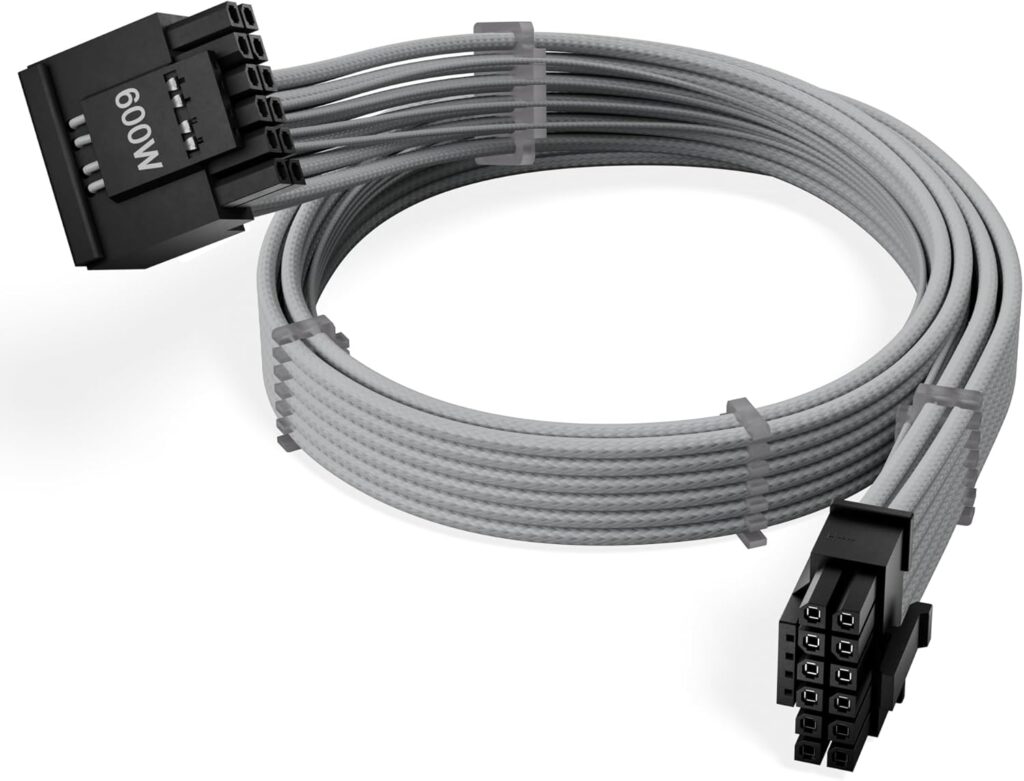
German overclocker der8auer isolated the core failure mechanism with thermal camera testing and live current measurement across an RTX 5090 setup. What he found explains every subsequent report.
The 12V-2×6 connector has 12 pins six carrying power and six ground. Under ideal conditions, each of the six power pins should carry equal current, around 6–8 amps each, for a combined 600W ceiling. In practice, the current distribution is wildly uneven.
In der8auer’s testing, one pin was measured carrying 22 amps representing approximately 250W of power on its own while other pins on the same connector carried only 2–5 amps. The connector and cable are rated for roughly 8 amps per pin. When a single pin is carrying nearly three times that load, heat builds up fast. The RTX 5090’s power connector was measured reaching 150°C on the PSU side during testing.
The reason for the uneven loading comes down to how current flows through the GPU’s PCB once it leaves the connector. Not all board designs spread incoming power equally across the full pin array. On some implementations, the incoming rails converge in a way that channels disproportionate current through certain pins regardless of how well the cable is seated. The connector can be fully inserted, using the correct native cable from a reputable PSU, and specific pins still run dangerously hot.
This also explains why Nvidia’s -100W power limit didn’t prevent one documented meltdown because the issue isn’t only about total wattage. It’s about how that wattage distributes across individual pins. At 500W total draw, if one pin is still carrying 200W due to PCB routing, that pin will fail.
Why the RTX 5090 Is More Prone Than the 4090
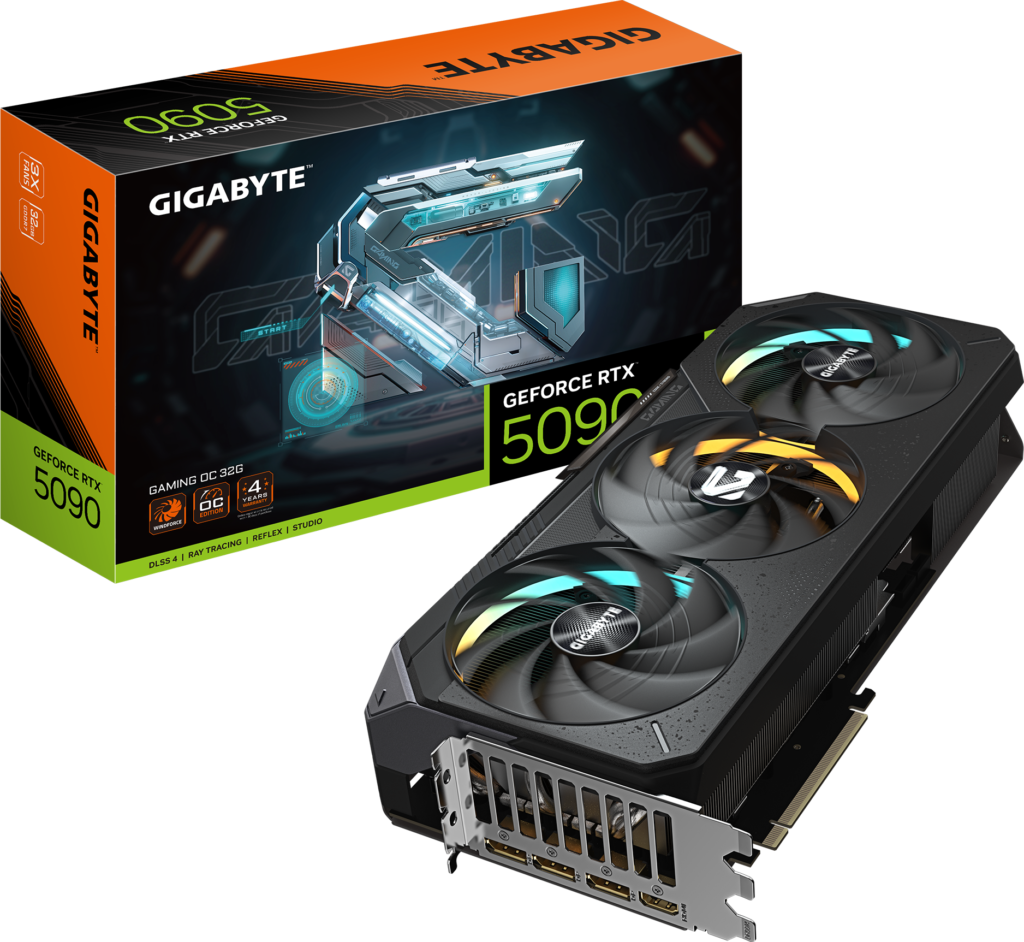
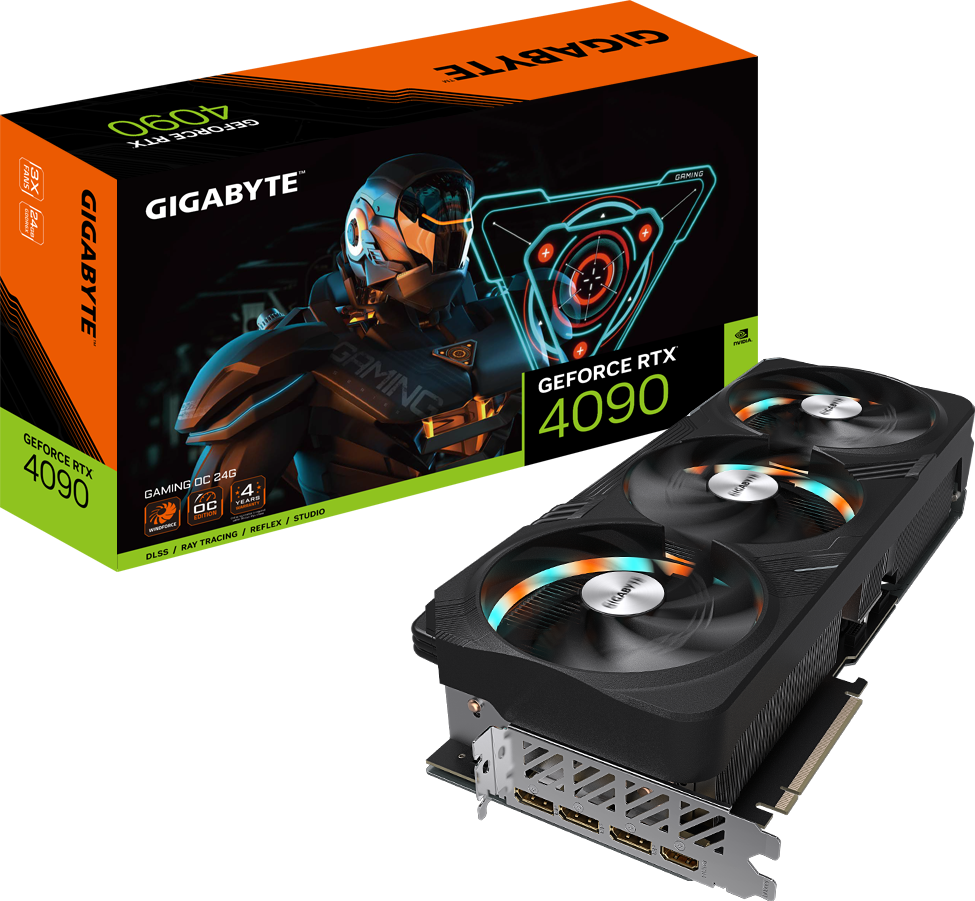
The RTX 4090 had a 450W TDP. The RTX 5090 has a 575W TDP 125W more pushed through the same connector standard. Some board partner implementations have been measured pulling above 600W during peak loads, which is at or above the connector’s rated ceiling.
The 12V-2×6 revision was designed for improved seating feedback. The physical contact area and pin dimensions are largely the same as the 12VHPWR. You’re asking the same connector to handle meaningfully more power. The thermal and electrical margins are smaller, the failure rate is higher.
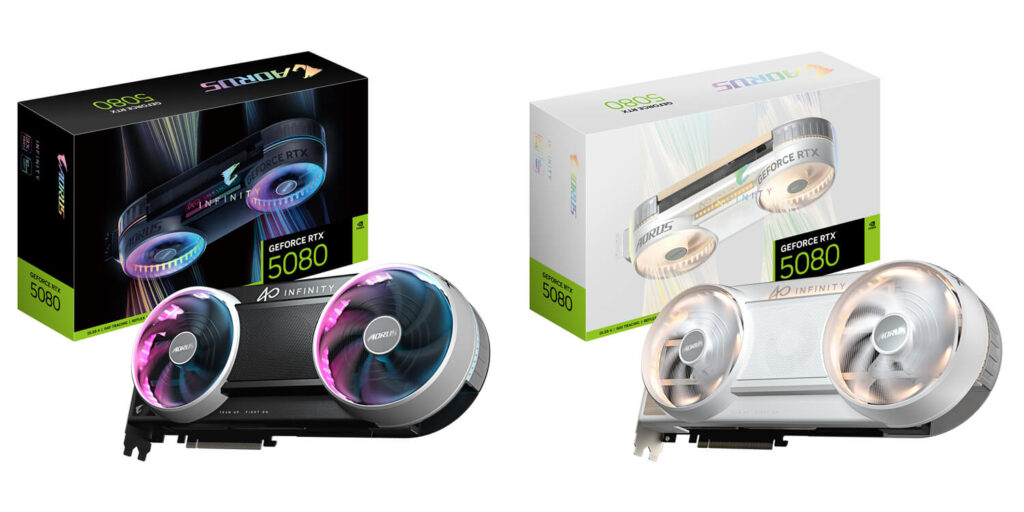
The problem also extends beyond the RTX 5090. Club386’s reporting confirmed melt incidents on RTX 5080, RTX 5070, and even AMD RX 9070 XT cards from board partners who adopted the 16-pin standard. The RTX 5090 gets the most attention because it draws the most power, but the connector weakness affects any card using 12V-2×6 at sustained high loads.
What the Industry Has Tried — And What Hasn’t Worked
The list of attempted solutions is long and the results are mixed.
MSI introduced two-colour connectors to make improper seating more visually obvious. Those connectors melted too.
ASUS added temperature sensors to ROG Astral cards with a feature called Power Detector+, which monitors individual pins for heat spikes and can shut down the card before catastrophic failure.
ASUS also released a $50 ROG Equalizer cable with per-wire load balancing specifically designed to distribute current evenly across all six power pins. One of those has already been reported to melt.
Gigabyte added temperature sensing to its T-Guard cables, allowing real-time monitoring. Thermal Grizzly’s WireView Pro II monitors power draw and can trigger automatic shutdown.
Corsair introduced ThermalProtect a cable-level solution with over-temperature protection and is rolling out PinProtect and PinProtect+ built directly into newer PSUs like the RM1200e. PinProtect monitors current flowing through all 12V-2×6 pins and shuts down the GPU before damage occurs. PinProtect+ adds iCUE integration and a user-configurable current threshold.
None of these eliminate the underlying connector design problem. They’re safety nets that limit damage when the connector fails not solutions to why it fails.
What to Do If You Own an RTX 5090, 5080, or 5070
You can’t change Nvidia’s connector choice. You can reduce your risk with the following:
Use only the native cable that came with your PSU. Third-party and adapter cables are the highest-risk option. The first documented RTX 5090 melting used a Moddiy third-party cable. Subsequent reports have involved native cables too, but starting with the correct native cable eliminates one variable.
Never use adapters.
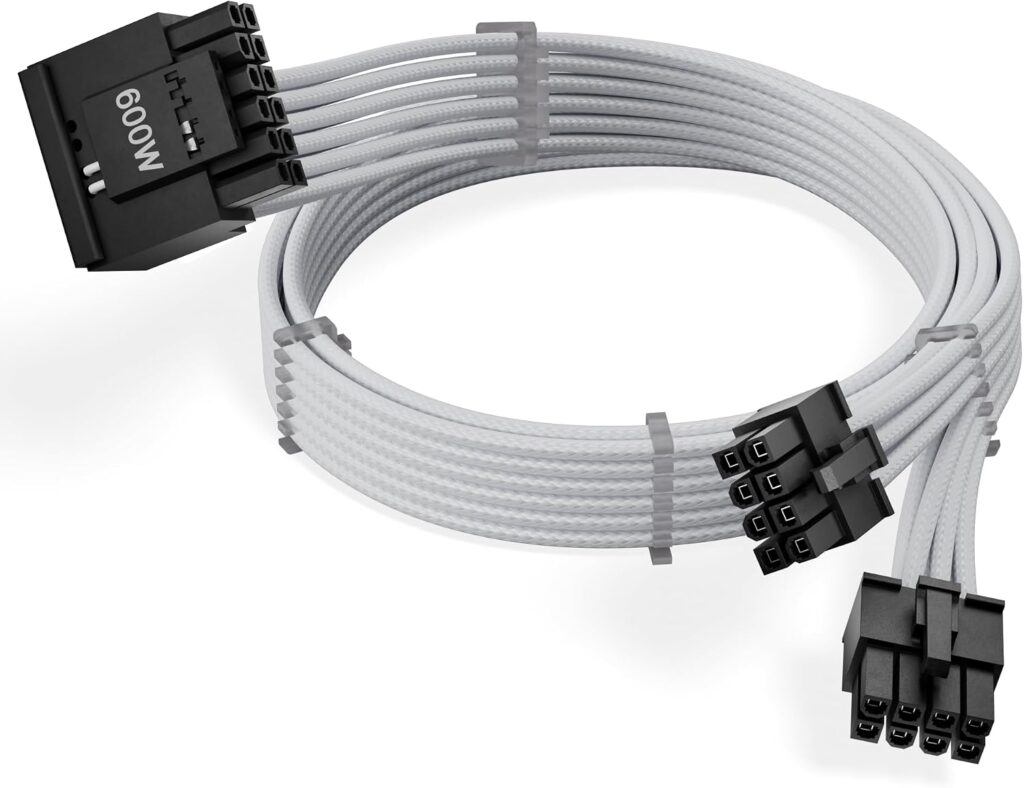
The 4-pin to 12VHPWR or 8-pin to 12V-2×6 adapters are the most dangerous configuration. They concentrate current through a conversion point that adds contact resistance. Do not use them regardless of their rated wattage.
Leave at least 35mm of clearance before any cable bend. PSU manufacturers including Corsair specify this minimum. A tight bend immediately after the connector increases pin contact stress and reduces the effective contact surface. If your case requires a tighter bend, reroute the cable or reconsider the case.
Consider a PSU with PinProtect.
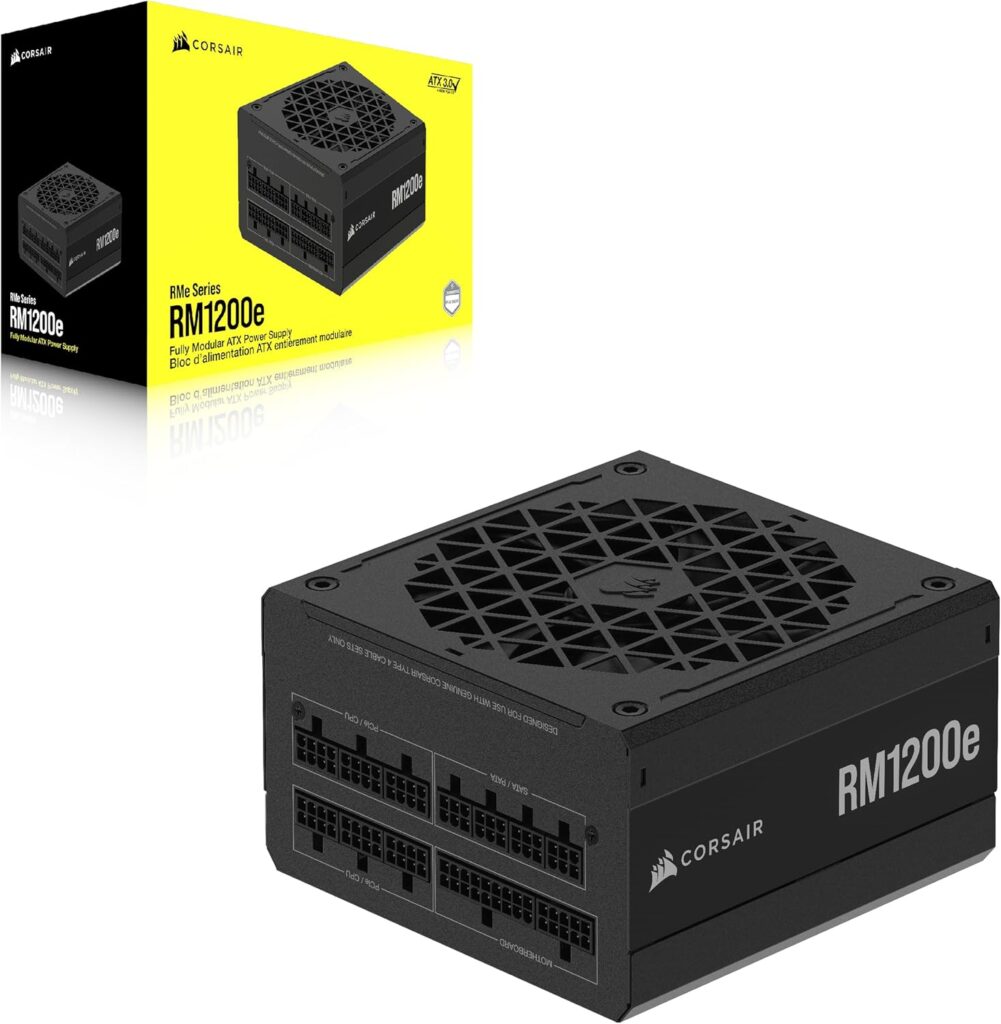
Corsair’s RM1200e is the first mainstream PSU to include built-in pin current monitoring. If you’re buying a new PSU for an RTX 5090 build, the RM1200e or HXi SHIFT Crystal with PinProtect+ provides a hardware safety net that monitors every pin independently and shuts down the GPU before failure.
Don’t chase power limits on the RTX 5090.
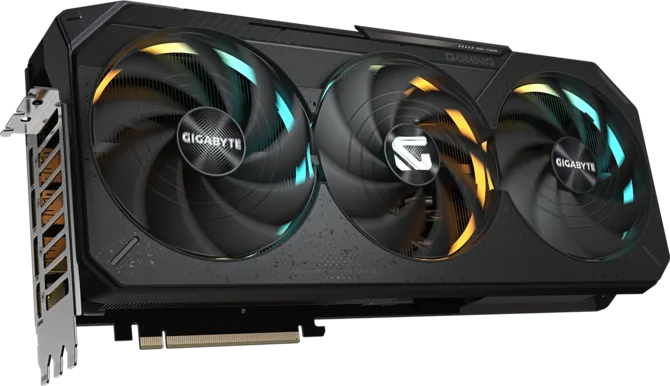
Running the card stock is already close to the connector’s ceiling in some board implementations. Overclocking beyond stock adds additional margin pressure. An undervolted RTX 5090 at 450W delivers meaningfully lower connector stress while keeping 90%+ of gaming performance.
Inspect the connector when servicing your PC but don’t do it obsessively. Corsair and Seasonic both specify their 12V-2×6 cables are rated for approximately 30 mating cycles. Repeatedly unplugging and reinserting the connector during routine maintenance wears the contact surfaces. VideoCardz documented an RTX 5090 owner who inspected and reseated the connector every three months and whose card melted anyway. Inspect it once on initial installation and during annual cleaning, not more frequently.
Use monitoring software.
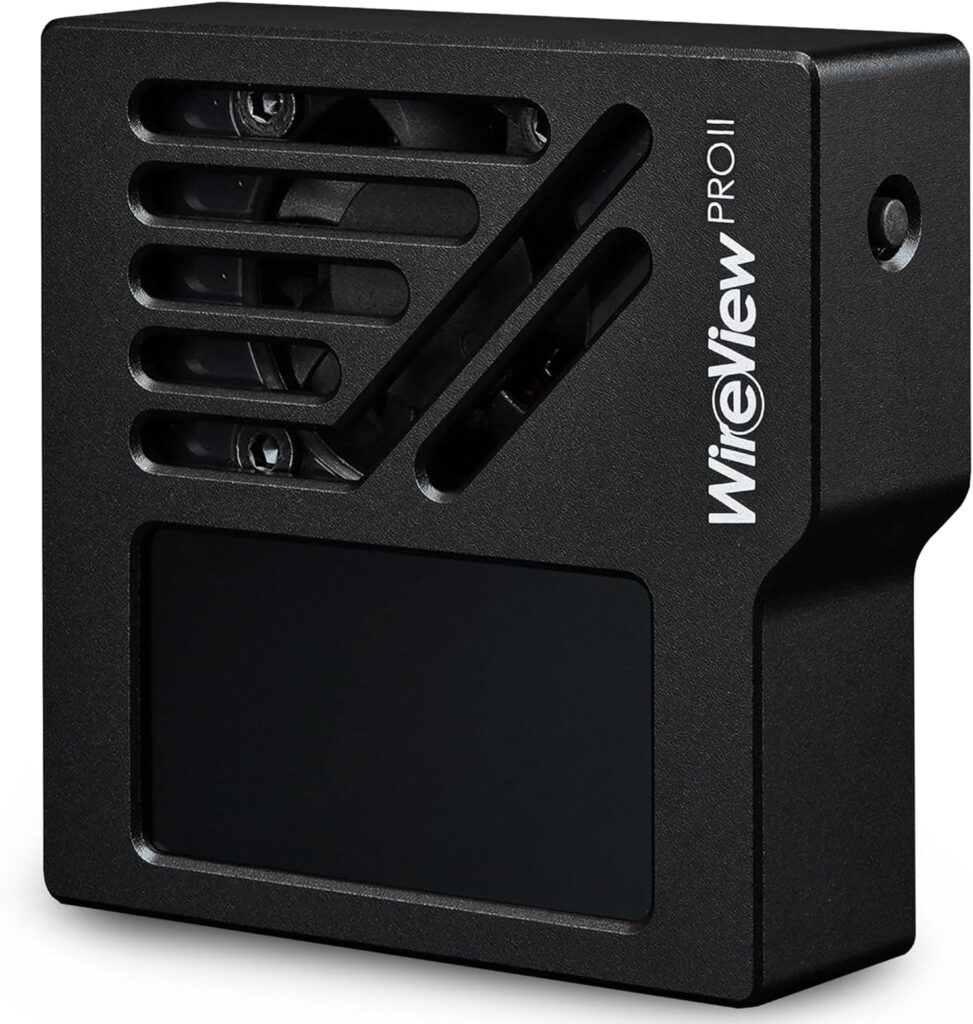
Tools like Thermal Grizzly’s WireView Pro II or Cooler Master’s GPU Shield (included on their MWE Gold V4 PSUs) monitor 12V-2×6 current in real time. They don’t prevent uneven pin loading, but they provide advance warning before a problem becomes a fire.
Is This Still a Risk in 2026?
Yes. Club386’s most recent meltdown was documented weeks ago with a current-generation card and name-brand PSU. The connector is still in use and no hardware-level fix has been deployed across the RTX 50-series lineup.
Nvidia’s RTX 60-series and AMD’s RDNA 5 are both still a year or more away. The 12V-2×6 connector will remain on every high-end GPU through the next generation launch window. Club386 has explicitly called for the connector to be retired. Whether that actually happens before the next generation arrives is genuinely uncertain.
The risk isn’t so high that it should stop you from buying an RTX 5090 or 5070. Millions of 12V-2×6 installations are running without incident. The incidence rate relative to total cards sold is a small fraction of a percent. But the failure consequences a destroyed GPU, a destroyed PSU, and in the worst cases a fire are severe enough that every RTX 50-series owner should understand what causes it and take the straightforward precautions outlined above.
SpecClear participates in affiliate programmes. When you purchase through links on this site we may earn a commission at no additional cost to you.