
SpecClear earns a commission if you buy through Newegg links on this page, at no extra cost to you.
ASRock has been a motherboard brand for years, and most people still do not think of it as a cooling company. The Challenger 360 Digital is a strong argument to change that. This 360mm AIO targets value buyers and puts a 3-inch pump-mounted segment LED on the block that shows CPU temperature, frequency, and pump speed. At $89.99 it sits in a bracket that usually forces a compromise: display, performance, or warranty, pick two. The Challenger 360 Digital does not make you pick. ASRock Challenger 360 Digital ($89)
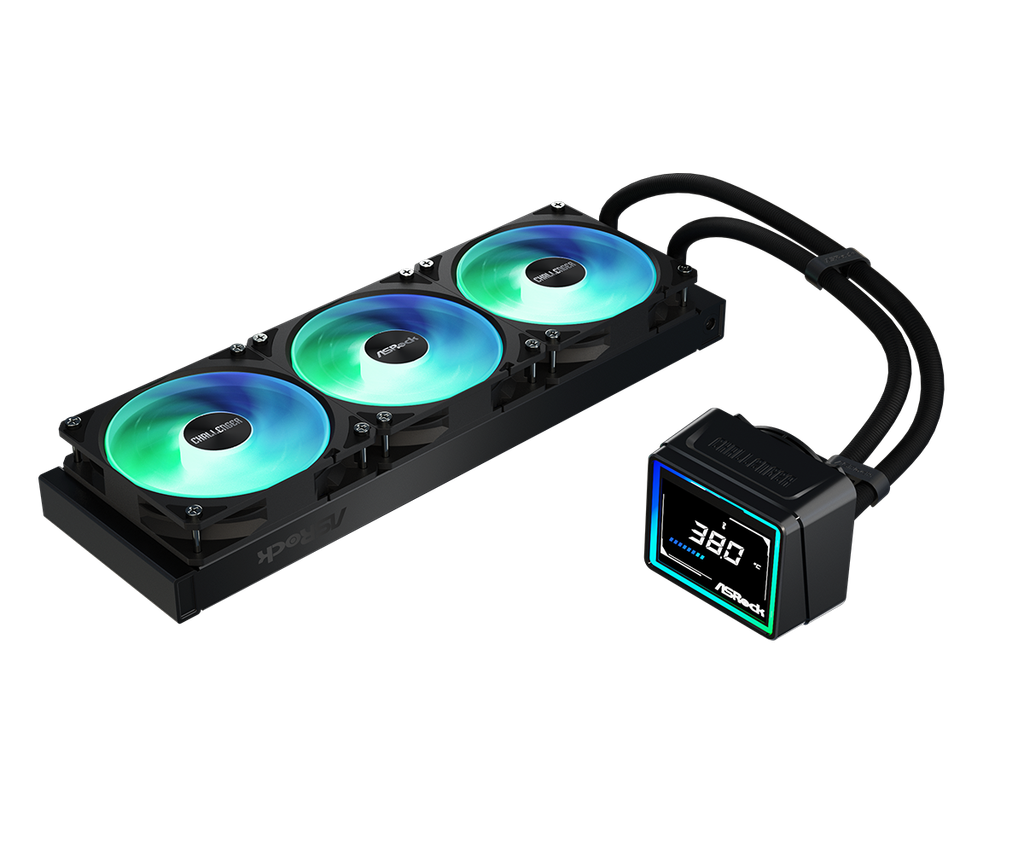
What you get
The cooler supports processors rated up to 350W TDP and is compatible with Intel LGA1700 and LGA1851 as well as AMD AM4 and AM5. The radiator uses a 27mm thick aluminium design and ships with all three 120mm fans already mounted in a single frame. The pre-installed fans are a detail that matters more than it sounds because Fitting three separate fans to a radiator before it goes in the case adds 10 minutes and considerable frustration to an already tight installation window. ASRock routes the cables cleanly and the whole radiator arrives ready to mount. For a thicker-radiator alternative, see our Arctic Liquid Freezer III Pro 360 review.
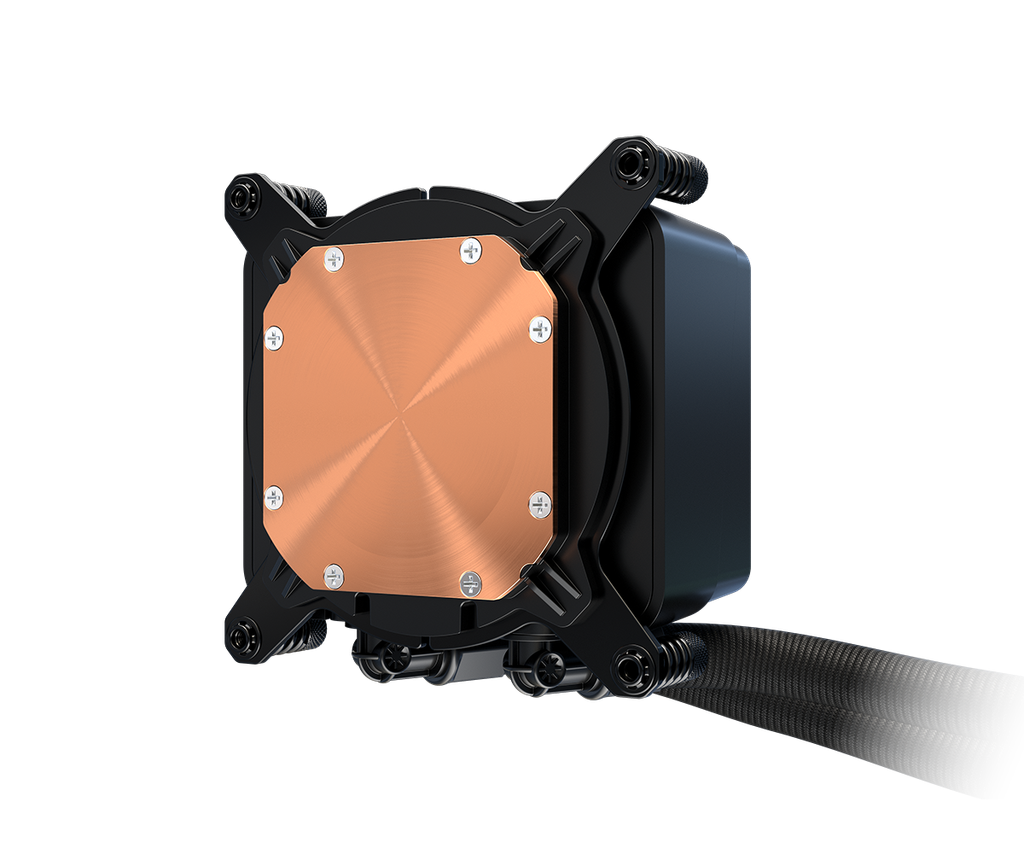
The pump block keeps things compact with swivel fittings that have a good range of motion allowing less frustration during set up and the copper cold plate is convex with only faintly visible machining marks. The three 120mm ARGB fans have a seven-blade design, an RPM range of 0–2100 and a maximum airflow of 62.6 CFM. All respectable specs. ASRock Challenger 360 Digital ($89)
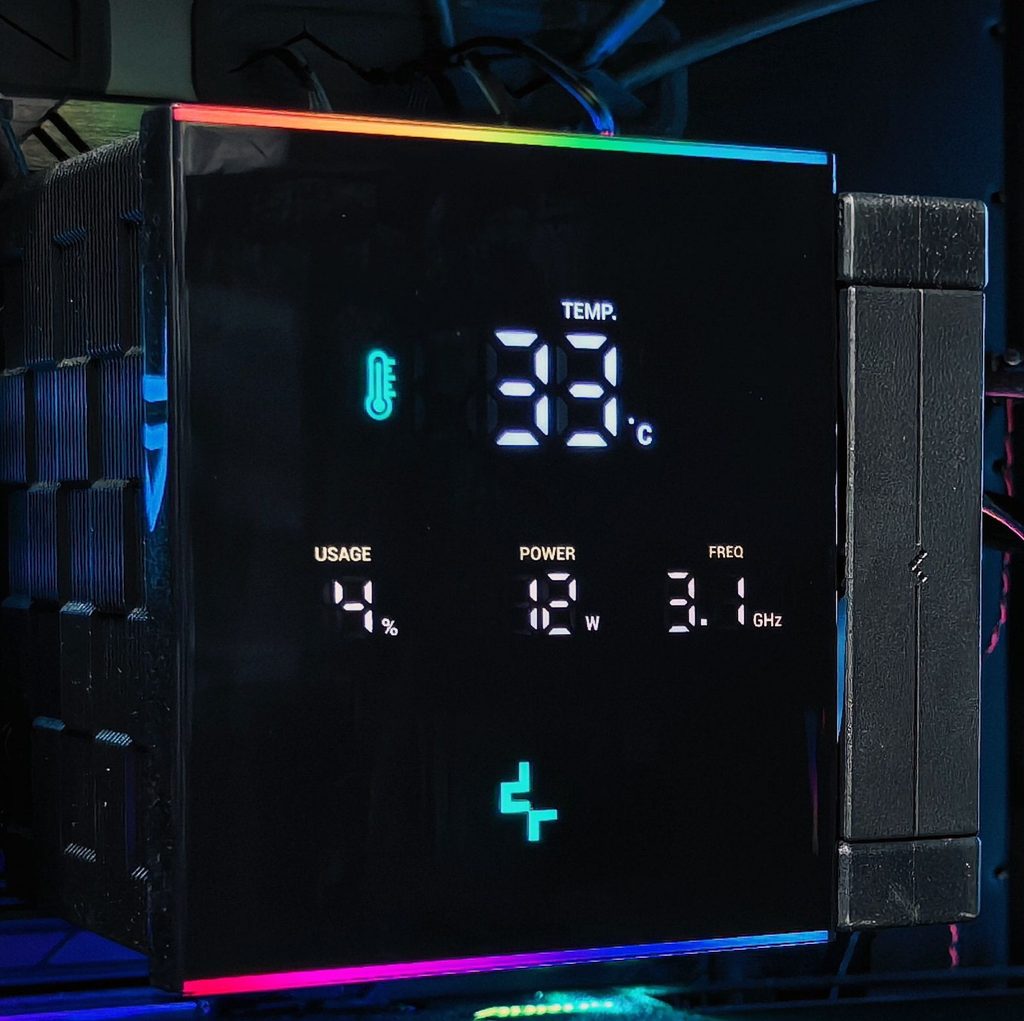
The display is a segment LED, not a full-pixel LCD. It shows numbers (CPU temperature, CPU frequency, pump speed), not images or custom graphics. That is not a flaw at this price, but be clear: three metrics, nothing else. If you want GIFs and custom artwork on the pump, spend more. If you want at-a-glance monitoring without opening software, this is exactly that.
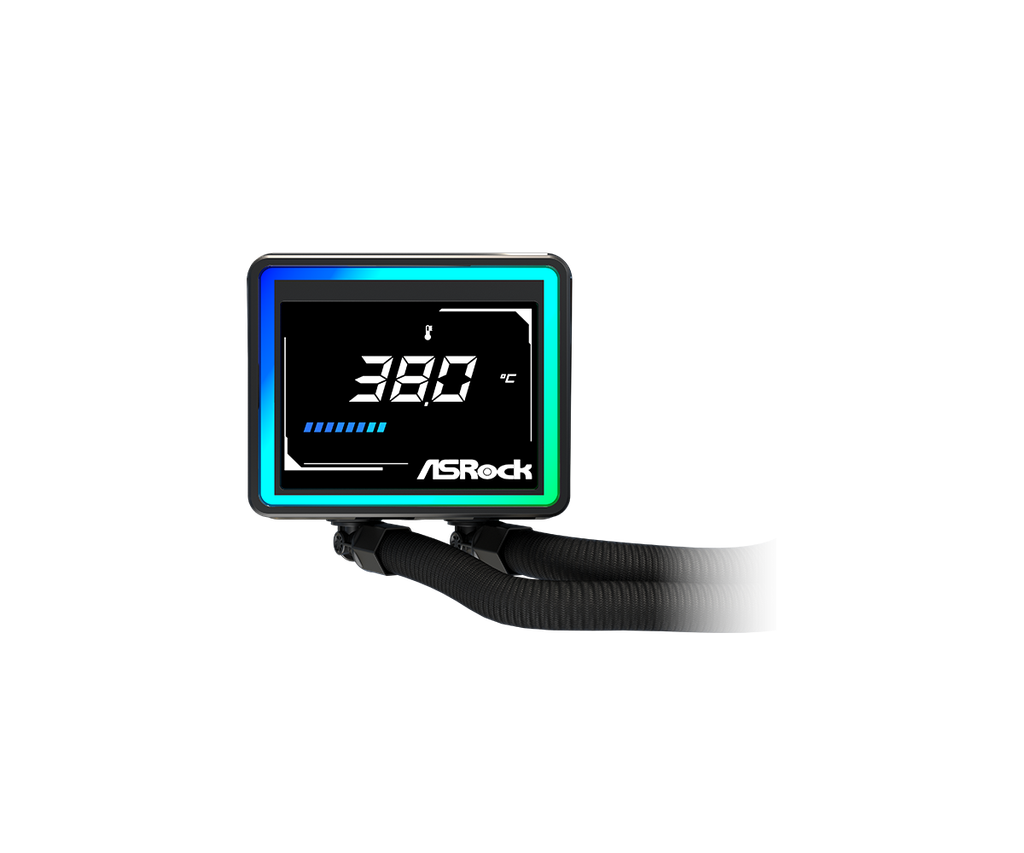
Black and white versions are available. With the display and ARGB off, the Challenger 360 Digital sits neutral enough to blend into most builds.
Performance
Results land where a strong value 360mm should. It does not top every chart, but noise-normalised and max-RPM runs stay competitive, and as TDP climbs it breaks into the top ten with ease. Plenty of more expensive AIOs cool worse.

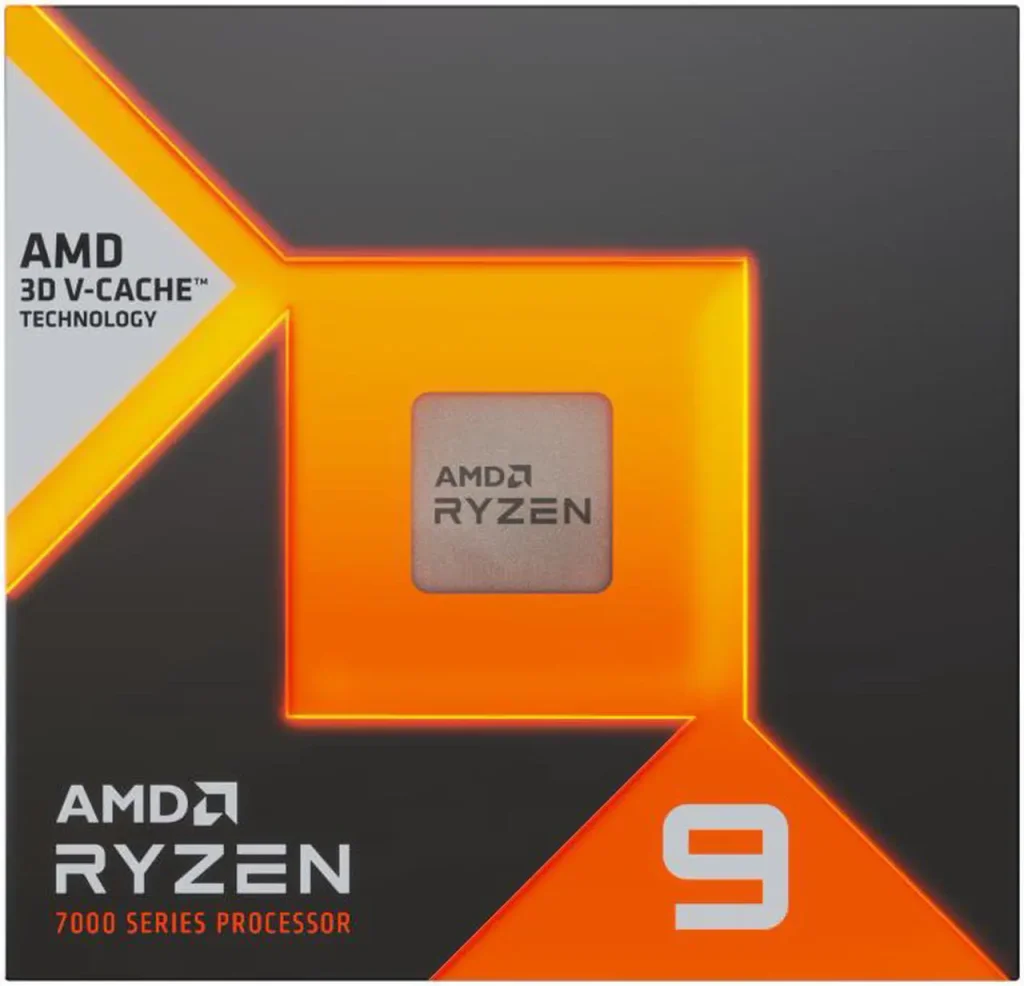
On an AMD Ryzen 9 7950X3D, idle sat at 30°C, in line with other 360mm liquid coolers. Under a multithreaded workload at maximum fan speed it hit 73°C. That is a result $120–140 coolers are not meaningfully beating on a 170W 3D V-Cache CPU. The thermal headroom is real. If you are still deciding on liquid cooling at all, our air cooler vs AIO guide compares the two.
Zero RPM mode is included by default with a configurable temperature threshold where the fans stop entirely. For desktop use and light gaming where the CPU is not sustaining high load, the system stays silent until it needs to cool. That feature matters at this price.
Installation
Install the correct brackets for your socket first. On AM5, remove the motherboard plastic brackets, fit ASRock’s standoffs, then seat the pump block and tighten in an alternating crisscross pattern. ASRock includes a printed paper manual instead of a QR-code-only guide, which is easier when both hands are inside the case and your phone is in your pocket.

One real limitation: socket support is narrower than many competing AIOs. The Challenger 360 Digital covers Intel LGA1700 and LGA1851 plus AMD AM4 and AM5, and that is it. Older HEDT and legacy sockets are out. Fine for a current build; a real gap if you are on older iron.
Warranty
ASRock backs the Challenger 360 Digital with a six-year warranty. Six years on a sub-$100 AIO is unusual; most competitors at this price offer two to three. The warranty alone makes the purchase easier to defend. ASRock Challenger 360 Digital ($89)

The verdict
$89.99 for a 360mm AIO that competes with $120–140 products, ships with fans pre-installed, includes a display, and carries a six-year warranty is a package you will not find elsewhere at this price. The segment LED is limited by design; full LCD customisation still costs more. If the goal is strong cooling, clean looks, useful monitoring, and peace of mind under $100, buy this.