
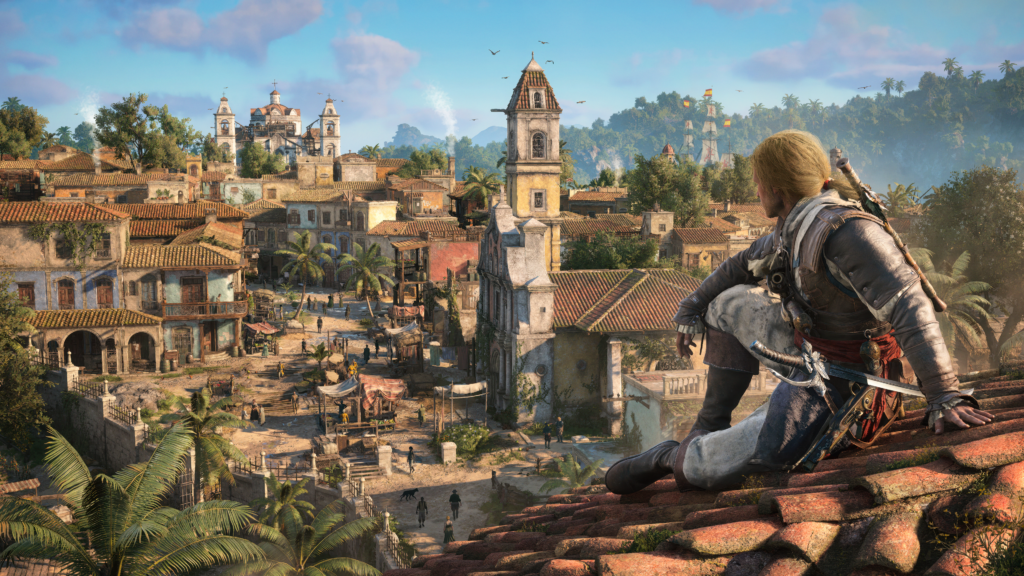
Thirteen years after the original Black Flag, Ubisoft Singapore has rebuilt Edward Kenway’s pirate adventure from the ground up on the latest Anvil Engine. Assassin’s Creed Black Flag Resynced launched July 9, 2026 on PC via Steam, Epic Games Store, and Ubisoft Store at $59.99. Day-one access on PC is through Ubisoft+, not Xbox Game Pass.
The rebuild isn’t cosmetic: ray-traced Global Illumination and reflections, Micropolygon rendering, PBR material pipelines, a completely reworked water simulation, dynamic weather through Ubisoft’s Atmos system, and a new parry-driven combat system that modernises Edward’s fighting style. The original game’s voice cast including Matt Ryan as Edward Kenway is back for new missions and additional scenes.
The good news on the PC side: Ubisoft’s Anvil Engine is one of the better-optimised engines in AAA gaming. The system requirements are demanding at the top end but accessible at the bottom, and the game includes software ray tracing options that allow older non-RT GPUs to access ray-traced lighting without dedicated RT hardware. That’s a meaningful feature that DOOM: The Dark Ages doesn’t offer.
Here’s exactly what hardware you need, which settings to change, and how to get the most out of the game at every tier.Assassin’s Creed Black Flag Resynced PC settings explained below
Official System Requirements — All Four Presets
Unlike most games that offer Minimum and Recommended, ships with four defined presets. Each one has confirmed resolution, frame rate, and upscaling targets.
Minimum — 1080p, 30fps, Low preset, Balanced upscaling:
- CPU: Intel Core i7-8700K 3.7GHz or AMD Ryzen 5 3600 3.6GHz
- GPU: NVIDIA GTX 1660 6GB / AMD RX 5500 XT 8GB / Intel Arc A580 8GB
- RAM: 16GB dual-channel
- Storage: 65GB SSD (not NVMe-only any SSD)
- OS: Windows 10 or 11 (64-bit)
Recommended — 1080p, 60fps, Medium preset, Balanced upscaling:
- CPU: Intel Core i5-10600K 4.1GHz or AMD Ryzen 5 3600 3.6GHz
- GPU: NVIDIA RTX 3060 12GB / AMD RX 6600 XT 8GB / Intel Arc B580 12GB
- RAM: 16GB dual-channel
High — 1440p, 60fps, High preset, Quality upscaling:
- CPU: Same as Recommended
- GPU: NVIDIA RTX 2060 12GB / AMD RX 6600 XT 8GB
- RAM: 16GB dual-channel
Extreme — 4K, 60fps, Extreme preset, Quality upscaling:
- CPU: Same as Recommended CPU requirements don’t change across presets
- GPU: NVIDIA RTX 4090 24GB / AMD RX 7900 XTX 24GB
- RAM: 16GB dual-channel
Three things to note immediately first, RAM requirement is 16GB across every preset even Extreme which is a sign of good engine optimisation. Second, the CPU barely changes across presets either, this is predominantly a GPU-bound game. Third, storage is SSD-required but not NVMe-mandatory any SSD works, unlike DOOM: The Dark Ages.
Intel Arc owners: Resizable BAR (ReBAR) is required for Arc GPUs to function correctly, ensure ReBAR is enabled in BIOS before installing.
The Software Ray Tracing Feature: What It Means for Older GPUs
This is the feature that separates Black Flag Resynced’s PC implementation from most 2026 AAA releases. Ubisoft’s Anvil Engine includes software ray tracing options that allow non-RT-capable GPUs cards without dedicated hardware ray tracing acceleration to access ray-traced Global Illumination effects.
This means GTX 1660, GTX 1070, and similar older GTX cards can experience some form of ray-traced lighting without the hardware RT requirement that makes DOOM: The Dark Ages entirely inaccessible to those GPUs.
The trade-off is performance cost. Software ray tracing uses shader cores to simulate what dedicated RT hardware handles in silicon it’s significantly slower than hardware RT for equivalent visual quality. If your GPU has hardware RT (RTX 20 series or newer, RX 6000 series or newer), always use hardware RT rather than software. Software RT is the fallback for genuinely legacy hardware, not an alternative for modern cards.
The practical implication: if you own an older GTX card and were excluded from DOOM: The Dark Ages, Black Flag Resynced gives you a path to play with ray-traced visuals at reduced quality and frame rates. It won’t look as good or run as smoothly as hardware RT but it works.
Real-World Performance: What to Actually Expect
The system requirements define Ubisoft’s targets. Here’s how to read them for practical hardware decisions.
The Extreme preset’s RTX 4090 requirement with Quality upscaling at 4K is the honest benchmark of how demanding this game actually is at maximum settings. An RTX 4090 with upscaling enabled to hit 4K 60fps is a demanding target for one of the most powerful consumer GPUs available. Without upscaling at native 4K Extreme, expect the RTX 4090 to fall below 60fps.
At 1080p Medium with upscaling: Any GPU from RTX 3060 / RX 6600 XT and above runs the game at 60fps with comfort. This is the tier where the overwhelming majority of current PC gamers sit and the game runs without compromise at this level.
At 1440p High with Quality upscaling: RTX 5060 Ti, RTX 5070, RX 9060 XT, and RX 9070 all perform comfortably above 60fps. The High preset at 1440p with Quality upscaling is the recommended target for mid-range 2024–2026 cards. Corsair explicitly flagged that the RX 9060 XT and RX 9070 tier handle this game well.
At 4K with Quality upscaling: RTX 5070 Ti, RTX 5080, and RX 9070 XT sit in the range where 4K 60fps becomes achievable with Quality upscaling. The RTX 4090 and RX 7900 XTX are required for Extreme settings at 4K, but High settings at 4K with mid-tier 50-series cards are more accessible than Ubisoft’s spec table suggests.
The Anvil Engine’s strong scalability is the headline here. This isn’t a game where the drop from Extreme to High feels punishing Ubisoft’s presets are well-calibrated and the visual fidelity at High remains genuinely impressive.
Best PC Settings for Black Flag Resynced
The game ships with an in-game benchmark tool and a custom settings menu. Use the benchmark before finalising your settings will run it after each significant change to confirm the impact before moving on.
Start with your upscaling selection.
Black Flag Resynced supports DLSS 4 (Nvidia), FSR 3 (AMD and Nvidia), and XeSS (Intel and others). DLSS 4 with the Transformer model is the best option for Nvidia card owners. FSR 3 is the clean choice for AMD owners and provides good image quality across all presets. XeSS is the Intel Arc option.
Quality mode: ~67% of native resolution, best visual quality. Starting point for 1440p and 4K gaming.
Balanced mode: ~58% of native. The recommended setting for the official 1080p Medium tier.
Performance mode: ~50% of native. Use for 4K on mid-range cards.
Ray Tracing — Hardware vs Software
If you have an RTX 20-series or newer GPU, or an RX 6000-series or newer, set Ray Tracing to Hardware Standard. This gives you ray-traced Global Illumination and reflections using dedicated RT hardware. The performance cost is meaningful but manageable at 1440p on current-generation cards.
If you’re running an older GTX card, set it to Software Standard. You’ll get some RT benefit at a higher performance cost monitor your frame rate in the benchmark tool and drop to Balanced upscaling or lower visual quality if needed.
Turn ray tracing off entirely only if you’re genuinely GPU-limited and frame rate is suffering. The game’s visual fidelity relies heavily on RTGI for the Caribbean lighting quality turning it off makes a visible difference in outdoor environments and on water surfaces.
Water Quality
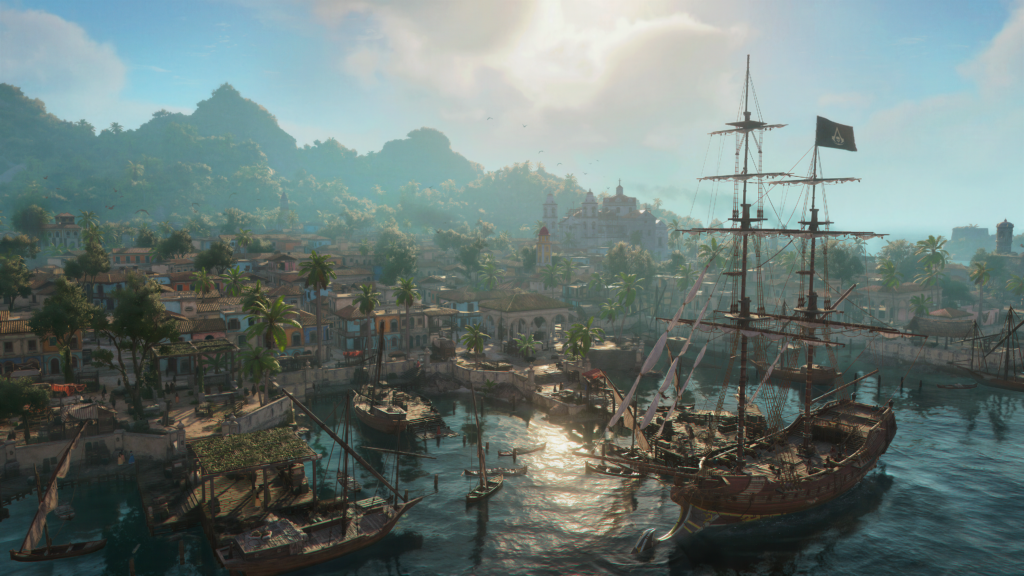

This is the showpiece setting in Black Flag Resynced. The water simulation is fully rebuilt for this game, and water quality affects both how the ocean looks and how the naval combat environment reads. Don’t drop this below High unless you’re genuinely struggling for performance the water rendering is what separates this from the 2013 original more than any other single setting.
Shadow Quality
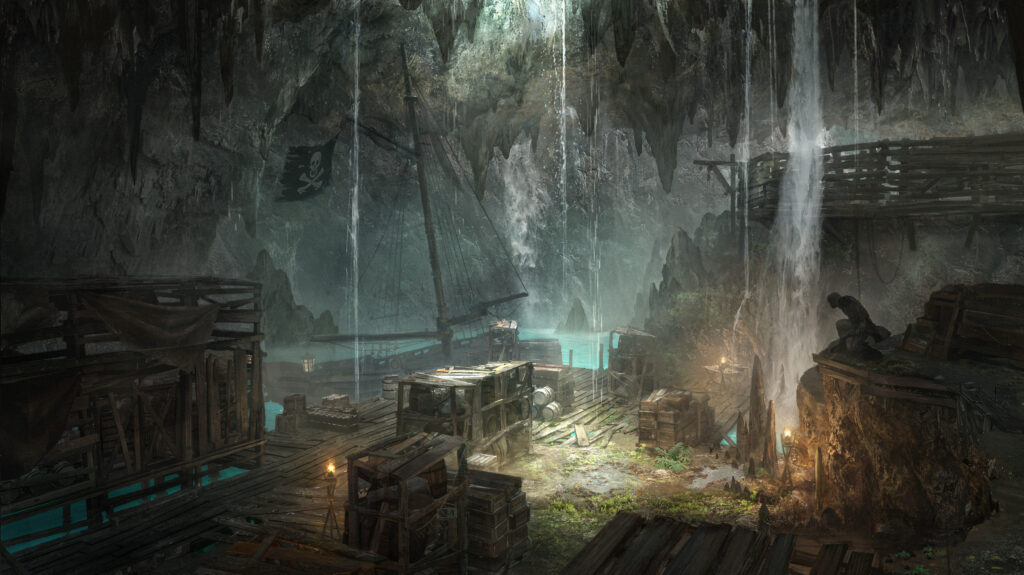
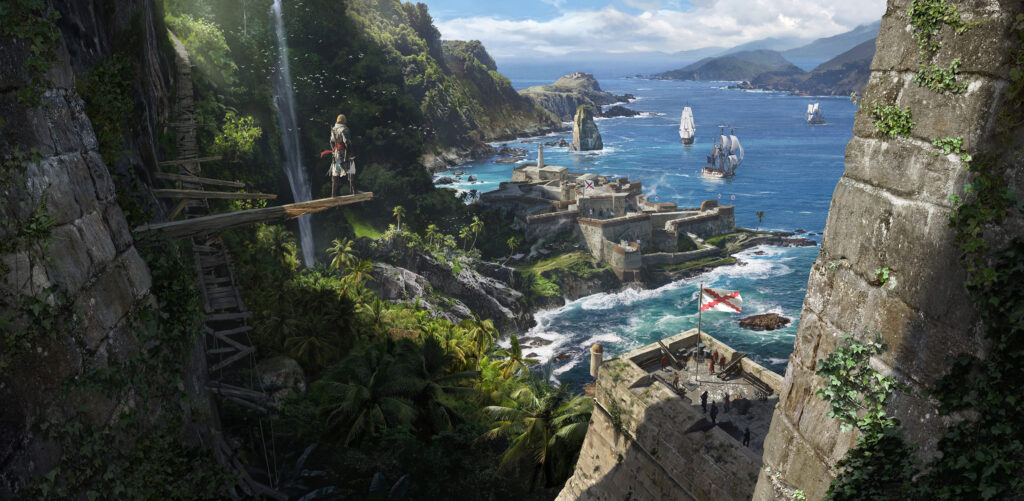
Standard AC Anvil Engine advice applies, high vs Ultra/Extreme shadow quality is a small visual difference for a meaningful performance cost. High is the sweet spot for most builds. Medium is acceptable in open-ocean sections; the difference becomes more apparent in dense jungle and city environments.
Environment Detail and Vegetation Quality
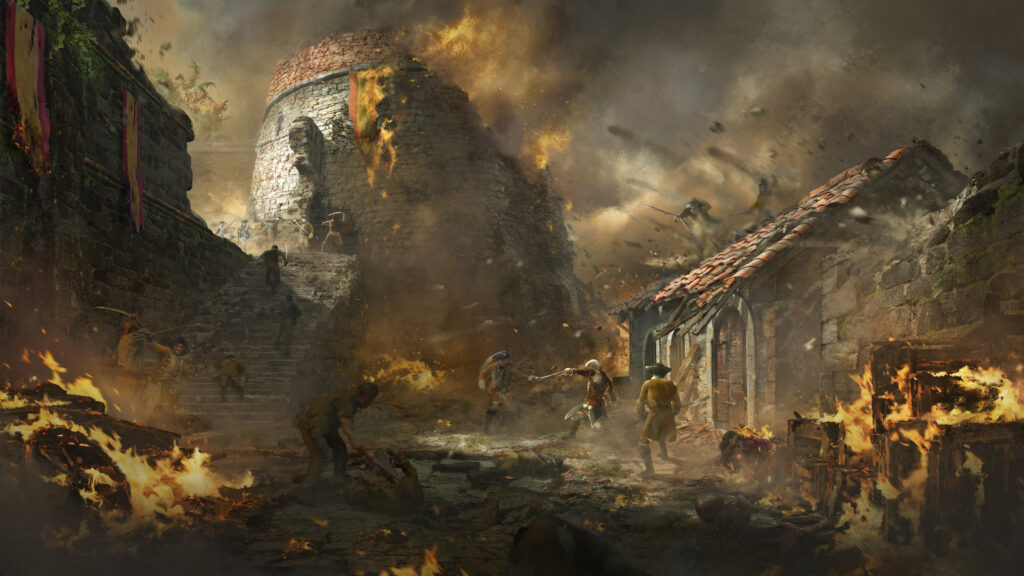
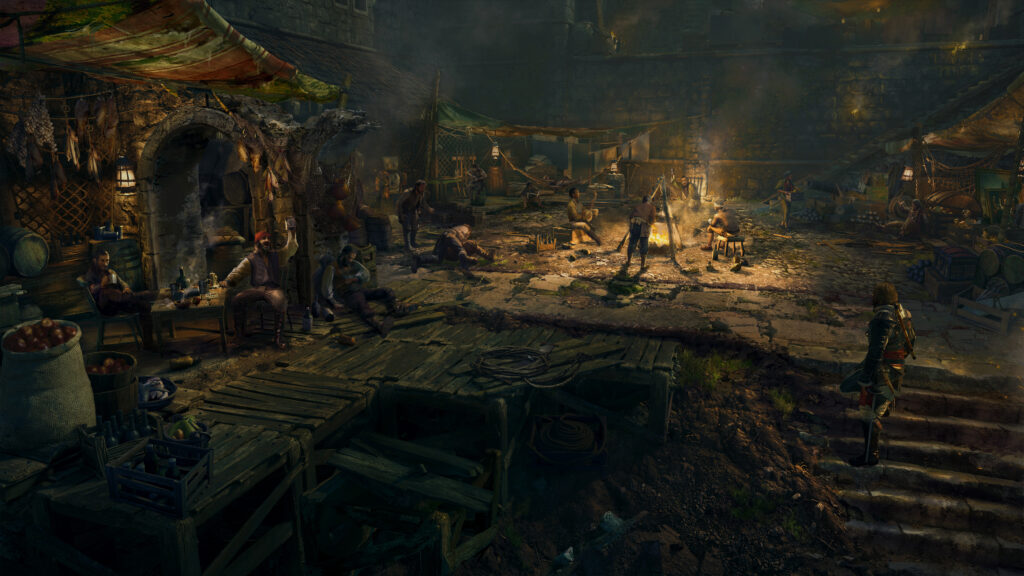
These settings affect the lushness of the Caribbean islands the very thing that makes this game’s setting memorable. Keep these at High if your VRAM allows,the Anvil Engine handles environment streaming efficiently and VRAM pressure from vegetation is typically lower than from shadow maps or reflection buffers.
ReBAR / Resizable BAR
Enable this in your BIOS if it isn’t already ReBAR allows the GPU to access the full VRAM pool directly rather than in 256MB chunks, improving performance in memory-intensive scenes. It’s required for Intel Arc and recommended for Nvidia and AMD. If you went through the Windows 11 Gaming Optimisation guide on SpecClear, HAGS should already be enabled both work together here.
Frame Generation
Enable on RTX 40 and 50 series (DLSS Frame Generation) once your base frame rate is above 45fps. AFMF 2 via AMD Adrenalin is available for AMD card owners as a driver-level alternative. In a game like Black Flag Resynced where you’re often sailing across open water — a visually smooth, consistent workload frame generation is particularly effective because there’s less fast motion to expose interpolation artefacts.
GPU Recommendations by Target
| Target | GPU Recommendation | Notes |
|---|---|---|
| 1080p 60fps Medium | RTX 3060 12GB or RX 6600 XT 8GB | Recommended tier exactly |
| 1440p 60fps High | RX 9060 XT or RTX 5060 Ti | Quality upscaling on |
| 1440p 60fps High (no upscaling) | RX 9070 or RTX 5070 | Comfortable headroom |
| 4K 60fps High | RX 9070 XT or RTX 5070 Ti | Quality upscaling needed |
| 4K 60fps Extreme | RTX 4090 or RX 7900 XTX | Quality upscaling required per Ubisoft |
Is It on Game Pass?
No. Black Flag Resynced did not launch on Xbox Game Pass. On PC, day-one subscription access is through Ubisoft+. The $59.99 buy is for anyone who wants to own the game outright.
SpecClear participates in affiliate programmes. When you purchase through links on this site we may earn a commission at no additional cost to you.