

Your motherboard doesn’t add frames. That’s the most important thing to understand before spending money on one.
Updated September 11, 2026: B850 value boards often land ~$150–$210 (Eagle WiFi7 deals / Tomahawk MAX ~$210); mid X870 deals have dipped near ~$185–$230 on sale. Treat board prices below as approximate street bands.
The CPU and GPU produce your frame rate. The motherboard’s job is to not get in the way , to deliver stable power, support fast memory, and give you the connectivity you need without becoming a bottleneck. A Ryzen 9 9800X3D on a $150 B650 board produces essentially the same gaming performance as the same chip on a $500 X870E. The expensive board earns its price through features, VRM quality for extreme overclocking, and connectivity options , not frames.
With that established, here’s the right board for every AM5 and Intel build in 2026.
The Decision Framework: Before You Pick a Board
Socket first. AM5 for any Ryzen 7000 or 9000 CPU. LGA1851 for Intel Core Ultra 200S series. They don’t cross over.
Chipset second. This determines features and price, not gaming performance. On AM5, your tiers are B650 (budget, PCIe 4.0 secondary slots), B850 (mid-range, more PCIe 5.0, WiFi 7 standard), X870 (USB4 guaranteed, stronger VRM), and X870E (maximum connectivity, dual USB4, full PCIe 5.0). On Intel, B860 handles non-K CPUs, Z890 is required if you want to overclock a K-series chip.
VRM quality for high-TDP CPUs. If you’re running a Ryzen 9 9950X3D or an Intel Core Ultra 9 285K at stock or overclocked, VRM matters. The Tomahawk-tier boards from MSI and the TUF-tier boards from ASUS handle every current CPU without throttling. Cheaper boards may struggle under sustained all-core workloads. For a gaming-focused X3D build, even B650 boards are fine , X3D chips don’t hammer the VRM the way a 16-core chip does.
Don’t pay for PCIe 5.0 GPU slots you won’t use. Every current GPU , RTX 5090 included , performs identically on PCIe 4.0 and PCIe 5.0. The bandwidth difference doesn’t matter yet. PCIe 5.0 M.2 is slightly more useful if you’re buying a Gen5 SSD, but Gen5 SSDs are expensive and run hot. For most builds, PCIe 4.0 M.2 is the right call.
AMD AM5: The Right Board at Each Budget
Budget AM5 under $160: ASUS TUF Gaming B650-Plus WiFi (~$167)
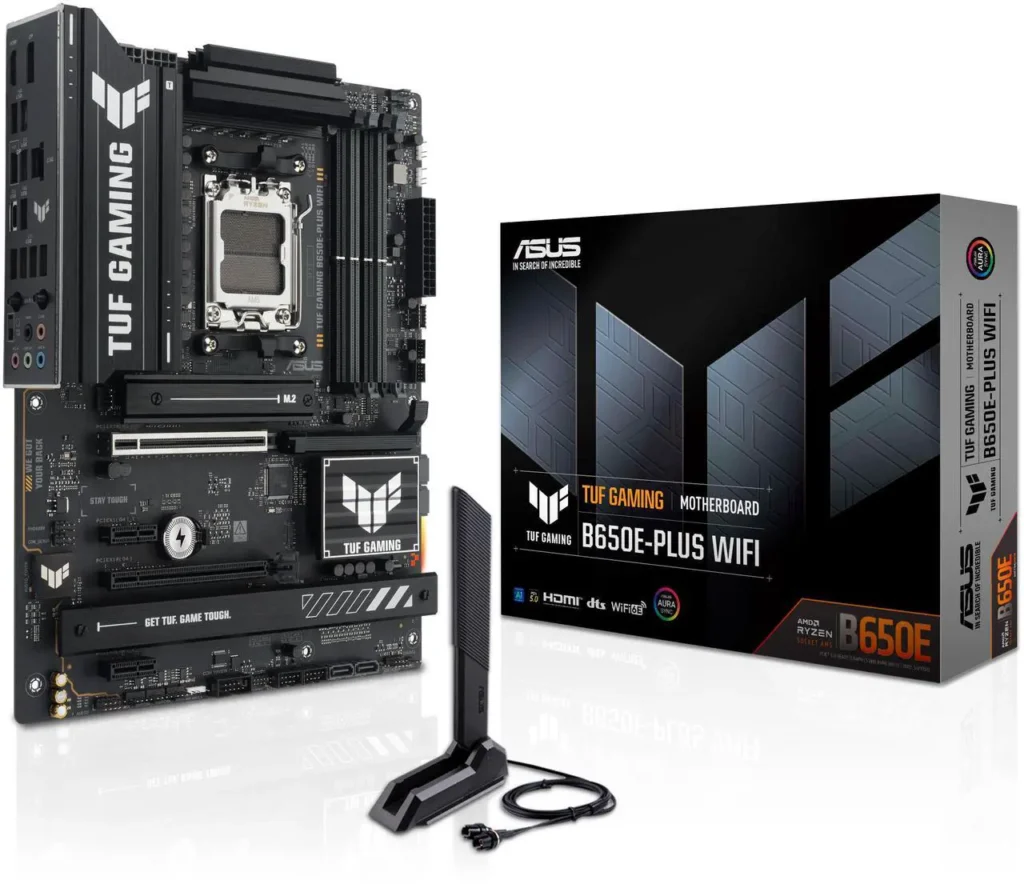
The B650 platform is mature, well-stocked, and excellent value in 2026 as B850 has taken over the mid-range and pushed B650 prices down. The ASUS TUF B650-Plus WiFi is the community favourite at this tier , solid 16+2+1 VRM that handles any Ryzen 7000 or 9000 CPU without complaint, four M.2 slots, WiFi 6E, and ASUS’s reliable BIOS. It won’t do USB4 and the secondary PCIe slots are PCIe 3.0, but for a gaming build with a single GPU those limitations don’t matter.
If you’re building around a 9800X3D and a mid-range GPU, this board is the right call. Put the money you save toward the GPU.
Mid-range AM5 $160-$250: MSI MAG X870 Tomahawk WiFi (~$229)
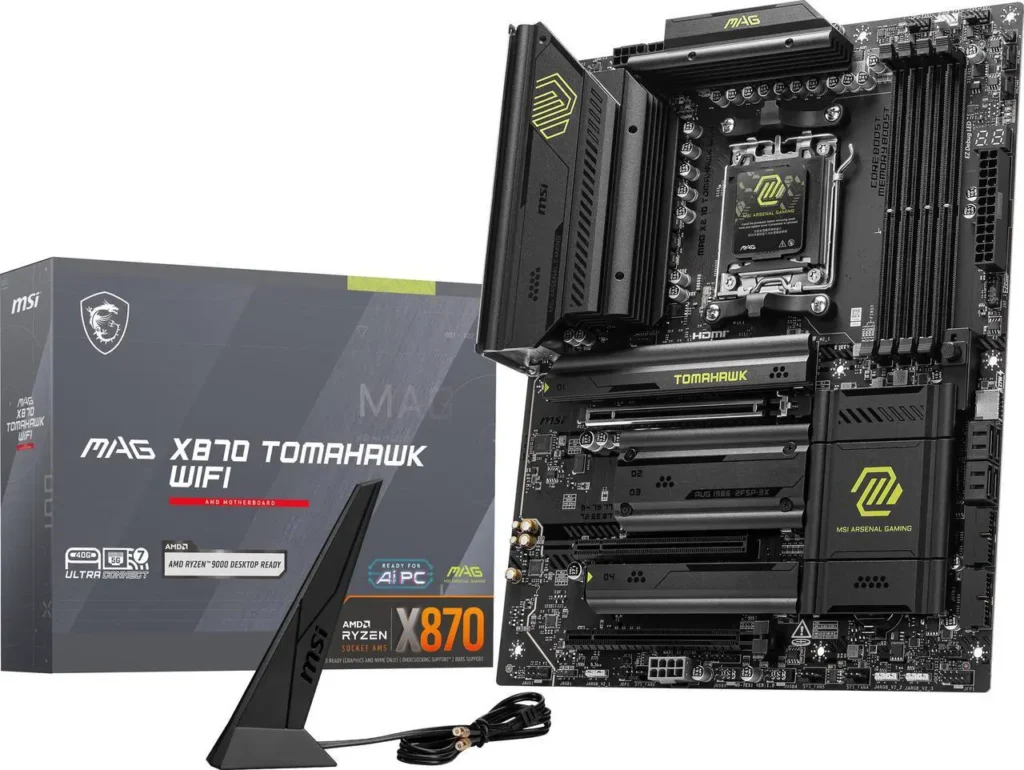
The X870 Tomahawk has been a consistent recommendation for years across multiple generations of the Tomahawk line, and for good reason. USB4 standard on X870, WiFi 7, four M.2 slots, a 16+2+1 VRM that handles the 9950X3D without breaking a sweat, and 5GbE LAN. It’s the board that covers every feature most builders will actually use at a price that doesn’t require justification.MSI MAG X870 Tomahawk WiFi
If you want USB4 for fast external storage or Thunderbolt peripherals and don’t want to pay flagship prices, the X870 Tomahawk is the answer.
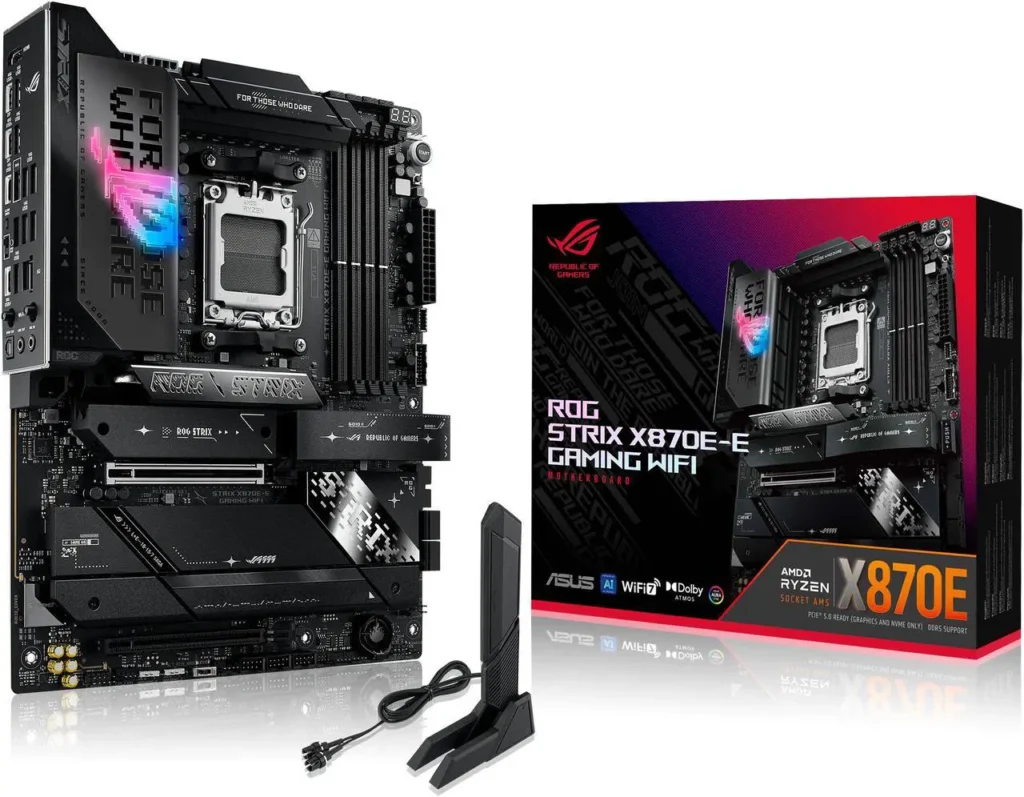
Enthusiast AM5 $300+: ASUS ROG Strix X870E-E (~$375)
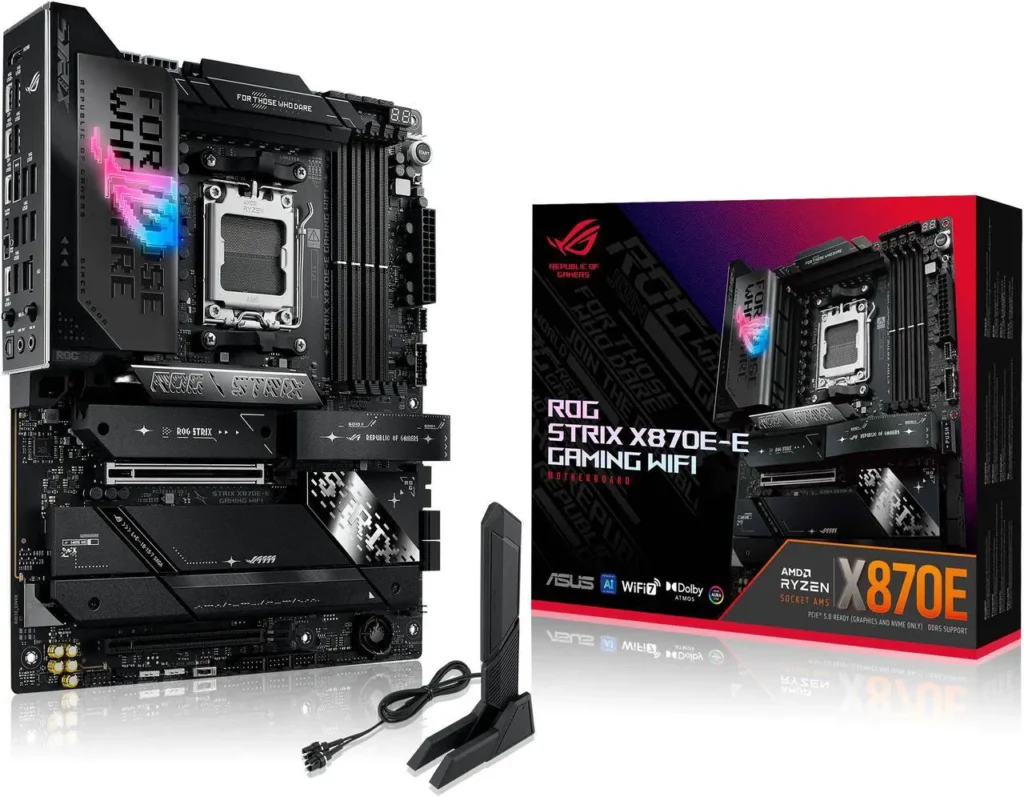
X870E adds dual USB4 at 40Gbps, full PCIe 5.0 across both GPU and primary M.2 slots, and a 20+2 VRM that doesn’t flinch at anything AMD currently makes. If you’re building around the 9950X3D and plan to push it, or you need maximum I/O for a content creation workstation that also games, this is the board. Most gaming-only builds don’t need it. A 9800X3D on this board games identically to a 9800X3D on the Tomahawk.ASUS ROG Strix X870E-E
Intel LGA1851: The Right Board at Each Budget
Budget Intel under $200: ASUS TUF Gaming B860-Plus WiFi (~$195)
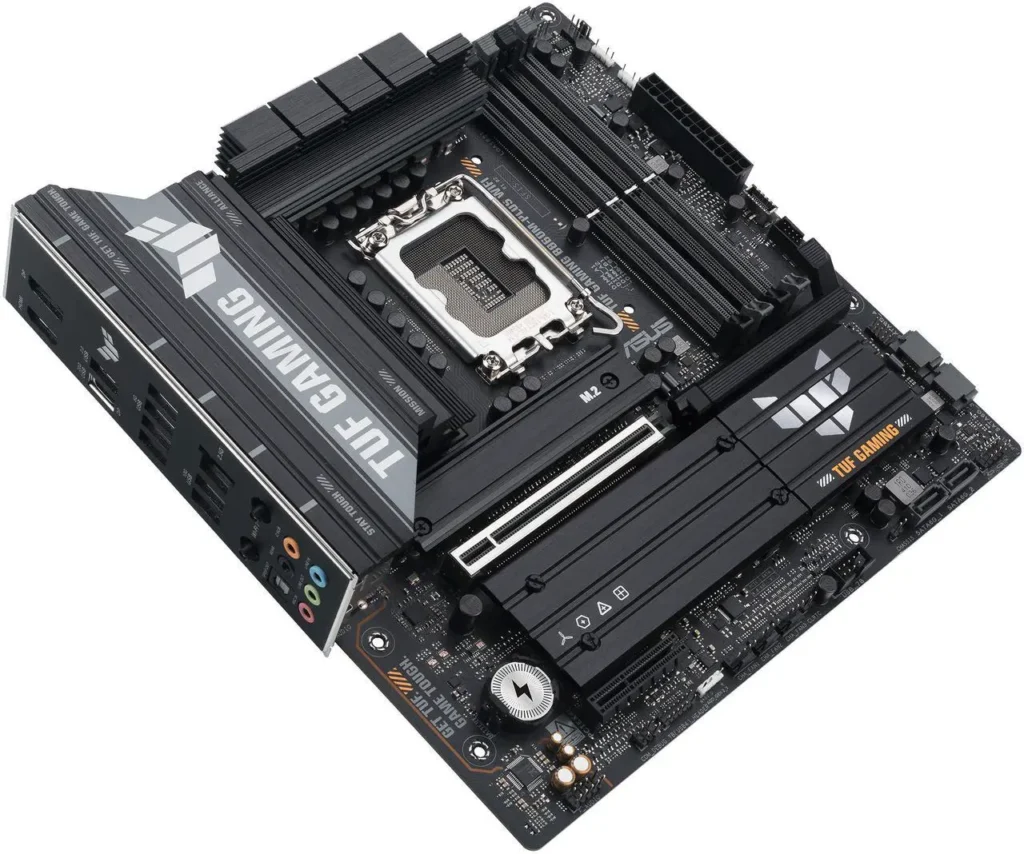
B860 is the right chipset if you’re running a non-K Intel CPU , Core Ultra 5 245, Core Ultra 7 265, Core Ultra 9 285. You can’t overclock the CPU multiplier on B860, but non-K chips are locked anyway. You get WiFi 7, three M.2 slots with one PCIe 5.0, and solid VRM quality from ASUS’s TUF line. For a gaming build with an Arrow Lake Refresh chip and no overclocking ambitions, this board covers everything you need.ASUS TUF Gaming B860-Plus WiFi
Mid-range Intel $220-$280: MSI MAG Z890 Tomahawk WiFi (~$258)

If you’re buying a K-series Intel CPU , Core Ultra 7 270K Plus, Core Ultra 9 290K Plus , you need Z890 for CPU overclocking. The Z890 Tomahawk is the B860 Tomahawk’s sibling and lands in the same reliable category: WiFi 7, 5GbE LAN, three M.2 slots, strong VRM, clean BIOS. It’s the Z890 board most builders should buy unless they have a specific reason to go higher.MSI MAG Z890 Tomahawk WiFi
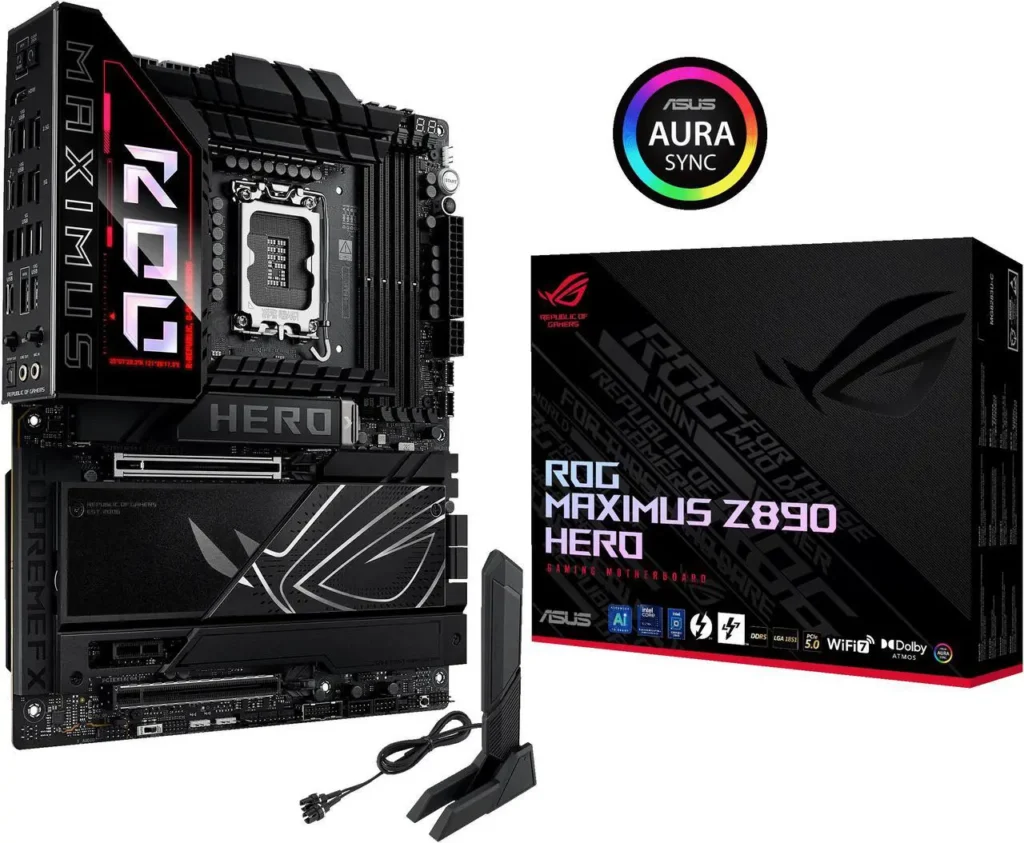
Enthusiast Intel $400+: ASUS ROG Maximus Z890 Hero (~$433)
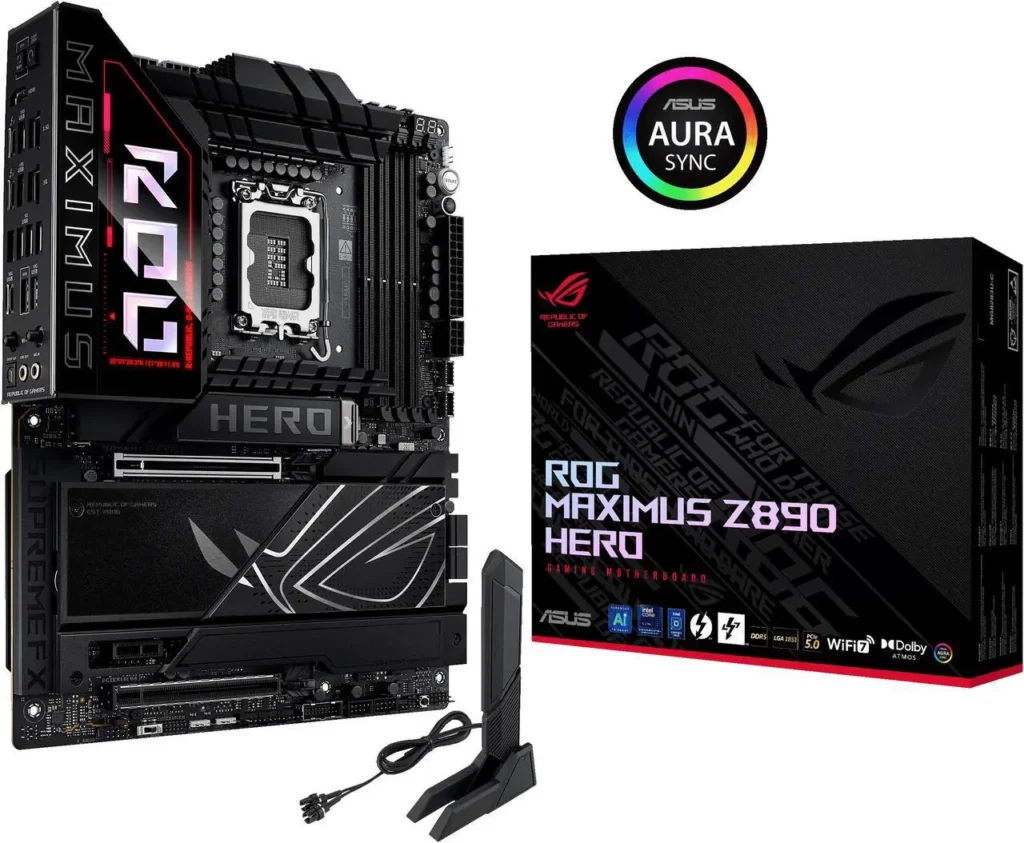
The Z890 Hero exists for people who want every dial turned up , extreme overclocking headroom, three PCIe 5.0 M.2 slots, Thunderbolt 4, and a 22+2 VRM that won’t budge under sustained all-core workloads. It’s a lot of money. Most gaming builds don’t justify it. If you’re building a no-compromise workstation that also runs games, or you genuinely plan to push a K-series CPU to its limits, this is where you land.ASUS ROG Maximus Z890 Hero
What to Ignore
You don’t need to spend more on a motherboard because it has more RGB. You don’t need X870E because it sounds premium. You don’t need PCIe 5.0 GPU bandwidth today , no GPU currently uses it meaningfully. And you don’t need a $400 board to run an X3D gaming chip. X3D chips are gaming CPUs, not overclocking CPUs , they benefit from good memory stability and a clean power delivery system, both of which B650 and B850 boards provide without issue.
Spend the money on the CPU and GPU. Let the motherboard do its job quietly.