
SpecClear earns a commission if you buy through Newegg links on this page, at no extra cost to you.
Most people buying an AM5 motherboard in 2026 are paying for features they’ll never use. The chipset naming B650, B850, X870, X870E sounds like a performance ladder where more expensive automatically means faster gaming. It doesn’t. Your GPU runs at full speed on a $150 B650 and on a $400 X870E. The chipset doesn’t touch frame rates.
What the chipset does determine is connectivity, power delivery quality, and how much headroom you have when you drop in a higher-end CPU later. Getting this right matters. Getting it wrong means either overspending or building on a platform that throttles your Ryzen 9 under sustained load.
Here’s what actually separates the tiers.
The AM5 platform is worth committing to
Before the chipset breakdown: AM5 is the right socket in 2026. AMD has confirmed support through 2027 at minimum, with strong signals pointing further. That means the motherboard you buy today should carry at least two CPU generations without a platform change. Intel’s LGA 1851 platform used by Arrow Lake Refresh is effectively a dead end with no confirmed successors. If you’re building new, AM5 is the long-term play.
AM5 is DDR5-only. There’s no DDR4 compatibility on any AM5 board. Budget that DDR5 kit into your build before you start.
What each chipset tier actually means
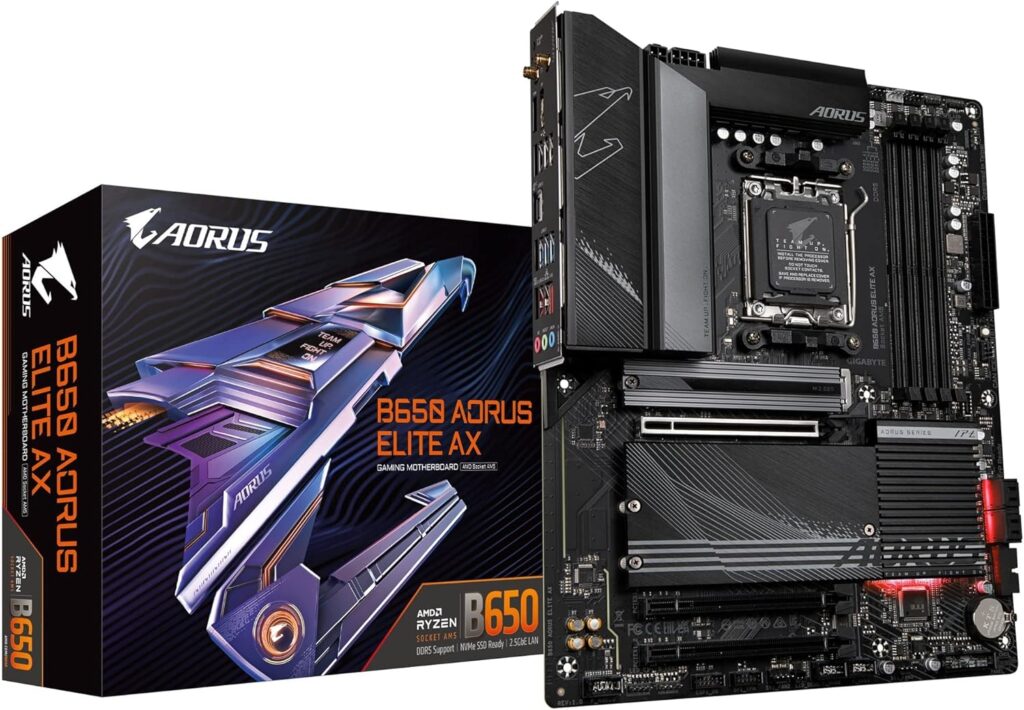
B650 is the entry point and it’s genuinely good for gaming. PCIe 5.0 on the primary GPU slot on most implementations, PCIe 4.0 M.2 slots, USB 3.2 Gen 2 as standard. No USB4. VRM quality varies between board partners more at this tier than anywhere else the right B650 board is excellent, the wrong one throttles your Ryzen 7 under load. One important note: Tom’s Hardware confirmed B650 has been discontinued at the chipset level. Stock exists and will for a while, but availability will thin over time. If you’re buying now, it’s still fine. In six months, the value proposition shifts toward B850. A solid example at this tier is the Gigabyte B650 AORUS Elite AX.
B850 is the natural B650 successor same accessible pricing trajectory, better connectivity including USB4 on most models, Wi-Fi 7 as standard, and stricter VRM requirements baked into the spec. The Gigabyte B850 AORUS Elite WiFi7 around $220 is the current sweet spot recommendation from most reviewers for mainstream Ryzen 9000 builds.
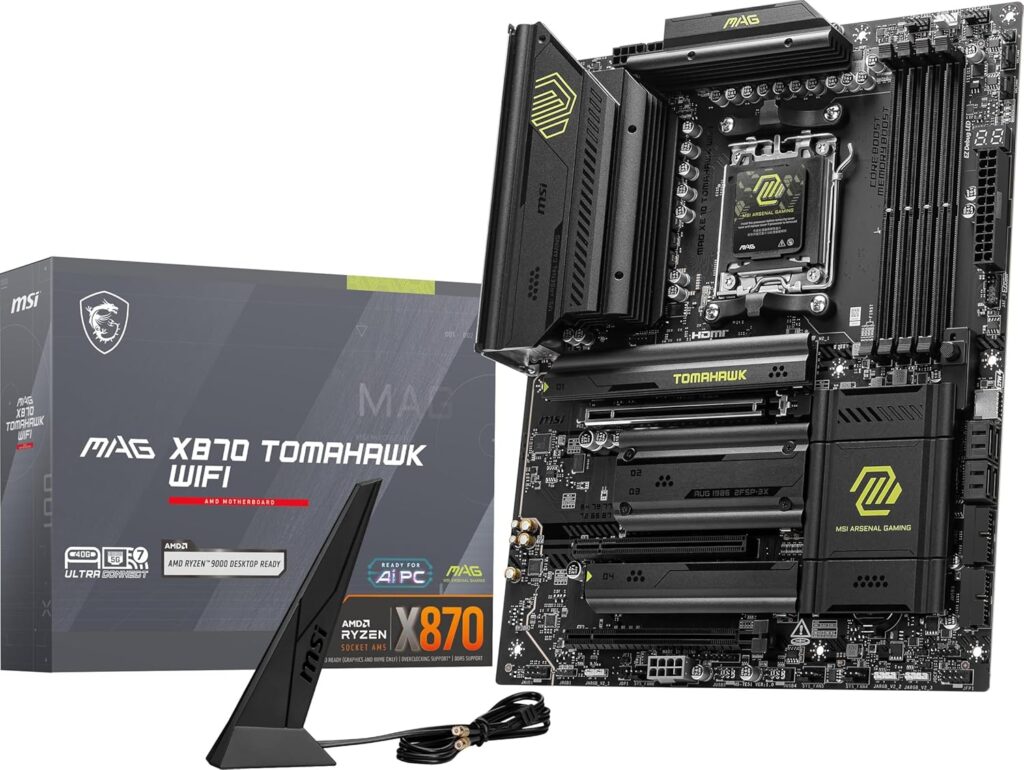
X870 adds a second chipset die, more PCIe 5.0 lanes, USB4 as a platform requirement, and generally better power delivery. It’s the tier where the MSI MAG X870 Tomahawk WiFi lives, widely considered the best value AM5 board right now at around $230–$250. Four M.2 slots, 5GbE LAN, Wi-Fi 7, and a 16+2+1 VRM that handles any current Ryzen 9000 CPU including the 9950X without complaint. You can check current pricing on the MSI MAG X870 Tomahawk WiFi.
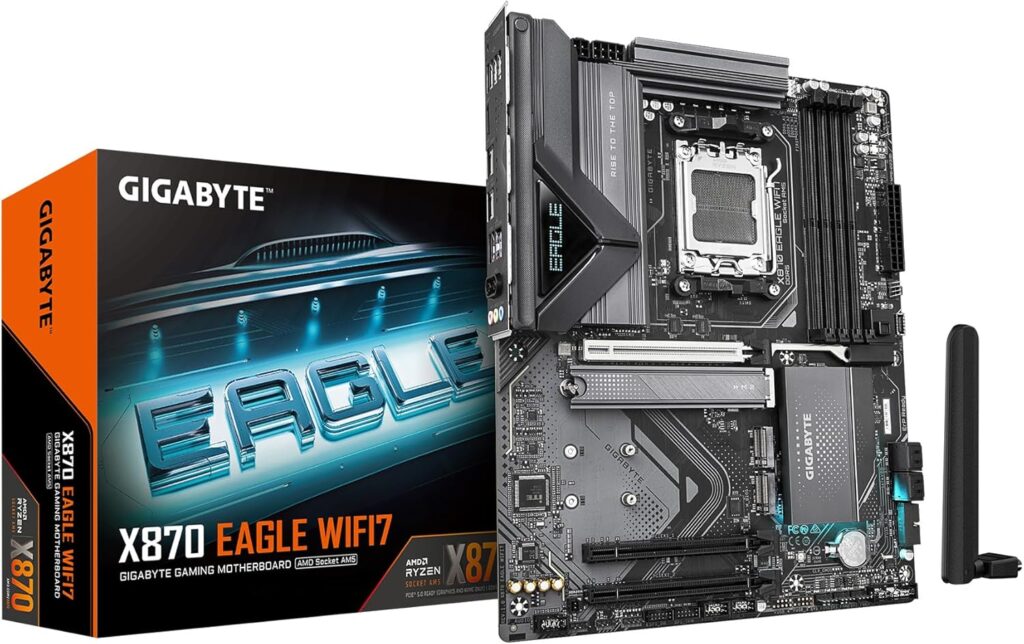
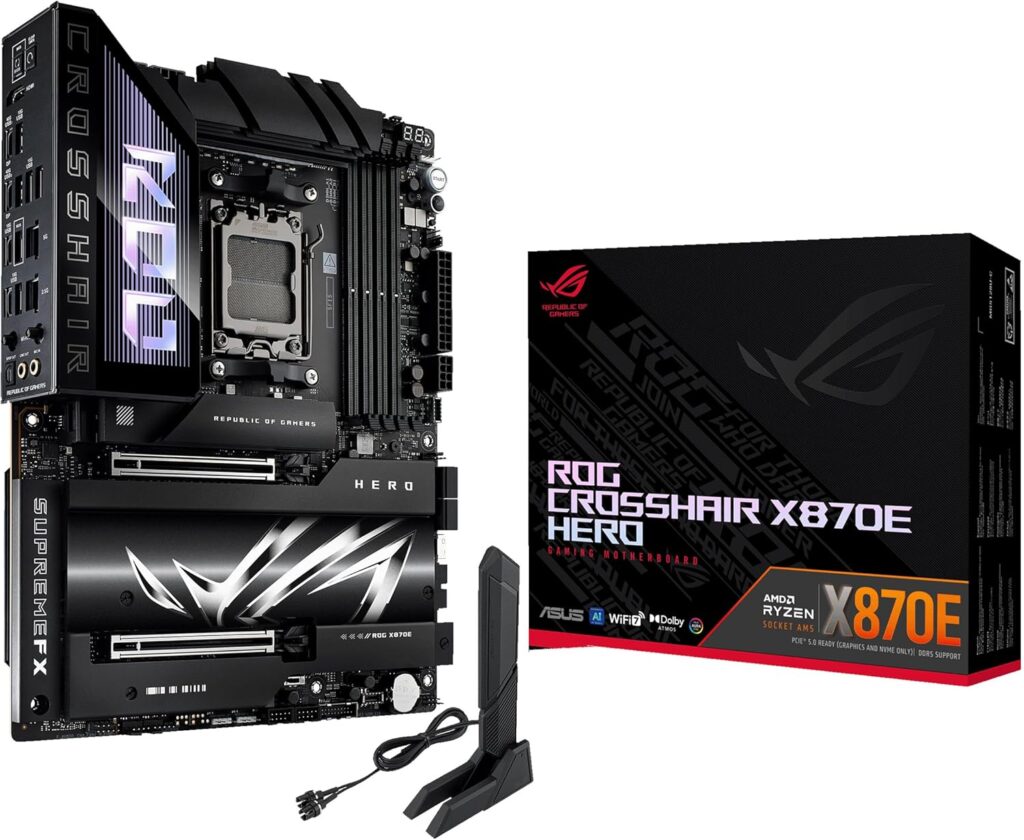
X870E is the enthusiast tier, dual USB4 40Gbps ports, five M.2 slots all PCIe 5.0, flagship VRM configurations. The ASUS ROG Crosshair X870E Hero is the benchmark here genuinely excellent, and genuinely overkill for most gaming builds unless you’re pairing with a Ryzen 9 9950X and running sustained workloads. If you don’t need X870E, the cheaper GIGABYTE X870 EAGLE WIFI7 is a sensible X870 alternative.
The honest answer for most gaming builds
If you’re pairing with a Ryzen 5 9600X or Ryzen 7 9700X: a B650 or B850 board in the $150–$220 range is correct. The Gigabyte B650 AORUS Elite AX at around $150 handles these chips without breaking a sweat: PCIe 5.0 GPU slot, three M.2 slots, Wi-Fi 6E, solid 16+2+2 VRM. It’s everything you need and nothing you don’t.
If you’re building around a Ryzen 7 9800X3D or 9850X3D: the MSI MAG X870 Tomahawk WiFi at around $250 is the answer. The 9800X3D is a gaming-focused chip that doesn’t demand extreme VRM overhead, but X870’s connectivity package USB4, Wi-Fi 7, 5GbE future-proofs the platform properly. The Tomahawk’s BIOS is mature, well-regarded, and easy to navigate for EXPO memory setup.
If you’re running a Ryzen 9 9950X or 9950X3D under sustained creative or productivity load: the X870E is justified. The ROG Crosshair X870E Hero’s 20+2 power stage design keeps voltages stable when all 16 cores are under load for extended periods. For pure gaming on the same chip, the X870 Tomahawk is still sufficient.
VRM matters more than most specs charts show
The number printed on the spec sheet “16+2+1 phases” only tells part of the story. The amperage rating per phase matters just as much. A 16-phase board with 60A stages delivers less clean power than a 12-phase board with 110A stages under sustained load.
For gaming, where CPU load spikes and drops constantly, this matters less than in creative workloads. But if you’re pairing with a Ryzen 9 chip and running Blender or video encoding alongside gaming, check the per-stage amperage before buying a budget board and assuming it’ll cope.
BIOS matters more than most people expect
ASUS’s UEFI is the most accessible and feature-complete interface across all price tiers. If you’ve never dug into BIOS settings before, the ASUS TUF or ROG interface is significantly easier to navigate particularly for enabling EXPO profiles on your DDR5 kit, which is the single most impactful free performance tweak you can make on any AM5 build.
MSI’s Click BIOS 5 on the Tomahawk is also excellent. Gigabyte’s BIOS is functional but less polished. ASRock sits somewhere in between.
The boards worth buying
For budget Ryzen 5/7 builds — Gigabyte B650 AORUS Elite AX (~$180). Three M.2, PCIe 5.0 GPU slot, Wi-Fi 6E, solid VRM. Clean value.
For mainstream Ryzen 7/9 gaming builds — MSI MAG X870 Tomahawk WiFi (~$229). The default recommendation from most reviewers for good reason. USB4, Wi-Fi 7, 5GbE, four M.2 slots, mature BIOS.
For the cleanest mid-range build overall — ASUS TUF Gaming X870-Plus WiFi (~$188–$225). X870 chipset features at B650 pricing, Wi-Fi 7, USB4, strong 16+2+1 VRM, five-year warranty, ASUS BIOS. Strong value at this tier.
For high-end builds with a Ryzen 9 under sustained load — ASUS ROG Crosshair X870E Hero (~$564). Not for most gaming builds. For the ones that need it, it’s the right answer.
Don’t buy X870E for a pure gaming build. A $380 motherboard doesn’t game any faster than a $250 one. Spend the difference on the GPU tier above.