
SpecClear earns a commission if you buy through Newegg links on this page, at no extra cost to you.
best gaming monitor 2026: Your monitor is the one component every single frame passes through. A GPU upgrade that costs $400 will raise your average framerate. A monitor upgrade at the same price will change how every game looks and feels from the moment you plug it in. Most PC builders spend months agonising over GPU choices and buy the first 1080p 60Hz panel that fits the budget. That’s the wrong priority order.
This guide isn’t a specs dump. It’s about matching the right monitor to what’s actually in your PC because a 480Hz OLED panel paired with a GPU that renders 80 FPS in demanding titles is a waste of money, and a 60Hz 1080p panel paired with an RX 9070 XT is leaving most of what you paid for on the table.
Resolution first this determines everything else
The resolution you choose dictates how hard your GPU works and what refresh rate is even achievable. Get this decision right before looking at a single panel spec.
1080p still makes sense for two groups of people: competitive esports players who want the highest possible frame rates in CS2, Valorant, or Marvel Rivals, and builders on tight budgets where a mid-range GPU like the RTX 5060 or Arc B580 is doing the work. At 1080p, those cards push well past 200 FPS in esports titles. Pair them with a 24–25 inch 144–240Hz IPS panel and you’ve got a setup that genuinely shines for what it’s doing.
1440p is the default recommendation for the majority of PC gamers in 2026, it looks dramatically sharper than 1080p on a 27-inch screen without demanding anywhere near the GPU power of 4K. Cards like the RTX 5060 Ti, RX 9060 XT, RX 9070, and RX 9070 XT all hit their stride at this resolution. A mid-range GPU can sustain 100–165 FPS at 1440p high settings in most titles, which is exactly the refresh rate range a 144–180Hz monitor is built for. If you’re in this GPU tier, a 27-inch 1440p panel is the right answer.
4K only makes sense if you have an RTX 5080 or RX 9070 XT at minimum, and even then you’ll be relying on DLSS 4 or FSR 4 to hit comfortable frame rates in demanding titles. At 4K you’re also typically gaming at 60–120 FPS in heavy games, so a 144Hz panel is the practical ceiling 240Hz at 4K is technically available but requires a GPU that most people don’t own.
Panel types what the marketing doesn’t explain clearly
IPS is the reliable workhorse. Good colour accuracy, wide viewing angles, 1ms response times on current Fast IPS panels, and prices that don’t require a second mortgage. The main weakness is contrast IPS blacks look grey next to OLED. For most gamers, this doesn’t matter during gameplay.
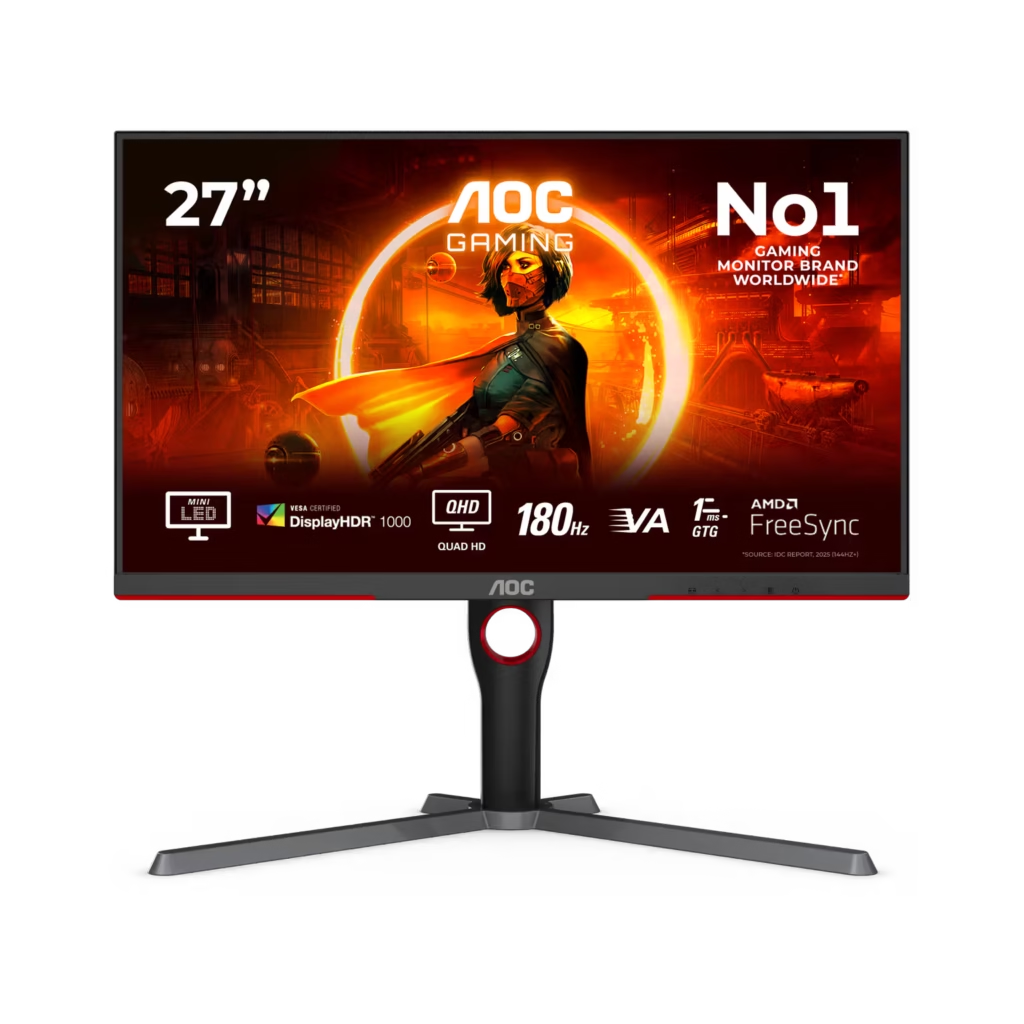
VA panels offer much deeper blacks and higher contrast than IPS. The historical problem slow pixel transitions causing dark smearing in fast scenes has improved significantly. VA shows up most often on curved displays and models where HDR contrast is the selling point. The AOC Q27G3XMN uses a VA panel with a 336-zone mini-LED backlight, and it’s one of the better value propositions at 1440p for buyers who care about HDR.
OLED is the headline act this year, per-pixel lighting means true blacks, infinite contrast, and 0.03ms response times that IPS can’t touch. Once you’ve gamed on OLED, everything else looks washed out in dark scenes. The burn-in concern is largely overstated for mixed gaming and desktop use modern panels ship with 3-year burn-in warranties and protection routines make it a non-issue for normal use. The price premium is real though. Entry-level 1440p OLEDs now start around $300 to $400 on Newegg.
Refresh rate match it to your actual FPS
A 240Hz monitor displaying 90 FPS is still displaying 90 FPS. The extra headroom is decoration until your GPU produces the frames to fill it.
The jump from 60Hz to 144Hz is enormous it changes how everything feels. 144 to 240Hz is noticeable, particularly in fast competitive titles. Beyond 240Hz you’re firmly in esports territory where fractions of a millisecond matter, and you need both the GPU and the game to support it.
If you have an RTX 5060 Ti or RX 9060 XT: a 180Hz 1440p IPS panel is the right pairing, you’ll hit 130–160 FPS in less demanding titles and 80–110 FPS in heavy AAA games. A 180Hz panel captures most of that range comfortably without wasting money on 240Hz headroom you won’t consistently fill in demanding games.
If you have an RX 9070 or RX 9070 XT: a 180–240Hz 1440p panel is the correct range these cards push 120–160+ FPS in most titles at 1440p high settings and can use the extra headroom. A 240Hz IPS or a 280Hz OLED starts making sense at this GPU tier.
Specific recommendations by budget
Around $284 — ASUS ROG Strix XG27ACS
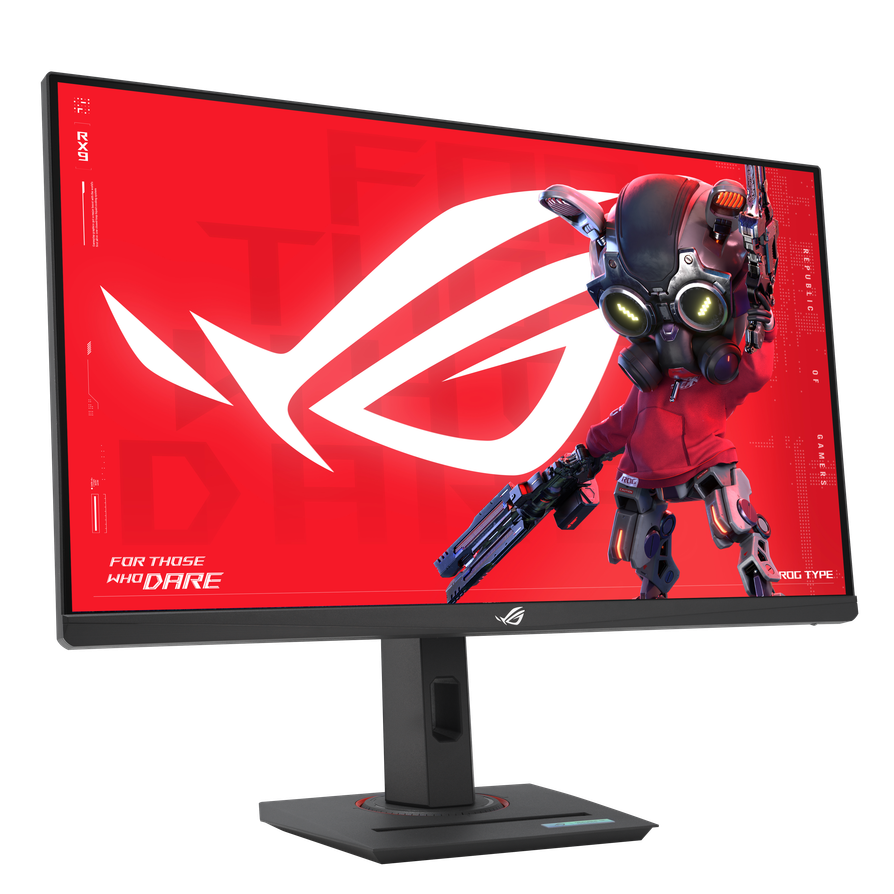
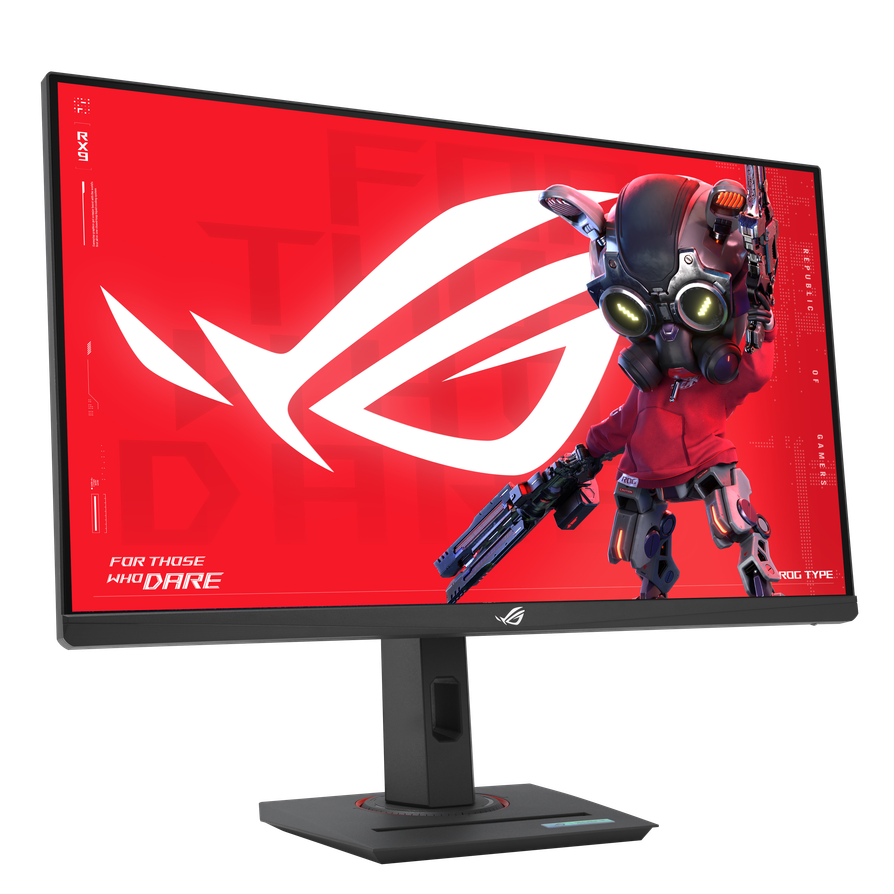
A 27-inch 1440p 180Hz Fast IPS panel with 1ms response, G-Sync Compatible, FreeSync Premium Pro, and USB-C video input. No meaningful weaknesses at the price. Colours are accurate out of the box, motion is clean, and 180Hz is more than enough for any mid-range GPU in 2026. The panel lacks real local dimming so HDR is cosmetic rather than functional if HDR matters to you, look at the AOC instead. About $284 on Newegg from a marketplace seller right now. On Newegg it is listed as the ASUS ROG Strix XG27ACS.
Around $364 — AOC Q27G3XMN
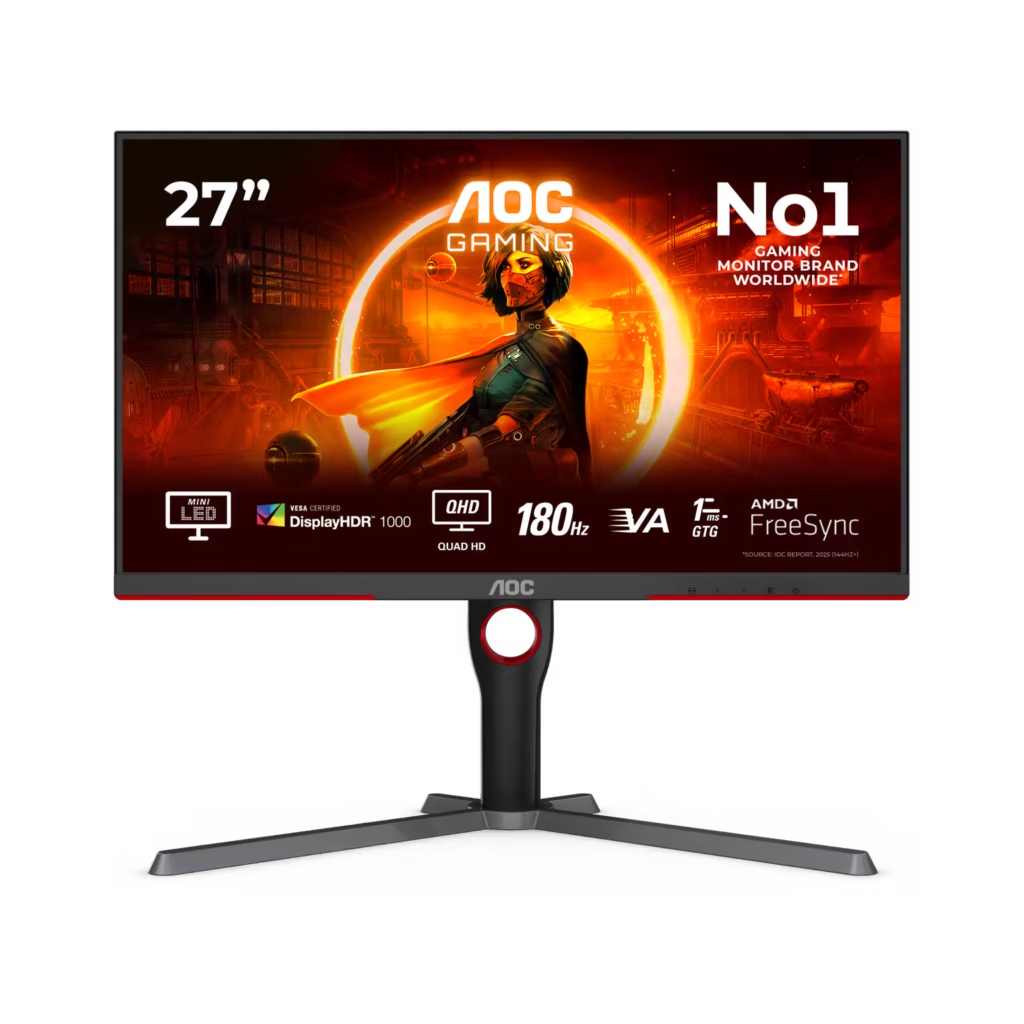
27-inch 1440p 180Hz VA panel with a 336-zone mini-LED backlight that delivers genuine HDR 1000 performance. Real local dimming at this price is rare. The VA panel means contrast ratios that IPS can’t match dark atmospheric games look substantially different. The trade-off is slower pixel transitions than Fast IPS, which shows in very fast motion. If you play a lot of dark games and HDR matters, this is the better pick over the ASUS. If you play competitive titles and motion clarity is the priority, the ASUS wins. Check the AOC Q27G3XMN for current pricing.
Around $400-$700 — MSI MPG 271QRX QD-OLED
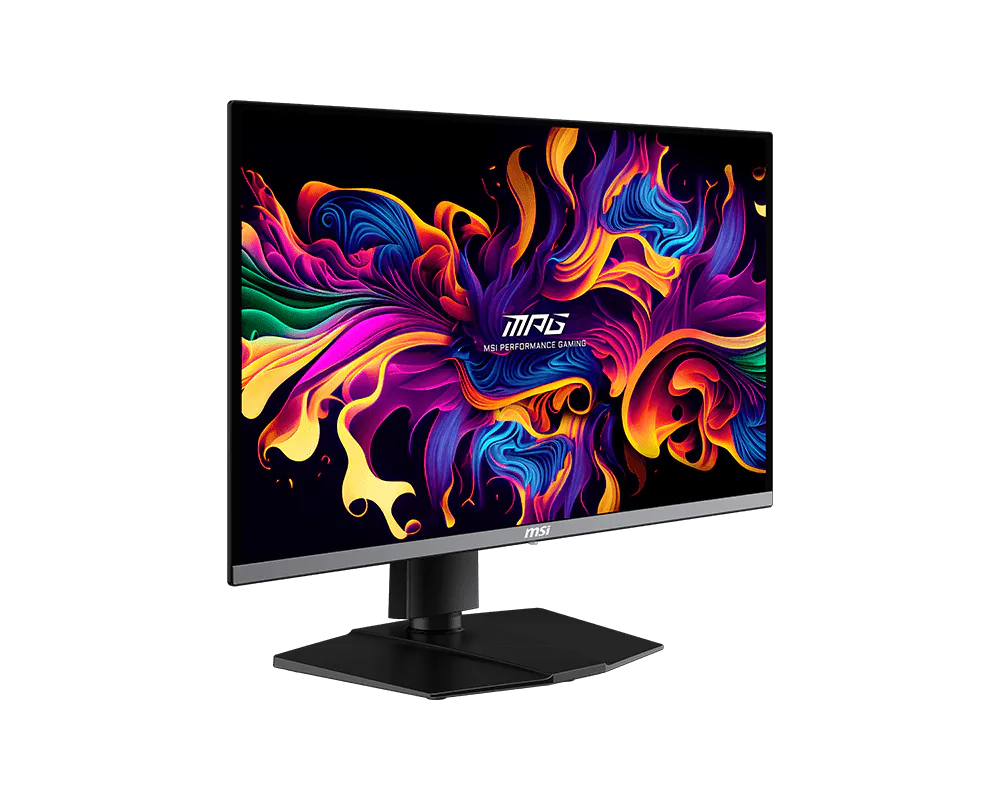
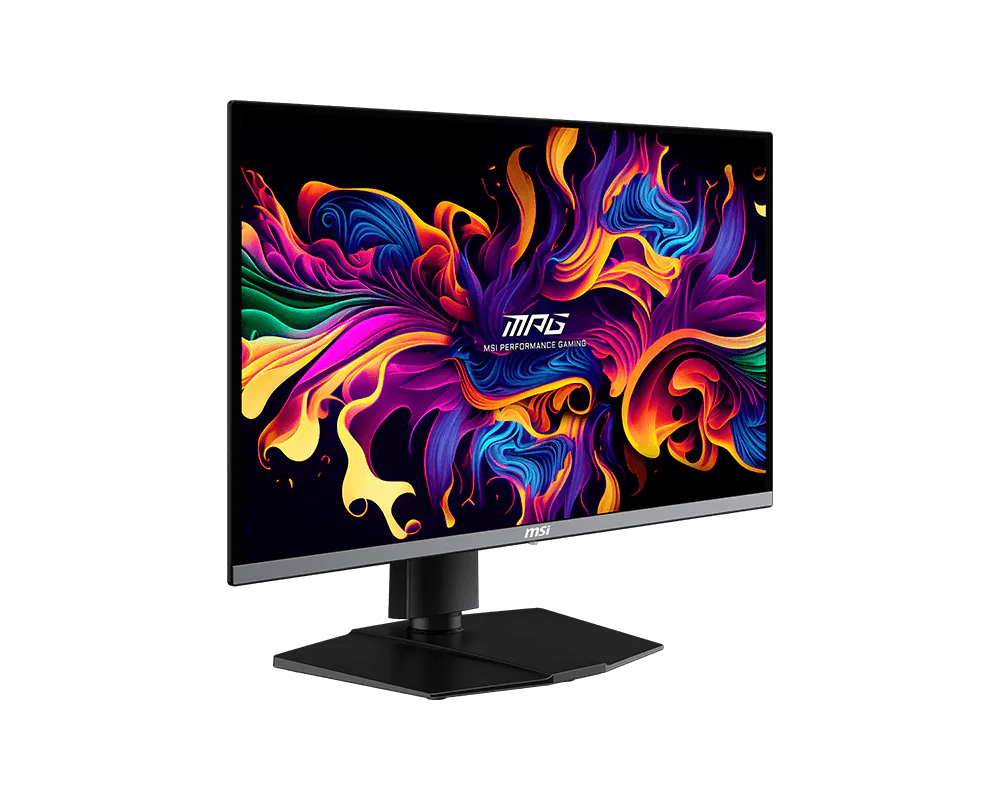
27-inch 1440p 360Hz QD-OLED. The jump from IPS to OLED at this price is genuinely transformative. Infinite contrast, spectacular colour, 0.03ms response, and 3-year burn-in warranty. If you have an RX 9070 XT or RTX 5070 and up, this panel shows you what your GPU is actually capable of. Most reviewers point to this or the Gigabyte MO27Q28G as the 1440p OLED to own in 2026. The model to look for is the MSI MPG 271QRX QD-OLED, about $630 on Newegg.
The one thing most people get wrong
Buying a 240Hz or 360Hz panel for a GPU that can’t consistently produce those frame rates. Check what your card actually delivers at 1440p in the games you play before deciding on refresh rate. An RTX 5060 Ti averaging 95 FPS in Cyberpunk 2077 at 1440p ultra doesn’t need 360Hz it needs 180Hz, good adaptive sync, and perhaps a quality settings tweak.
The monitor stays in your setup through two or three GPU generations. It’s worth spending properly on it once.