
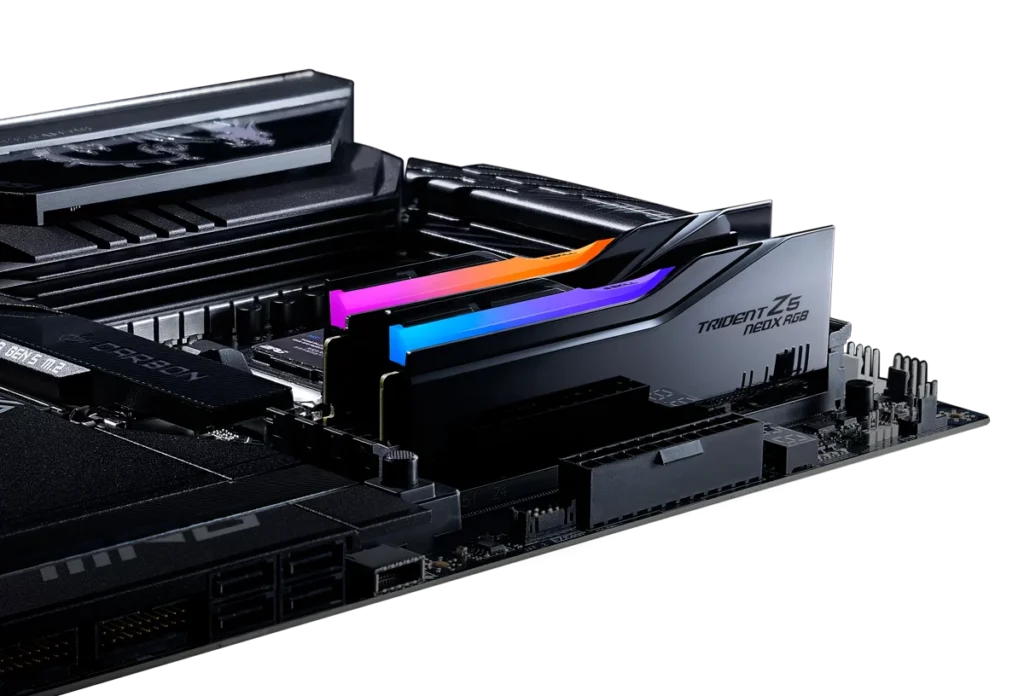
best ddr5 ram gaming 2026 this is the main topic everybody is talking about. A 32GB DDR5-6000 CL30 kit that cost $85 in mid-2024 costs $300–$600 today. That’s the first thing you need to know before buying RAM in 2026. The correct speed hasn’t changed. The price you’ll pay for it has.
This guide covers what speed to buy, how much you need, and which specific kits represent real value right now including why the speed ceiling on AMD Ryzen builds is lower than most marketing suggests, and why you should ignore most DDR5 kits above DDR5-6400.
Why DDR5 prices are up 300% from their 2024 low
Samsung, SK Hynix, and Micron the three companies that produce virtually all the world’s DRAM diverted significant manufacturing capacity toward High Bandwidth Memory chips for AI accelerators in 2025. HBM is more profitable per wafer than consumer DDR5. The result is reduced supply against steady demand, and prices that haven’t come down anywhere near as fast as the initial surge.
Analysts project some relief in late 2026 as new capacity comes online, but “some relief” is not “back to $85.” If you need RAM now, buy at current prices. If your build can genuinely wait 4–6 months, monitoring prices is a reasonable call.
DDR5-6000 is still the right speed for AMD Ryzen
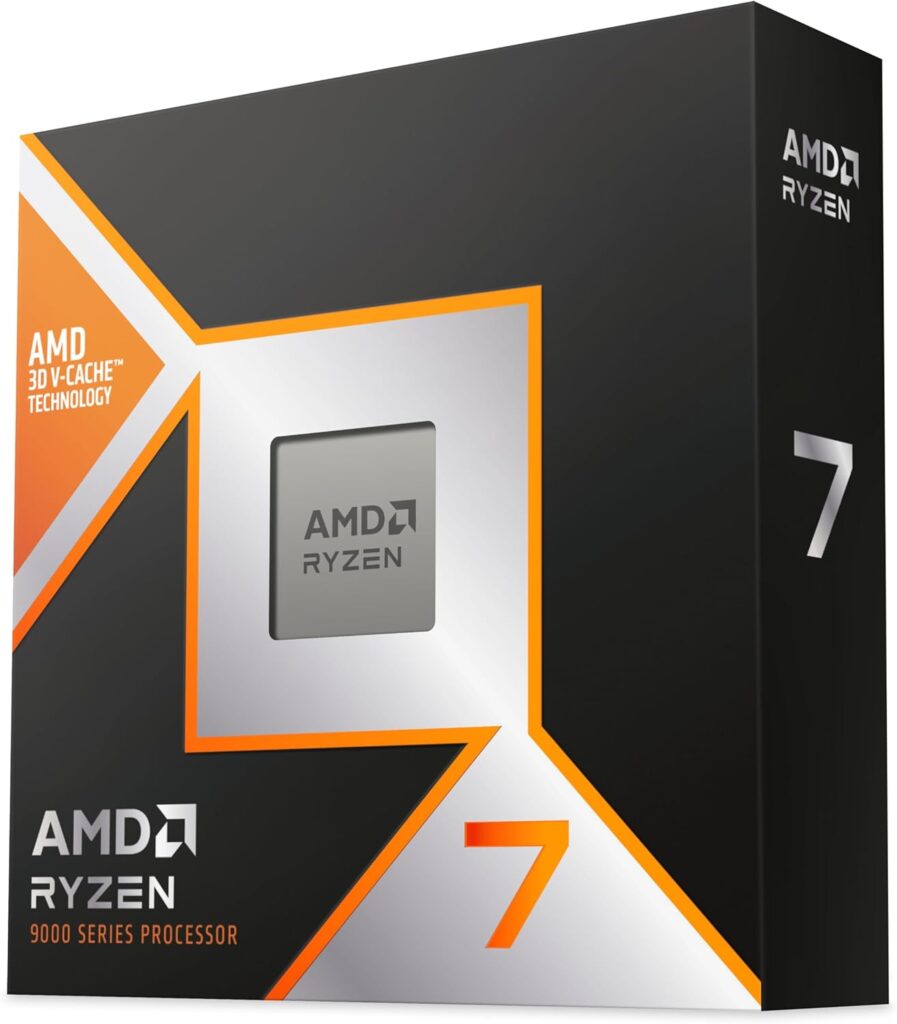
Nothing has changed here despite the market chaos. The Ryzen 7000 and 9000 series memory controller has a sweet spot at DDR5-6000. At this speed the memory runs in a 1:1 synchronous ratio with the CPU’s Infinity Fabric the interconnect that links CPU cores to cache and system memory. Getting that ratio right is a free performance gain. Missing it costs you frame times in CPU-sensitive titles.
DDR5-6400 works well too, particularly on Intel platforms where the memory controller scales more gracefully with speed. Beyond DDR5-6400, the gaming returns shrink to benchmark noise. The jump from DDR5-6000 to DDR5-8000 on a Ryzen 9 9800X3D delivers maybe 2–3 FPS in the most CPU-sensitive titles. The 9800X3D’s 96MB 3D V-Cache masks memory latency so effectively that the card barely cares about RAM speed at all. Save the premium tier pricing for something you’ll actually feel.
CL30 vs CL38 — does latency matter?
Yes, but less than the spec sheet makes it look. CL30 at DDR5-6000 is meaningfully tighter than CL38 at DDR5-6000. In CPU-bottlenecked scenarios 1080p competitive gaming, strategy titles, simulation games tighter timings show up in 1% low frame times. In GPU-limited scenarios at 1440p or 4K, the difference is statistically irrelevant.
The real-world gap between CL30 and CL38 at DDR5-6000 is roughly 1–3 FPS average in CPU-sensitive titles. Not zero, but not a reason to spend $100 more unless you’re building specifically for maximum competitive performance.
32GB is the correct capacity. 16GB is becoming marginal.
Current AAA titles at maximum settings push 14–16GB of system RAM in use. Add a browser, Discord, and a streaming overlay and you’ve hit a 16GB system’s ceiling. The stutters aren’t catastrophic but they’re real, and they happen at the worst moments loading screens that drag, texture pop-in on reloads, occasional hitching in open-world traversal.
32GB removes that ceiling completely. No game in 2026 uses more than 24GB even at maximum settings, so 64GB is pure overkill for gaming alone. If you stream at 1440p60 with OBS running simultaneously, 64GB starts making sense the encoding pipeline can push 24–32GB of combined usage in that scenario. Otherwise, 32GB is the answer.
Always buy in a matched dual-channel pair two sticks, not one. Two 16GB sticks running in dual-channel deliver 10–15% more memory bandwidth than a single 32GB stick. Install them in slots A2 and B2, which is the second slot in each channel. Check your motherboard manual the slot labelling varies between brands.
Enable EXPO or XMP. Don’t skip this step.
Your DDR5 kit ships running at its default JEDEC speed usually DDR5-4800 regardless of what speed is printed on the box. The rated speed only activates when you enable the XMP (Intel) or EXPO (AMD) profile in your BIOS. This is a single toggle in the BIOS memory settings. It takes 30 seconds.
Without it, a DDR5-6000 CL30 kit runs at DDR5-4800 and you’ve wasted money on a speed you’re not using. Check it after every new build or RAM installation.
The kits worth buying right now
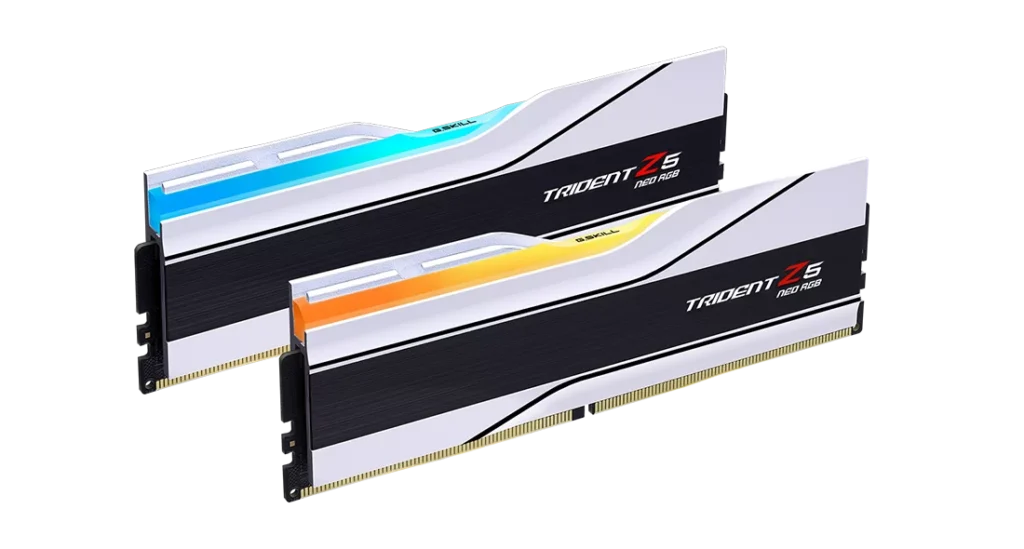
For most AMD Ryzen gaming builds: the G.Skill Trident Z5 Neo DDR5-6000 CL28 32GB
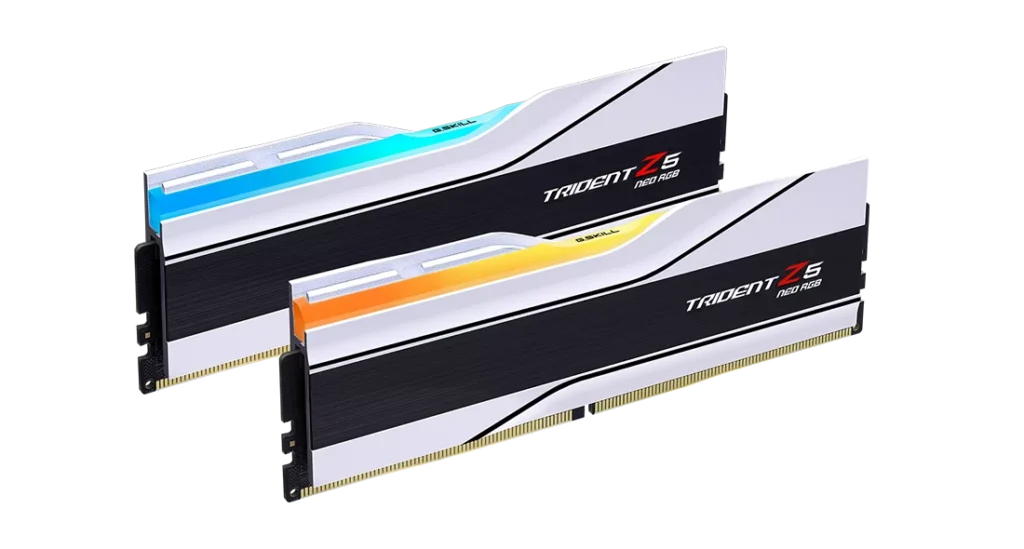
at around $604 on Newegg. EXPO-certified, CL28 timings, XMP 3.0 support for dual-platform compatibility. The Trident Z5 Neo is specifically tuned for AMD’s AM5 platform and appears on most major motherboard QVL lists. It’s the premium pick for builders who want the tightest timings without chasing DDR5-7200+ territory.
For budget-conscious AMD builds: the TeamGroup T-Force Vulcan DDR5-6000 CL38 32GB
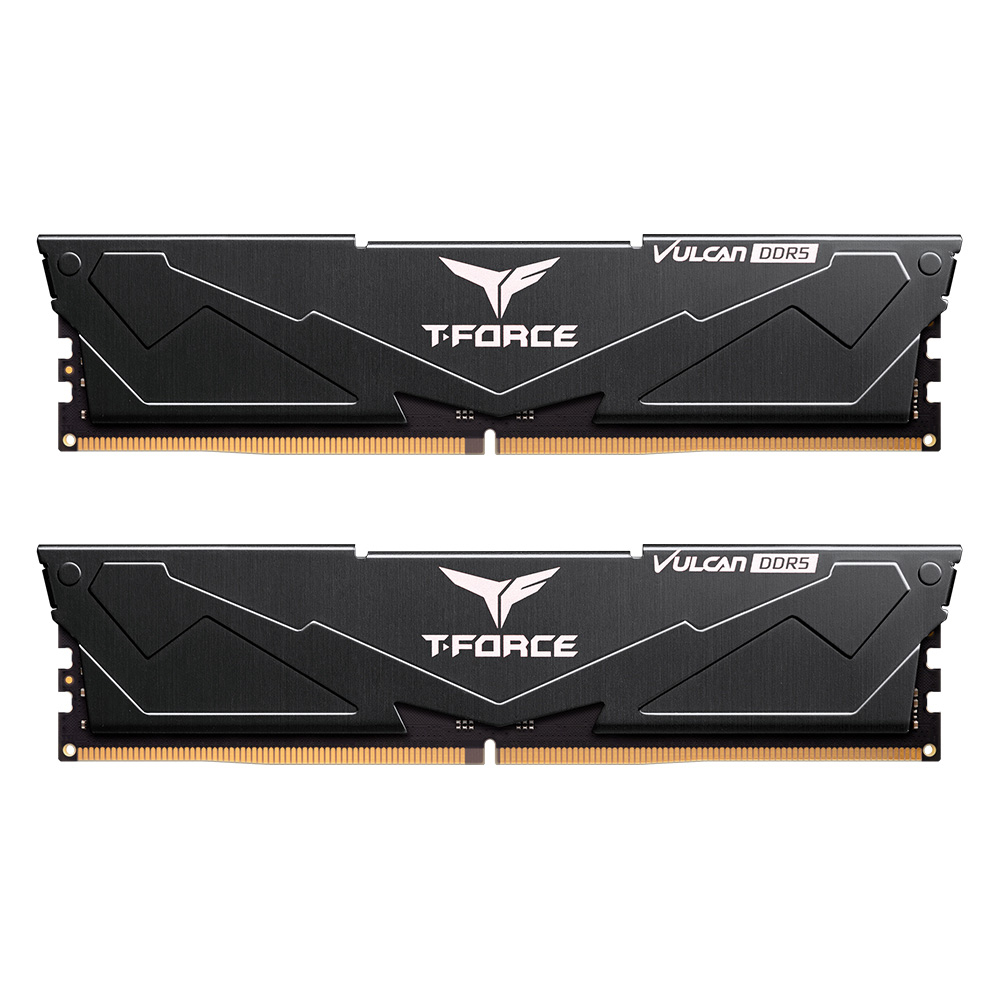
at around $399–$500 on amazon . Hits the DDR5-6000 sweet spot, supports both XMP 3.0 and EXPO, dual-channel kit. CL38 is looser than the G.Skill but the gaming difference is within noise for most titles. This is the correct buy if you’re putting the savings toward a better GPU.
For Intel Core Ultra builds: the G.Skill Trident Z5 RGB DDR5-6000 CL32
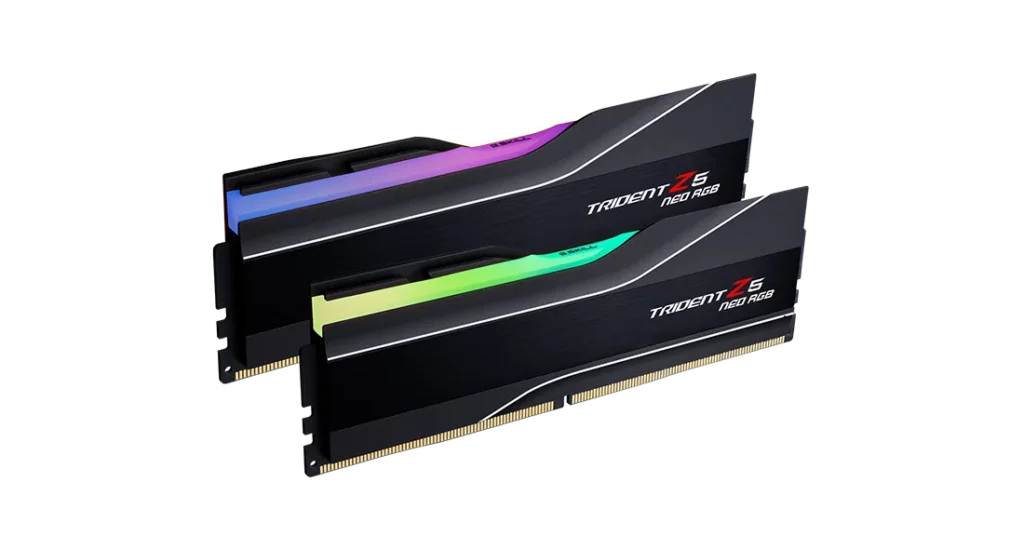
32GB at around $604. Tighter CL32 timings, XMP 3.0 certified. Intel’s memory controller rewards tighter latency more than AMD’s does at this speed range.
One note on bundles: Newegg regularly pairs 32GB DDR5 kits with CPUs or motherboards at significantly reduced effective prices. Before buying RAM standalone, check whether a combo deal brings the effective cost down $150–$200 effective for 32GB DDR5-6000 in a bundle is well below the standalone pricing for the same spec.
The one thing most people get wrong
Buying DDR5-7200 or DDR5-8000 on a Ryzen 9800X3D because the spec sheet looks faster. The 9800X3D‘s 3D V-Cache makes it almost completely insensitive to RAM speed the massive cache pool means the CPU rarely has to reach out to slower system memory at all. DDR5-6000 and DDR5-8000 perform within 1–2 FPS of each other on that chip in real gaming workloads. Stop chasing the number. The GPU, the cooler, and the SSD will give you more back for the same money.