
I Every new high-end motherboard today ships with PCIe 5.0 slots and GPU manufacturers are starting to add labels to their cards saying they are PCIe 5.0 compatible. The spec sheets make it sound like PCIe 4.0 is already obsolete but None of that is true for gaming, and this article will tell you exactly why this is the case.
What PCIe generations actually change
PCIe — Peripheral Component Interconnect Express (in case you were wondering what that stands for) is the interface that connects your GPU, NVMe drives and other expansion cards directly to your CPU. Each generation doubles the bandwidth of the previous one; this means that new generations can provide double the information to the CPU.
A PCIe 4.0 x16 slot delivers 64 GB/s of bandwidth while a PCIe 5.0 x16 slot delivers 128 GB/s. The question is whether any gaming GPU can actually use that bandwidth — and today, none of them come close. but to be fair, this was also the case when PCIe 4.0 was launched. PC Component Compatibility Checker
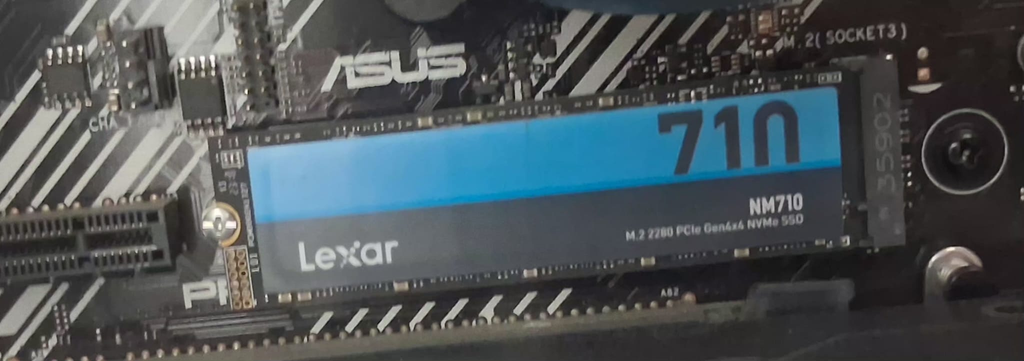
How much bandwidth does a gaming GPU actually use?
The GPU communicates with the CPU to receive draw calls, shader instructions and frame data and in actual gaming workloads, even the most demanding modern titles saturate somewhere between 4 and 8 GB/s of PCIe bandwidth at the most. Testing across dozens of games consistently shows that dropping from PCIe 5.0 x16 to PCIe 4.0 x16 produces no measurable performance difference in any gaming title while even Dropping further to PCIe 4.0 x8 — half the lanes — still produces results within margin of error. Realistically You have to get down to PCIe 3.0 x4 before you start to see any real-world impact, and even there it only shows up in the most CPU-bandwidth-hungry titles.
The bandwidth gap between PCIe 4.0 and PCIe 5.0 is enormous on paper and Gaming alone just simply doesn’t fill it, or even come close to filling it.Best AM5 motherboards for gaming
What about PCIe 5.0 NVMe drives?
This is where PCIe 5.0 does matter — but only in very specific scenarios. PCIe 5.0 NVMe drives like the Samsung 9100 Pro hit sequential read speeds above 14 GB/s, which PCIe 4.0 drives physically cannot match and for gaming, those sequential read speeds show up mainly in level load times, and only in games that stream large amounts of data from storage, Think open world titles with large textures primarily. Samsung 9100 Pro ($245)

In practice, the jump from a fast PCIe 4.0 NVMe to a PCIe 5.0 NVMe saves a few seconds on load screens in the best-case scenario. It makes no difference to in-game frame rates at all so If you have the budget and want the fastest load times available, a PCIe 5.0 NVMe is a legitimate purchase. It’s just not a gaming-critical one. let’s be honest here, a few seconds during level load times is not exactly life changing.
What actually matters when choosing a motherboard slot
For your GPU: run it in the primary x16 slot regardless of generation since A PCIe 4.0 x16 slot is all any current gaming GPU needs. An RTX 5090 running in a PCIe 4.0 x16 slot loses no gaming performance compared to PCIe 5.0 x16. This has been measured, tested and proven. The gap is zero.
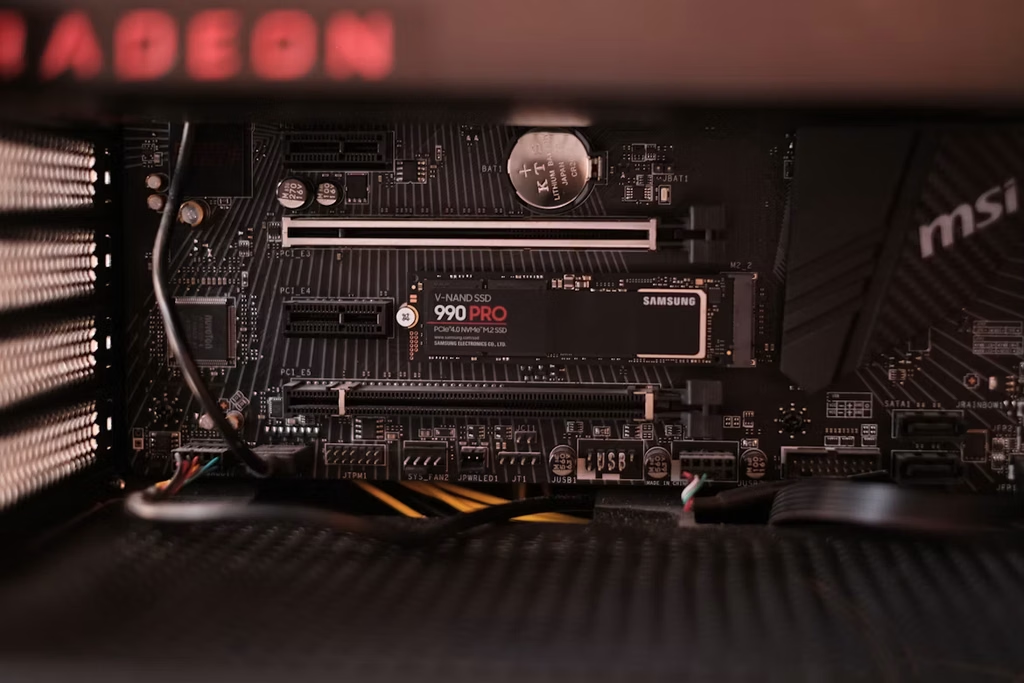
For your NVMe: PCIe 4.0 is the practical sweet spot right now when you take into account the current pricing. Fast PCIe 4.0 drives are cheaper than PCIe 5.0 equivalents, they run cooler, and deliver load times that are un noticeable from PCIe 5.0 in most games.
When will PCIe 5.0 actually matter for gaming GPUs?
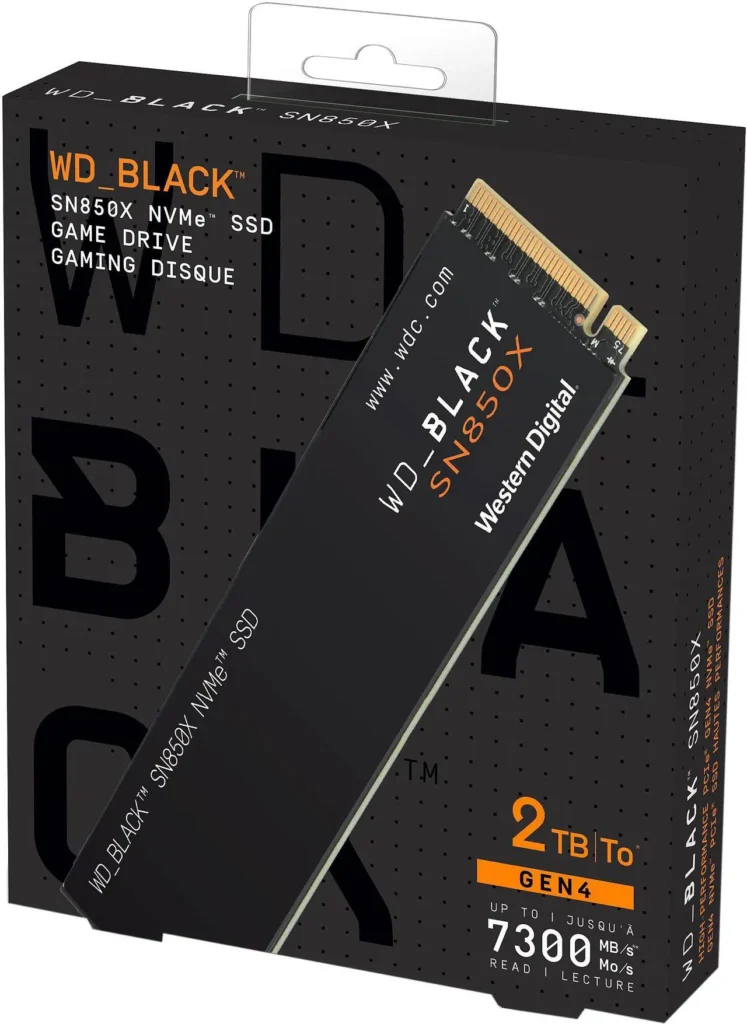
At some point GPU memory bandwidth and inter-chip communication requirements will grow to the point where PCIe 4.0 becomes a constraint. Current estimates from GPU architects suggest PCIe 4.0 x16 has headroom for at least another generation of consumer GPUs. By the time a gaming GPU actually saturates PCIe 4.0, PCIe 5.0 will be standard on every platform anyway. so, the generational increments between each PCIe generation are essentially “future planning”, so that by the time the hardware has changed enough to require extra bandwidth most consumers would’ve already caught up. WD Black SN850X ($200) Does your CPU bottleneck your GPU
The practical takeaway
If you’re buying a new board today, it will almost certainly have at least one PCIe 5.0 x16 slot. Use it for your GPU and don’t think about it again. If you’re choosing between a board with PCIe 5.0 and one without, don’t let the slot generation be your deciding factor. VRM quality, thermal design and price-to-feature ratio matter far more for a gaming build than which PCIe generation the primary slot runs. Rather spend the money on a better built PCIe 4.0 board than a pciE 5.0 Board that hasn’t invested enough in its VRM’s. the latter example will cost you gaming performance.
PCIe 5.0 is not a reason to buy a new motherboard nor is it a reason to avoid a PCIe 4.0 board. And it will not make your games run noticeably faster.