
Most gaming and streaming guides tell you to buy the most powerful CPU you can afford. That advice was written for an older era of streaming and it leads people to spend $400 on a 16-core chip when an $280 eight-core chip would have done the job just as well leaving $120 sitting idle in core count that the stream never uses.
best pc build gaming streaming 2026: the component that determines your stream quality isn’t your CPU. It’s your GPU. Specifically, it’s the hardware encoder built into your GPU. Understanding that one fact changes every component decision in a streaming build.
How streaming actually works in 2026 — the encoder is the key
When you stream on Twitch or YouTube, OBS captures your game footage and compresses it into a video stream that gets uploaded to the platform. That compression encoding is where most streaming builds go wrong.
There are two ways to encode. CPU encoding uses the x264 software codec running on your CPU cores. It produces excellent quality but competes directly with your game for processing resources. A game using 70% of your CPU suddenly has 30% left to share between game logic and encoding and both suffer. You get dropped frames in your stream and stutters in your game simultaneously.Best AM5 Motherboard for Gaming 2026
GPU encoding uses dedicated hardware encoder blocks built into modern Nvidia and AMD GPUs NVENC on Nvidia, AMF on AMD. These blocks handle encoding entirely independently of the GPU’s shader cores that render your game. The encoder runs at zero cost to gaming performance. OBS captures the frame, passes it to the encoder block, and the GPU renders the next frame in parallel without interruption.
Every RTX 30, 40, and 50 series card includes NVENC. Every RX 7000 and 9000 series card includes AMF. If your GPU is from either of those generations, you should be using hardware encoding in OBS not x264. The quality difference between modern NVENC and x264 medium preset is essentially imperceptible to viewers at standard streaming bitrates.
This changes everything about how to build a streaming PC.
What your CPU actually needs to do
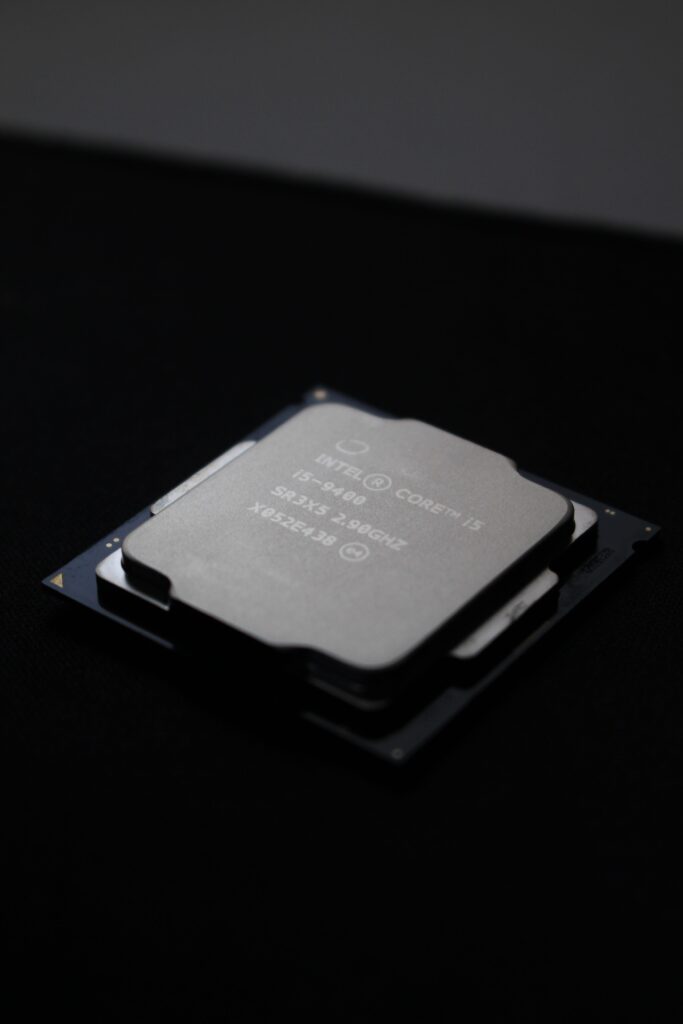
With NVENC handling encoding, your CPU’s job during a stream is running the game, keeping OBS alive, managing Discord, a browser for chat, alert overlays, and whatever else is open on a second monitor. That’s a meaningful workload but it’s not the mountain it used to be.Best DDR5 RAM for Gaming 2026
Eight cores is the correct minimum for a single-PC streaming build in 2026. Independent testing confirms the Ryzen 7 9700X eight Zen 5 cores at a 65W stock envelope handles OBS, Discord, a browser source, and a chat overlay alongside a demanding game without breaking the gaming thread. That covers the vast majority of streamers.
The Ryzen 9 9950X3D with 16 cores is worth buying only if you do sustained video editing, 3D rendering, or other heavy creative workloads on the same machine between streams. Its extra cores sit largely idle during an NVENC streaming session. The money is better spent on GPU, RAM, or storage for a streaming build.
The Ryzen 7 9800X3D is worth considering over the 9700X specifically if your streaming library is heavy on CPU-sensitive games strategy titles, simulation games, open-world games with complex AI and physics. The X3D cache advantage in gaming is real and shows up in exactly those titles. If your streaming content is primarily competitive shooters or less CPU-intensive games, the 9700X is sufficient and saves meaningful budget for elsewhere.
The GPU — where the streaming quality actually lives
Nvidia’s NVENC encoder has a clear quality advantage over AMD’s AMF at equivalent stream bitrates. RTX 40 and 50 series NVENC produces cleaner motion detail, better handling of dark scenes, and less compression artifacting at 6000 Kbps the standard Twitch bitrate cap than AMD’s encoder does at the same settings. This is documented in side-by-side comparisons and is noticeable to viewers who watch closely.Nvidia App and AMD Adrenalin Gaming Settings Guide
AMD has closed the gap significantly with RDNA 4, and for viewers watching casually the difference is less obvious. But if stream quality is a core part of your brand, Nvidia’s encoder is still the better choice in 2026.Air Cooler vs AIO CPU Cooler 2026
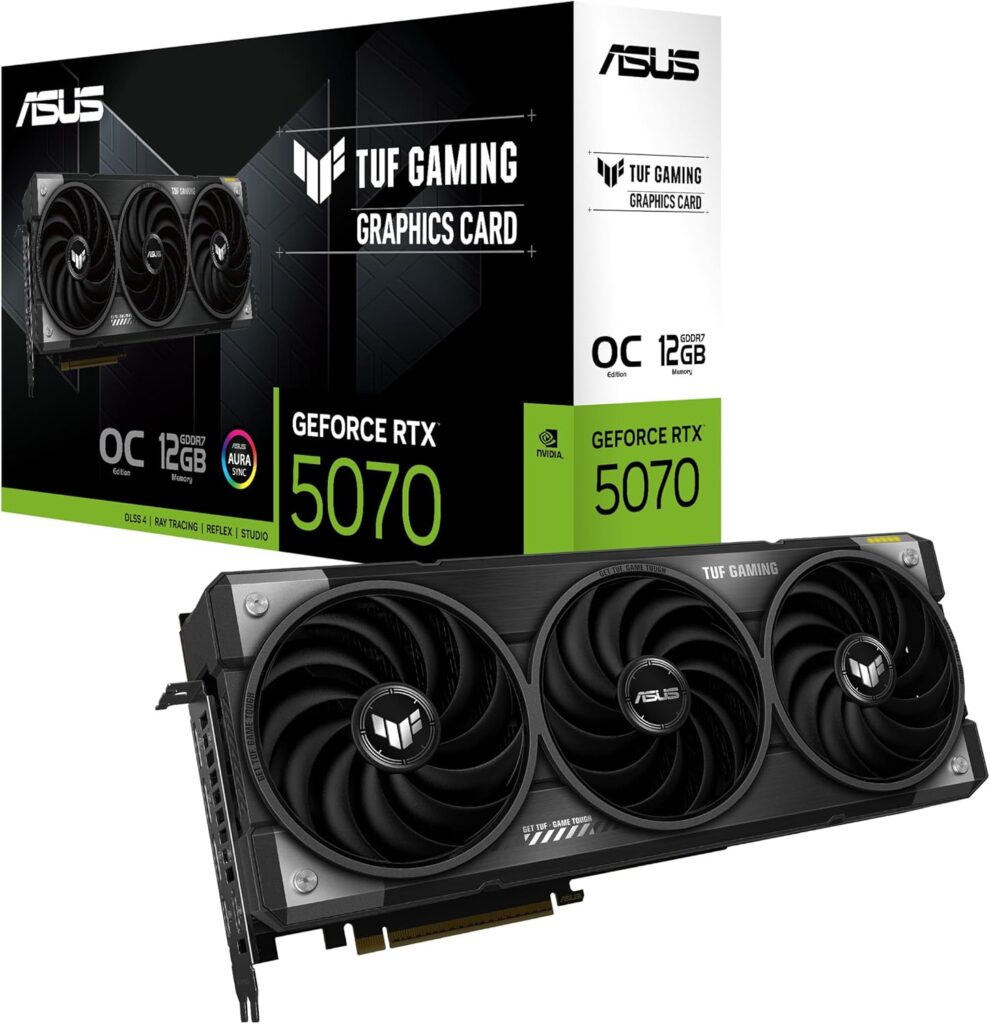
For streaming at 1440p60 while gaming at 1440p with a target of 100+ FPS in most titles, the RTX 5070 is the correct GPU. It renders your game at high frame rates, passes the NVENC encode to its dedicated block at no performance cost, and supports DLSS 4 for the titles where frame rate headroom matters most during streaming. At ~$599–$610 street it’s a meaningful investment but the correct one for a serious streaming build.
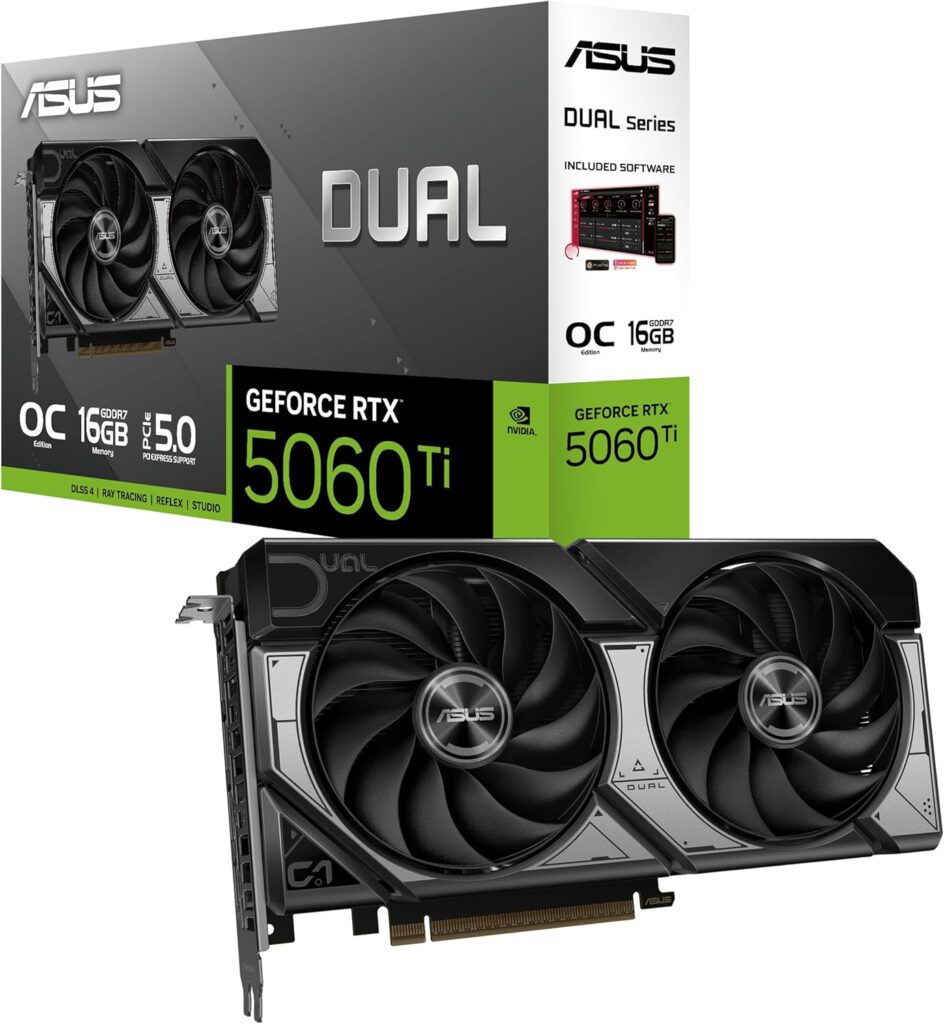
For streaming at 1080p60 while gaming at 1080p or light 1440p, the RTX 5060 Ti 16GB at $400 is sufficient. NVENC quality on the RTX 5060 Ti is the same generation as the RTX 5070 the encoder block doesn’t scale with GPU tier the way gaming performance does. Stream quality is effectively identical between an RTX 5060 Ti and an RTX 5070 at the same bitrate. You pay more for the 5070’s gaming performance, not its streaming quality.
AV1 encoding is available on RTX 40 and 50 series cards via NVENC. It produces near-x264 quality at dramatically lower bitrates useful for YouTube streams where higher quality is achievable at the same bandwidth. Twitch doesn’t widely support AV1 as of mid-2026, so stick with H.264 or H.265 for Twitch streaming.
The build
| Component | Choice | Price |
|---|---|---|
| CPU | AMD Ryzen 7 9700X | ~$285 |
| Motherboard | ASUS TUF Gaming X870-Plus WiFi | ~$237 |
| RAM | 32GB DDR5-6000 CL30 (G.Skill Trident Z5 Neo) | ~$949 |
| GPU | RTX 5070 16GB | ~$579 |
| Storage | Samsung 990 Pro 2TB PCIe 4.0 NVMe | ~$374 |
| Cooler | Thermalright Peerless Assassin 120 SE | ~$39 |
| Case | Fractal Design Meshify 2 Compact | ~$201 |
| PSU | Corsair RM850e 850W Gold ATX 3.1 | ~$109 |
| Total | ~$2,773 |
Why the Ryzen 7 9700X over the 9800X3D
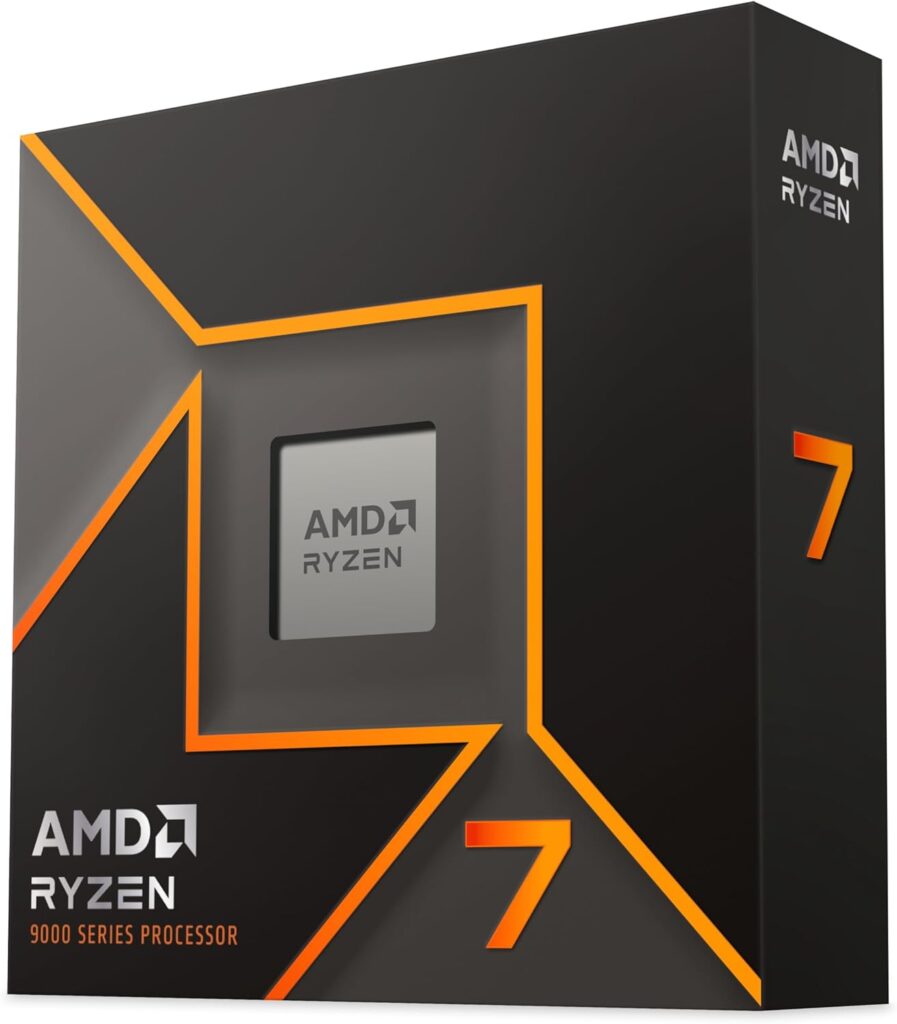
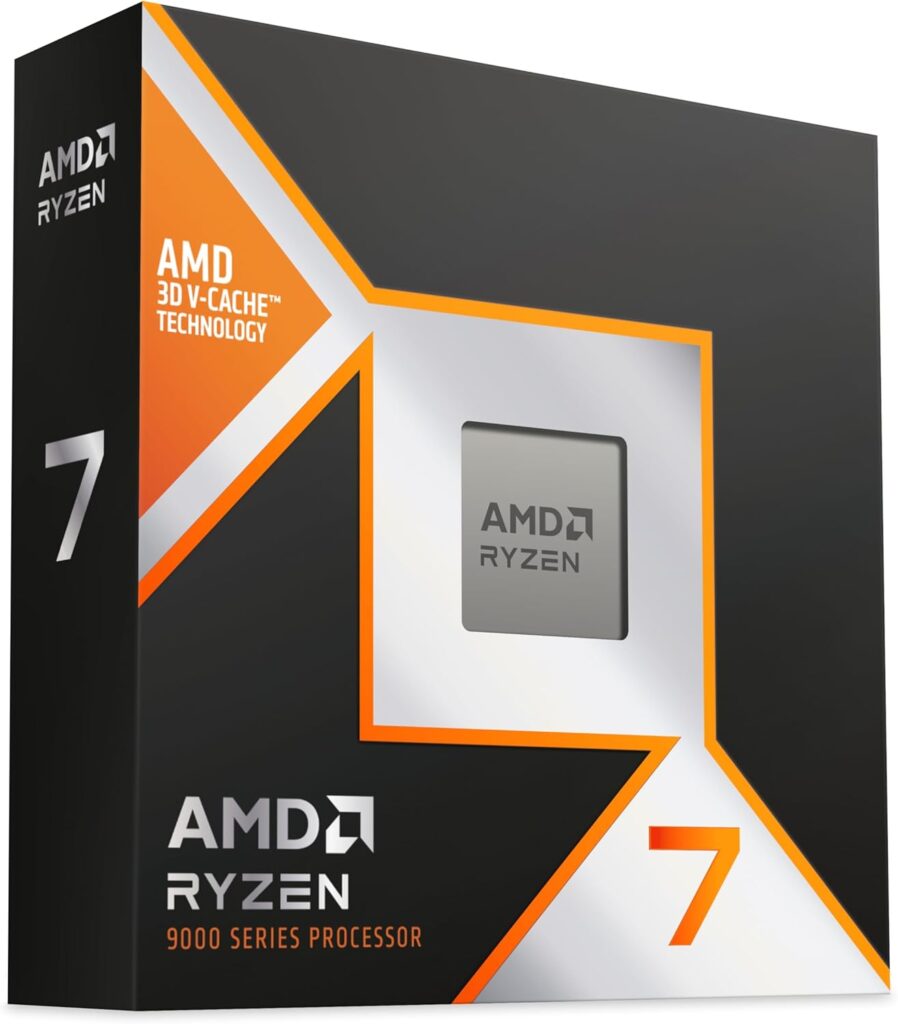
The 9800X3D costs ~$444 — $153 more than the 9700X at $285. For a streaming build focused on competitive gaming, action titles, or content where the CPU isn’t the bottleneck, the 9700X is sufficient and the $153 goes toward a better GPU tier or additional storage. If you stream strategy games, simulation games, or open-world titles where CPU performance is the frame rate ceiling, swap in the 9800X3D and trim the GPU to the RTX 5060 Ti 16GB to stay near the same total budget.
Why 32GB of RAM is non-negotiable
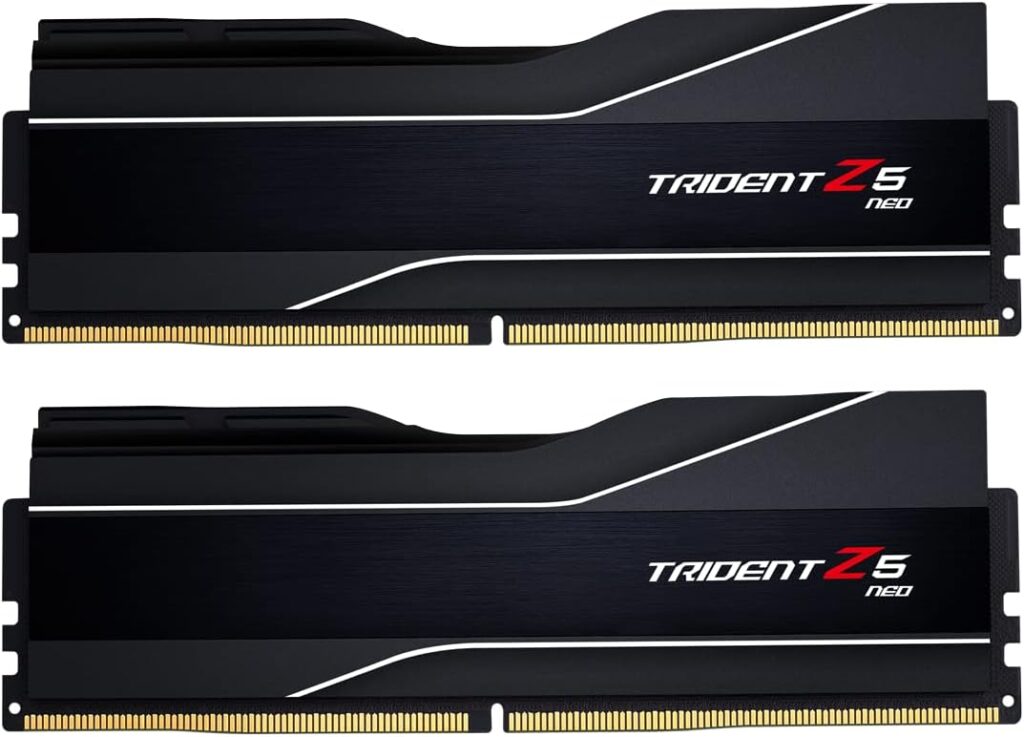
This is the one area where streaming builds differ from pure gaming builds most clearly. A gaming PC can get away with 16GB in some configurations a streaming PC cannot. OBS, game, browser, Discord, alert software, and overlays running simultaneously consume 14–20GB of active RAM. A 16GB system running a demanding game and streaming simultaneously will stutter. Not occasionally consistently, in scenes where everything is active at once. 32GB removes the ceiling entirely.How to Monitor Your PC Gaming Performance
Why the Fractal Meshify 2 Compact
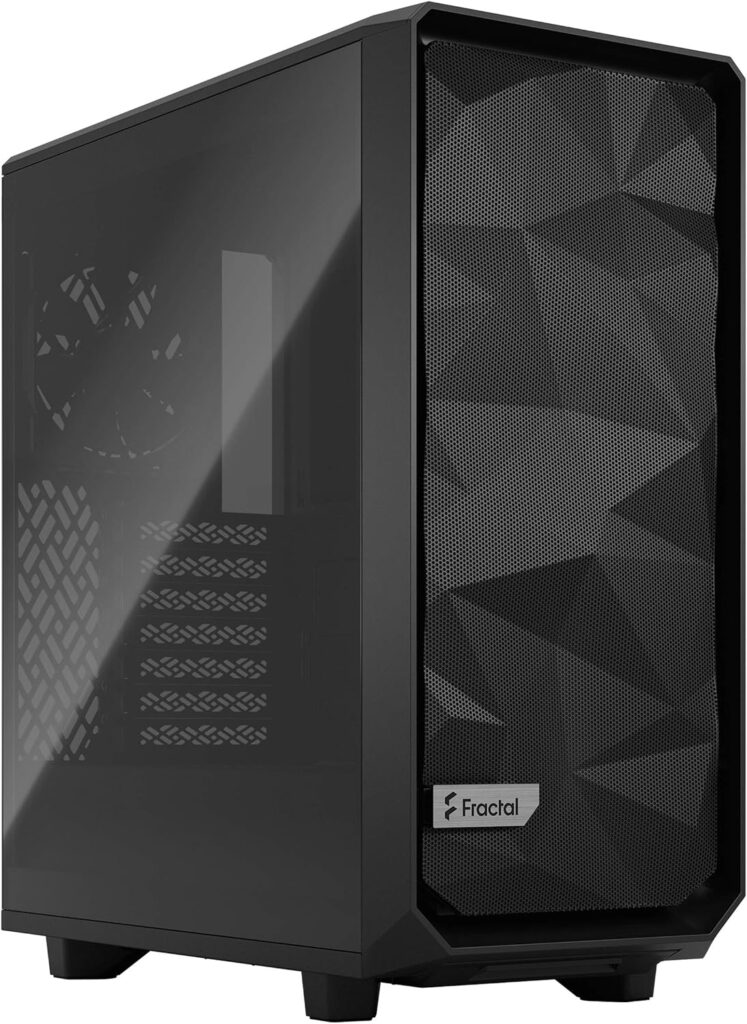
Streaming sessions run longer than gaming sessions. A system that’s at 65°C under a two-hour gaming session will be at the same temperature six hours into a stream. The Meshify 2 Compact’s excellent airflow keeps temperatures consistent under sustained load which matters more for a streaming machine than for a system used in shorter gaming bursts.
Streaming-specific OBS settings that matter
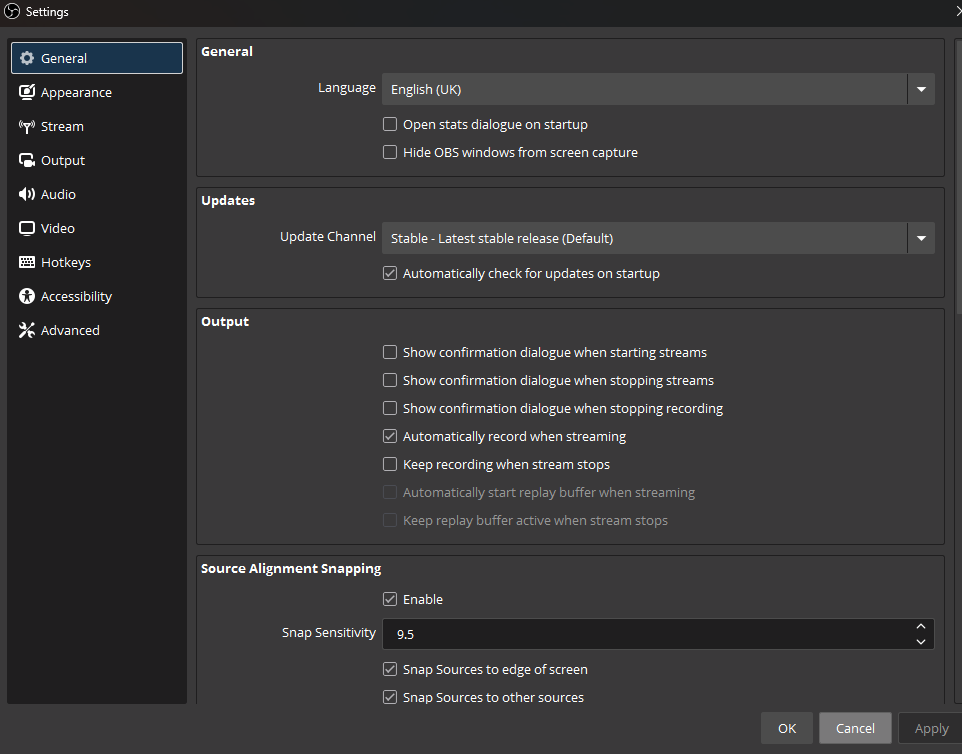
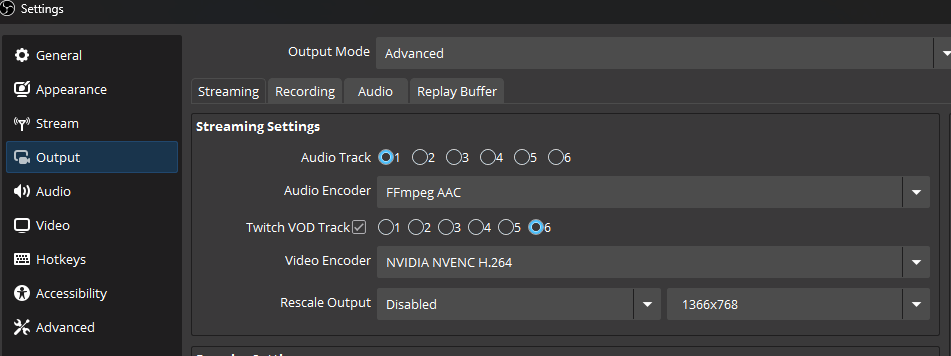
Get the hardware right before worrying about software, but a few OBS settings determine whether you’re using your build correctly.
In OBS Settings → Output, select NVENC H.264 as your encoder not x264. If NVENC doesn’t appear in the encoder dropdown, your Nvidia GPU drivers aren’t installed correctly. Set bitrate to 6000 Kbps for Twitch (the platform cap for partners and affiliates). Set keyframe interval to 2. Set preset to Quality.
Cap your in-game frame rate 10–15 FPS below your monitor’s refresh rate. An uncapped frame rate creates unpredictable CPU spikes that can cause OBS to drop frames even when average CPU usage looks fine. RTSS or the in-game limiter both work. A capped 155 FPS on a 165Hz display is a smoother streaming experience than uncapped 220 FPS with occasional spikes.
Close Chrome tabs you don’t need during streams. Chrome alone can consume 2–4 CPU cores under load. A browser source in OBS pulling a live chat widget is leaner than a full browser window open beside it.
What this build can’t do
It won’t handle 4K60 streaming without upscaling 4K streams require higher bitrates than most platforms support and more GPU overhead than this build tier justifies. It won’t replace a dual-PC setup for the small number of streamers who need x264 encoding for maximum quality at very high bitrates on YouTube.
For the vast majority of streamers 180p60 or 1440p60 to Twitch or YouTube, NVENC hardware encoding, gaming at high settings simultaneously this build handles it comfortably and has headroom to grow.