
SpecClear earns a commission if you buy through Newegg links on this page, at no extra cost to you.
Your case is the last component most builders think about and the one that affects every component’s temperature every second your PC is running. A mesh-front case with good fan positioning keeps your GPU and CPU running cooler, quieter, and more consistently than a glass-front case with similar fans. The thermal data is unambiguous on this mesh-front cases average 8–15°C lower GPU temperatures than glass-front equivalents at comparable price points.
This best pc cases airflow 2026 guide covers every budget tier from $68 to $200 with specific recommendations backed by independent thermal testing rather than aesthetics-first opinions. The cases here are the ones that actually perform, not the ones with the best product photos.
The one rule that matters more than any other
Buy the mesh-front version.
Almost every case in this guide ships in two configurations one with a mesh front panel and one with tempered glass on the front. The glass version looks better in photos and on a desk. The mesh version keeps your components measurably cooler. The price difference is usually $0–$10.
Buy the mesh version every time, your GPU doesn’t care what your case looks like from the front. It cares about how much fresh air is reaching it.
Under $70 — Silverstone FARA 515XR (~$67)
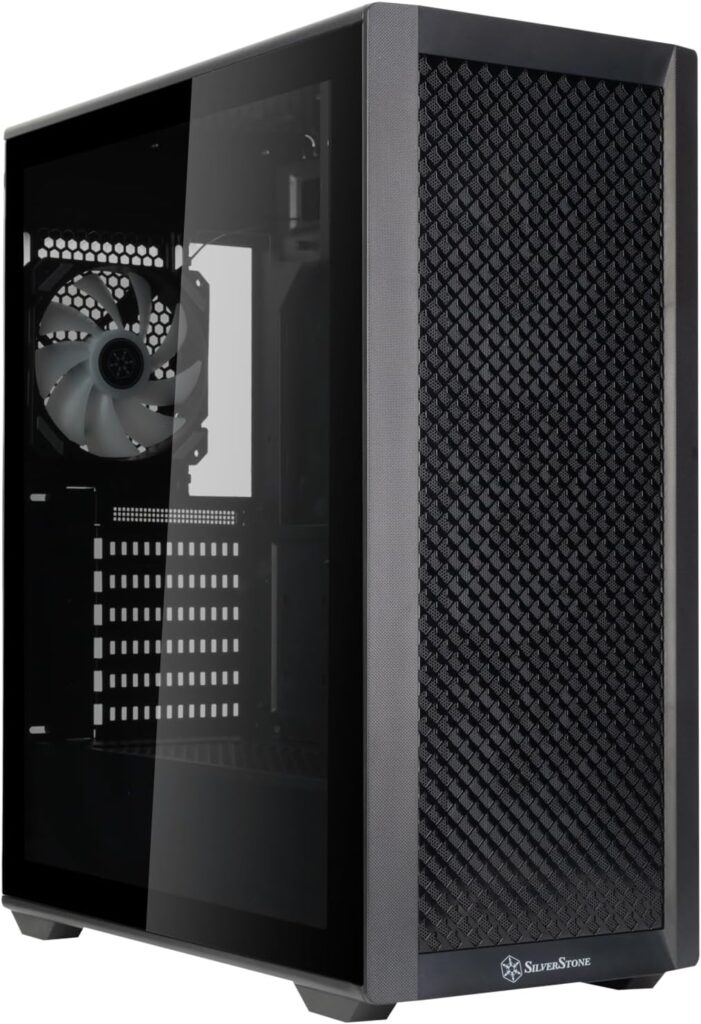
For builds where the case budget is tight and every dollar is going toward the GPU, the Silverstone FARA 515XR is the correct starting point, full mesh front panel, four included fans, 350mm GPU clearance. MaxMyBuild’s thermal database puts it at CPU 48.4°C and GPU 51.5°C under sustained load numbers that are completely safe for any mainstream gaming CPU and GPU combination.
The compromises at $67 are real. No front USB-C port, GPU clearance limited to 350mm, which is fine for most single-fan and dual-fan GPUs but may not fit the longest triple-fan cards. No back-connect motherboard support. Cable management is functional rather than elegant.
For a first build or a budget system where $30 saved on the case means a meaningful upgrade elsewhere a better fan, more RAM, larger SSD the FARA 515XR is the honest recommendation. It does what a case needs to do without pretension.
Under $90 — Lian Li Lancool 207 (~$82)
The Lancool 207 is the most recommended budget case in PC building communities in 2026 and the thermal data explains why. MaxMyBuild’s benchmark database across 85 tested cases puts it at CPU 38.1°C and GPU 38.2°C under sustained load the best thermal balance of any case tested at any price point in their database. Not just the best under $100. The best overall.
Four fans included two standard intake and two positioned to blow directly at the GPU from below, a configuration unique to this case that GamersNexus confirmed produces measurably better GPU temperatures than comparable mid-towers. Full mesh front. USB-C front port. 420mm GPU clearance. 360mm radiator support front and top simultaneously.
The Lancool 207 doesn’t support back-connect motherboards, which is a minor limitation for standard builds and irrelevant for anyone not using Project Zero or BTF boards. Build quality is Lian Li’s standard, which means premium feel without premium pricing. If you’re building at any budget tier and the case lands in the $80 range, this is the case to buy unless you have a specific reason to go elsewhere.
The white variant runs $85 and is identical in every way that matters thermally.
Under $100 — Phanteks XT Pro Ultra (~$79)
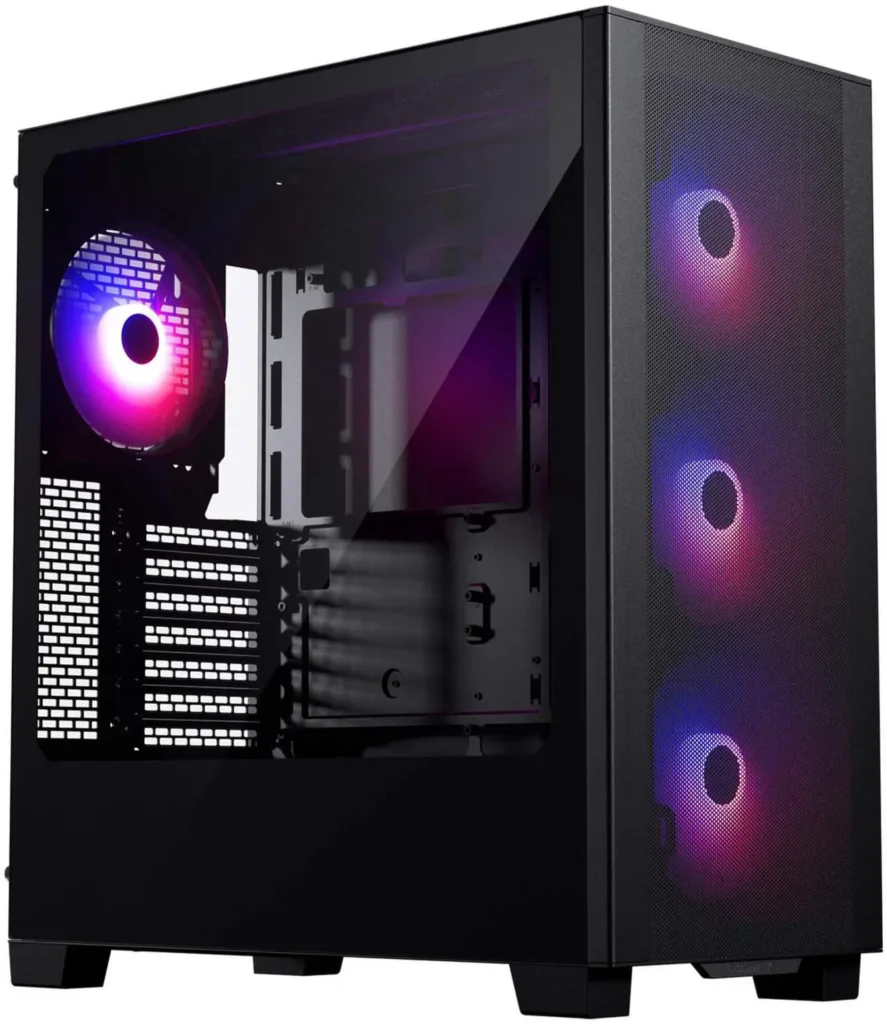
When the Lancool 207 isn’t available at its normal price, the Phanteks XT Pro Ultra is the fallback that doesn’t feel like a fallback. Four 140mm M25 fans included, full mesh front, 520mm GPU clearance the longest in this price tier and back-connect motherboard support. MaxMyBuild puts it at CPU 40.3°C and GPU 43.1°C, which is 2°C behind the Lancool 207 but still excellent for the price. Check the current price of the Phanteks XT Pro Ultra.
The 520mm GPU clearance is the specific reason to choose this over the Lancool 207 if you’re running a triple-fan RTX 5090 or similarly large AIB model. Most GPUs don’t need it. The ones that do will appreciate having it.
Under $100 — Corsair 4000D RS Frame (~$84)
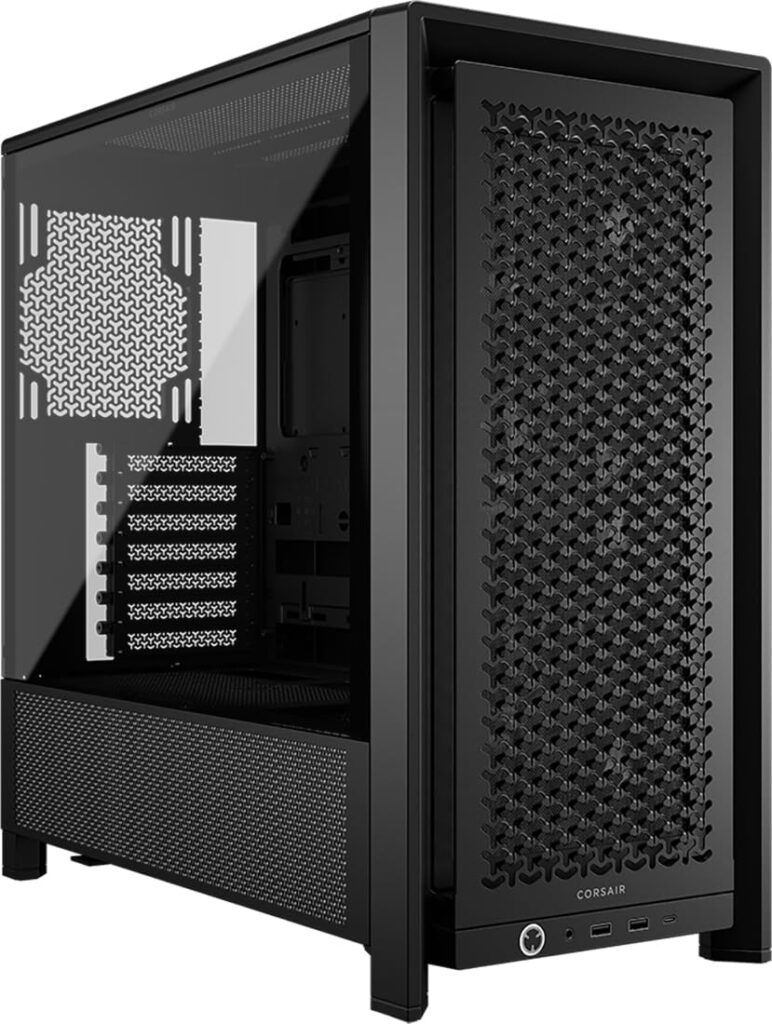
GamersNexus’s Best Mid-Range Case for 2026 and the recommendation from most builders who want something more polished than the Lancool 207’s functional-focused approach. The 4000D RS Frame’s 3D Y-Pattern mesh front panel provides unrestricted intake while maintaining a cleaner visual profile than raw mesh. Three pre-installed fans, excellent cable management with pre-routed cable paths, and a modular internal layout that reconfigures for different build types.
The RS Frame supports Corsair’s InfiniRail mounting system a magnetic track system that holds fans and radiators without screws, making fan configuration changes genuinely tool-free. If you’re planning to add fans or swap radiators in the future, this is a meaningful quality-of-life improvement over standard screw mounts. If that matters to you, the Corsair FRAME 4000D RS ($84) is the one to get.
One practical note: the HDD cage can interfere with PSUs longer than 850mm. If you’re running a 1000W+ unit which the RTX 5090 or RTX 5090 SE effectively requires check your PSU’s length before ordering and budget for removing the HDD cage.
Around $110 — Fractal Design Meshify 2 Compact (~$203)
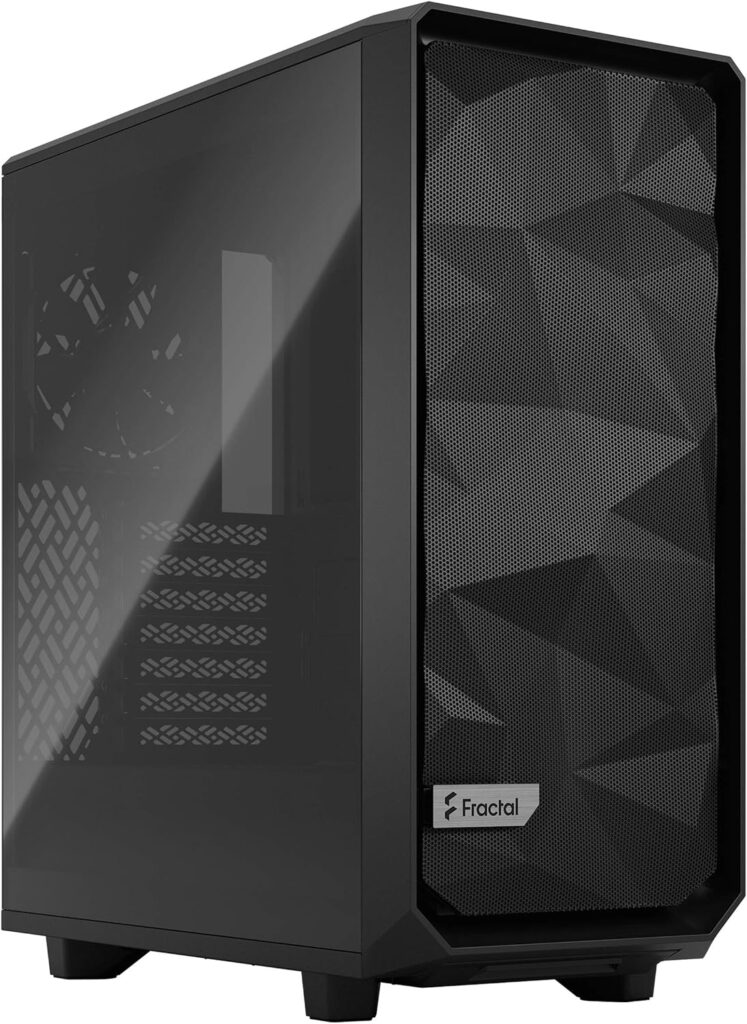
The case that SpecClear’s $2000 build guide recommends and the recommendation most builders with a mid-range GPU will encounter from experienced PC builders. Compact ATX form factor fits in tighter spaces than full-sized mid-towers with Fractal’s characteristically excellent build quality, strong cable management, and a mature mesh front design that’s been independently validated across hundreds of reviews. Newegg sells the Fractal Design Meshify 2 Compact ($134).
Two Fractal Dynamic X2 fans included, 360mm front radiator support. The compact form factor means slightly less internal space than full ATX cases, which is a consideration for very large triple-radiator custom loop setups but irrelevant for standard gaming builds with an AIO cooler and discrete GPU.
Build quality is the reason to choose this over the Corsair or Lian Li alternatives at similar pricing Fractal Design’s panel fitment, internal finish, and long-term durability are consistently a step above the market. It’s a case that feels premium when you open the box and continues to feel that way three years into ownership.
Around $130–$139 — MSI MPG VIXTA 300R Airflow (~$109)
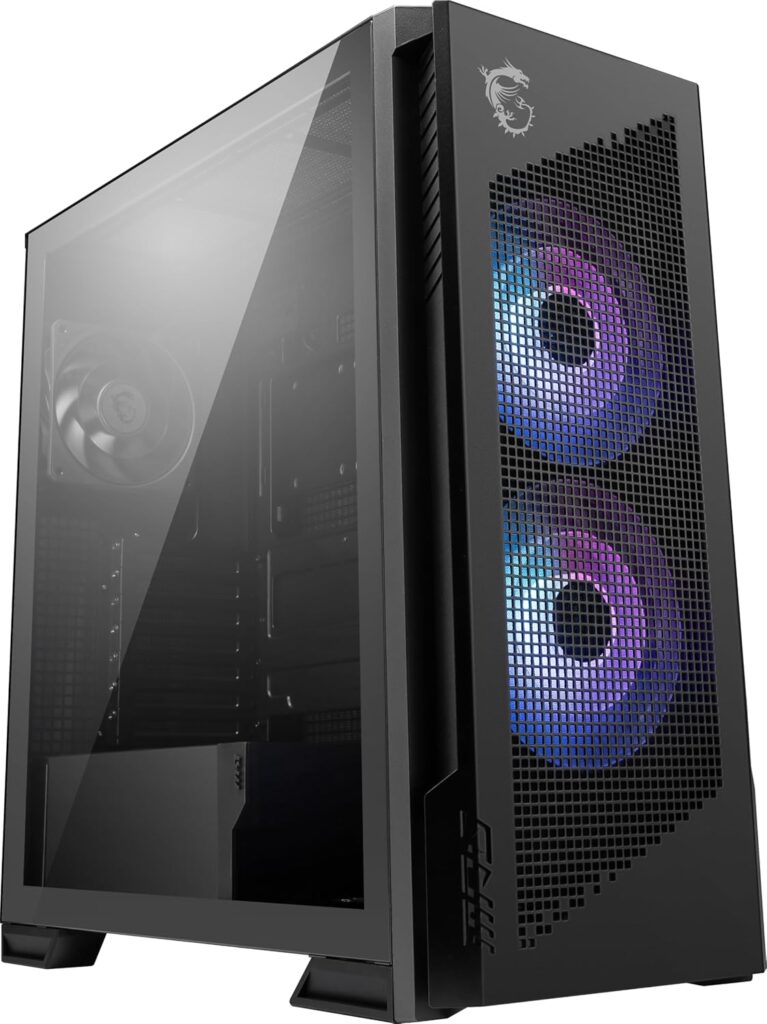
The newest entry on this list, launching July 2026, covered in the dedicated VIXTA 300R article the floating base design, 160mm front fans, Pogo-pin front panel connector, and Project Zero back-connect support make it a compelling option for MSI ecosystem builders or anyone who wants those specific features.
Independent thermal benchmarks are pending given the July launch timing. Buy with confidence if you’re using MSI Project Zero components. If thermal performance is the primary concern over ecosystem integration, the Lancool 207 or Fractal Meshify 2 Compact are the safer choices until benchmark data confirms the VIXTA’s thermal performance against established competitors.
Around $200 — Fractal Design Torrent (~$184–$249)
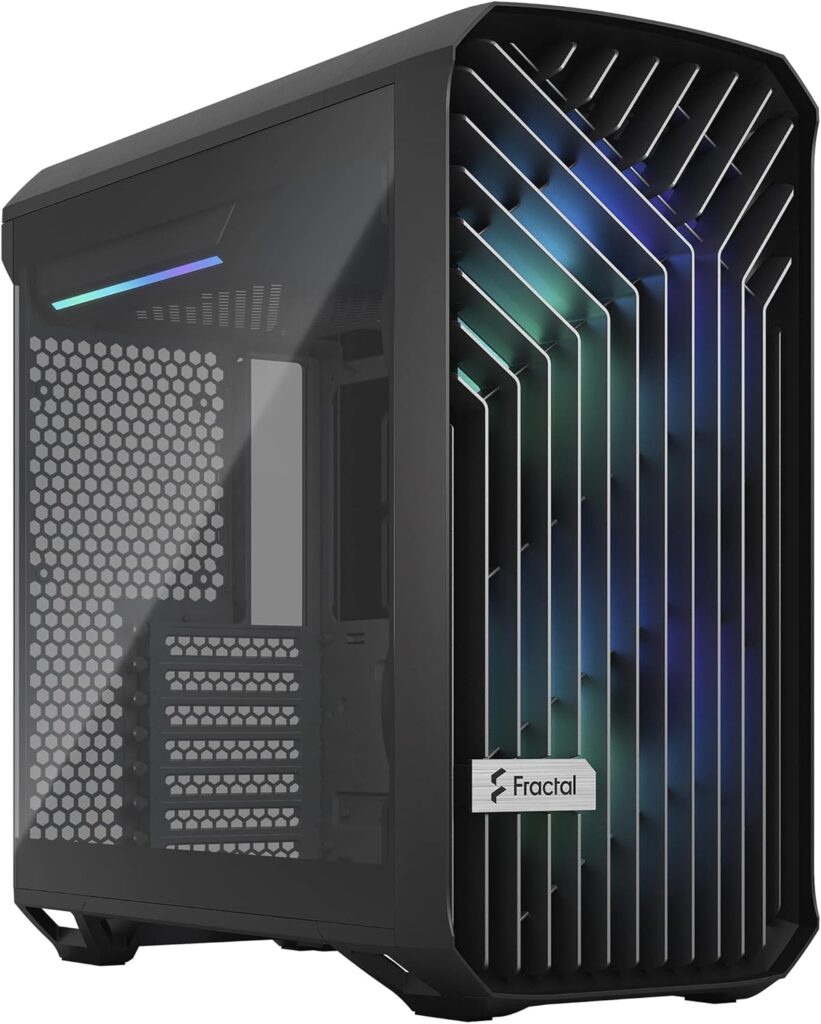
GamersNexus’s sustained top performer for noise-normalised GPU thermals and the recommendation for high-end builds where the GPU is a 300W+ card that generates serious heat. Two 180mm front intake fans the largest fan diameter in a standard mid-tower plus three 140mm bottom intake fans create airflow volume that smaller cases simply can’t match.
The Torrent is a large case with a large footprint, it requires a desk with adequate surface area and depth. It’s not for every build its size is overkill for a mid-range GPU system. For a build centred around an RTX 5080, RTX 5090 SE, or RX 9070 XT running sustained gaming loads, the Torrent’s thermal headroom translates directly into lower temperatures, quieter fans, and more consistent performance under load.
The RGB variant adds ARGB fans and runs closer to $200. The non-RGB version at $180 is identical thermally and the correct choice for builds where RGB isn’t a priority.
The fan configuration that works regardless of case
Whatever case you buy, these two principles determine whether it actually performs.
Front intake, rear and top exhaust. Fresh air enters from the front, warm air exits from the rear and top. This is positive pressure the case has more intake than exhaust which keeps dust accumulation lower and temperatures more consistent. Negative pressure builds are louder and dustier over time.
Larger fans run slower for equivalent airflow, a 140mm fan moving the same CFM as a 120mm fan spins at lower RPM and produces less noise. Where your case supports 140mm fans in intake positions, use 140mm. The Lancool 207 and Torrent are built around this principle and their benchmark results reflect it.
Don’t block the front intake with cables, cable management behind the motherboard tray rather than in front of the intake is the most overlooked cause of poor case airflow in completed builds. A case with excellent airflow potential and cables crossing the front intake path will perform like a case with poor airflow potential. Route cables cleanly and the case does its job.