
4K gaming in 2026 is genuinely achievable for most people. It’s also genuinely misunderstood. The number of buyers who put together a build expecting 4K 60 FPS at maximum settings and discover their GPU was the wrong choice for that goal or who discover that upscaling makes 4K far more accessible than they assumed is significant enough that this article needs to state the reality clearly before listing components.
Here’s the honest picture first, then the builds.
What 4K gaming actually means in 2026
4K is 3840×2160 pixels: four times the pixel count of 1080p, roughly twice the GPU workload of 1440p. Running a demanding 2026 AAA title at 4K ultra without upscaling requires a GPU that can push roughly 60 FPS at that combination. That’s a high bar. As of October 2026, the cheapest Newegg listings put the RTX 5080 at about $1,600 and the RX 9070 XT at about $880; both handle most titles at 4K high with solid frame rates, but not every title, not every setting, and not every frame above 60.
Upscaling changes the calculation entirely. DLSS 4 Quality mode on Nvidia or FSR 4 Quality mode on AMD renders the game at approximately 67% of the output resolution roughly 1440p and reconstructs the image to 4K. The result looks very close to native 4K and runs significantly faster. An RTX 5070 at about $830 that struggles at native 4K ultra becomes comfortable at 4K DLSS 4 Quality. An RX 9070 XT that holds 55 FPS native holds 85 FPS with FSR 4 Quality active.
Upscaling is not a compromise in 2026. It’s the correct way to play at 4K for anyone below RTX 5090 territory. The RTX 5090 is the only card that makes native 4K at maximum settings in the most demanding titles consistently achievable, and at close to $7,000 on Newegg it is not a realistic recommendation for most builds. Use upscaling. Your eyes won’t miss native rendering at normal viewing distances.
The GPU minimum for 4K gaming: be honest with yourself
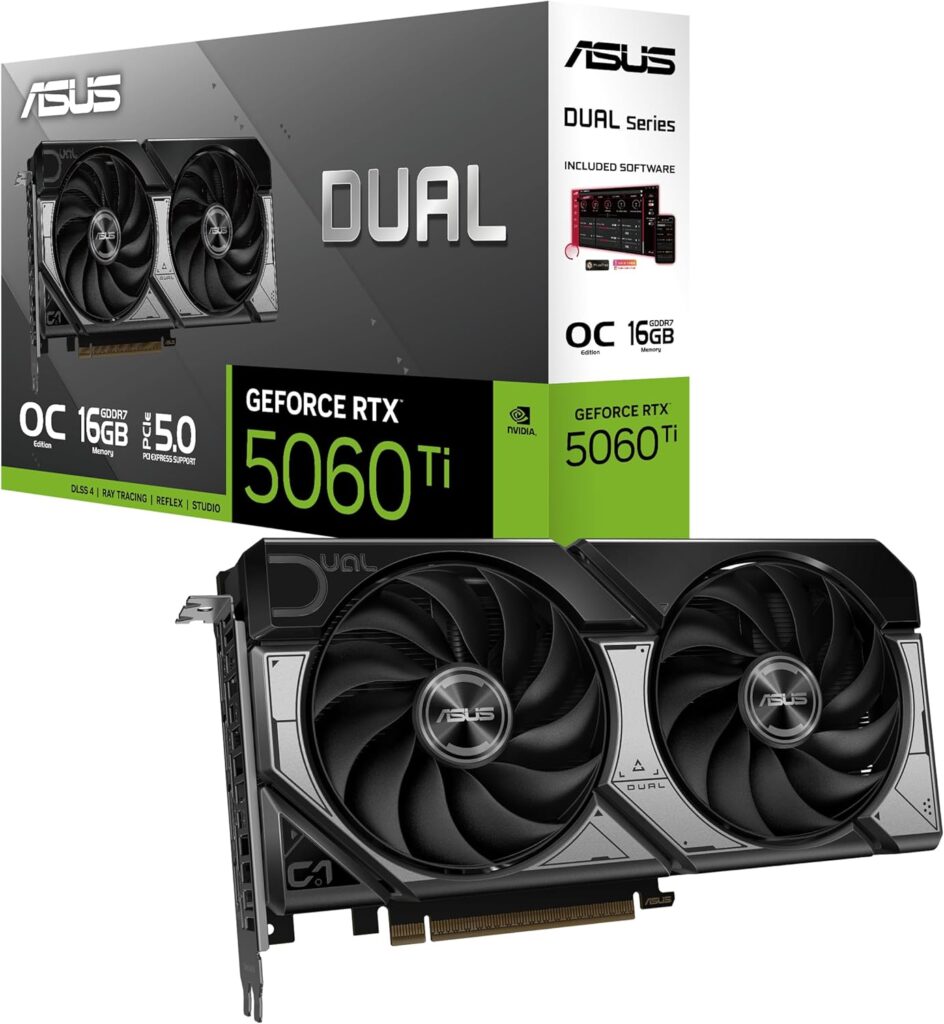
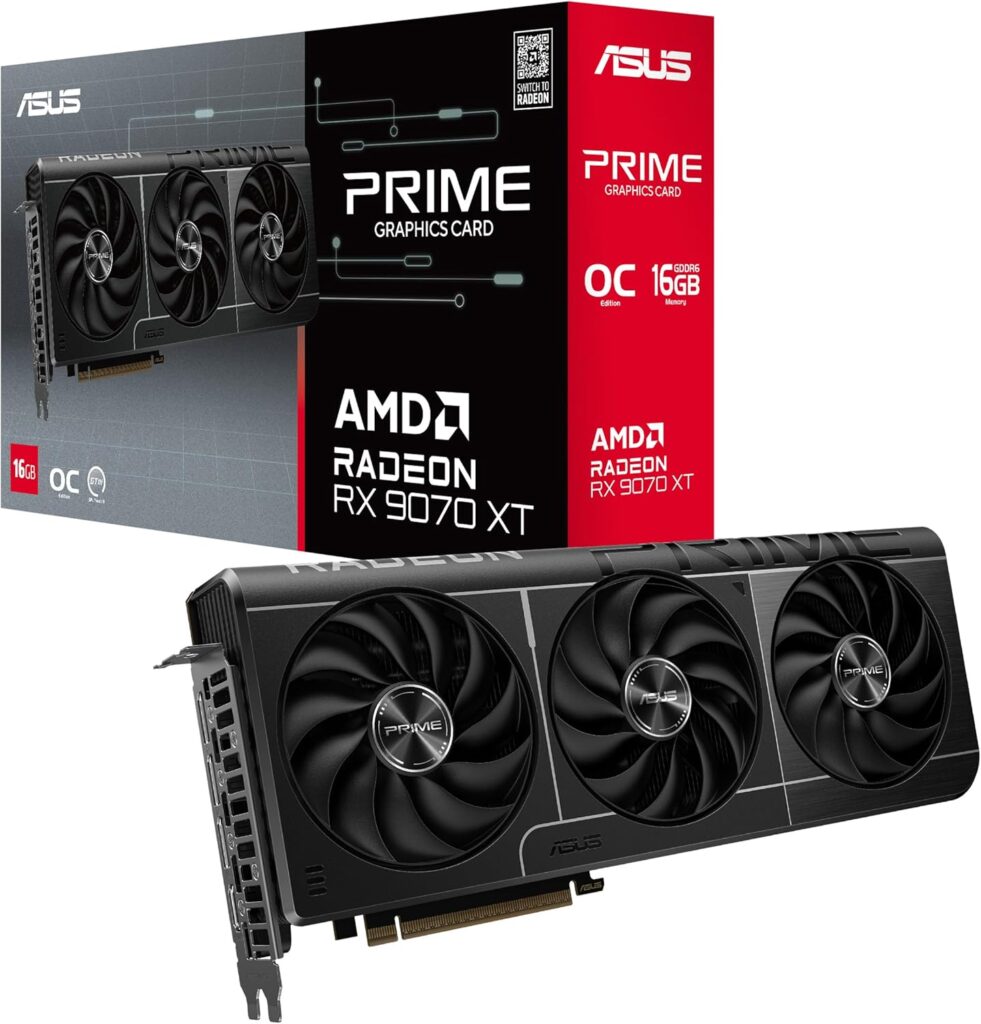
The RTX 5070 at about $830 or RX 9070 XT at about $880 are the realistic starting points for 4K gaming with upscaling. Below these tiers, a 5060 Ti or 9060 XT can handle 4K with upscaling in lighter titles but struggles in heavy AAA even with Quality mode active. Don’t target 4K on a sub-$800 GPU in this market. Target 1440p, play it beautifully, and save for a proper 4K-tier card.
Above these tiers, the RTX 5070 Ti at about $1,170 and RTX 5080 at about $1,600 make 4K more comfortable: less reliance on upscaling, higher frame rates in demanding scenes, better ray tracing headroom. The RTX 5080 is still the card most serious 4K gamers should be looking at in 2026 if budget allows.
Build 1: 4K capable at about $2,900: RTX 5070 Ti
| Component | Choice | Price |
|---|---|---|
| CPU | AMD Ryzen 7 9800X3D | ~$410 |
| Motherboard | MSI MAG X870 Tomahawk WiFi | ~$220 |
| RAM | 32GB DDR5-6000 CL30 | ~$475 |
| GPU | RTX 5070 Ti 16GB | ~$1,170 |
| Storage | Samsung 990 Pro 2TB | ~$386 |
| Cooler | Thermalright Peerless Assassin 120 SE | ~$48 |
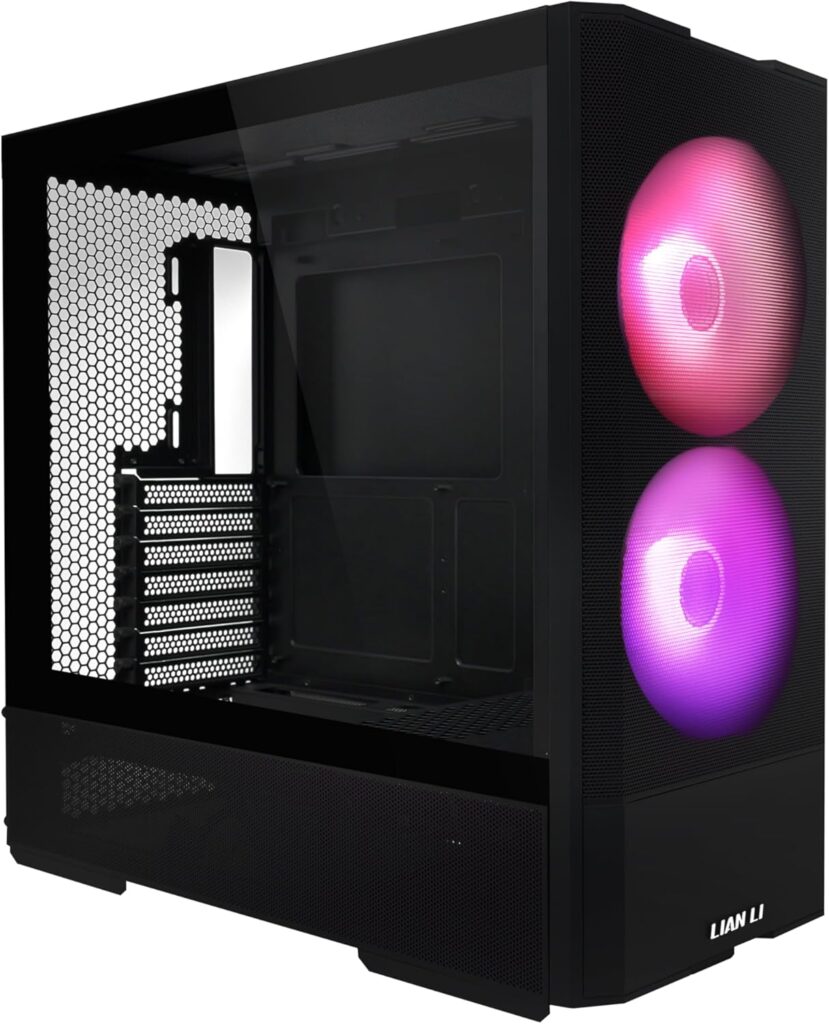
| Case | Lian Li Lancool 207 | ~$83 |
| PSU | Corsair RM850e 850W | ~$100 |
| Total | ~$2,890 |
The 9800X3D stays because 4K gaming eventually pushes GPU limits rather than CPU limits the CPU is rarely the bottleneck at this resolution. That said the 9800X3D’s cache advantage means it never becomes the bottleneck even when you drop resolution to benchmark. The RTX 5070 Ti’s 16GB GDDR7 handles 4K texture streaming without the pressure that 12GB cards experience. With DLSS 4 Quality active it delivers 80–100+ FPS in most titles at 4K high settings. Real-world 4K gaming at 60Hz is completely comfortable. At 120Hz it handles the majority of your library. If you still need a 4K screen, our best gaming monitor guide covers the options.
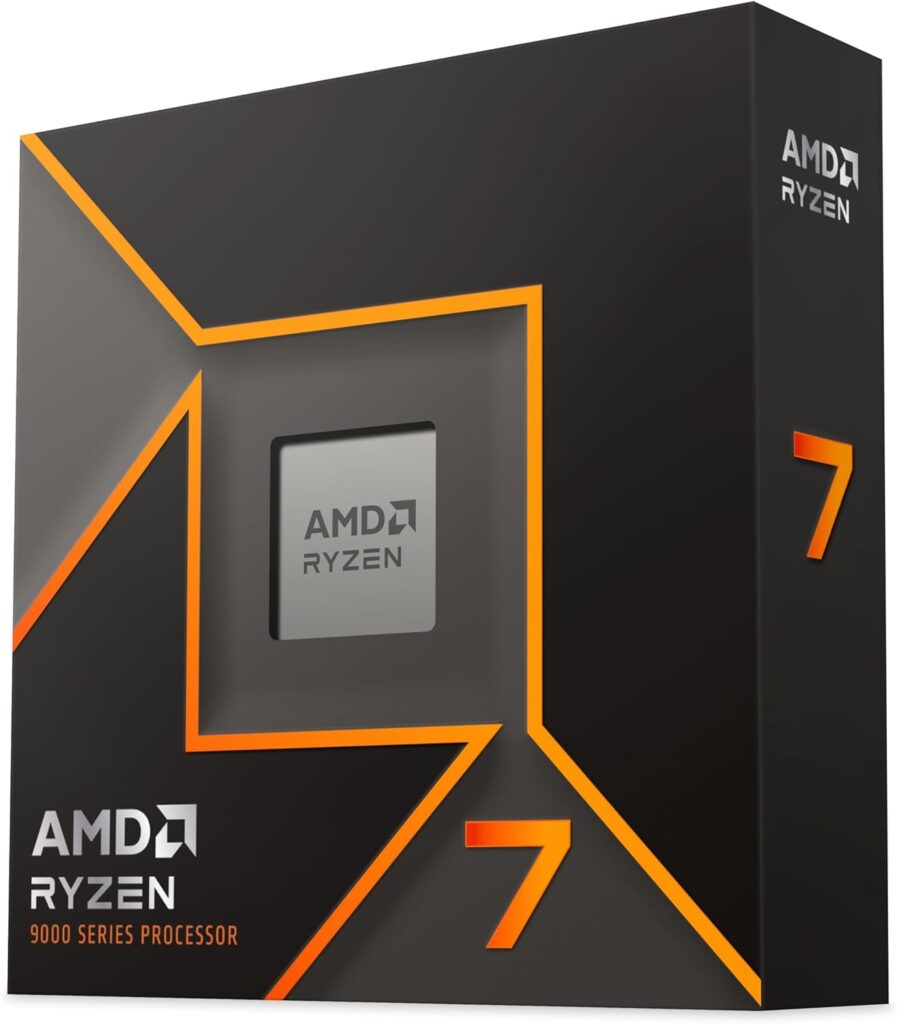
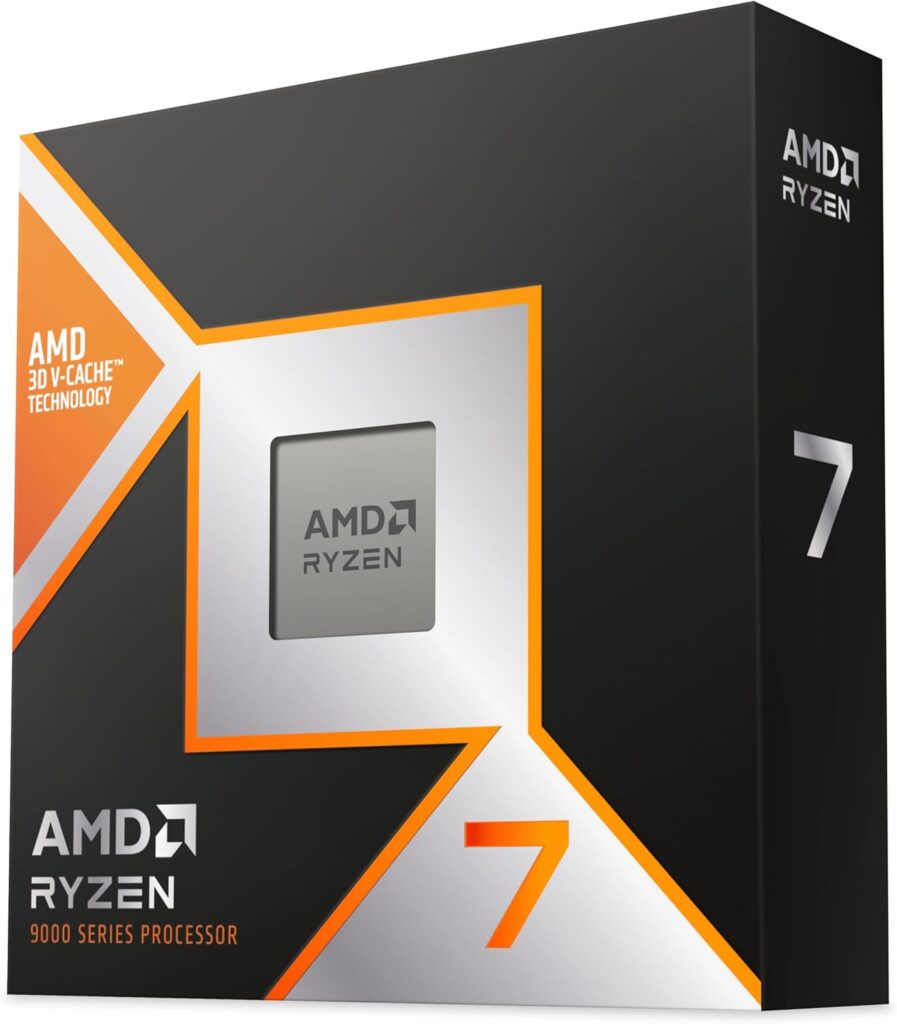
Trim to about $2,730: swap the Ryzen 7 9800X3D for the Ryzen 7 9700X at about $250 to save about $160. At 4K the GPU is the bottleneck in demanding games, not the CPU. The 9700X is more than adequate.
Build 2: Serious 4K at about $3,700: RTX 5080
| Component | Choice | Price |
|---|---|---|
| CPU | AMD Ryzen 7 9800X3D | ~$410 |
| Motherboard | ASUS TUF Gaming X870-Plus WiFi | ~$230 |
| RAM | 32GB DDR5-6000 CL30 | ~$475 |
| GPU | RTX 5080 16GB | ~$1,600 |
| Storage | Samsung 990 Pro 2TB | ~$386 |
| Cooler | Corsair iCUE H150i Elite 360mm AIO | ~$339 |
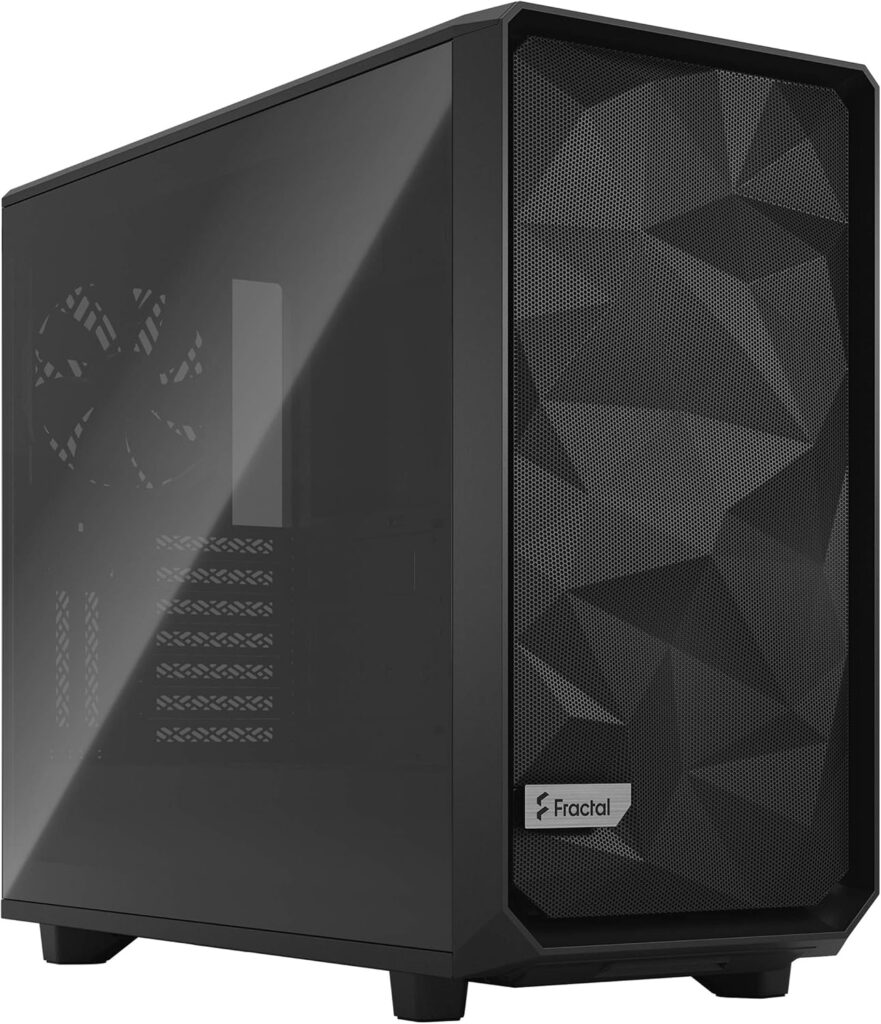
| Case | Fractal Meshify 2 Compact | ~$135 |
| PSU | Corsair RM1000e 1000W Gold | ~$133 |
| Total | ~$3,710 |
The RTX 5080 at 4K handles things the 5070 Ti can’t without upscaling assistance. Native 4K at high-to-ultra settings in most 2026 titles above 60 FPS is achievable. DLSS 4 Quality mode at 4K produces frame rates well above 100 FPS in most titles. The 1000W PSU gives the RTX 5080 360W TDP comfortable headroom alongside the 9800X3D. At this tier 4K gaming stops being about managing constraints and starts being genuinely unrestricted. For the memory side of these builds, see our guide to the best DDR5 RAM for gaming.
What 4K actually needs that 1440p doesn’t: the checklist
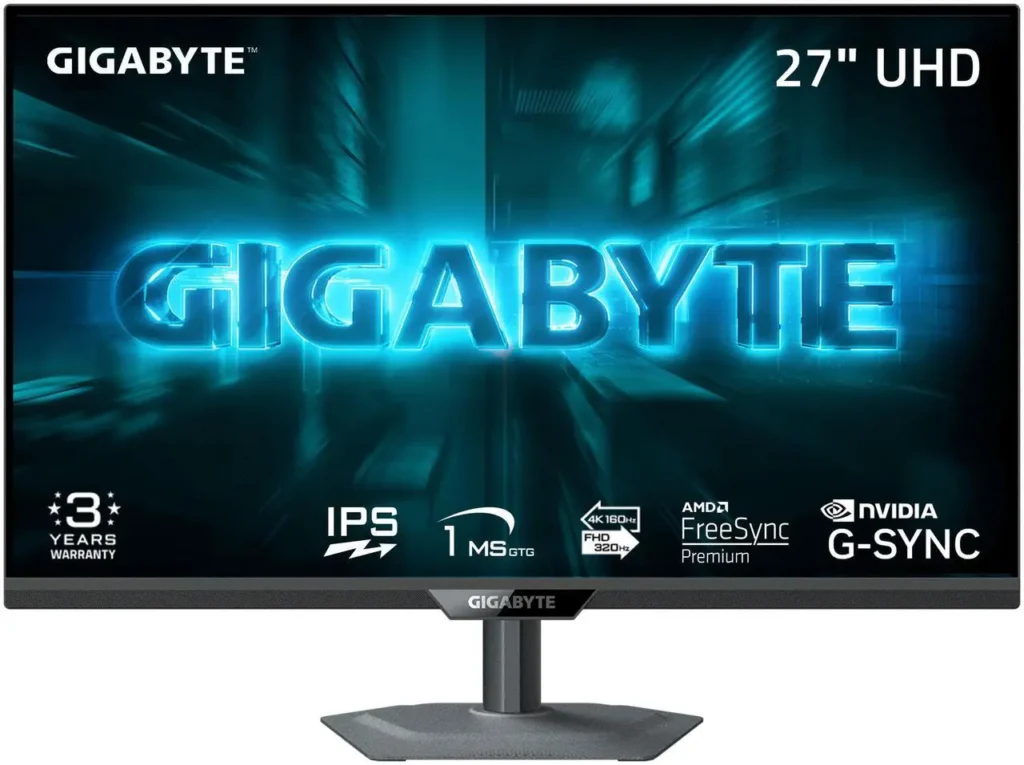
A 4K monitor. Obvious, but worth stating. A 4K panel at 60Hz still lands roughly $165–$329. A quality 4K 120–144Hz panel usually starts higher than that floor and climbs quickly into OLED territory. The MSI MPG 271QRX QD-OLED at ~$629 is the 1440p OLED benchmark for 4K you’re looking at 32-inch panels from LG, Samsung, and ASUS starting around $700 for 144Hz VA and climbing to $1,200+ for OLED at 4K.
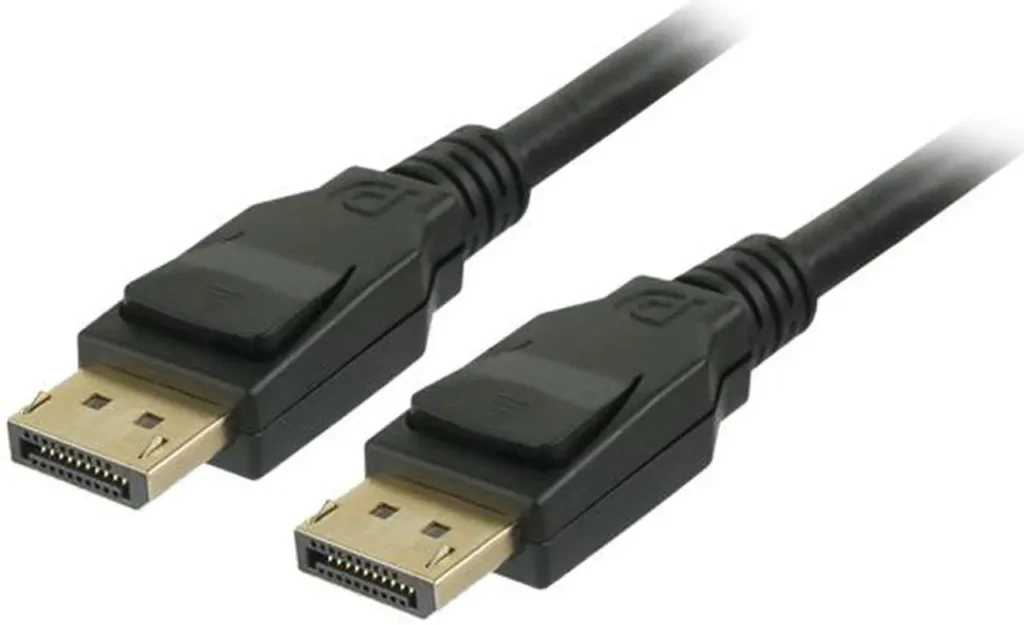
Display cable quality matters at 4K. Running 4K at 120Hz requires DisplayPort 1.4 or HDMI 2.1. Many older or budget cables cap at 4K 60Hz via HDMI 1.4 or DisplayPort 1.2. If you upgrade to 4K and your frame rate is locked at 60Hz when your monitor supports 120Hz, the cable is almost certainly why.
More VRAM matters more. The 15.5GB VRAM usage in F1 25 at 4K ultra settings was documented earlier this session. At 4K, texture assets are larger, more of them are loaded simultaneously, and 12GB cards feel the ceiling before 16GB cards do. The RTX 5070 Ti and RTX 5080’s 16GB configuration matters more at 4K than at 1440p.
Ray tracing is more demanding at 4K. A card that handles moderate ray tracing at 1440p may not handle the same settings at 4K without significant frame rate sacrifice. If ray tracing is part of how you game, factor it into GPU selection the RTX 5080 handles ray tracing at 4K better than the RTX 5070 Ti, which handles it better than the RX 9070 XT. For what is coming next on the Nvidia side, read our DLSS 5 explainer.
The honest alternative: is 1440p actually better value?
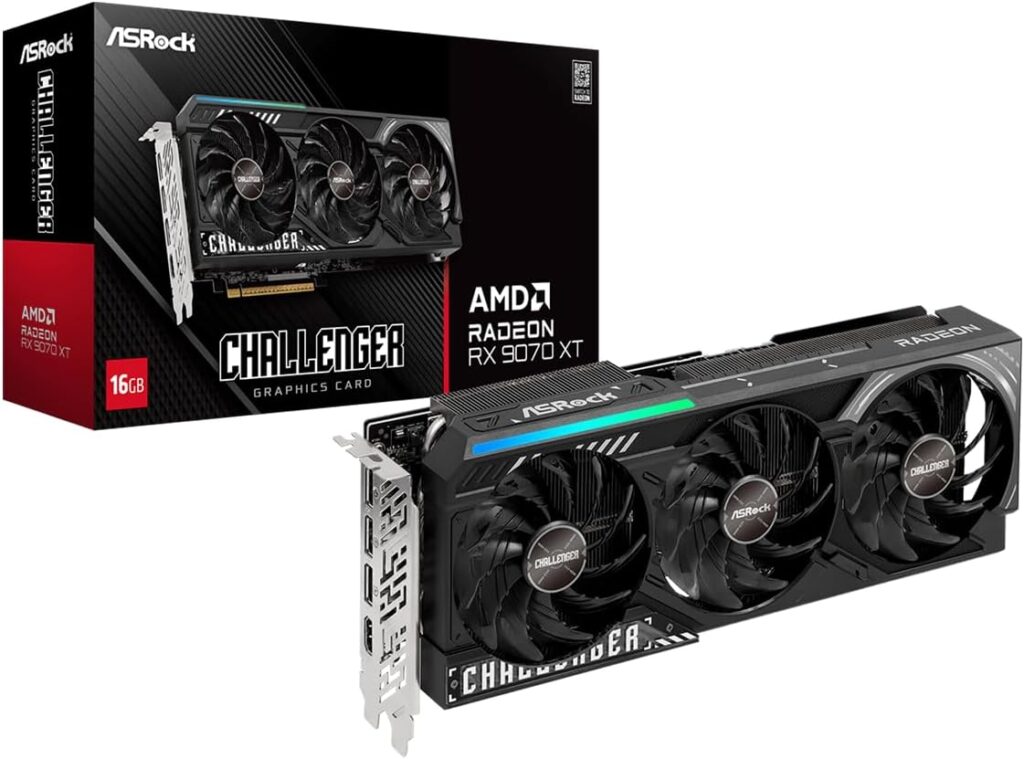
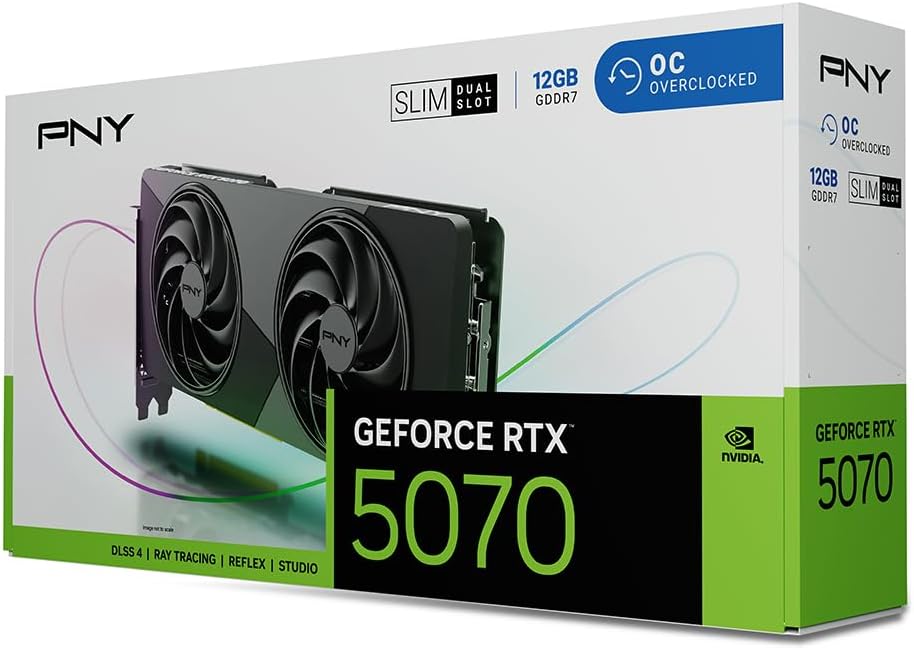
Yes, for most people. A 1440p build with an RTX 5070 or RX 9070 XT costs about $300 less than Build 1 on the GPU alone, and delivers higher average frame rates, higher refresh rates, more consistent performance, and a monitor that costs $400–$700 less than a quality 4K panel. The pixel difference between 1440p and 4K on a 27-inch monitor at normal desk viewing distance is visible but not dramatic. On a 32-inch panel at close range it’s more apparent.
4K makes the most sense for players who sit close to large displays, who value visual fidelity over frame rates, or who watch films and media on the same monitor. It makes less sense for competitive gaming where frame rate matters more than resolution, or for builders where the total budget needs to go further.
If you’re choosing between a great 1440p build and a stretched 4K build at the same total budget, the 1440p build usually games better. 4K is the right answer when the budget is genuinely there for it without compromise.