
The human eye can’t see above 30 FPS. You’ve probably read that somewhere. It’s wrong, and it’s been wrong every time someone has repeated it for the last twenty years. The claim comes from a misreading of early research into motion perception that wasn’t studying gaming at all. Human visual processing doesn’t work in discrete frames. It’s continuous, and it perceives motion differences well above 30, 60, or even 120 frames per second under the right conditions.
None of which means you need 360 FPS to play games well. What matters is understanding what each frame rate tier actually delivers, when the differences are noticeable, and when spending more on hardware to push higher numbers genuinely changes your experience.
What frame rate actually is
Your monitor displays a sequence of still images (frames) fast enough that your brain perceives them as motion. The frame rate is how many of those images are produced per second. Higher frame rate means more images per second, which means motion appears smoother and more responsive.
The connection between frame rate and display matters here. Your monitor has a maximum refresh rate: 60Hz, 144Hz, 240Hz, 360Hz. A 60Hz monitor can display a maximum of 60 unique frames per second regardless of what the GPU is producing. Running at 200 FPS on a 60Hz monitor doesn’t give you 200 FPS, it gives you 60 FPS worth of display refresh, with some frames produced but never shown. This is why matching your GPU’s output to your monitor’s capabilities matters when making hardware decisions.
30 FPS: playable but not comfortable
30 FPS is the console gaming standard from the last two generations for titles that prioritise visual quality over smoothness. It’s playable in the sense that games are completable at 30 FPS. It’s not comfortable in the sense that motion, especially fast camera movement, has visible stuttering that you adapt to rather than stop noticing.
In practice, 30 FPS on a monitor looks worse than 30 FPS on a television. Televisions apply motion processing that reduces the perceived stutter. PC monitors typically don’t. 30 FPS on a desktop monitor is distracting in fast gameplay and outright unpleasant in first-person games where the camera moves constantly.
If you’re hitting 30 FPS in a demanding game and wondering whether to drop settings or accept it : drop the settings. 45 FPS at medium-high settings is a substantially better experience than 30 FPS at ultra. The frame rate matters more than the settings for how the game actually feels to play.
60 FPS: the baseline for PC gaming
60 FPS is the minimum target for comfortable PC gaming on any monitor. At 60 FPS motion is smooth enough that most people aren’t actively aware of the frame rate, they’re just playing the game. The camera can pan quickly, enemies can move fast, and the experience doesn’t feel like it’s fighting your input.
On a 60Hz monitor, 60 FPS is also the ceiling. Producing more frames than your monitor can display at 60Hz doesn’t improve the experience and wastes GPU resources. If you’re on a 60Hz panel and hitting stable 60 FPS in the games you play, your hardware is doing its job correctly for that display.
The word “stable” matters more than the number. 60 FPS average with regular drops to 35 FPS feels worse than a stable 50 FPS. The 1% low frame rate, the frame rate at the lowest one percentile of your performance during a gaming session, is a better measure of how the game actually feels than the average. A game averaging 90 FPS with 1% lows of 28 FPS has serious stuttering problems that the average doesn’t reveal.Best Gaming Monitor 2026
Above 60 FPS: where it gets interesting
The jump from 60 to 144 FPS on a matching display is the largest perceptible improvement in the frame rate spectrum. It’s not subtle. Motion is dramatically smoother. Input response, the time between pressing a button and seeing the result : is faster. After gaming on a 144Hz display at 120+ FPS, 60 FPS on the same monitor feels sluggish. People who say they can’t tell the difference generally haven’t tried it side by side.
The improvement compounds in three ways. First, individual frames render faster, so what you see is more current relative to your input. Second, the display shows more unique frames per second, so motion has more intermediate positions and looks smoother. Third, the frame time, the time between each frame : is more consistent at higher frame rates, which reduces the micro-stuttering that makes 60 FPS feel less smooth than the number suggests.
For competitive gaming specifically, CS2, Valorant, Apex Legends, frame rate above 60 FPS produces measurable improvements in aim accuracy. Crosshair tracking is smoother. Target acquisition is faster. The performance delta between 60 FPS and 144 FPS in competitive shooters is real and documented in multiple independent studies. Whether those gains matter to you depends on how seriously you play, casual play benefits less than ranked play.Best Gaming PC Build for 4K Gaming 2026
144 FPS: the competitive standard in 2026
For competitive gaming in 2026, 144 FPS on a 144Hz display is the baseline many serious players consider the minimum. CS2 professional players compete at 240+ FPS. Valorant Radiant players typically run 240–360 FPS. These numbers aren’t arbitrary, higher frame rates reduce input lag and improve the responsiveness that separates good aim from great aim at the highest levels.
For single-player and story-focused games, 144 FPS is excellent but not particularly more meaningful than 100 FPS. The smoothness is noticeable but story games don’t demand the twitch responsiveness where extra frames matter competitively. 60–100 FPS in single-player games feels very good on a 144Hz display. 144 FPS feels marginally better. Both are far from the ceiling of what the human visual system can perceive : but both are smooth enough that the game is engaging rather than distracting.
240 FPS and above: diminishing returns, specific use cases
240 FPS on a 240Hz display is perceptibly smoother than 144 FPS on a 144Hz display. The improvement from 60 to 144 is larger than from 144 to 240 : each doubling of refresh rate delivers less additional perceived benefit than the previous one. The curve is not linear.
At 240 FPS in competitive shooters, the benefits are real but increasingly require the most demanding scenarios, edge-on-edge tracking at long range, fast flicking, and precise burst fire timing, to materialise. Most players won’t perceive the difference between 144 FPS and 240 FPS during typical gameplay. Top competitive players will.Nvidia G-Sync Pulsar Monitor Upgrade
Beyond 240 FPS (360 FPS, 480 FPS), the perceptible benefits are at the extreme edge of what most people can distinguish under any conditions. G-Sync Pulsar’s backlight strobing at these frame rates eliminates the persistence blur that limits how sharply fast motion is perceived, a SpecClear article on G-Sync Pulsar covers this in detail. At 360+ FPS on a Pulsar display, the effective visual clarity is measurably different from lower rates in fast motion specifically. For elite competitive play, this matters. For everyone else, the hardware cost to sustain 360 FPS in demanding titles is significant.
Frame time: the number most people never check
Average FPS is the number everyone quotes. Frame time is the number that determines whether gameplay actually feels smooth.
Frame time is the time between each frame in milliseconds. At 60 FPS average, each frame should take 16.7ms. If some frames take 8ms and others take 35ms, the average is still 60 FPS but the gameplay feels stuttery, the irregular gap between frames registers as micro-stutter that the brain perceives even when the average number looks fine.
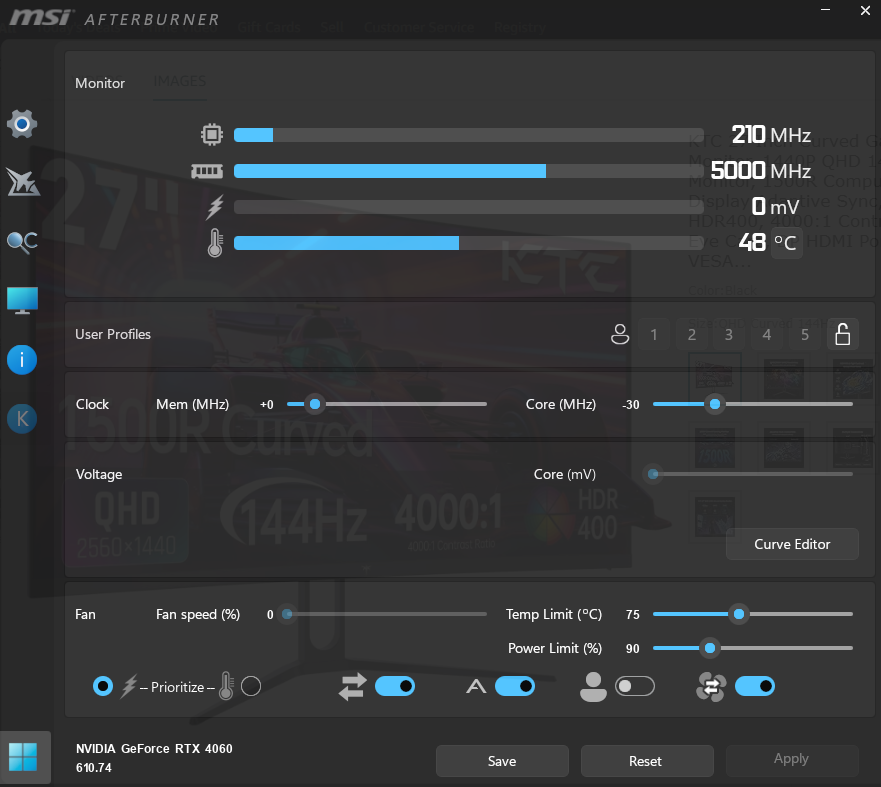
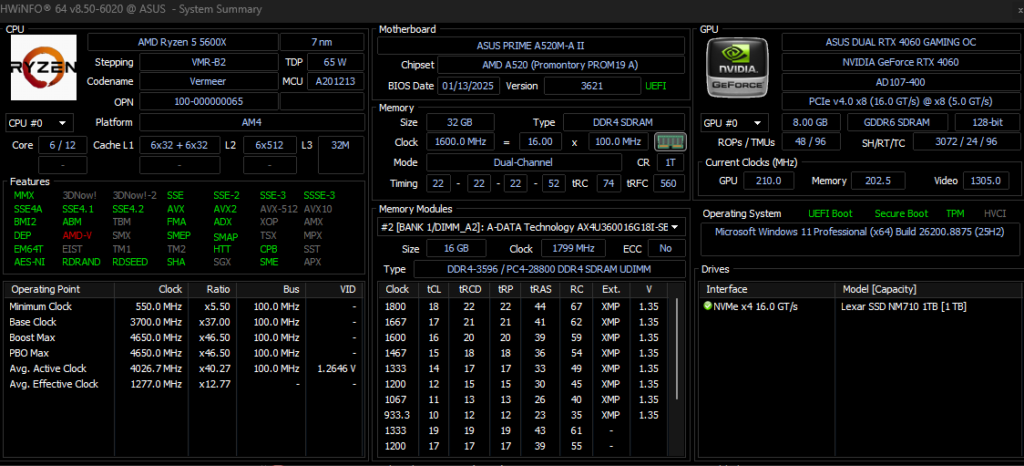
Check frame time graphs in HWiNFO64 or MSI Afterburner. A smooth game has consistent frame times with little variation, a tight line on the graph. A stuttery game has frame time spikes, periodic tall peaks where a single frame took much longer than the others. Fixing frame time inconsistency sometimes matters more than pushing average FPS higher.How to Monitor Your GPU and CPU Temperatures
The monitor matching rule
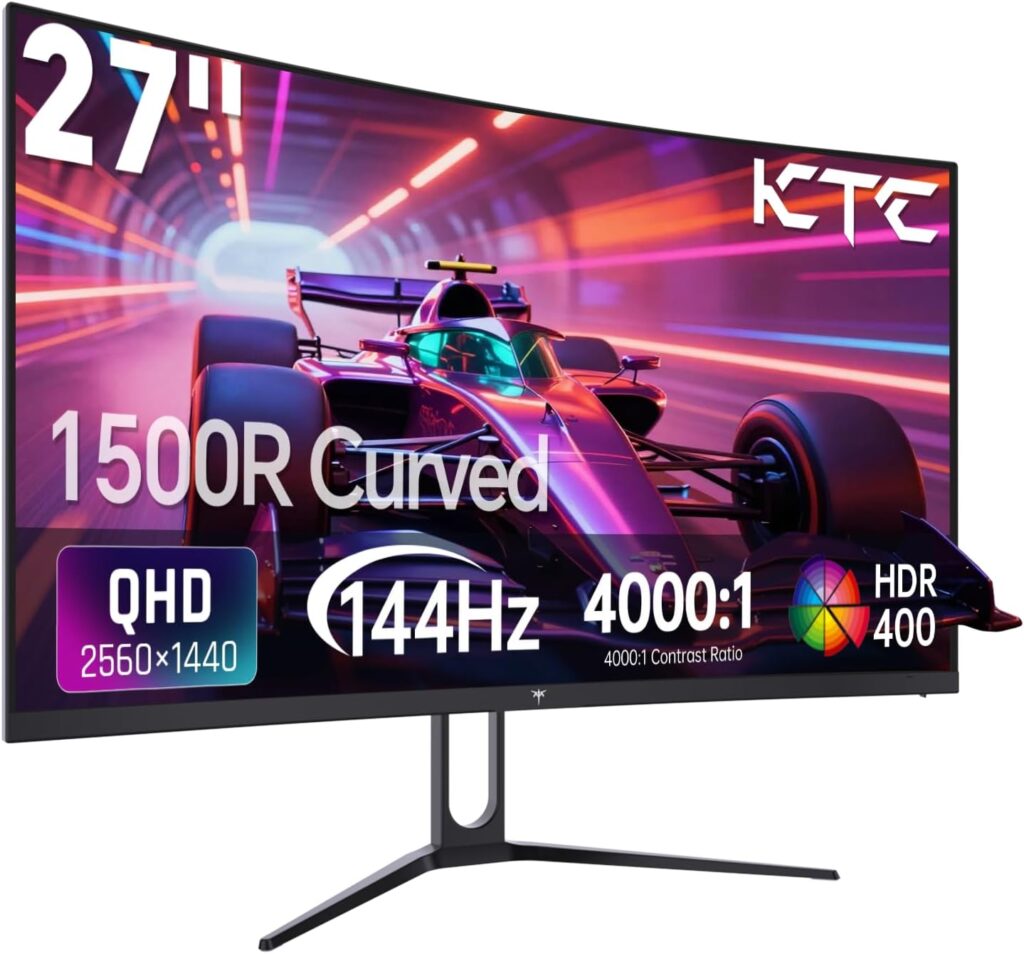
Whatever frame rate target you’re aiming for, your monitor needs to match. There’s no benefit to producing 200 FPS on a 60Hz monitor, and if V-Sync is off, the mismatched frame delivery creates screen tearing. If V-Sync is on at 60Hz, the frame cap limits you to 60 FPS regardless of GPU output.
The practical guide: pick your monitor first, then pick the GPU that can sustain that frame rate in the games you play. A 144Hz monitor with an RTX 5060 Ti targeting 120+ FPS in most titles is a more satisfying setup than a 240Hz monitor with the same card struggling to reach 180 FPS in demanding games. Match the hardware to the display. Don’t overbuy the display for the GPU or overbuy the GPU for the display.How to Monitor Your PC Gaming Performance
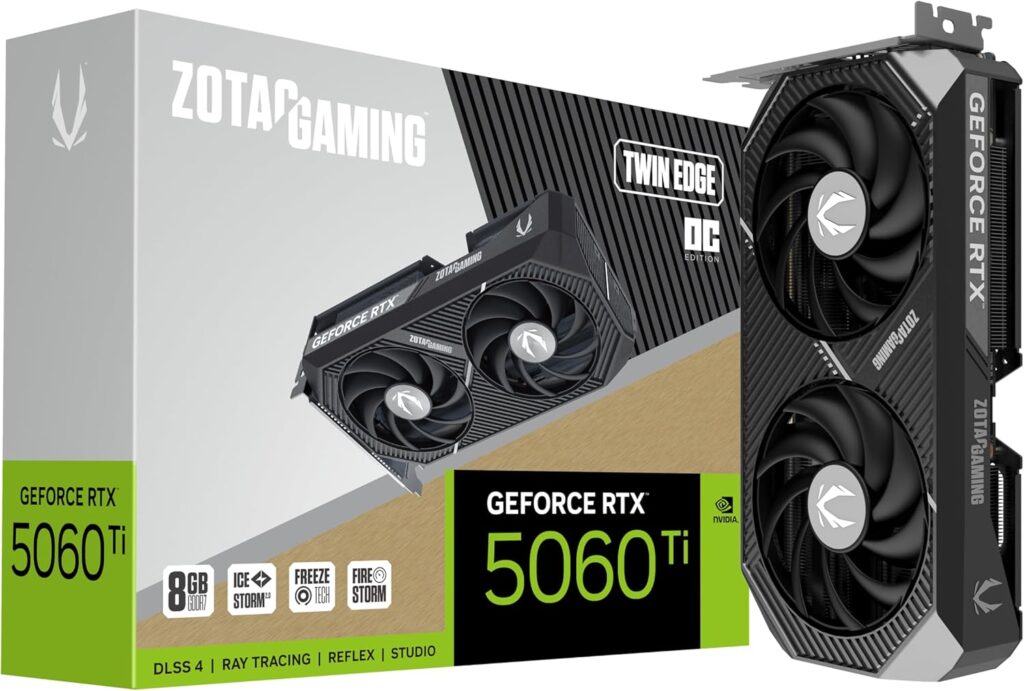
For most gaming builds in 2026: a 144Hz 1440p monitor targeting 80–120 FPS in demanding games with DLSS 4 or FSR 4 active is the sweet spot. It’s smooth, it’s responsive, and it doesn’t require extreme hardware to sustain. That’s the frame rate target worth building around.RTX 5070 vs RTX 5070 Ti