
SpecClear earns a commission if you buy through Newegg links on this page, at no extra cost to you.
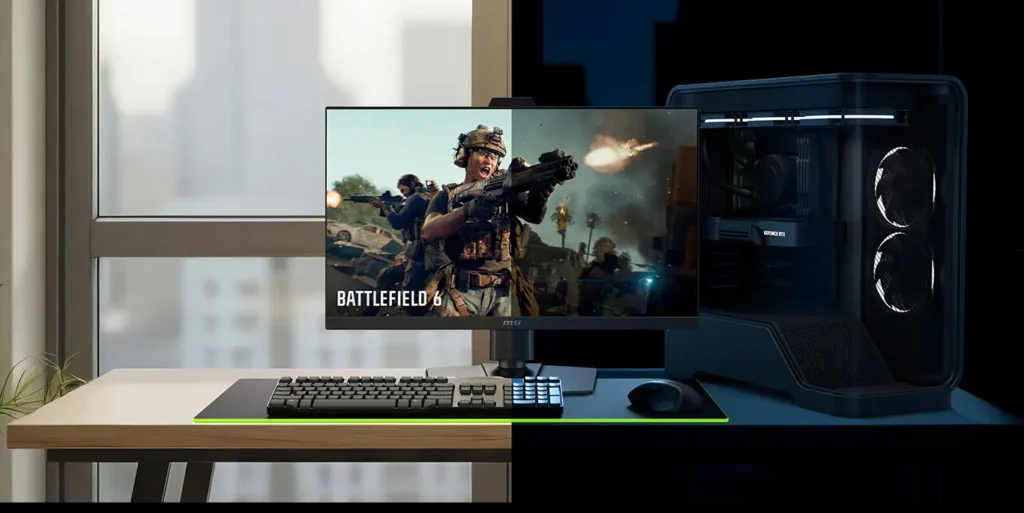
In 2013 Nvidia introduced G-Sync and changed how monitors handle frame rates. Variable refresh rate the GPU and display agreeing on when to draw each frame rather than the display doing it on its own schedule eliminated screen tearing without the input lag penalty of V-Sync. It was a genuine improvement that AMD matched with FreeSync and the industry moved forward.
G-Sync Pulsar, shipping in monitors since January 7, 2026, is the next step. It solves the one problem VRR never addressed: motion blur. And the way it solves it is worth understanding before you decide whether a $599 monitor is justified.
The problem VRR never fixed
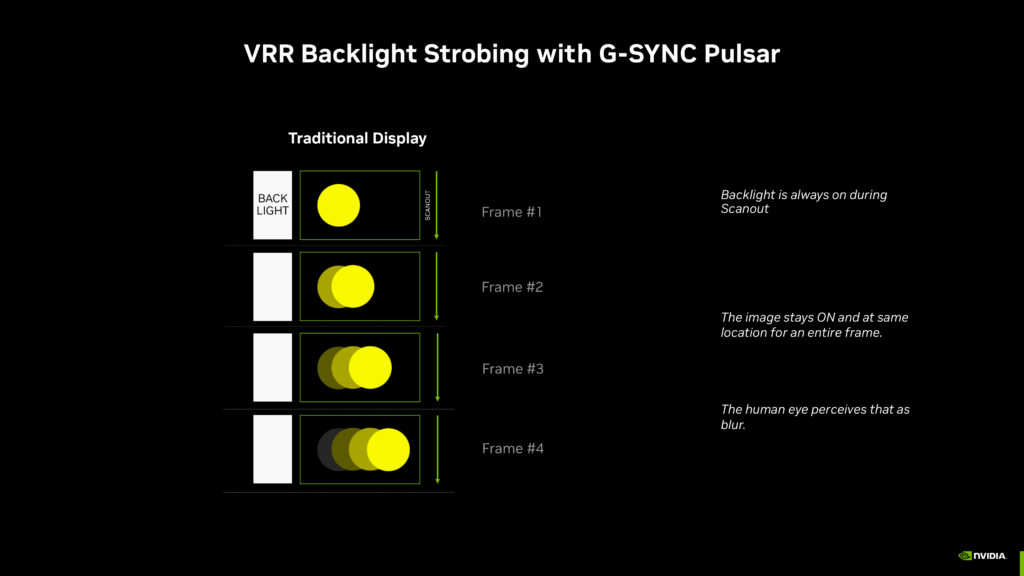
Screen tearing is gone on any display running G-Sync or FreeSync at a matched frame rate. What’s still there is sample-and-hold motion blur the blur caused by your eyes tracking a moving object across a display that holds each frame for its full frame time before switching.
At 360Hz a monitor displays each frame for approximately 2.8ms. Your eyes are already moving to where the object will be next, but the display is still showing where it was. The result is a blur trail behind fast-moving objects targets in CS2, ability effects in Valorant, fast camera pans in any game. Higher refresh rates reduce this but don’t eliminate it. The physics of how LCD panels work means persistence is always there.
Backlight strobing addresses persistence by flashing the backlight on and off showing each frame briefly and then going dark, which reduces how long the image persists on your retina. Nvidia’s ULMB and ULMB2 did this, and they worked. The catch was that strobing only worked at fixed refresh rates you had to choose between motion clarity with strobing or smooth variable refresh rate frames. You couldn’t have both simultaneously.
G-Sync Pulsar removes that trade-off, It combines variable refresh rate with variable-frequency backlight strobing in a single unified system. The backlight pulses at a rate matched to the current frame output, so you get VRR’s tear-free smoothness and the motion clarity benefit of strobing at the same time. For other monitor options, see our best gaming monitor guide.
What 1,000Hz effective motion clarity actually means
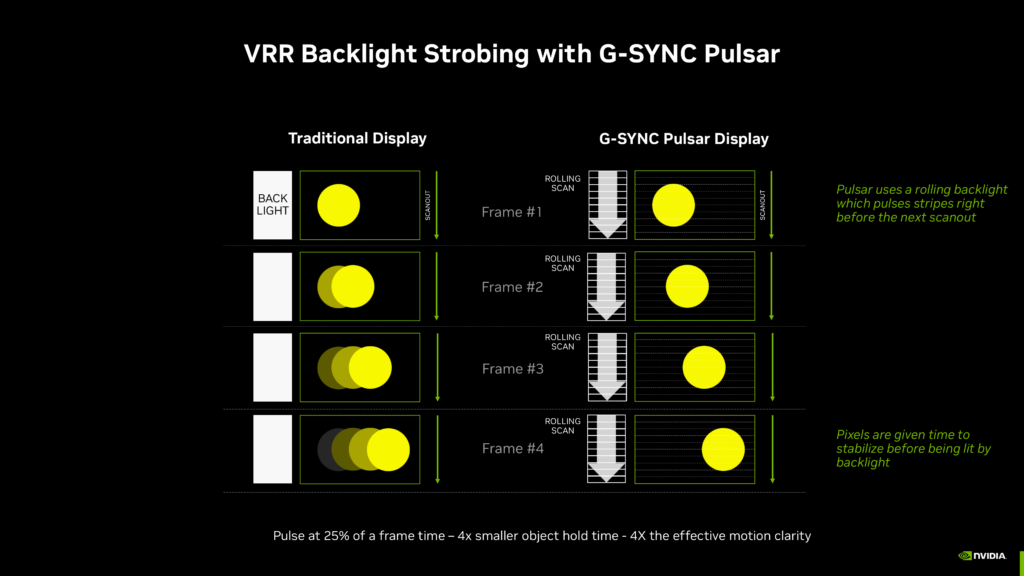
The “1,000Hz effective motion clarity” claim deserves explanation because it sounds like marketing before you understand the mechanism.
At 250 frames per second on a 360Hz G-Sync Pulsar display, the backlight pulses synchronise with each rendered frame and then go dark between frames. Your eye perceives the moving object at its correct position for each pulse rather than seeing a persistent blur across the full frame time. The effective motion clarity how sharply your eye perceives fast-moving objects equates to what a 1,000Hz display would deliver through raw refresh rate alone.
Technerdo’s testing confirmed this, after several weeks with the ASUS ROG Strix Pulsar XG27AQNGV, their reviewer noted that the improvement in motion clarity is genuinely transformative and that standard displays feel noticeably blurry in comparison after experiencing Pulsar. That’s a strong claim that the data supports the jump from standard G-Sync to Pulsar was described as a larger perceptible improvement than the original jump from G-Sync Compatible to module-based G-Sync.
The caveat is frame rate dependency, the full benefit of Pulsar requires consistently high frame rates 200+ FPS to let the strobing system work effectively. If your GPU is pushing 90 FPS in demanding titles, a portion of Pulsar’s benefit remains unrealised. This is a technology that pairs best with a powerful GPU and games that generate high frame rates. Competitive shooters at 1080p and 1440p are the natural home.
The four monitors and why they’re essentially the same product
Four monitors launched with G-Sync Pulsar support on January 7, 2026. All four use the same 27-inch 1440p 360Hz IPS panel with identical core specifications. The differences between them are stand design, OSD implementation, aesthetic choices, and price.
The ASUS ROG Strix Pulsar XG27AQNGV is the most tested and most recommended. 27-inch, 1440p, 360Hz, 1ms grey-to-grey response, 2x HDMI 2.1, DisplayPort 1.4, USB hub, ROG branding. PC Guide’s testing confirmed it reached over 99% sRGB coverage and 88% DCI-P3. The aesthetics lean gaming-aggressive the ROG branding is prominent.
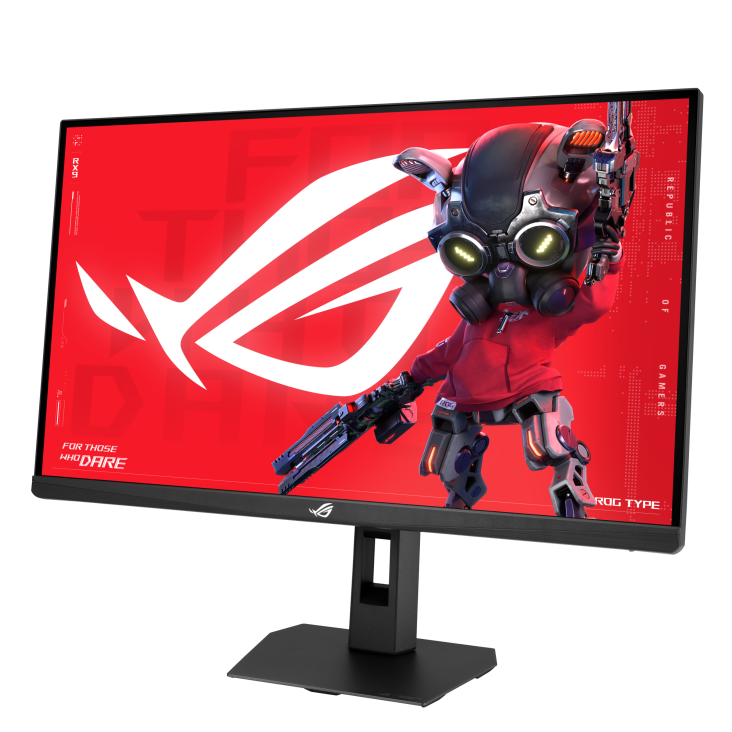
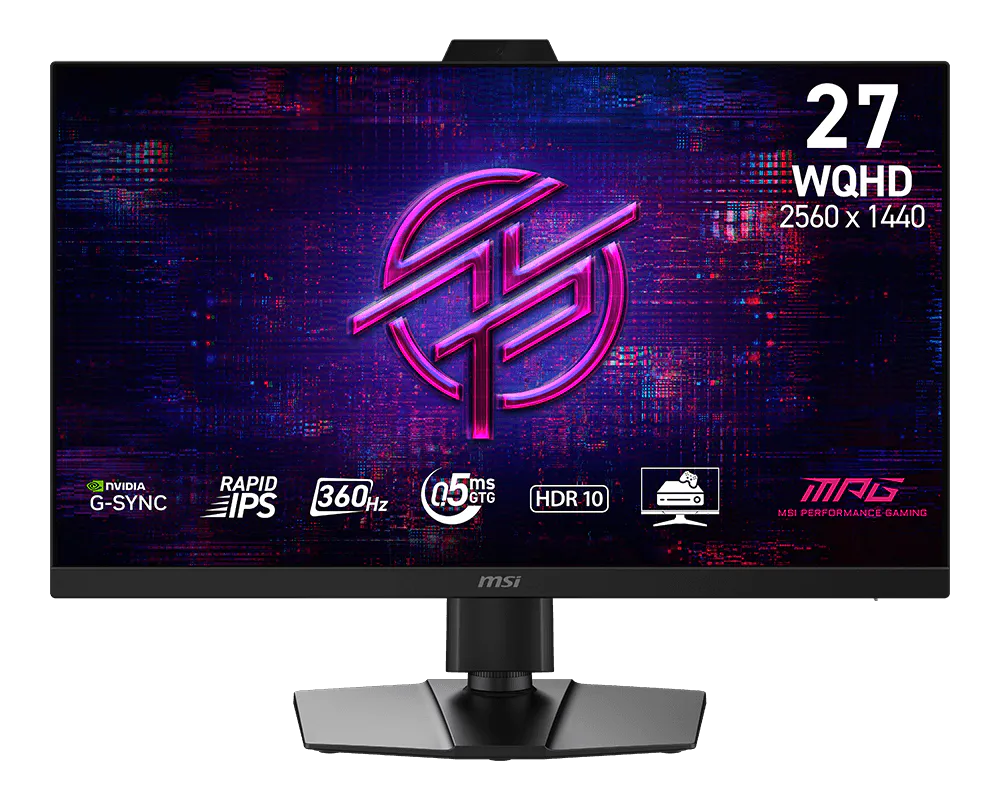
The MSI MPG 272QRF X36 is the same spec with a cleaner, more subdued design if ROG aesthetics aren’t your preference.
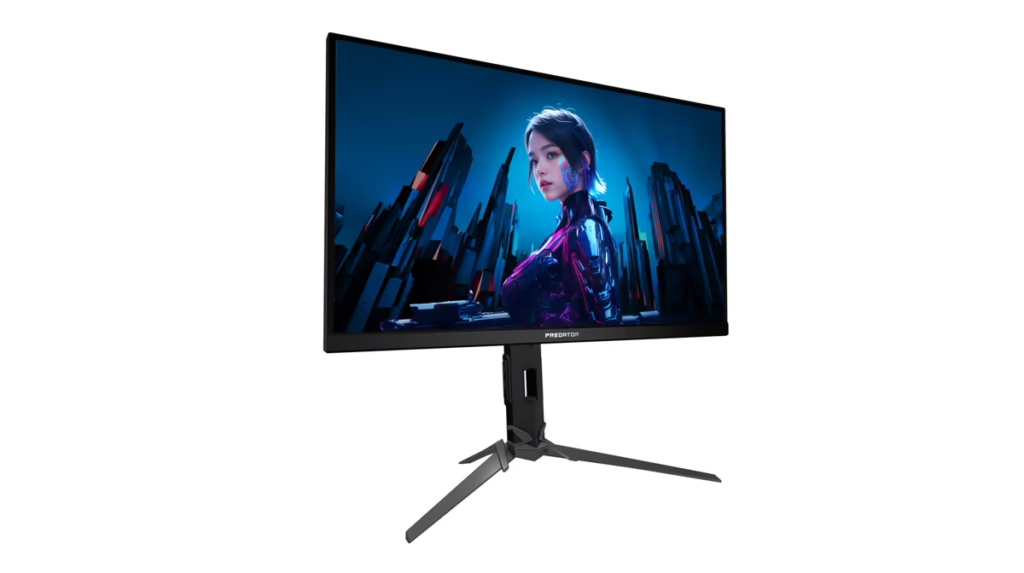
The Acer Predator XB273U F5 adds 0.5ms response time specification and covers 90% of DCI-P3 strong colour performance for an esports-focused panel.
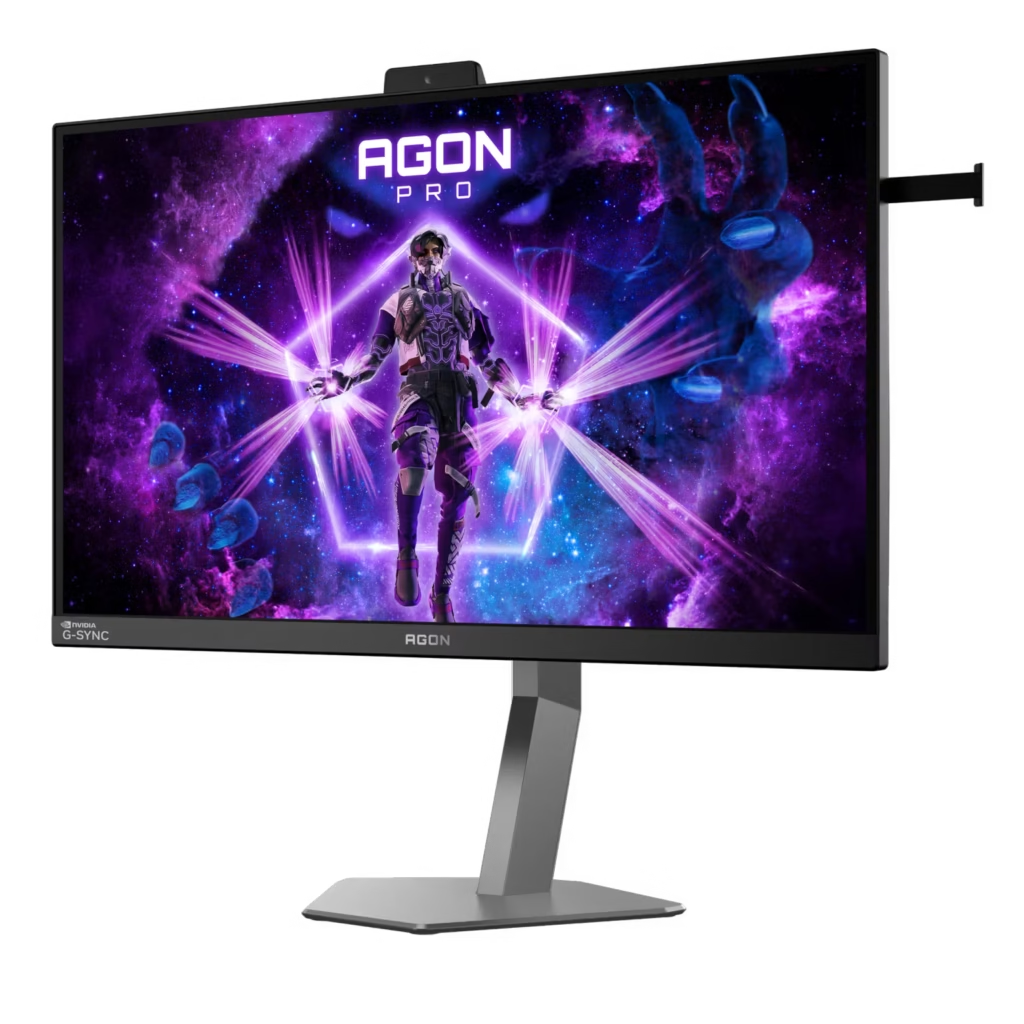
The AOC AGON Pro AG276QSG2 is the fourth option, generally the most value-focused of the four and worth considering if the others are priced above your range.
Starting price across all four is $599+ Premium AIB configurations run higher. Shop by aesthetics and price the underlying panel performance is the same.
G-Sync Ambient Adaptive: the secondary feature worth knowing about
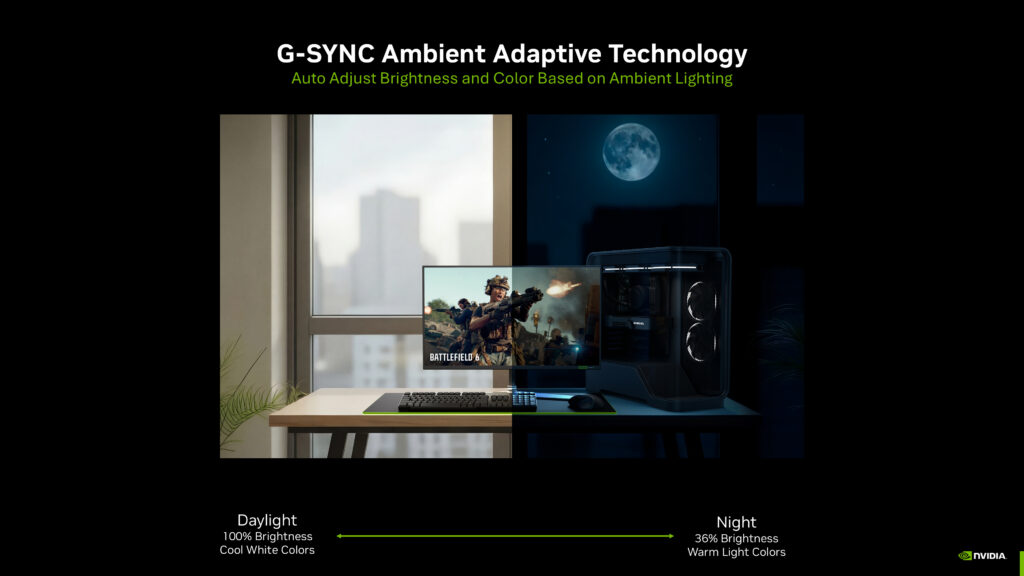
All four Pulsar monitors include G-Sync Ambient Adaptive: a built-in light sensor that automatically adjusts display brightness and colour temperature based on ambient room lighting. In a bright daytime room it pushes to 100% brightness with cooler white balance. In a dark room it drops to 36% brightness with warmer tones. It works like Apple’s True Tone but implemented at the hardware level.
This is genuinely useful for mixed-use setups where the room lighting changes significantly between day and night gaming sessions. It’s not a reason to buy a Pulsar monitor on its own, but it’s a quality-of-life feature that works well in practice.
Who should actually upgrade
G-Sync Pulsar is the correct upgrade for competitive gamers CS2, Valorant, Apex Legends, Rainbow Six Siege who are already on a powerful GPU pushing 200+ FPS consistently, currently on a 144Hz or 240Hz monitor, and spending serious hours at the game. The motion clarity improvement at high frame rates is measurable, visible, and directly relevant to competitive performance. At $599 it’s the most capable esports display available at this price point. If you are keeping your old screen as a second display, our guide on how to set up a second monitor for gaming covers the setup.
It’s the wrong upgrade if your GPU can’t consistently push 200+ FPS in the games you play. If an RTX 5060 Ti is your card and you’re gaming in Cyberpunk 2077 at 1440p, you’re not in the frame rate range where Pulsar’s strobing system delivers its full benefit. The $599 would be better directed toward a better GPU or a quality OLED panel where contrast and visual quality matter more than motion clarity.
It’s also not the monitor for single-player gaming where visual quality, HDR performance, and colour accuracy matter more than motion tracking. Pulsar monitors are 500 nits peak brightness IPS panels solid but not the equal of the QD-OLED and WOLED options at similar pricing for single-player content. A QD-OLED at $349–$799 delivers infinite contrast, vastly superior colour, and better HDR for gaming where you’re looking at landscapes and cutscenes rather than tracking targets.
The Samsung Odyssey G60H the world’s first 1,040Hz display confirmed as G-Sync Compatible represents a different approach to the same problem. Raw refresh rate rather than Pulsar’s strobing. It’s worth monitoring for independent testing as a potential alternative that achieves similar motion clarity through a different method and without the Pulsar premium.
The verdict
G-Sync Pulsar is a genuinely transformative improvement in motion clarity for competitive gaming the jump from standard G-Sync to Pulsar is a larger perceptible improvement than from G-Sync Compatible to module-based G-Sync. That’s meaningful. For competitive players on powerful GPUs already shopping in the $600 monitor range, the Pulsar monitors are the best displays available right now at this price point.
Don’t upgrade from a 360Hz panel the core refresh rate is the same and Pulsar’s improvement on a monitor you already use at 360Hz doesn’t justify the cost. Don’t upgrade if your GPU can’t consistently feed 200+ FPS. Do consider it if you’re moving from 144Hz or 240Hz, play competitive titles seriously, and have the GPU to back it up.
Buy the ASUS ROG Strix Pulsar XG27AQNGV (499) if aesthetics aren’t a concern, buy the MSI MPG 272QRF X36 if you prefer cleaner design. The panel is the same either way.