
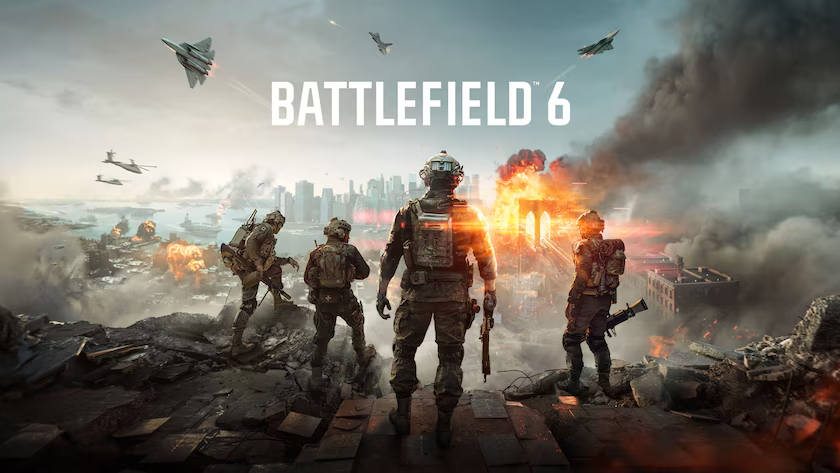
Battlefield 6 is free to play on PC for a limited time right now which means a large wave of players are loading it up for the first time and immediately opening the graphics settings. EA and DICE published proper, tiered requirements instead of the usual vague minimum/recommended pair, and they include something rare: confirmed frame rate targets for each tier using native resolution, no upscaling tricks.
The game has also introduced some PC-specific requirements that will catch people out. Before any graphics discussion, read the security requirements section Battlefield 6 uses the Javelin kernel-level anti-cheat system and it will not launch without Secure Boot enabled. No workaround. If your Secure Boot is disabled, fix that first.
Here’s everything you need to know to get Battlefield 6 running and running well.
Battlefield 6 PC Requirements: Do This Before Installing
Windows 11 Gaming Optimisation Settings Guide this is a article thats related from this section this should give you a better understanding.
Battlefield 6 PC settings will require all of the following to be active on your system. The game checks for these at launch and will refuse to start if any are missing.
Secure Boot: Required, not optional. Secure Boot must be enabled in your BIOS/UEFI. If you disabled it to install SteamOS, a Linux dual-boot, or for a previous game that required it off, you need to re-enable it before Battlefield 6 will launch. Go into BIOS setup (typically Del or F2 during POST), find Secure Boot under Security settings, and enable it. Save and restart.
TPM 2.0: Required. Most modern motherboards have this enabled by default. Check via Windows Security → Device Security → Security processor details. If it shows TPM 2.0, you’re fine. If not, check your BIOS for fTPM (AMD) or PTT (Intel) and enable it.
Windows 11: Required for the recommended tier and above. Windows 10 meets the bare minimum specification, but Windows 11 is required for the recommended tier and all higher tiers. Windows 10 users hitting the minimum spec will need to play at minimum settings.
DirectX 12: Required. Any modern GPU installed on Windows 10 or 11 already meets this. Not a concern for anyone with hardware from the last five or six years.
HVCI (Memory Integrity) and VBS: Not mandatory but recommended by EA. These are the Windows security features covered in SpecClear’s Windows 11 Gaming Optimisation guide. Battlefield 6 won’t refuse to launch without them, but EA recommends enabling them for security. Note that as covered in the Ryzen Master and Intel XTU guide, Intel XTU requires these to be disabled. If you’re running Intel XTU, you’ll need to choose between XTU and HVCI they can’t both be active.
Steam Deck: Not supported. The Javelin anti-cheat requires Secure Boot, which is incompatible with SteamOS. Battlefield 6 does not run on Steam Deck and EA has confirmed this with no current plans to add support.
Official System Requirements: All Four Tiers
EA published four distinct performance tiers with confirmed frame rate targets. Every tier except Ultra++ uses native resolution no upscaling required.
Minimum — 1080p, 30fps, Low settings:
- GPU: RTX 2060 / RX 5600 XT / Intel Arc A380 — 6GB VRAM minimum
- CPU: Intel Core i5-8400 / AMD Ryzen 5 2600
- RAM: 16GB dual-channel
- Storage: 55GB HDD (minimum — SSD strongly recommended)
- OS: Windows 10 64-bit
Recommended — 1440p 60fps High, or 1080p 80fps+ Low:
- GPU: RTX 3060 Ti / RX 6700 XT / Intel Arc B580 — 8GB VRAM
- CPU: Intel Core i7-10700 / AMD Ryzen 7 3700X
- RAM: 16GB dual-channel
- Storage: 90GB SSD
- OS: Windows 11 64-bit
Ultra — 4K 60fps, or 1440p 144fps:
- GPU: RTX 4080 / RX 7900 XTX — 16GB VRAM
- CPU: Intel Core i9-12900K / AMD Ryzen 7 7800X3D
- RAM: 32GB dual-channel
- Storage: 90GB SSD
- OS: Windows 11 64-bit
Ultra++ — 4K 144fps or 4K 240fps (DLSS Multi Frame Generation required):
- GPU: RTX 5080 — 16GB VRAM. No AMD GPU listed at this tier.
- CPU: Intel Core Ultra 9 285K / AMD Ryzen 9 9800X3D
- RAM: 32GB DDR5 dual-channel
- Storage: 90GB SSD
- OS: Windows 11 64-bit
Three things worth noting. First, Intel Arc GPUs are officially supported at every tier the first time a major Battlefield title has included Intel Arc in its official specifications. Second, no upscaling is required at any tier except Ultra++. EA confirmed native rendering for all targets up to and including Ultra. Third, the Ultra++ tier explicitly relies on DLSS Super Resolution and Multi Frame Generation Nvidia-only technologies. AMD’s FSR and frame generation are not mentioned as pathways to Ultra++ performance.
The Best Settings for Competitive Multiplayer
Battlefield 6 is a competitive multiplayer game first the settings that produce the best cinematic experience are different from the settings that win firefights. Here’s what to prioritise.
Resolution and Upscaling
For competitive play at 1080p or 1440p: use native resolution without upscaling. DLSS and FSR add latency through the frame reconstruction process. In a fast time-to-kill shooter where spotting enemies a fraction of a second earlier determines the outcome, that latency matters.
For visual fidelity at 4K: DLSS Quality mode is appropriate, The image quality at Quality preset is excellent and the latency addition is acceptable in a less reaction-dependent context. For 4K above 60fps, DLSS Balanced or Performance with frame generation is the path.
NVIDIA Reflex: Enable on All RTX Systems
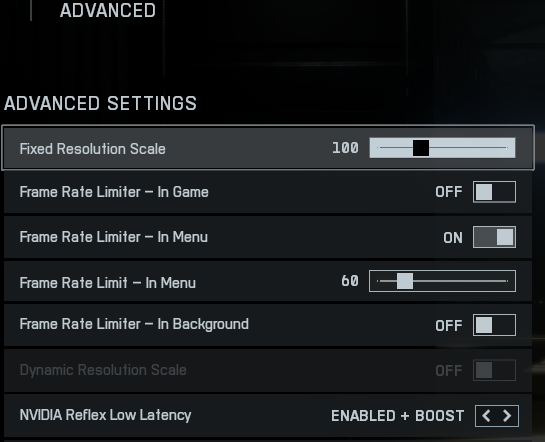
NVIDIA Reflex is supported in Battlefield 6 and is the single most effective input-lag reduction you can make on a GeForce card. Enable it in the graphics settings. On + Boost mode helps most when you’re CPU-limited common in 64-player Conquest matches with heavy vehicle and destruction simulation. Plain On is the safer default if you’re unsure.
AMD users: Anti-Lag is the equivalent. Enable it in AMD Adrenalin for this game.
Frame Rate Cap
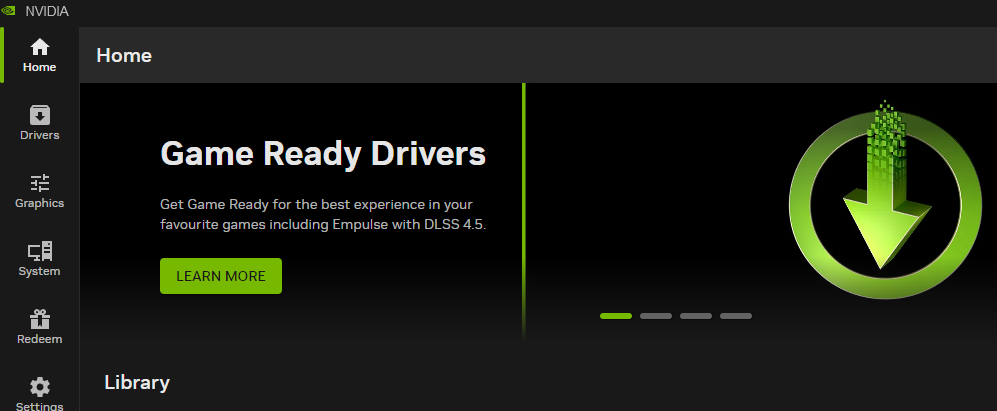
Cap your frame rate 3-5 FPS below your monitor’s maximum refresh rate. A frame rate cap keeps the GPU out of the fully saturated, high-latency zone at the top of its performance envelope. An uncapped frame rate on a 144Hz monitor doesn’t help you and increases GPU power draw and heat for no benefit. Set this in-game or via the Nvidia App or AMD Adrenalin.
Avoid Frame Generation for Competitive Play
DLSS Frame Generation and AMD AFMF add displayed frame rate but increase input latency. Keep them off when you’re playing competitively. Reserve frame generation for slower 4K fidelity setups where raw frame rate matters more than latency.
Shadows: High, not Ultra
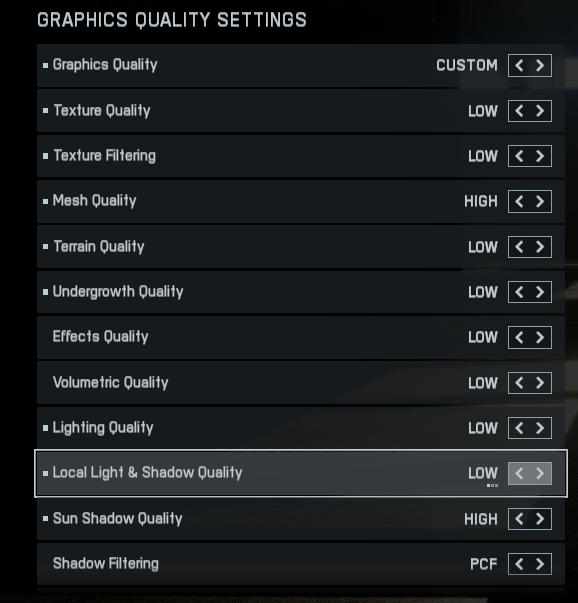
Shadow quality is the biggest single GPU load driver in Battlefield 6 outside of the overall quality preset. Ultra shadows cover the largest shadow draw distances with the highest resolution shadow maps across every map object. In a fast-moving multiplayer shooter, the visual difference between High and Ultra shadows is less noticeable than in a slow-paced single-player game. Set shadows to High and put the recovered GPU headroom toward a higher frame rate.
Mesh Quality: High
Mesh quality determines the level of detail on map geometry and destructible environment objects. At High, the visual quality is excellent and distant object silhouettes are clear relevant for spotting enemies across larger maps. Ultra adds visible detail only in close inspection. Leave it at High.
Post-Processing Effects: Medium
Bloom, lens flare, ambient occlusion, screen space reflections these are the visual flourishes that make Battlefield 6 look cinematic. In competitive play, they add GPU load without meaningfully helping you track enemies. Medium settings look very good and give the GPU headroom back for frame rate.
Anti-Aliasing: TAA
Battlefield 6’s TAA implementation is well-tuned. Enable it. The absence of any AA in a game with complex environmental geometry causes noticeable edge shimmer that’s visually distracting without adding competitive benefit.
GPU Performance Guide: What to Expect
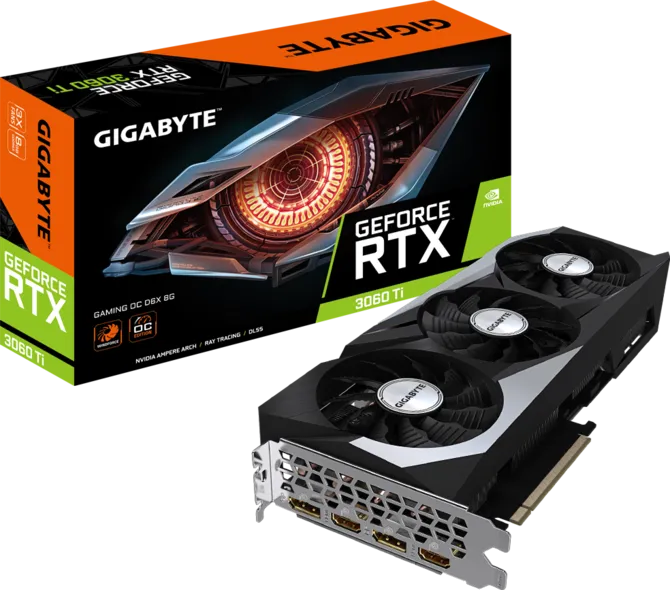
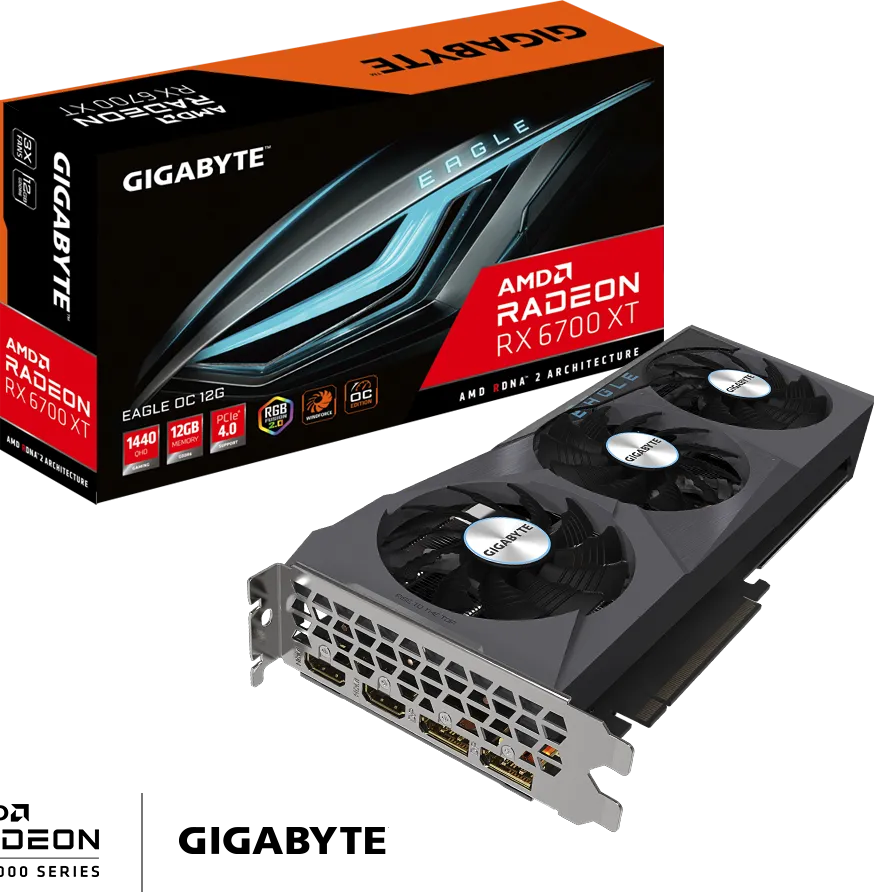
At 1080p High, the Recommended tier requirements are genuinely modest. An RTX 3060 Ti or RX 6700 XT hits 80fps at 1080p Low per EA’s confirmed targets. Modern mid-range cards RTX 5060 Ti, RX 9060 XT will push well above 100fps at 1080p High. This game scales well.
At 1440p High, the Recommended tier targets 60fps. An RTX 5070, RX 9070, or better handles 1440p High above 80fps with native rendering. For 1440p 144fps competitive play, an RTX 5070 with DLSS Quality enabled is the comfortable setup.
At 4K, the Ultra tier requires an RTX 4080 or RX 7900 XTX for 60fps. For 4K above 60fps, current-generation cards and DLSS Quality or Performance mode is the approach. The RTX 5080 is EA’s specified card for the Ultra++ tier targeting 4K 144fps with DLSS MFG.
Battlefield 6 is described by EA as a return to large-scale, all-out-warfare roots which means 64-player Conquest maps with heavy vehicle simulation and destruction. These workloads stress the CPU meaningfully more than most single-player games. Plan for at least a six-core CPU for smooth frame pacing in the largest matches. Older four-core CPUs will struggle in the most demanding game modes even if they handle the graphics load fine.
The Storage Question
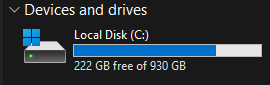
EA recommends SSD storage for Battlefield 6 at all performance tiers above minimum. On a hard drive, texture streaming and asset loading during large battles produce hitches that SSD storage eliminates. For the full experience especially on large maps with heavy destruction simulation NVMe SSD is the sensible baseline. DirectStorage is supported and reduces CPU overhead during texture streaming.
The minimum install size is 55GB, EA recommends 90GB for a full installation including HD textures. Leave headroom on your SSD Battlefield titles consistently receive content updates that expand install size throughout their lifecycle.
SpecClear participates in affiliate programmes. When you purchase through links on this site we may earn a commission at no additional cost to you.