
SpecClear earns a commission if you buy through Newegg links on this page, at no extra cost to you.
Can You Still Build a Great Gaming PC for $1,500 in 2026?
Short answer: yes, but only just, and only if you accept 16GB of RAM. The AI-driven DRAM shortage has pushed RAM and SSD prices to levels that would have seemed absurd two years ago, and graphics cards sit well above their launch prices too. At Newegg prices as of October 19, 2026, the build below comes to about $1,475 with every part sold new. Move to 32GB of RAM and the same PC costs about $1,685.
$1,500 is still a capable gaming budget. Build carefully and you get a system aimed at 1440p at high settings and fast 1080p competitive play, with a clear upgrade path on AM5. Here’s how to spend it in October 2026.
The build: about $1,475 at Newegg prices
Two parts decide whether $1,500 works: the RAM and the graphics card. A 32GB DDR5-6000 kit now costs about $470 on Newegg, and an RTX 5070 is about $860. Put both in one build and you’re past $1,500 before you’ve bought a CPU, board or storage. The build below keeps a 16GB AMD graphics card and drops to 16GB of system RAM, and that’s what gets it under $1,500.
The main build: Ryzen 5 9600X + RX 9060 XT 16GB, about $1,475
| Component | Choice | Price |
|---|---|---|
| CPU | AMD Ryzen 5 9600X | About $220 |
| GPU | Sapphire Pulse RX 9060 XT 16GB | About $520 |
| Motherboard | MSI B650 Gaming Plus WiFi | About $150 |
| RAM | Klevv 16GB (2 x 8GB) DDR5-6000 CL30 | About $265 |
| SSD | Kingston NV3 1TB PCIe 4.0 NVMe | About $160 |
| Case | Lian Li Lancool 207 | About $83 (4 fans included) |
| PSU | ASRock PRO-750G 750W 80+ Gold, ATX 3.1 | About $55 |
| CPU Cooler | be quiet! Pure Rock Slim 3 | About $23 |
| Total | About $1,475 |
Every part in the table except the SSD (a marketplace seller) is sold by Newegg itself, and the total doesn’t include a Windows licence. Since the last update the MSI board rose about $30 and the RAM pick changed to a cheaper CL30 kit, so the total moved up about $35 but still fits under $1,500.
If you can stretch past $1,500
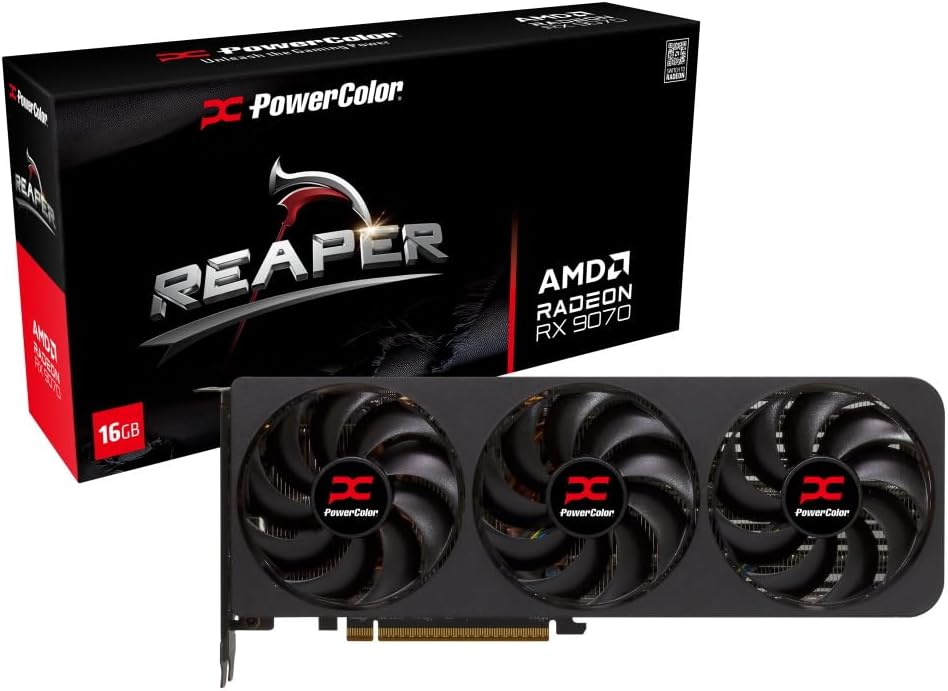
Swapping the RX 9060 XT for the Sapphire Pulse RX 9070 XT 16GB (about $900 from Newegg) adds about $380 and takes the build to about $1,855. The RX 9070 that used to be the step-up here now costs about $900 too, so the faster XT is the one to buy. It keeps 16GB of VRAM and moves up two tiers, with 64 compute units against the 9060 XT’s 32 and a wider 256-bit memory bus. Moving to 32GB with the Klevv 32GB DDR5-6000 CL30 kit (about $470 from Newegg) adds about $210, for about $1,685. Do both and you’re at about $2,065.
Which to pick: if you can only afford one upgrade, take the one that fixes your own bottleneck. If you keep a browser, Discord and other apps open while you game, add the RAM first. If you mainly play at 1440p, the RX 9070 XT is the bigger step.
Component Decisions Explained
CPU: Ryzen 5 9600X at about $220
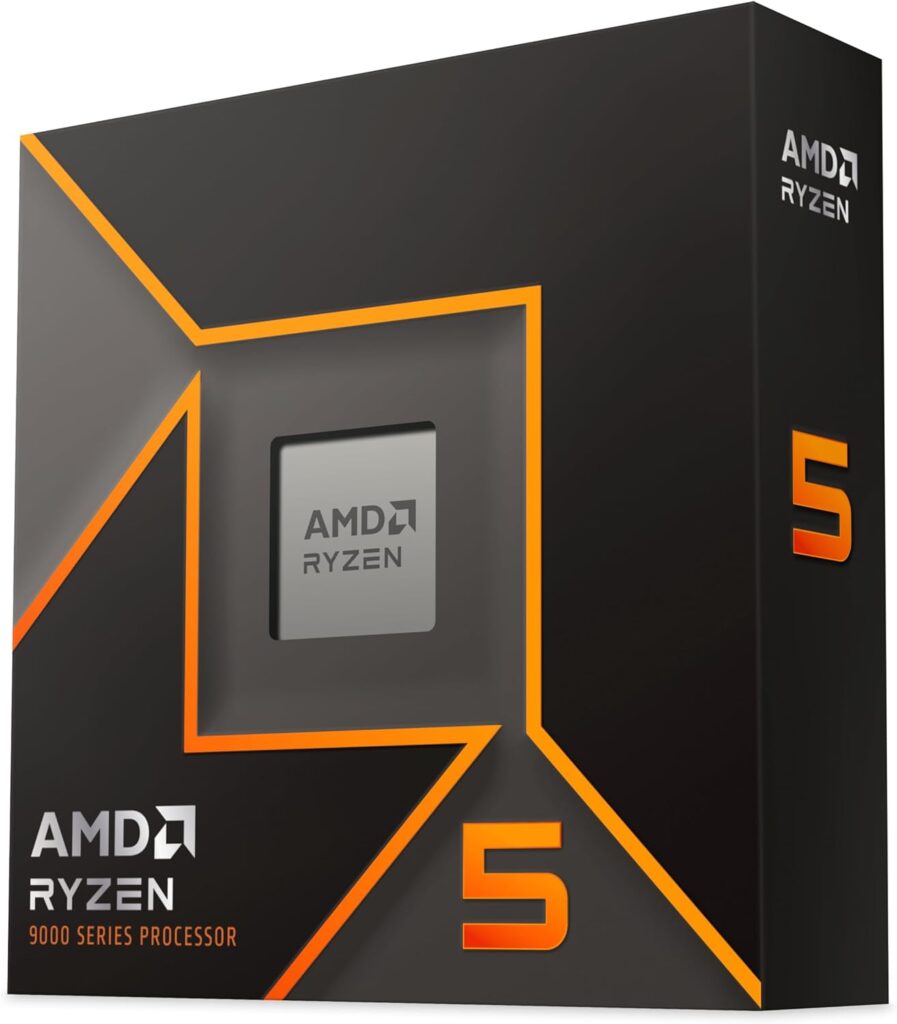
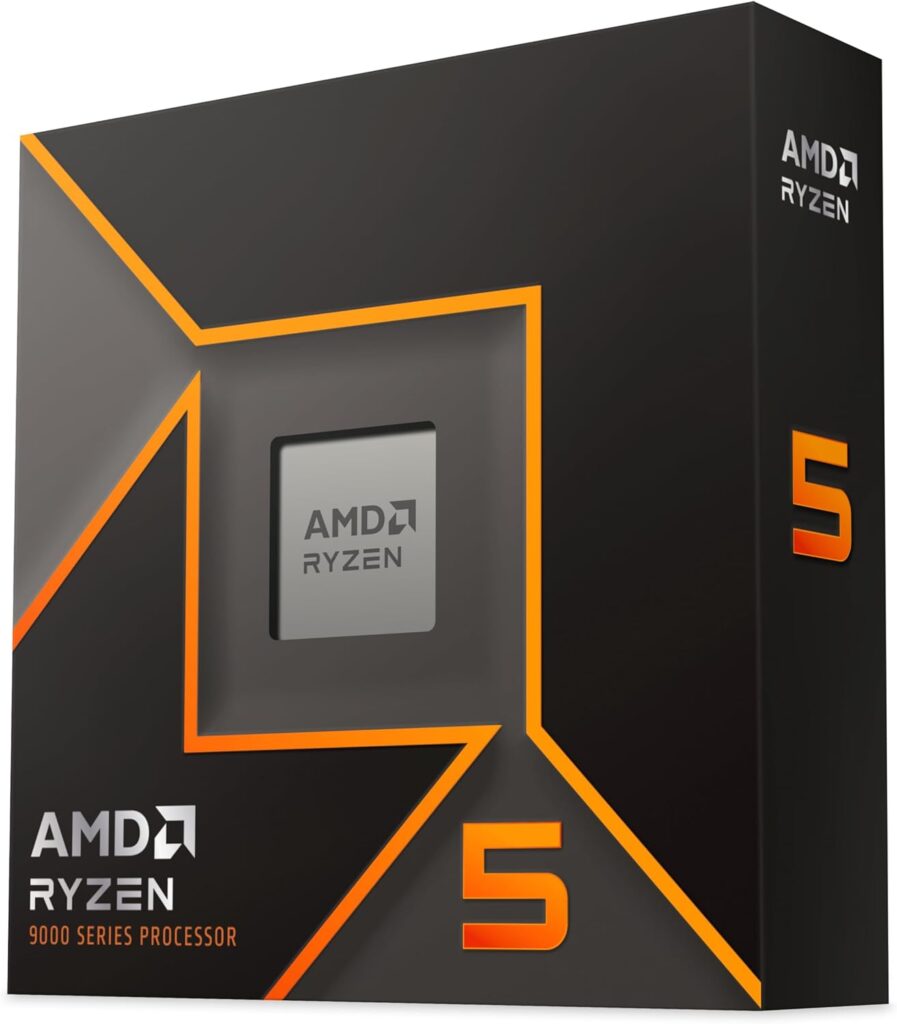
The Ryzen 5 9600X is the correct CPU choice at this budget. At 1440p gaming where the GPU is the primary constraint, the performance difference between a $220 9600X and a $444 9800X3D is typically 5-10% in CPU-bottlenecked titles. That 5-10% difference costs about $225. Putting that $225 toward a better GPU moves the dial far more than the CPU upgrade would.
GamersNexus made the same call in its February 2026 $1,491 build guide, pairing the 9600X with an RTX 5070. The AM5 platform means you can drop in a 9800X3D or 9850X3D later via BIOS update, so the upgrade path is fully open from day one.
GPU: RX 9060 XT 16GB at about $520
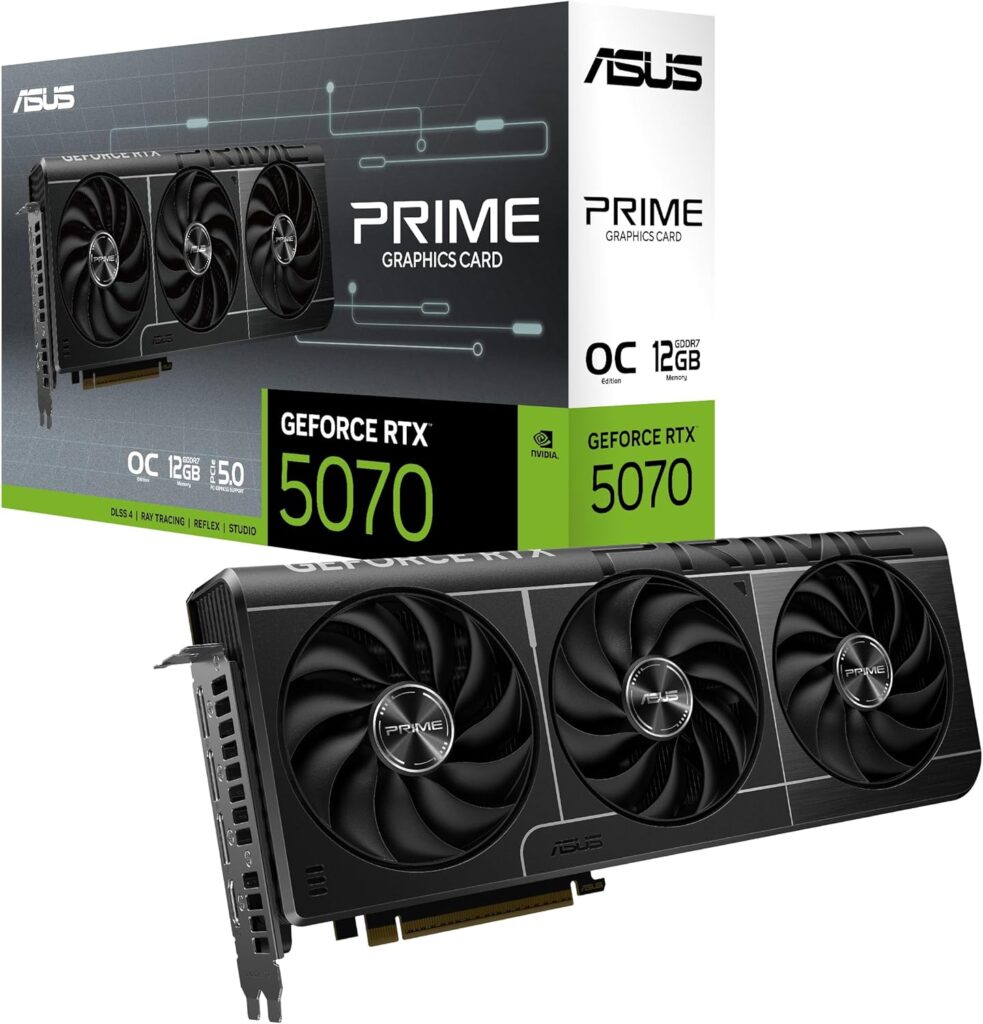
The graphics card is the biggest single line in any gaming build, and at $1,500 it has to share the budget with expensive RAM. The Sapphire Pulse RX 9060 XT 16GB is about $520 from Newegg and gives you 16GB of VRAM, which matters more each year as games use more texture memory. The RTX 5070 costs about $340 more and has 12GB, so it doesn’t fit this budget.
If you want Nvidia’s DLSS 4 and Multi Frame Generation, the RTX 5070 at about $860 on Newegg is the card, but it takes the build to about $1,815. Prices shift week to week, so check before buying.
The RX 9070 XT at about $900 is now the AMD step-up, because the RX 9070 costs about the same. It keeps 16GB of VRAM and moves up two tiers, and against the RTX 5070 it has 4GB more VRAM and more raster speed for about $40 more. If you can find about $380 more and play at 1440p, it’s the upgrade to make.
RAM: 16GB DDR5-6000 now, 32GB when you can
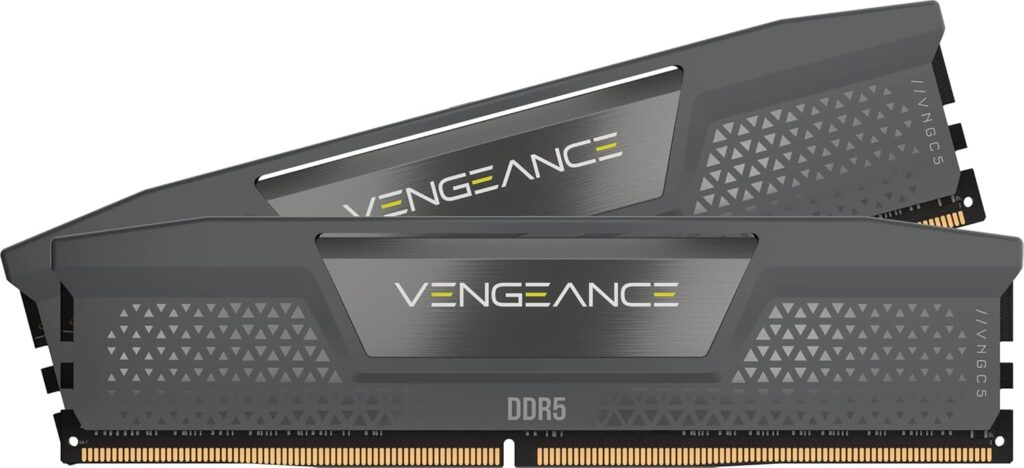
This is the compromise that gets the build under $1,500. 32GB is the better amount for gaming in 2026, since newer games plus a browser in the background can push past 16GB, but a 32GB DDR5-6000 kit costs about $470 on Newegg against about $265 for the Klevv 16GB (2 x 8GB) DDR5-6000 CL30 kit. 16GB still runs current games. The limit shows in the heaviest titles at high settings and when you multitask while gaming.
DDR5-6000 is the AM5 sweet spot, the speed where the Ryzen memory controller runs best, so don’t pay extra for DDR5-7000 or above. This kit is CL30, a little quicker on paper than CL36, and right now it costs less than most CL36 kits too. When you upgrade, buy a 2 x 16GB kit rather than adding two more sticks, because four sticks on AM5 usually means lower memory speeds.
Enable EXPO in BIOS after installing RAM. Every AM5 board ships with RAM running at slow JEDEC defaults until you enable it manually. The Windows 11 gaming optimisation guide on SpecClear covers exactly how to do this.
Storage: 1TB NVMe
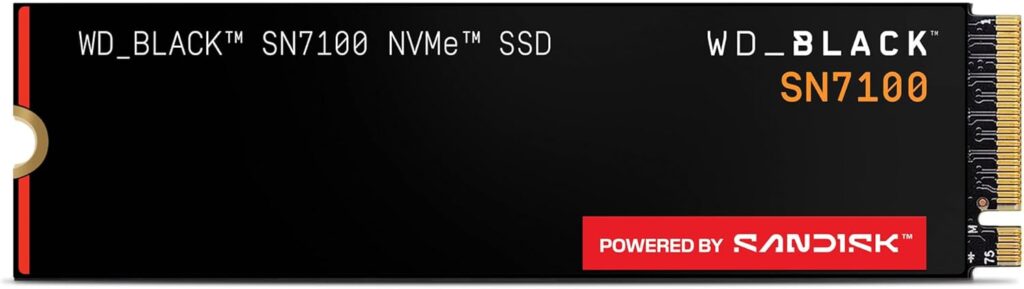
The build uses the Kingston NV3 1TB at about $160 from a marketplace seller on Newegg. Modern AAA games regularly take 80 to 100GB each, so 1TB fills up after a handful of big titles. A 2TB PCIe 4.0 drive like the WD Blue SN5000 2TB costs about $235 on Newegg right now (from a marketplace seller), so add one later or start at 2TB if you can spare about $75 more.
NVMe is mandatory for DirectStorage support in games that use it. If you’re installing on a SATA drive or hard drive, you’re leaving DirectStorage performance entirely unused.
Motherboard: MSI B650 Gaming Plus WiFi at about $150
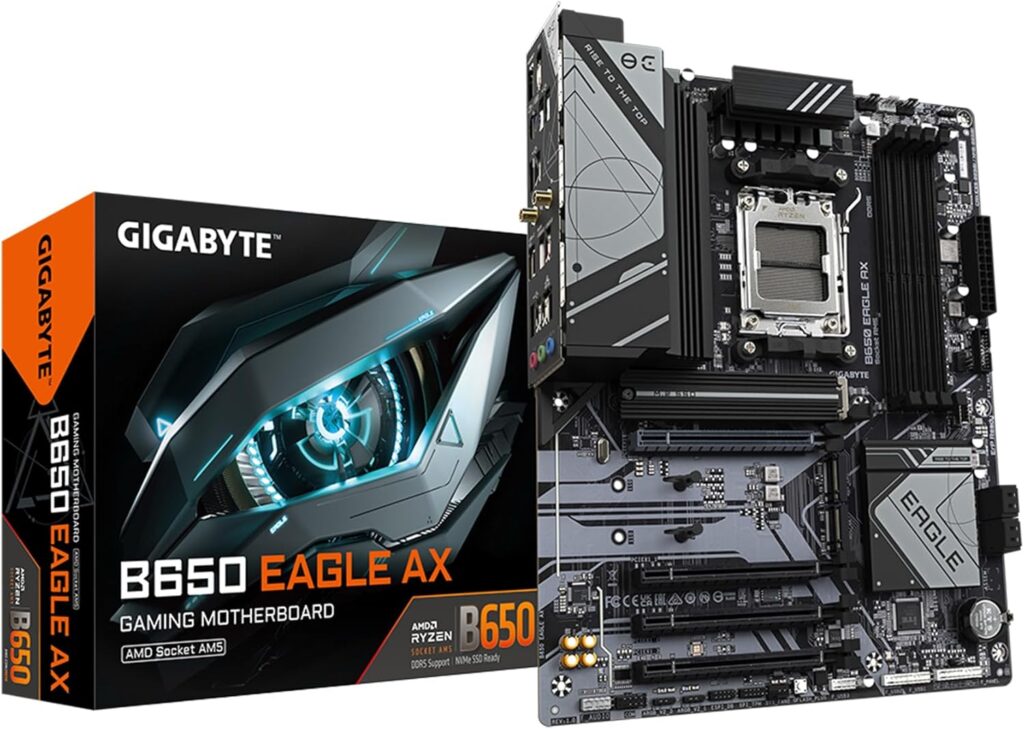
A B650 board is everything this build needs: the AM5 socket, DDR5-6000 via EXPO, and support for Ryzen 7000 and 9000 chips including the X3D models. The MSI B650 Gaming Plus WiFi is a full ATX board with WiFi built in, at about $150 from Newegg. Spending on an X670 or X870 board for a Ryzen 5 9600X build is unnecessary, so put that money toward the RAM or graphics card.
If you’re happy with a smaller micro-ATX board, the Gigabyte B650M Gaming Plus WiFi is about $117 from Newegg, keeps WiFi, and saves about $33. The ASRock B650M PRO RS that used to be listed here has climbed to about $140.
PSU: 750W, 80+ Gold, ATX 3.1
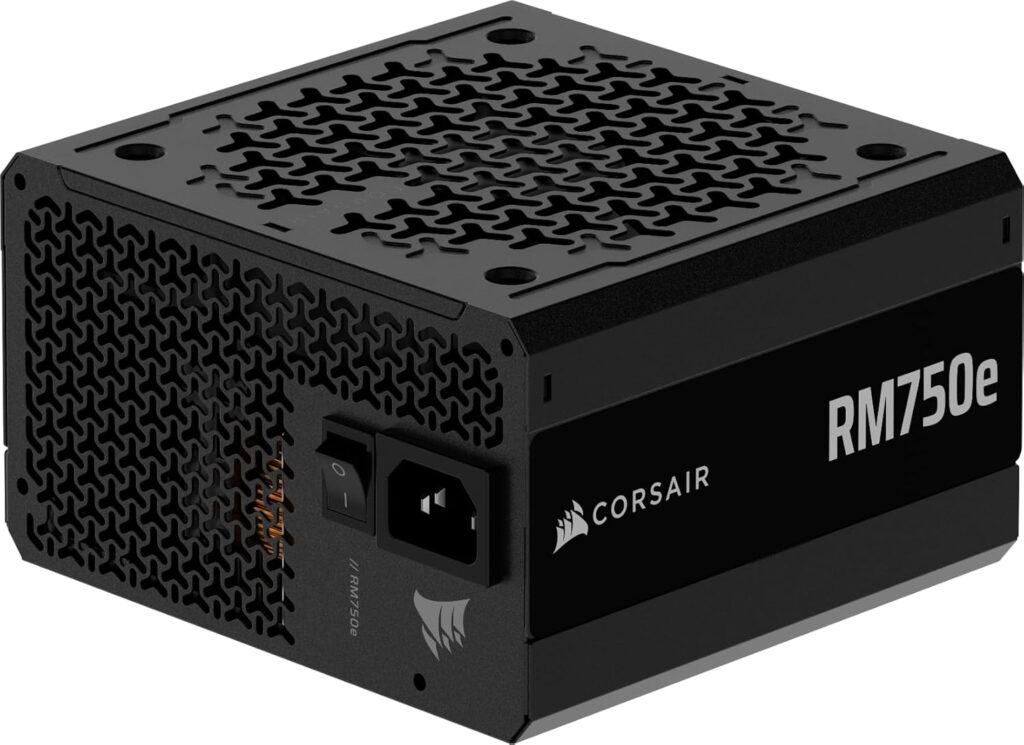
750W at ATX 3.1 with a native 12V-2×6 cable. For the reasons covered in the PSU guide (transient load handling and native connector safety), an ATX 3.1 unit is the right specification for any RTX 50 or RX 9000-series build. 750W provides comfortable headroom for this CPU+GPU combination and room for a future GPU upgrade without changing the PSU. If you want extra headroom, an 850W unit is the step up. Corsair’s RM850e is about $117 but backordered on Newegg right now.
The ASRock PRO-750G is the one in the list: a 750W 80+ Gold, ATX 3.1 unit at about $55 from Newegg. The Corsair RM750x (about $135, fully modular) is the upgrade if you want a fully modular unit, and it adds about $80 to the total.
Case: Lian Li Lancool 207 at about $83
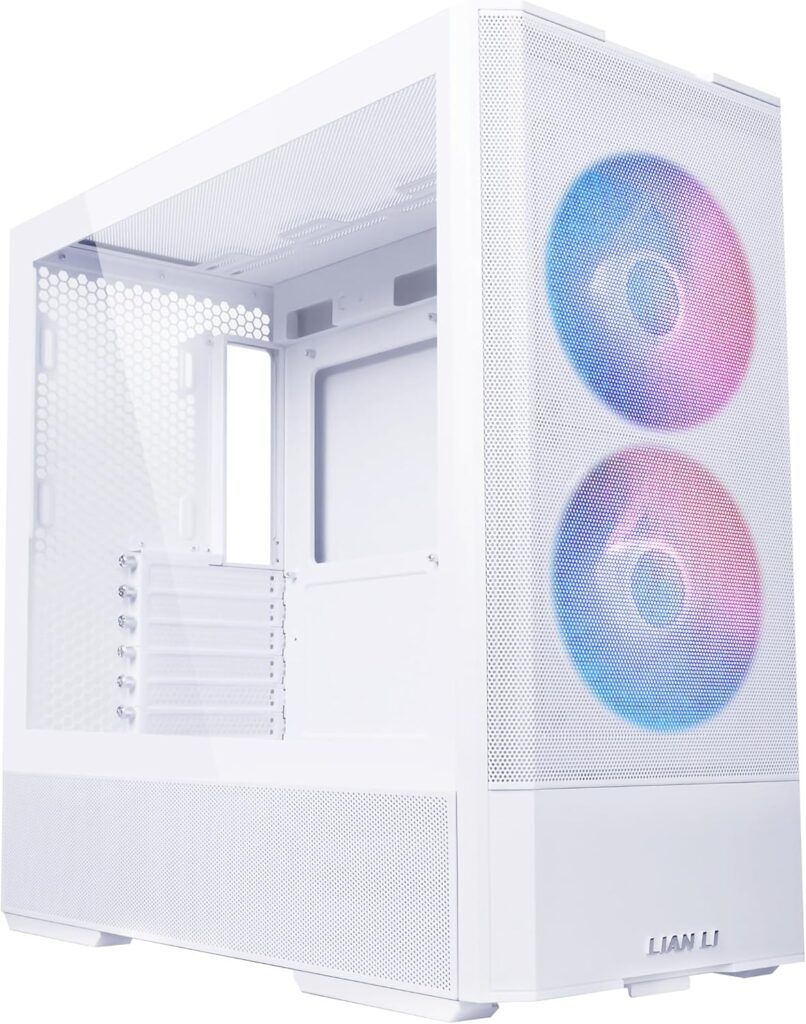
The Lancool 207 ships with four fans (two 140mm and two 120mm), which is rare at this price. The GPU-facing fan design directs airflow specifically across the graphics card rather than relying on general case circulation. At about $83 from Newegg with four fans included, it’s one of the best value cases for this build tier.
If you’d prefer a dual-chamber layout with better cable management, the NZXT H6 Flow is the clean alternative at about $110 on Newegg. It comes with three angled 120mm intake fans, so you don’t need a separate fan kit.
Cooler: be quiet! Pure Rock Slim 3 at about $23
The 9600X has a 65W default TDP, so a small tower cooler is enough. The be quiet! Pure Rock Slim 3 is rated for 130W and costs about $23 from Newegg. If you want more headroom, the Thermalright Peerless Assassin 120 SE is a bigger dual-tower option at about $48 from Thermalright’s Newegg store.
What This Build Actually Delivers
At 1080p: this is where the RX 9060 XT 16GB is most comfortable, with high settings in most games.
At 1440p: playable at high settings in many games, with FSR upscaling in the most demanding new releases. If 1440p is your main target, the RX 9070 XT step-up is the better card.
At 4K: not the target for this build. For serious 4K gaming you’d need to step up to the RTX 5070 Ti or RX 9070 XT tier, which takes the total well past $1,500.
One Upgrade Path Worth Planning Now
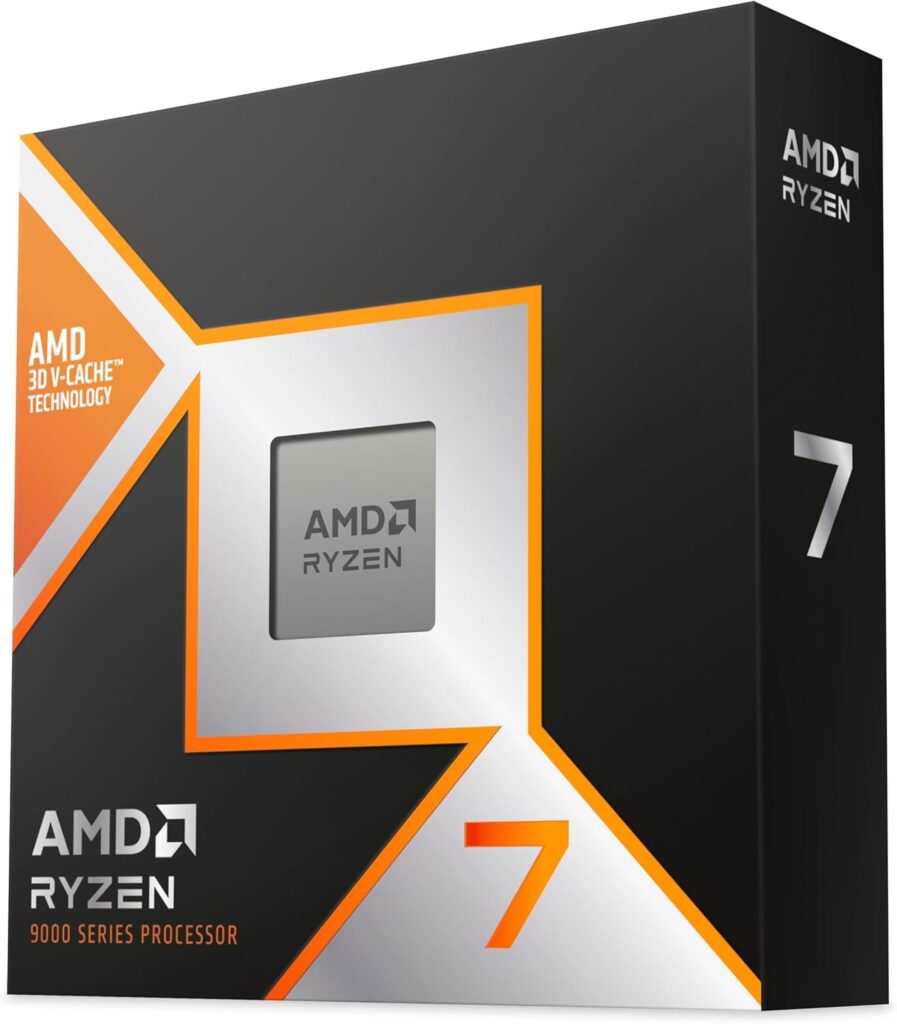
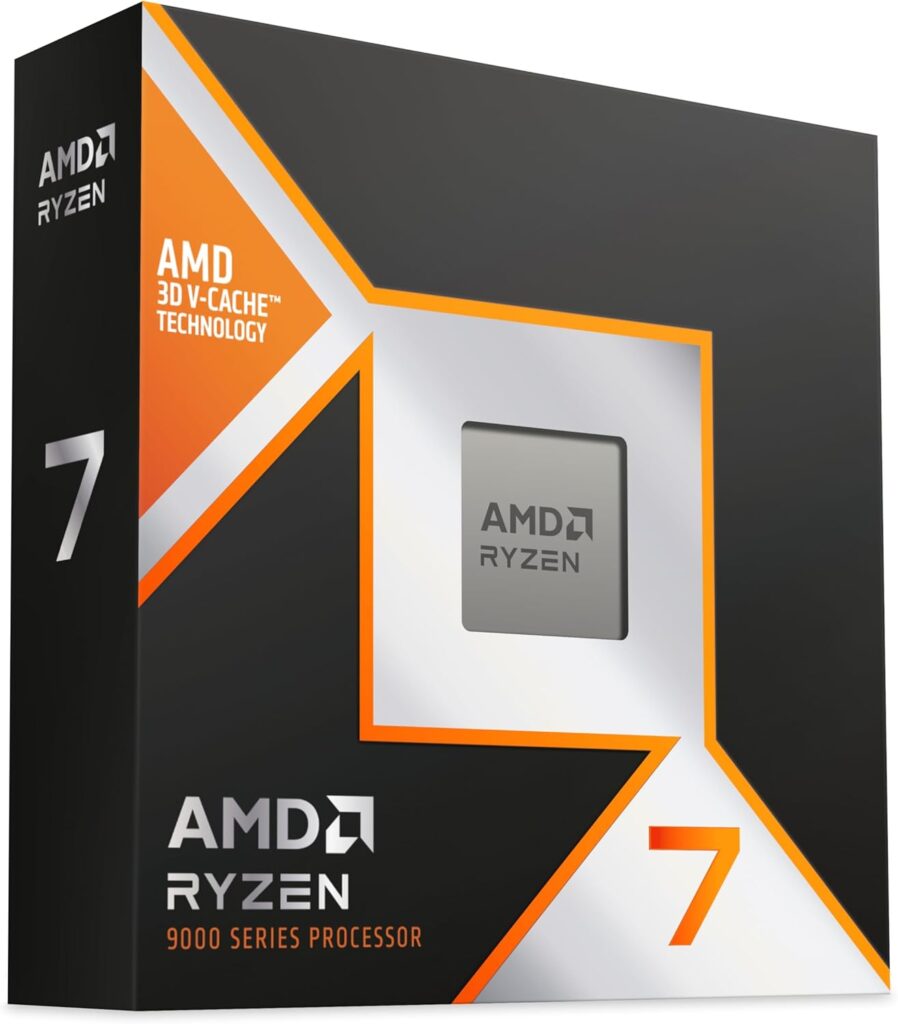
The AM5 platform choice means this build has a direct upgrade path to the Ryzen 7 9800X3D or 9850X3D via BIOS update, with no new motherboard and no new RAM. When you’re ready to push gaming performance further, the CPU swap is the cleanest single upgrade available. The GPU is the other obvious upgrade target in 2-3 years as the next generation of cards arrives.
Should You Buy a Prebuilt Instead?
It’s a fair question in 2026, because system builders buy RAM in volume. Compare any RTX 5070 or RX 9070 XT prebuilt against the 32GB version of this build (about $1,685 to put together yourself). If a prebuilt lands close to that, it’s genuinely competitive, and it works out of the box.
What prebuilts typically compromise on: PSU quality, storage (1TB where 2TB makes more sense), and RAM speed (XMP/EXPO often not enabled from factory). Verify those three specifics before buying any prebuilt. Everything else is roughly comparable to a self-build at this tier.
SpecClear participates in affiliate programmes. When you purchase through links on this site we may earn a commission at no additional cost to you.