
SpecClear earns a commission if you buy through Newegg links on this page, at no extra cost to you.
Most answers to “should I upgrade CPU or GPU first” stay vague: it depends, both matter, check for bottlenecks. None of that helps you spend money. Use the monitoring steps below and pick the component that is actually limiting you.
The GPU does more of the work in gaming than the CPU does
In most gaming workloads at 1080p and above, the GPU renders the frame while the CPU handles physics, AI, game logic, and draw calls. A fast CPU on a slow GPU is still GPU-limited. A slow CPU on a fast GPU can also look GPU-limited, but at least the GPU is doing the work you paid for. To estimate your own balance, try our PC bottleneck calculator.


That is why the GPU is the more impactful upgrade in most gaming scenarios. If frame rates are low and the GPU is old, a new GPU fixes it. A new CPU will not.
The exception matters, and you find it with monitoring, not guesswork.
How to know which component is actually limiting you
Before spending anything, run your monitoring software while playing the game that’s performing badly. MSI Afterburner, HWInfo64, and the Nvidia App all show real-time GPU and CPU utilisation overlays.
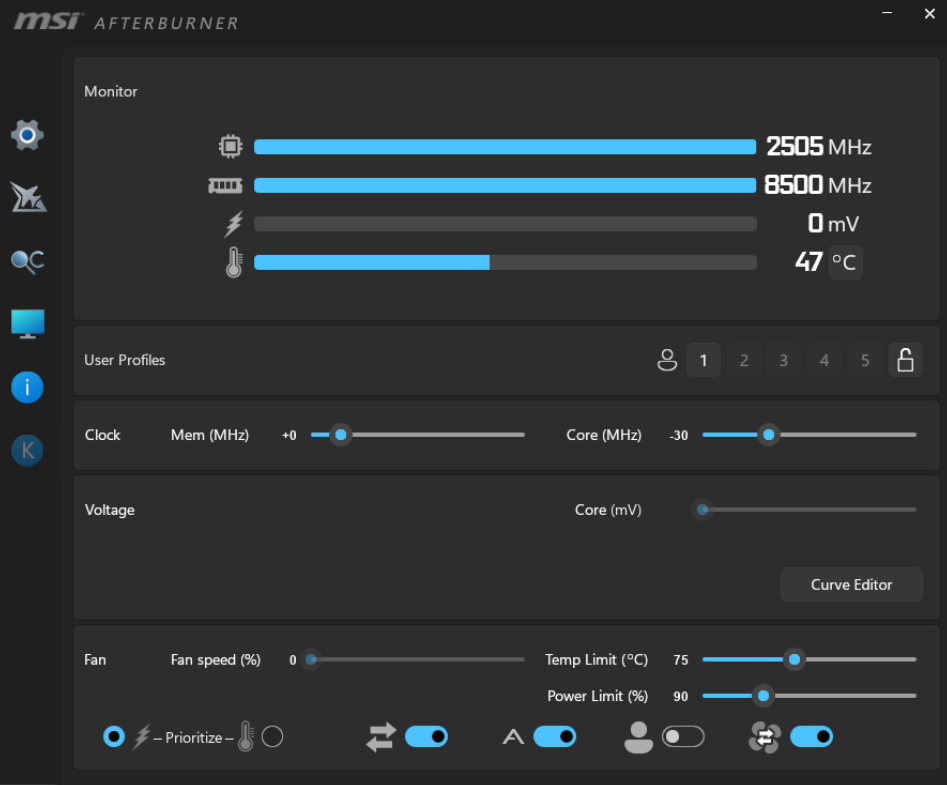
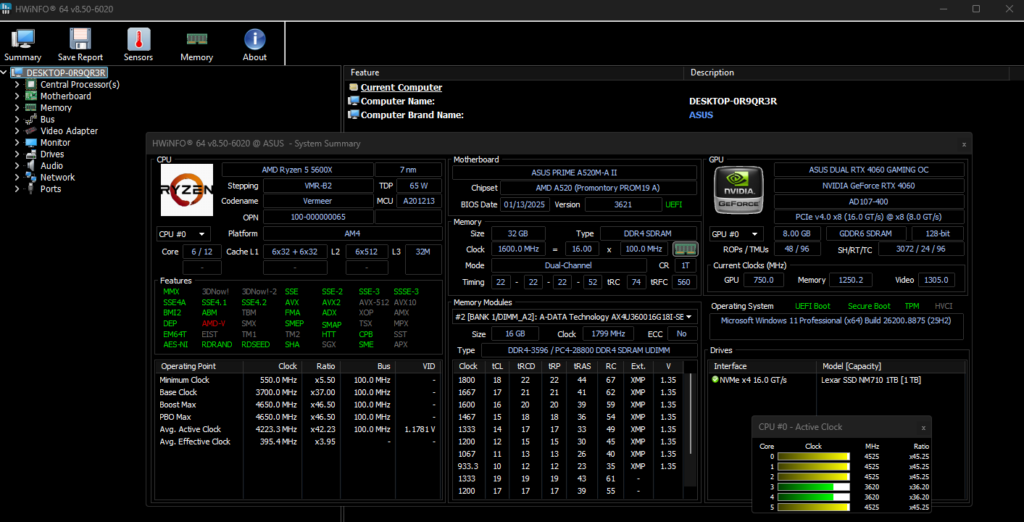
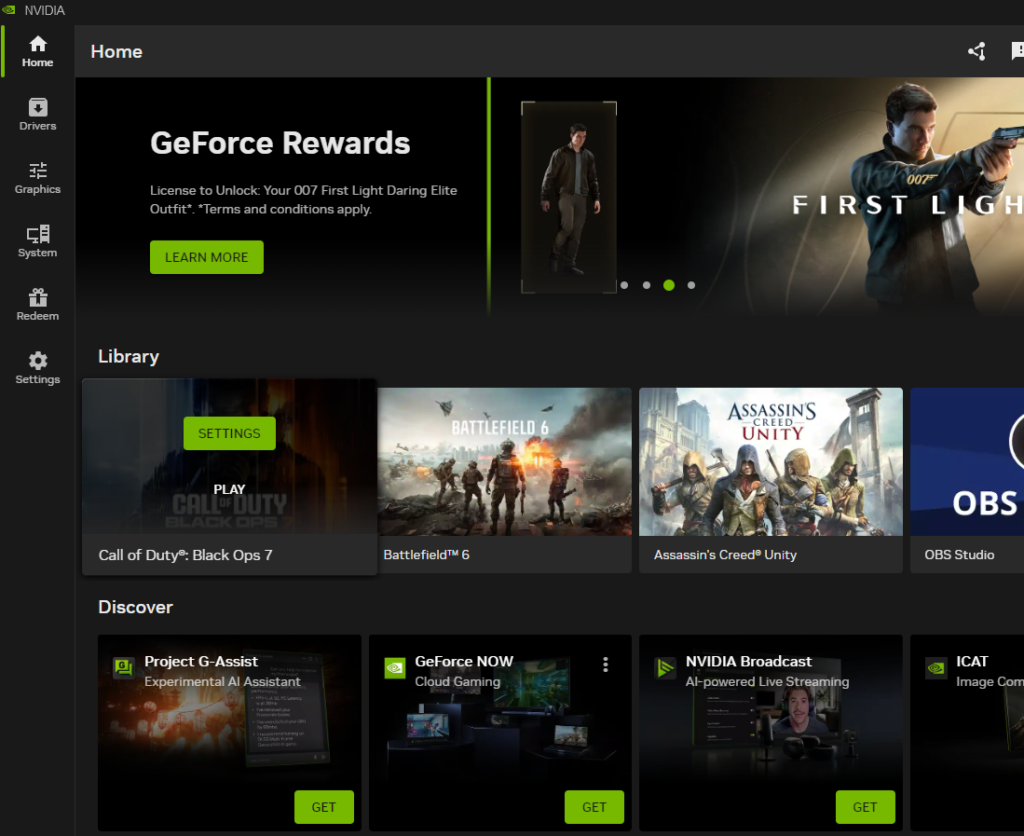
Here is what you are looking at:
- GPU usage consistently above 95%: your GPU is the bottleneck. Upgrading the CPU first accomplishes almost nothing here.
- GPU usage bouncing between 60–85% while CPU cores are pegged at 90%+: your CPU is feeding frames slowly enough that the GPU is waiting. Upgrade the CPU first.
- GPU usage low, CPU usage also relatively low: you have a different problem. RAM speed, background processes, thermal throttling, or a single slow game thread are more likely than either component being underpowered.
That monitoring step takes five minutes and costs nothing so do it before making any purchasing decision. Our guide on how to check if your PC is bottlenecking your GPU walks through it.
The resolution factor
Resolution changes the balance. At 1080p, the GPU has less work per frame. This means the CPU’s speed of feeding the GPU becomes a proportionally larger factor, and CPU bottlenecks are more common. If you’re gaming at 1080p on a high-refresh monitor and your frame rates aren’t where you want them, the CPU matters more than it does at higher resolutions.

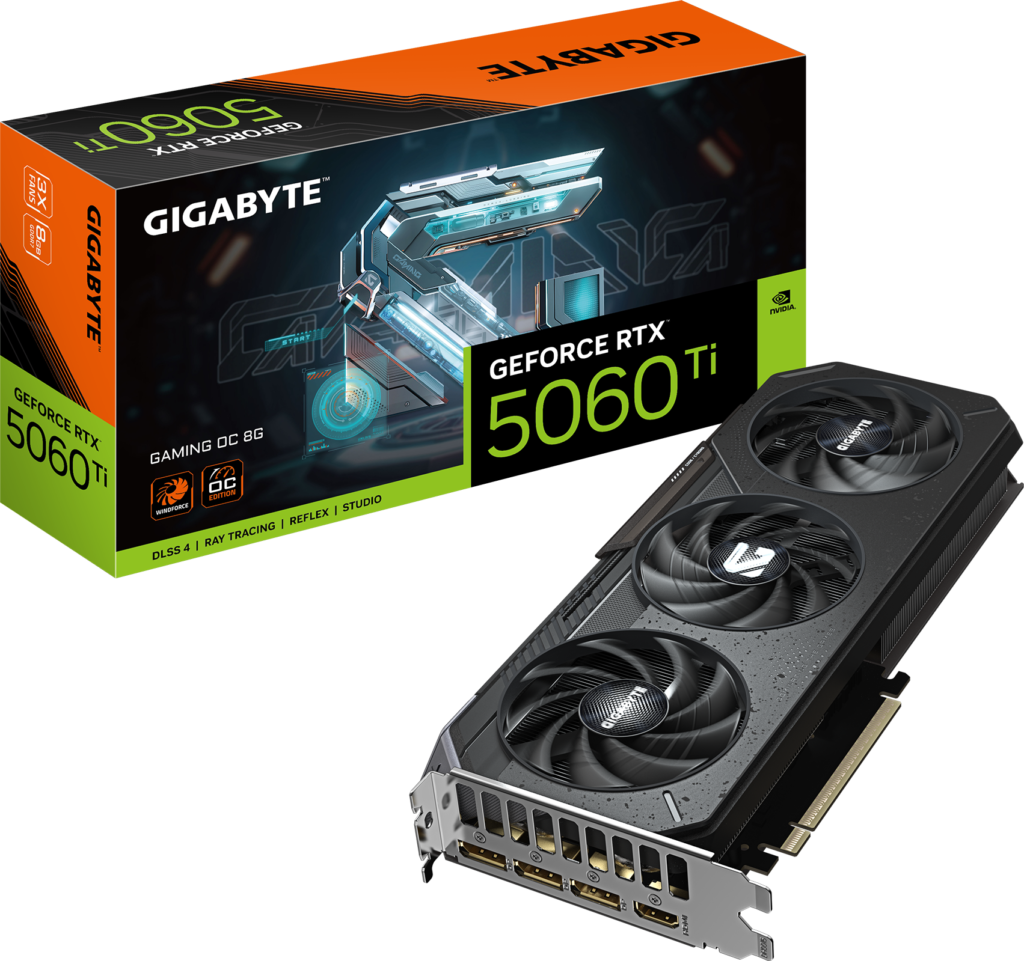
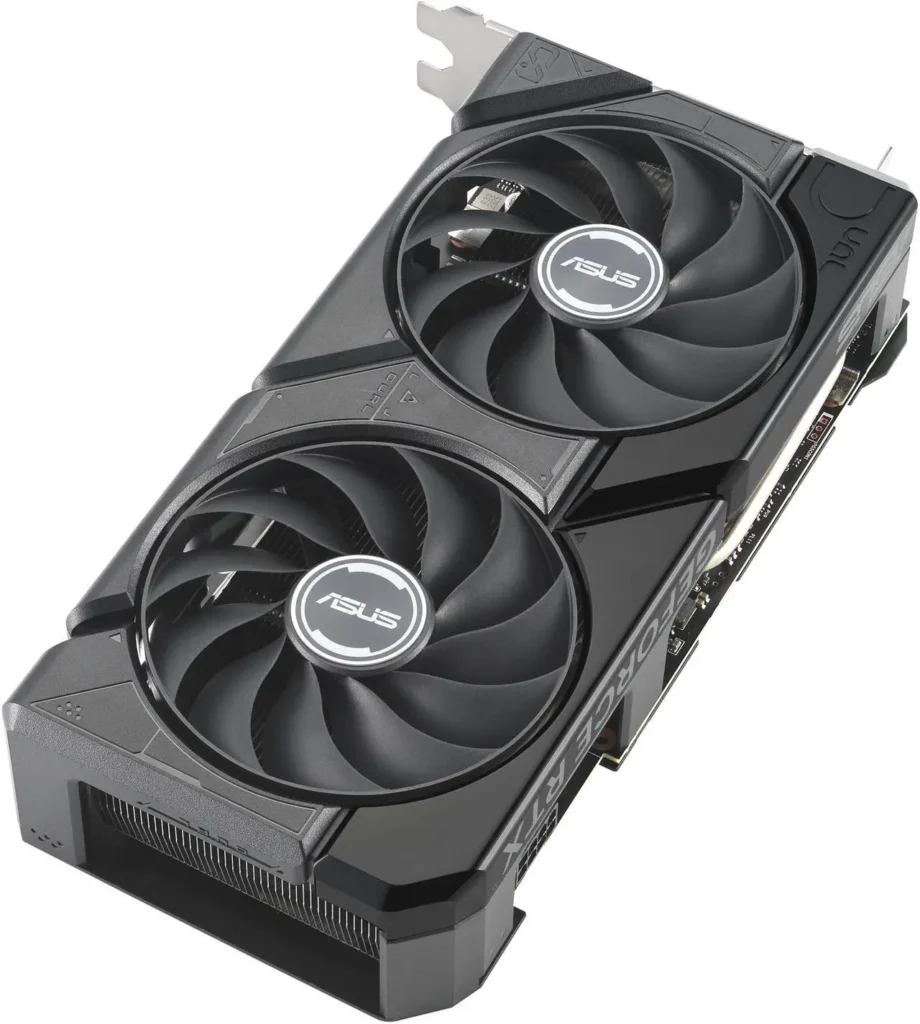
At 1440p and 4K, the GPU is working much harder per frame. CPU bottlenecks at these resolutions are rare unless you’re running something genuinely ancient like a dual-core or a first-generation Ryzen. At 4K almost everything is GPU-limited almost all of the time. If 4K is the goal, upgrade the GPU first and leave the CPU alone until the GPU is sorted. Higher resolution shifts load toward the GPU. A sensible upgrade for most people is the RTX 5060 Ti (about $550).
When upgrading the CPU first makes sense
Your CPU is more than five years old and from a significantly weaker generation like a i5-8400 or a Ryzen 5 1600 genuinely limits what your GPU can deliver even at 1440p. A modern mid-range GPU paired with one of these will underperform because the CPU simply can’t keep up.
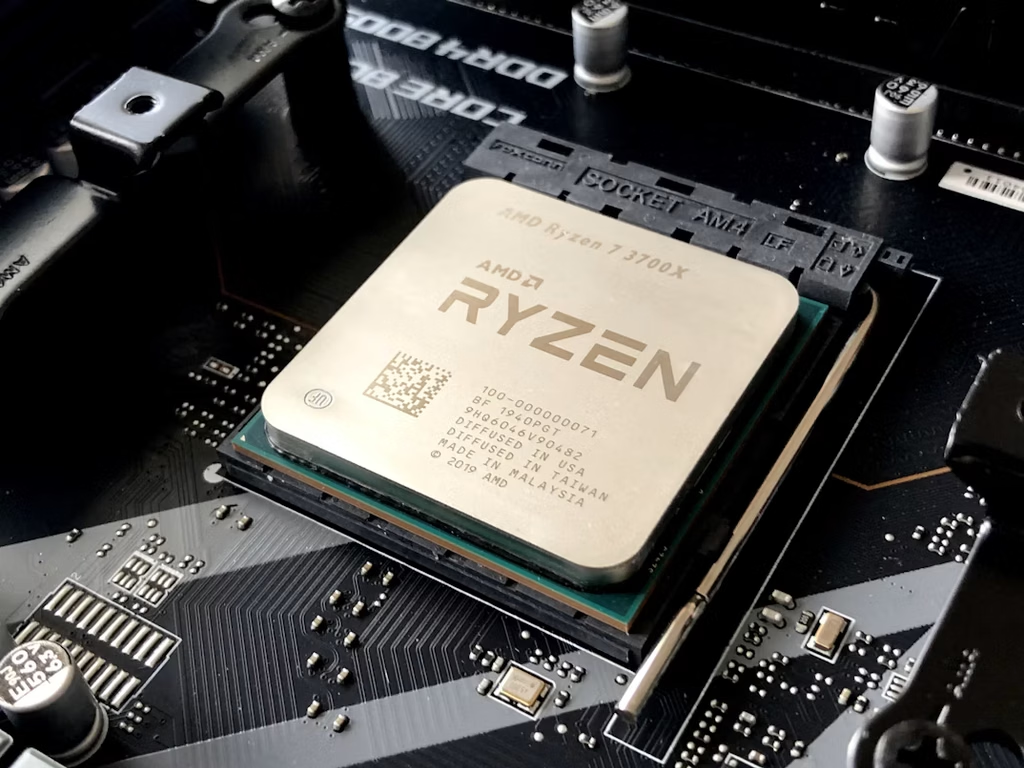
You’re playing CPU-intensive titles specifically. Strategy games, open-world games with dense simulation, and games with large player counts like MMOs stress the CPU more than most titles. If your problem only appears in those genres and not in GPU-bound shooters, the CPU is more likely the reason why.
You’re on a platform that limits your GPU upgrade path. If your board does not support PCIe 4.0, a new GPU will not perform at its ceiling. Upgrading the platform (CPU, board, and RAM together) gives you a foundation worth building on before you spend on the GPU. RX 9060 XT (about $530)
The general rule
GPU first in most cases. The GPU determines frame rate ceiling in the majority of modern games at 1440p and 4K. The CPU sets a floor below which the GPU can’t work efficiently. Most people are limited by the ceiling, not the floor.
If monitoring confirms GPU-limited performance, start there. If it shows CPU usage is the actual constraint, start there instead. The monitoring step is non-negotiable. Spending money on an assumption is the most common and most expensive upgrade mistake. Free tools and fifteen minutes of overlays beat guessing.
Don’t upgrade both at once unless the platform itself is the bottleneck and even then, changing one variable at a time tells you what actually moved the needle.