
The Razer Viper V4 Pro launched March 24, 2026 at $159.99. In the four months since, it’s appeared on more pro player setups than any mouse Razer has shipped in recent years. PC Gamer named it the best all-round competitive mouse of 2026. The Kyusai review’s verdict was simple: the best esports mouse available. Those aren’t small claims in a category where the Logitech G Pro X2 Superstrike exists at $179.99 and the competition has never been more serious.
Here’s what the V4 Pro actually delivers and who should buy it.
What changed from the V3 Pro $169
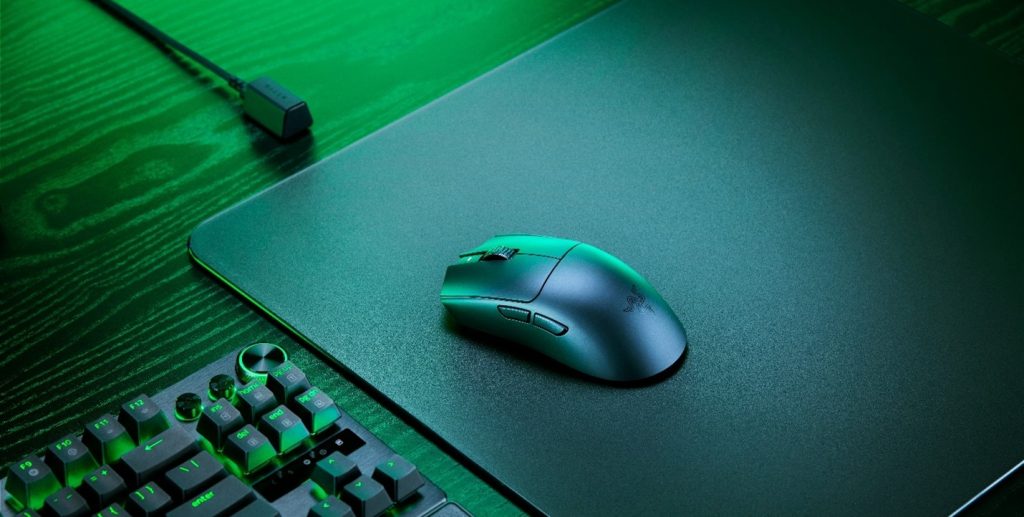
The Viper V3 Pro was already an excellent mouse. The V4 Pro isn’t a minor refresh , the underlying technology has changed meaningfully at every level that matters for competitive gaming.Best Gaming Mouse in 2026
HyperSpeed Wireless Gen-2 is the headline upgrade. The new wireless system delivers true 8,000Hz polling in both wireless and wired modes , not 8,000Hz wired with lower wireless polling as many competitors implement. The efficiency improvement is 60% over the previous generation. Motion latency sits at 0.36ms average. Click latency averages 0.204ms. Razer claims these numbers are 2.5x faster than equivalent competitors in motion latency, and the independently measured figures support that claim.
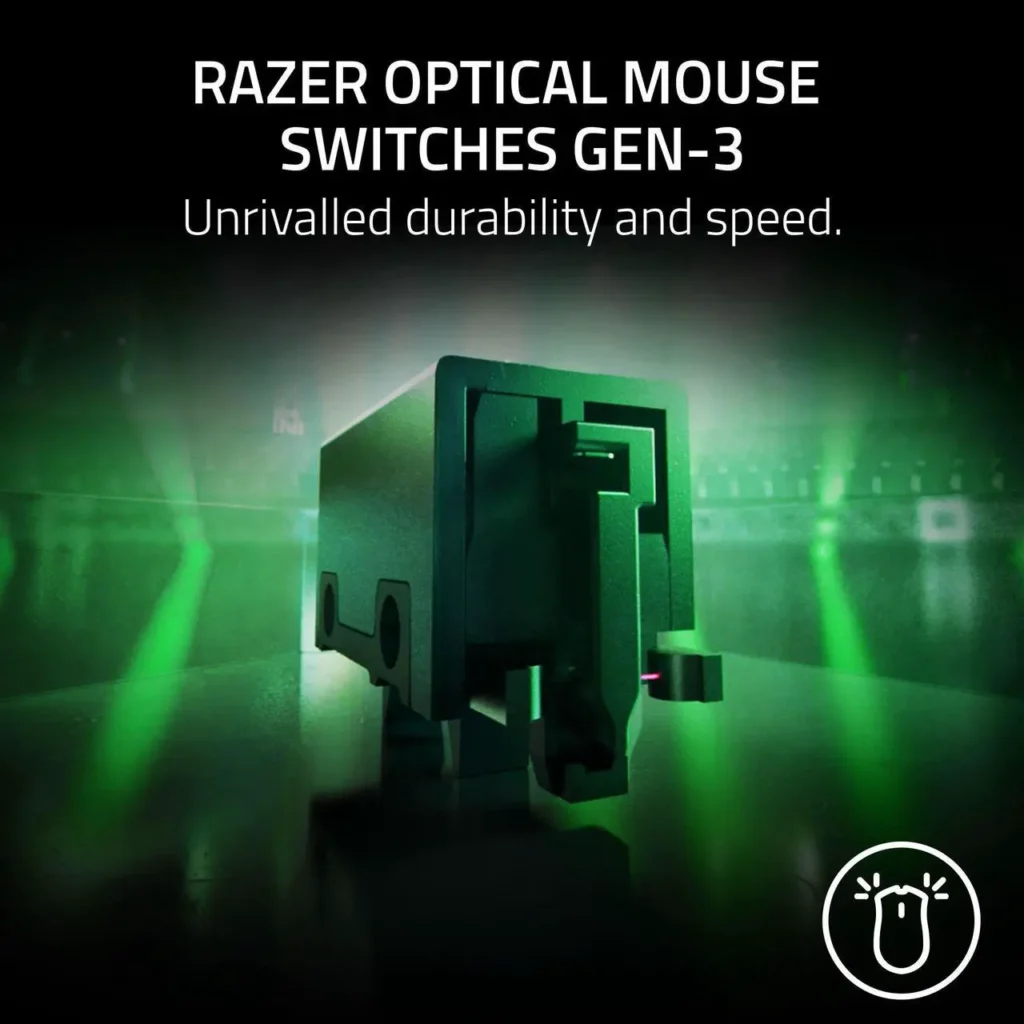
The Focus Pro 50K Optical Sensor Gen-3 replaces the V3 Pro’s 30K sensor. 50,000 DPI maximum, 930 IPS tracking speed, 90G acceleration. Most players run 400-800 DPI in practice , the ceiling number is irrelevant. What the Gen-3 sensor adds is Frame Sync, which aligns sensor data acquisition with the mouse’s scanning and polling cycle. The result is that sensor readings arrive precisely when the polling interval expects them rather than slightly out of phase. In controlled testing this reduces latency by removing the timing uncertainty between sensor capture and data transmission. It’s a small but real improvement in the consistency of pointer tracking at high speeds.
Weight dropped from 54g on the V3 Pro to 49g on the V4 Pro. Five grams sounds negligible. In extended sessions at competitive intensity , long ranked matches, tournament play , lighter mice reduce fatigue in the tendons and forearm muscles that control fine aim. The reduction is meaningful for players who spend significant hours daily at a mouse. For casual players the difference is imperceptible.
The shape: why this matters more than specs
The Viper line uses a symmetrical ambidextrous shell. Left-handed and right-handed players both get the same experience. The shallow rear hump suits claw and fingertip grip styles most naturally , palm grip players with larger hands may find the relatively flat profile less comfortable over extended sessions than a right-handed ergonomic shape like the DeathAdder.Corsair Nightsword v2 Wireless SD
The coating is slightly textured rather than glossy , more resistant to grip degradation when hands get warm during intense play than smooth plastic surfaces. The mouse feet are PTFE which provides a consistent low-friction glide across fabric and hard surfaces.
One specific complaint from the V3 Pro was button wobble , slight lateral play in the primary click buttons that some players found tactilely unsatisfying. The V4 Pro tightened this. Button feel is firmer and more precise without changing the actual actuation force. Minor but noticed by players who came from the V3 Pro.
Battery life: genuinely exceptional
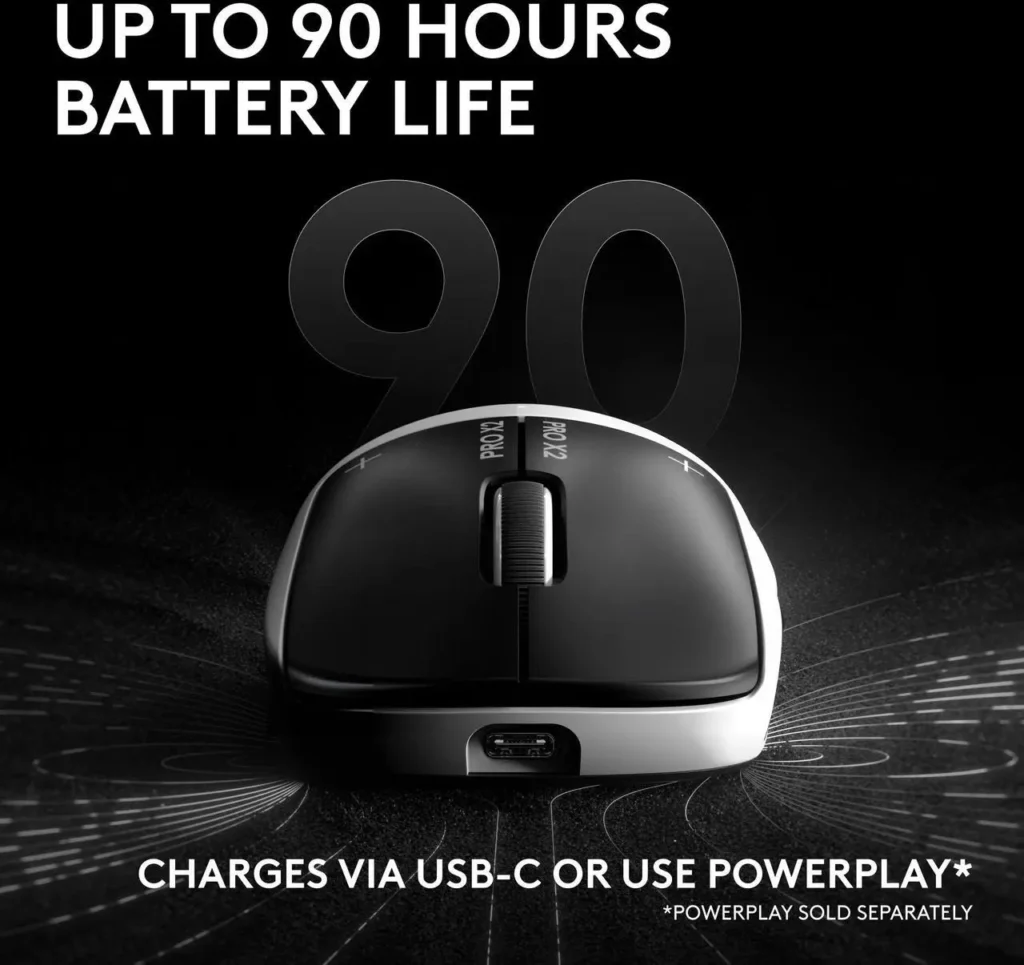
180 hours at 1,000Hz polling. 45 hours at 8,000Hz. For context, the Logitech G Pro X2 Superstrike doesn’t offer a battery life figure because it’s LIGHTSPEED-only without published hours. The Razer Viper V3 Pro managed around 80 hours. 180 hours at standard polling means charging the mouse roughly once a week during normal gaming use , battery anxiety effectively ceases to exist as a concern.Logitech G305 X Superlight
The trade-off at 8,000Hz is real , 45 hours drops to roughly a charging cycle every three to four days at intense play. For most players 4,000Hz already exceeds perceptible resolution improvements and the 180-hour figure becomes the operative one.
The Superstrike comparison: still relevant
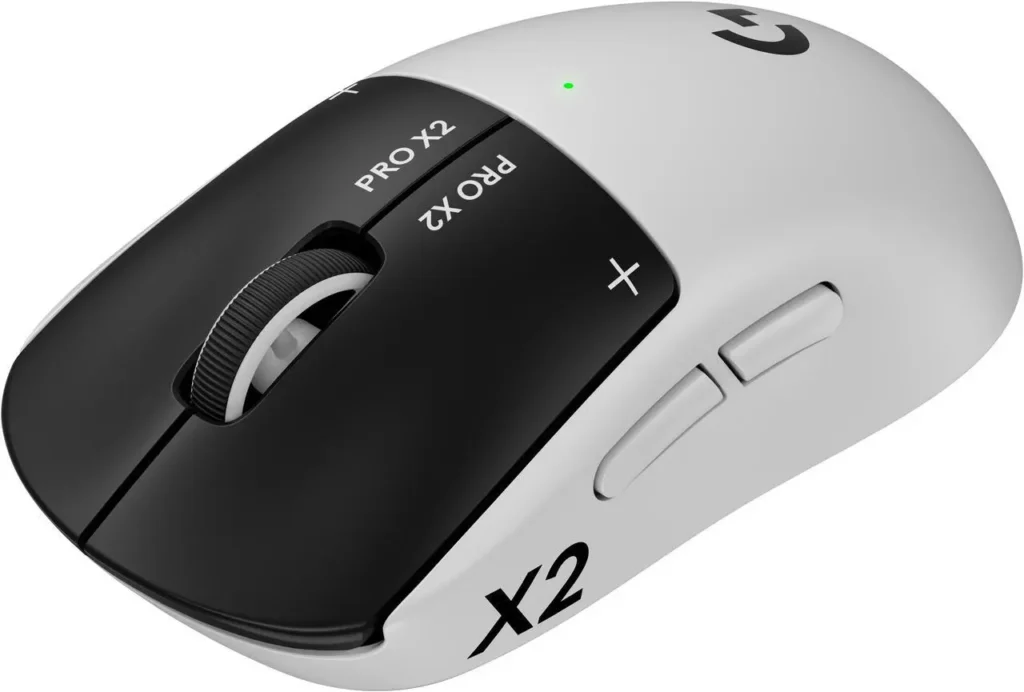
The Logitech G Pro X2 Superstrike at $179.99 remains the only direct competitor. Haptic click actuation versus the V4 Pro’s optical mouse switches. The Superstrike’s haptic system is measurably faster in click registration. The V4 Pro’s optical switches have a confirmed 100-million click lifespan versus the uncertainty of haptic actuator longevity. The V4 Pro weighs 49g versus the Superstrike’s 61g. The V4 Pro has Bluetooth alongside LIGHTSPEED equivalent wireless; the Superstrike is LIGHTSPEED only. The V4 Pro is $20 less.
PC Gamer tested both side by side and reached the same conclusion noted in the SpecClear Best Gaming Mouse guide: the V4 Pro is the better all-round product. The Superstrike is technically faster on click registration for the specific player who will measure and notice that difference. The V4 Pro is lighter, has better battery life, more connectivity options, and costs less.
Who should buy it$169
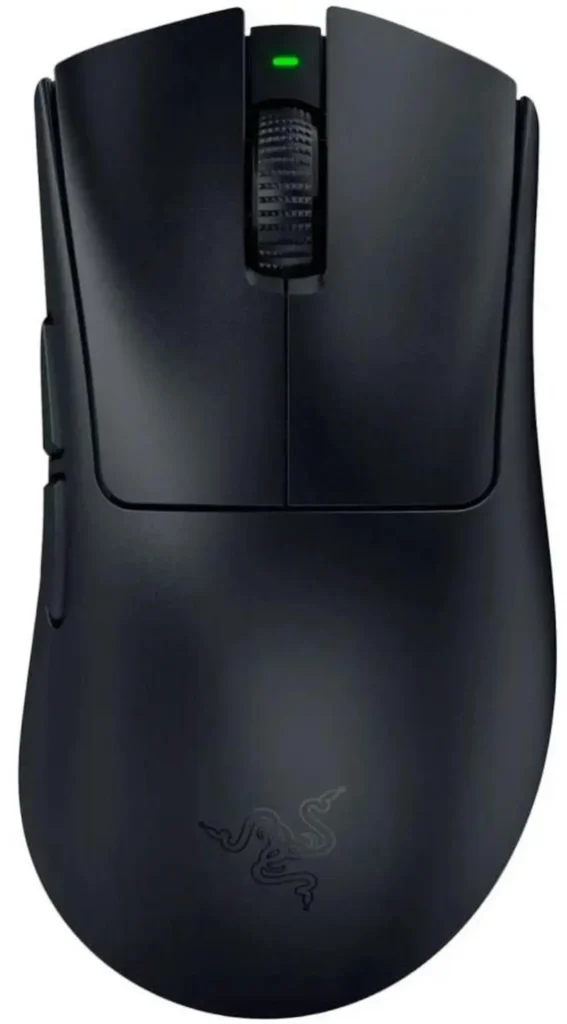
Buy the Razer Viper V4 Pro if competitive gaming is a serious part of your PC use , CS2, Valorant, Apex Legends, any game where mouse input speed and consistency affects outcomes. At 49g with 8,000Hz true wireless polling and the Focus Pro 50K sensor it’s the most technically capable wireless gaming mouse at its price tier. The symmetrical shape accommodates any grip style without compromise and any handedness.
Don’t buy it if you have large hands and strongly prefer ergonomic right-handed shapes , the DeathAdder V4 Pro is the Razer product for that use case. Don’t buy it if haptic click speed is specifically what you want , the Superstrike wins that specific comparison at $20 more. Don’t buy it if you’re on a tight budget , the Logitech G305 at $40 delivers adequate wireless gaming performance for casual play.
For the majority of PC gamers who want a genuinely fast, genuinely light wireless mouse that will last years of daily play without complaint, the Viper V4 Pro is the current answer.