
SpecClear earns a commission if you buy through Newegg links on this page, at no extra cost to you.
Most gaming mouse advice overcomplicates a simple buy. The gap between a $40 mouse and a $180 mouse is real, but smaller than the ads, and smaller than the gap between the wrong shape and your hand after three hours.
Shape first. Weight second. Sensor third. Everything else is footnotes.
From our point of view, there will be very little upside to splurging on a $180 mouse when all you’re gonna do is check your emails or play cinematic games. However, getting the correct mouse that fits what it will be used for can make a day-and-night difference to your experience using a PC.
Last verified: September 12, 2026. Street tags to check that morning: Logitech G305 roughly ~$34-$44, Viper V3 Pro often ~$100-$160 depending on sale, Viper V4 Pro ~$159.99, DeathAdder V4 Pro ~$169.99, G Pro X2 Superstrike ~$179.99.
What actually matters in 2026
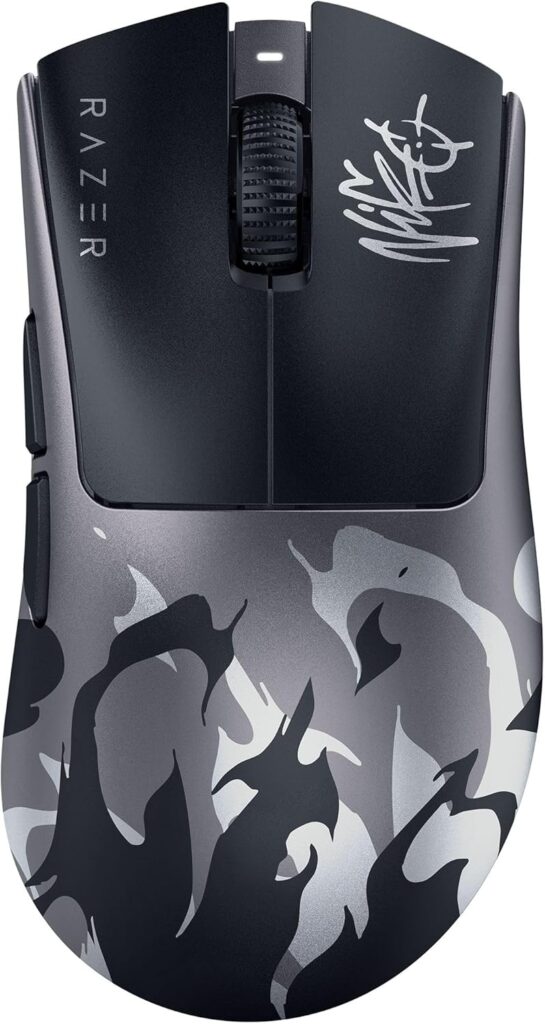
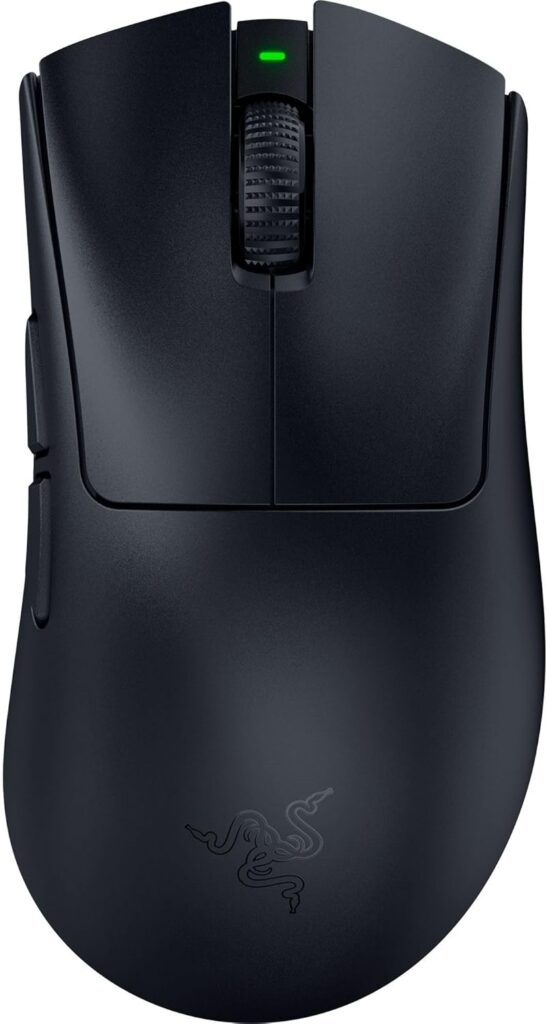
Symmetrical shells fit claw, fingertip, and left-hand players. Ergonomic right-hand shells (DeathAdder territory) fit palm grip and bigger hands better. Buy shape for your grip, not for a DPI screenshot.
Under 70g is the competitive comfort zone for long sessions. Under 50g is ultralight territory where the mouse basically disappears. Heavier shells still work for casual play. Your wrist will tell you which camp you are in after a ranked night.
Flagship sensors from Razer, Logitech, SteelSeries, and friends are already more accurate than your hand. The 2026 fight is polling rates and click tech. 8,000Hz is measurable in labs. Most players will not feel it in a pub match.
Hard limit: do not buy a mouse because the box says 50,000 DPI. Competitive players mostly live at 400-800 DPI with in-game sens. Ceiling DPI is marketing, not aim.
Under $50: Logitech G305 (~$34-$44)
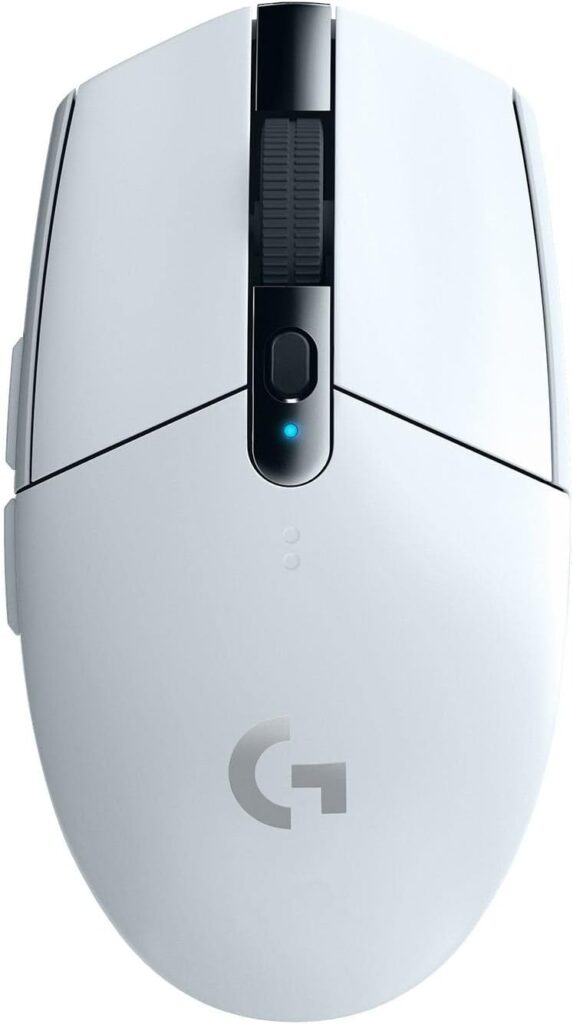
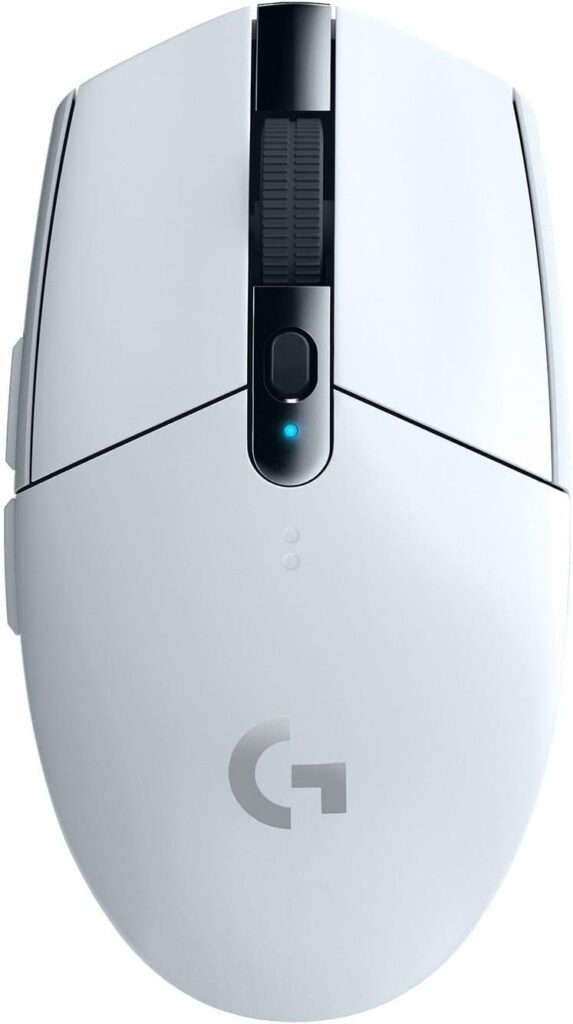
The Logitech G305 is still the correct budget wireless call. LIGHTSPEED 2.4GHz, HERO sensor, AA battery that lasts forever, ~99g that is heavy next to flagships and still fine for most play.
Nothing at $40 matches that wireless package. Wired mice can match raw specs. They cannot match yanking the cable out of your brain.
Building a PC on a tight cart? Buy the G305 and put the rest into GPU or RAM. A $150 mouse will not fix a weak card.
Around $100-$160: Razer Viper V3 Pro
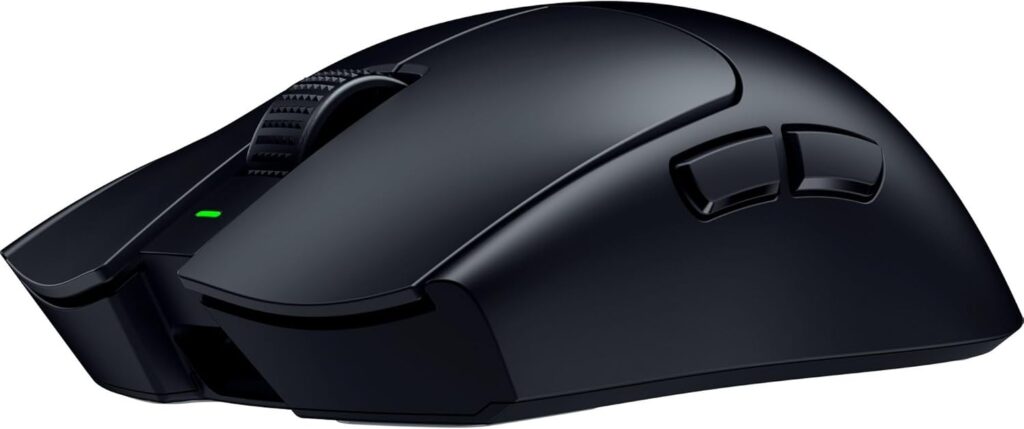
The Viper V3 Pro is the safe competitive pick when you want proven shape and weight without flagship drama. Symmetrical shell, ~54g, Focus Pro 35K, strong HyperSpeed wireless, battery that does not panic after a weekend.
It removes excuses. Most grip styles can live with it. Pros still show up on it across CS2, Valorant, and Apex rosters. If you find it on sale under the V4 Pro, it is often the best dollars-to-aim deal on the page.
Around $160: Razer Viper V4 Pro (~$159.99)
PC Gamer’s overall 2026 recommendation for a reason. ~47-49g, Focus Pro 50K Gen-3, long battery at 1,000Hz, optical scroll wheel that skips the mechanical wear story Logitech has collected on some flagships, build that reviewers keep calling near flawless.
For most buyers who want a top competitive mouse, V4 Pro beats Superstrike on the complete package and usually costs ~$20 less. Lighter. Longer battery. Familiar optical clicks. Sensor that is already overkill.
Around $180: Logitech G Pro X2 Superstrike (~$179.99)
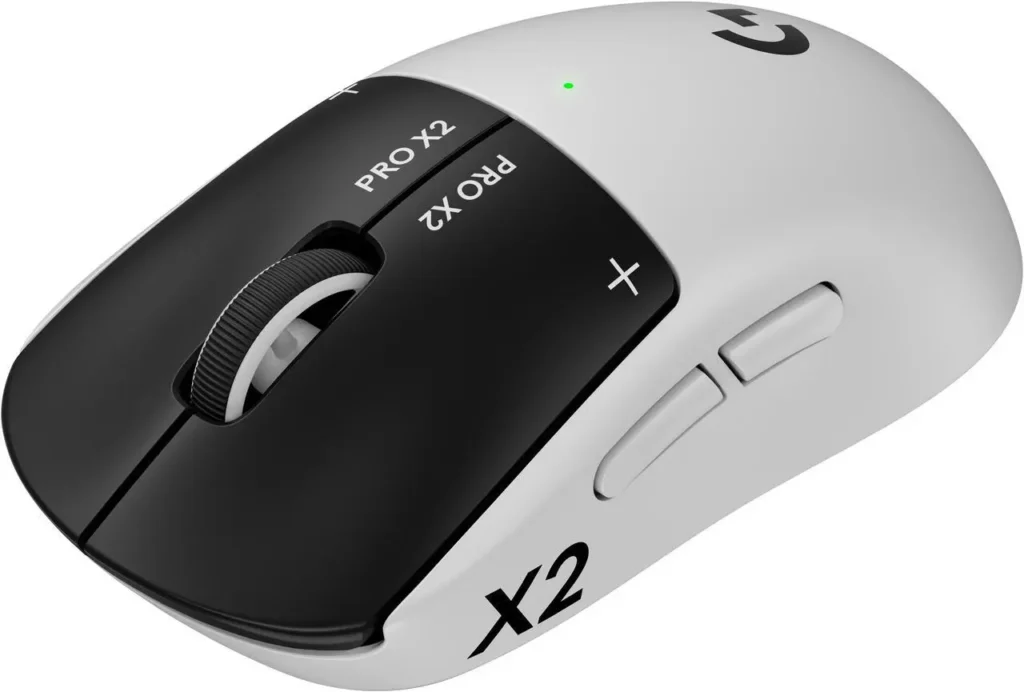
The interesting mouse of 2026. Haptic Inductive Trigger System replaces microswitches with a tunable electromagnetic click. Lab numbers show faster registration. Tac FPS players who live in low TTK titles are the audience.
If you grind CS2 or Valorant for hours and care about actuation tuning, Superstrike is the specialty buy. If you are strong but not living in that niche, V4 Pro is the saner all-rounder.
Caveat that still matters: no Bluetooth on Superstrike in current configs. Multi-device hopping wants another mouse.
Large hands / palm grip: Razer DeathAdder V4 Pro (~$169.99)
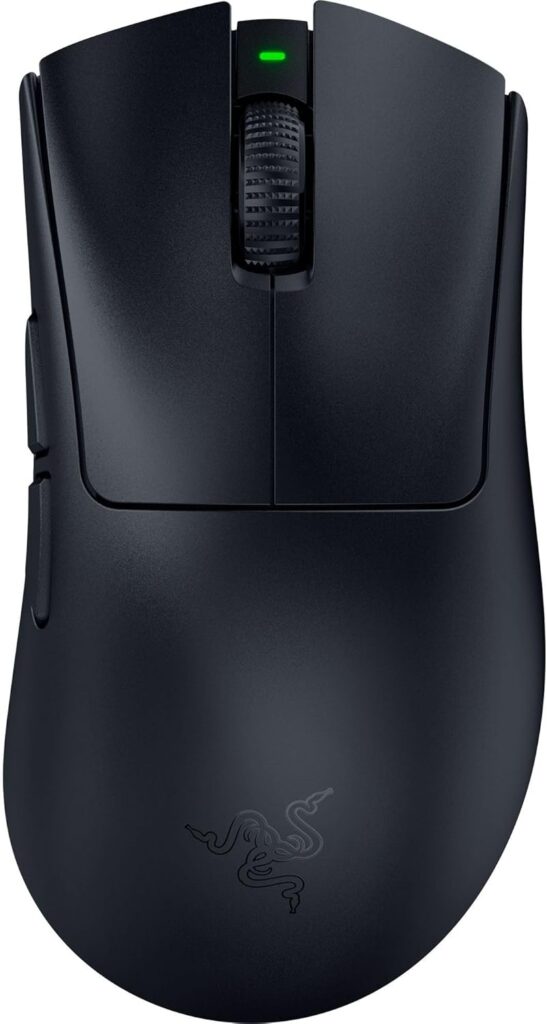
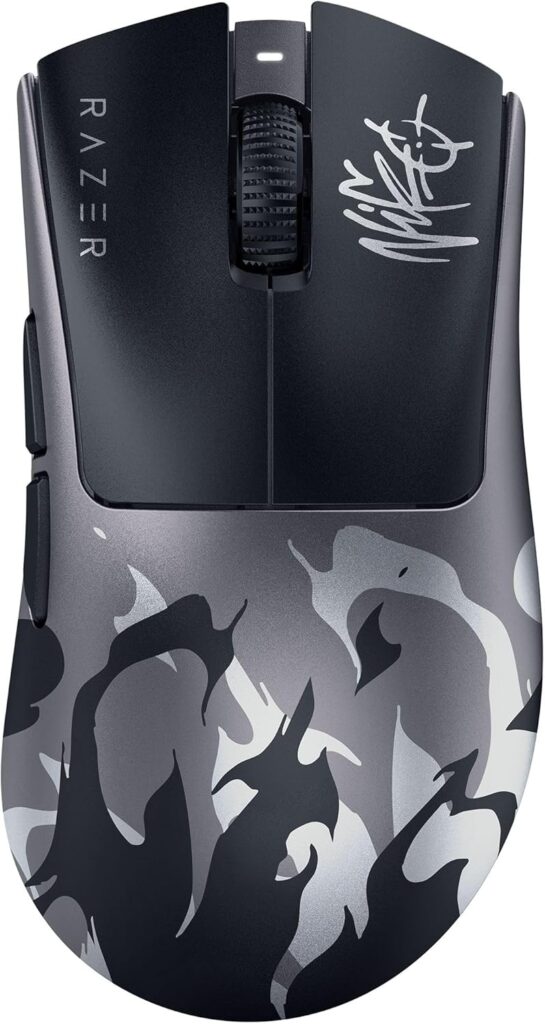
Symmetrical ultralights punish palm grip. If your whole hand wants to rest on the shell, buy the DeathAdder V4 Pro. Right-hand ergonomic shape, lighter than older DeathAdders, solid sensor, Bluetooth when you need a laptop day.
Hand ache after long sessions on a flat ambidextrous shell is usually a shape problem. Fix shape before you buy another DPI sticker.
The one mistake that wastes money
Polling rate theater. 8,000Hz versus 1,000Hz looks huge on a slide. In real sessions the difference is tiny for most players. Buy shape, weight, and a wireless stack you already trust. Then stop reading sensor ceilings like they are aim trainers.
SpecClear participates in affiliate programmes. When you purchase through links on this site, we may earn a commission at no extra cost to you.