Halo: Campaign Evolved launched July 28, 2026. If you’re a PC player who grew up with Combat Evolved on the original Xbox, or someone who never played it but wants to understand why the series matters, this is the UE5 remake that launched across PC, Xbox, and PS5. Built in Unreal Engine 5, available simultaneously on PC, Xbox Series X/S, and PS5 , the first time Master Chief has ever appeared on a PlayStation platform , it’s a significant release by any measure.
Before you hit install, check that your hardware is ready. The official requirements span four distinct tiers and the gap between Minimum and Ultra is substantial.
The official PC requirements in full
Halo Studios published four tiers targeting specific resolutions and frame rates. These are the confirmed specs:
Low: 1080p, 60 FPS:
CPU: AMD Ryzen 5 3600 or Intel Core i7-10700K
GPU: NVIDIA GeForce RTX 2060 Super, AMD Radeon RX 6600, or Intel Arc B580
RAM: 16GB
VRAM: 8GB
Storage: 100GB SSD
Medium: 1440p, 60 FPS:
CPU: AMD Ryzen 7 5700X or Intel Core i5-12600K
GPU: NVIDIA GeForce RTX 3070 or AMD Radeon RX 7600
RAM: 16GB
VRAM: 8GB
Storage: 100GB SSD
High (Recommended): 4K, 60 FPS:
CPU: AMD Ryzen 9 7900X or Intel Core i9-13900K
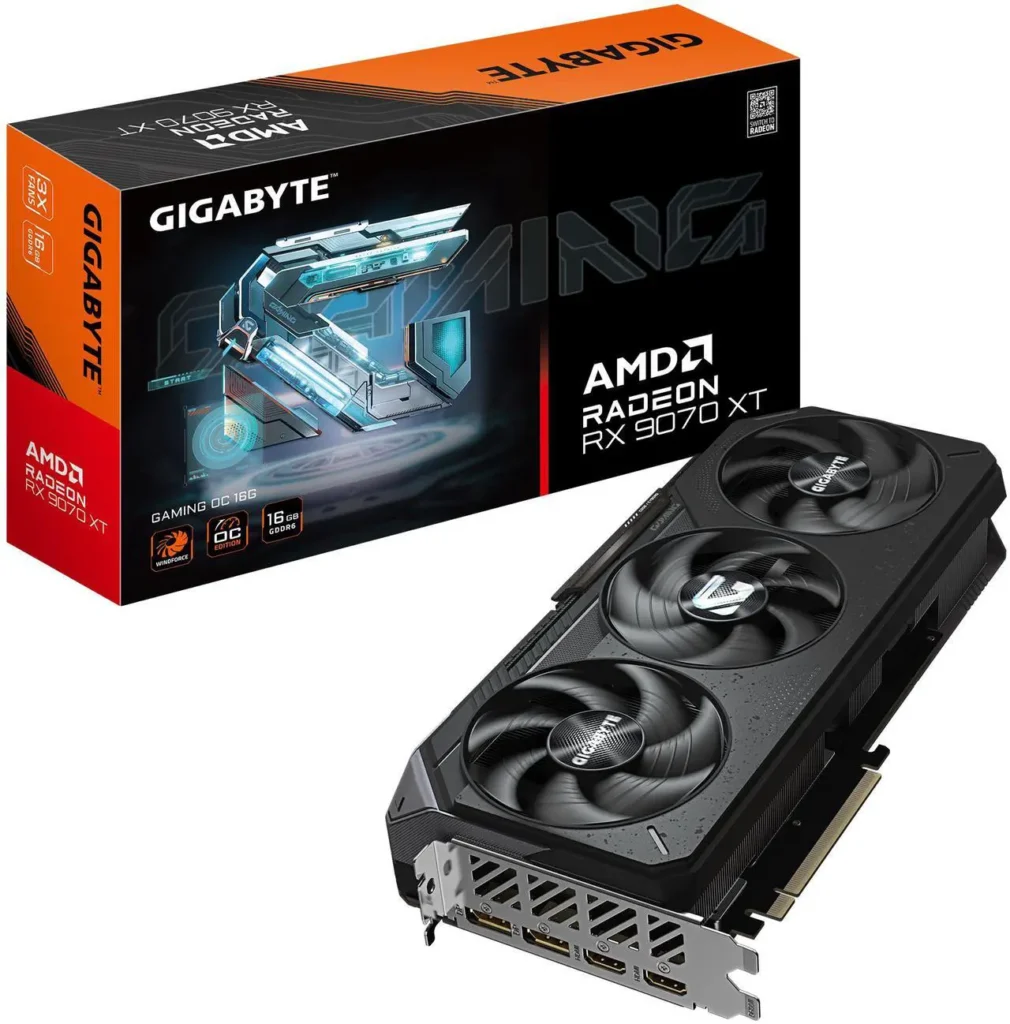
GPU: NVIDIA GeForce RTX 3080 Ti or AMD Radeon RX 9070
RAM: 32GB
VRAM: 16GB
Storage: 100GB SSD (NVMe recommended)
Ultra: 4K, 60 FPS maximum settings:
CPU: AMD Ryzen 9 7900X or Intel Core i9-13900K
GPU: NVIDIA GeForce RTX 4080 or equivalent
RAM: 32GB
VRAM: 16GB
Storage: 100GB NVMe SSD
The 100GB install size is real. Check your storage before July 28. If your game drive is a 1TB SSD already hosting several large titles, do the maths before the July 28 launch day.
What these requirements actually mean
The RTX 2060 Super floor at Minimum is higher than it looks. This isn’t a legacy PC game , Campaign Evolved uses baked-in ray tracing effects that require dedicated RT hardware as a baseline. GTX 10-series and GTX 16-series cards are below the floor. If you’re running a GTX 1070 or GTX 1660 Ti, expect to drop below 60 FPS at Low settings at 1080p or consider using upscaling aggressively to compensate.RX 9070 vs RX 9070 XT
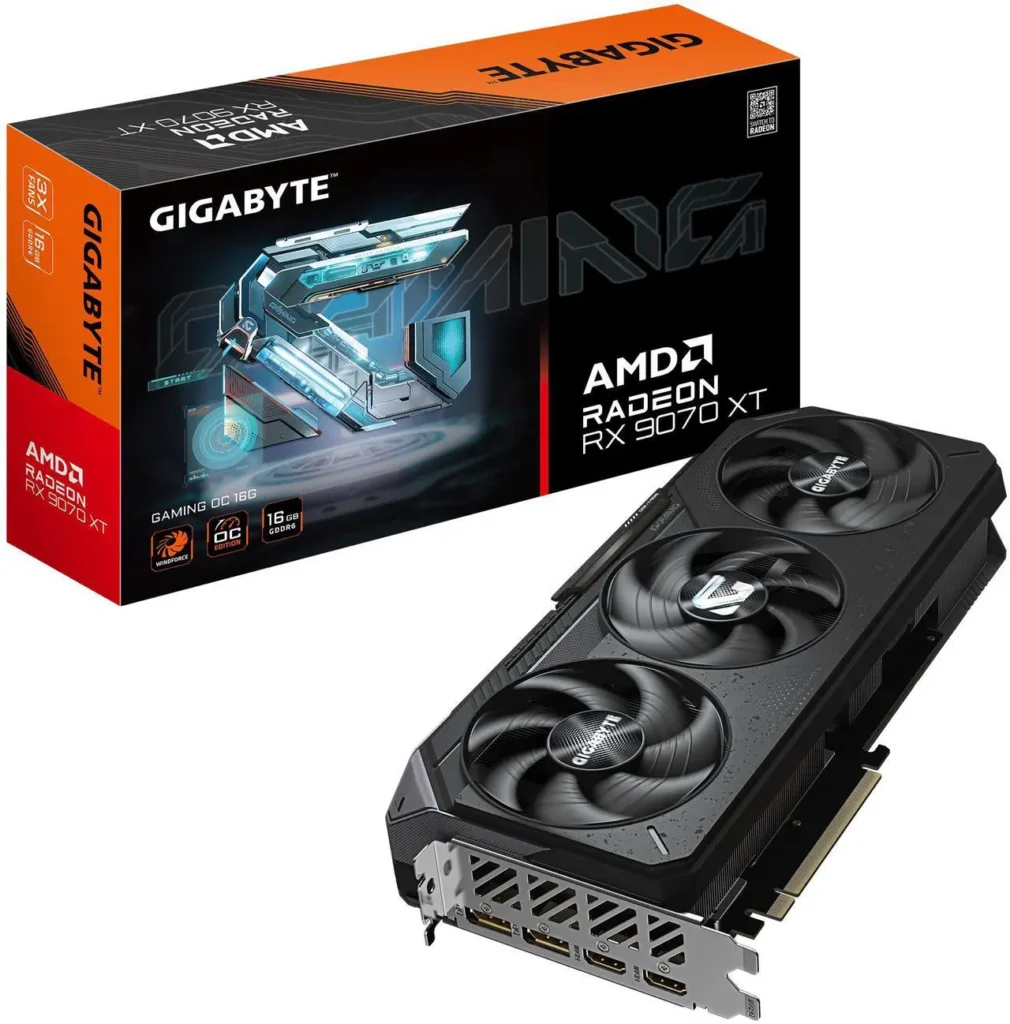
The 16GB VRAM callout at 4K is the most eyebrow-raising specification. Both the High and Ultra tiers require 16GB of VRAM for 4K. This immediately disqualifies the RTX 5070 at 12GB and the RTX 4070 Ti at 12GB from comfortable 4K native performance at maximum settings. The RX 9070 at 16GB is the recommended GPU for the High 4K tier , a card that the SpecClear RX 9070 vs RX 9070 XT guide covers in detail.
The good news: upscaling makes all of this more manageable. DLSS, FSR 4, XeSS, and TSR are all supported across every preset. For most players, enabling DLSS 4 Quality on Nvidia or FSR 4 Quality on AMD reduces the rendering resolution to approximately 1440p equivalent at 4K output , cutting VRAM demand significantly and pushing frame rates above 60 FPS on cards that would otherwise struggle.
What hardware runs it comfortably at each resolution
At 1080p, most current-generation mid-range cards handle Campaign Evolved without issue. The RTX 5060 Ti 16GB, RX 9060 XT 16GB, and Intel Arc B580 all comfortably exceed the Low tier’s RTX 2060 Super requirement. With upscaling active at Quality mode you’re well above 60 FPS at 1080p on any of these cards.
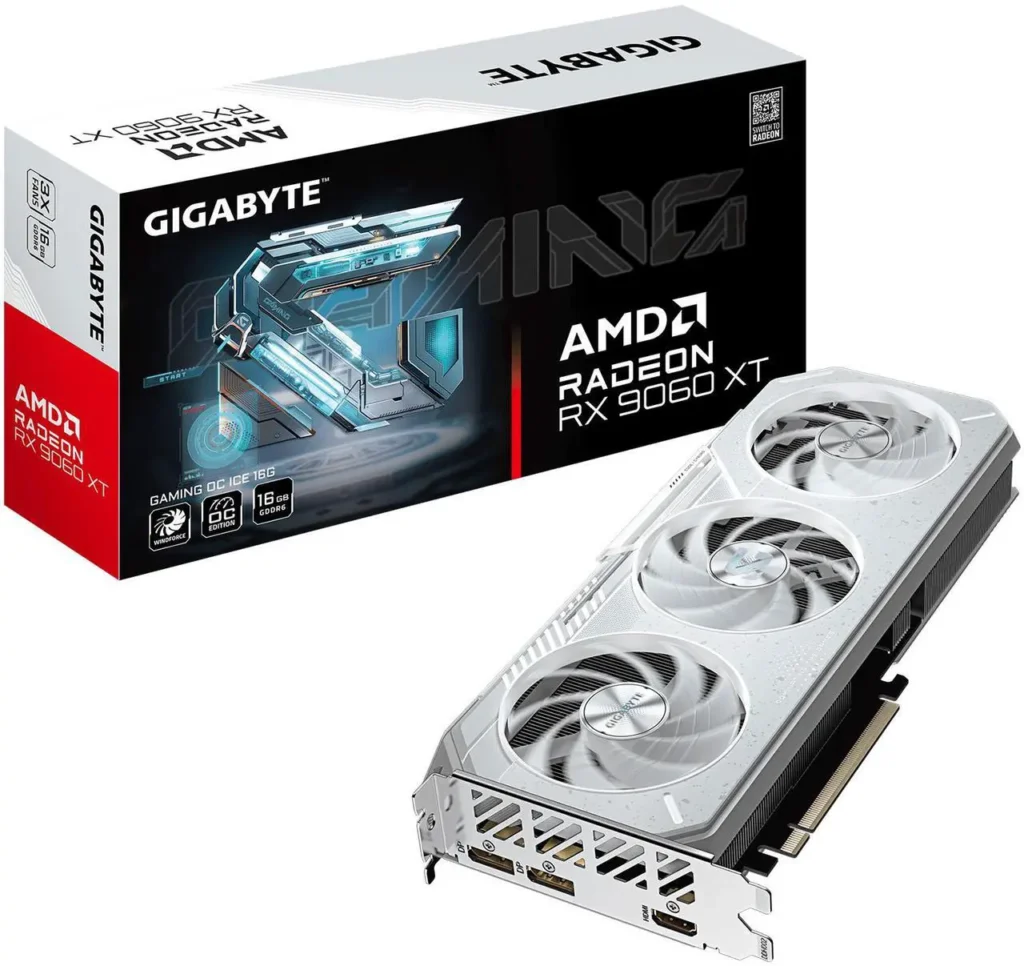
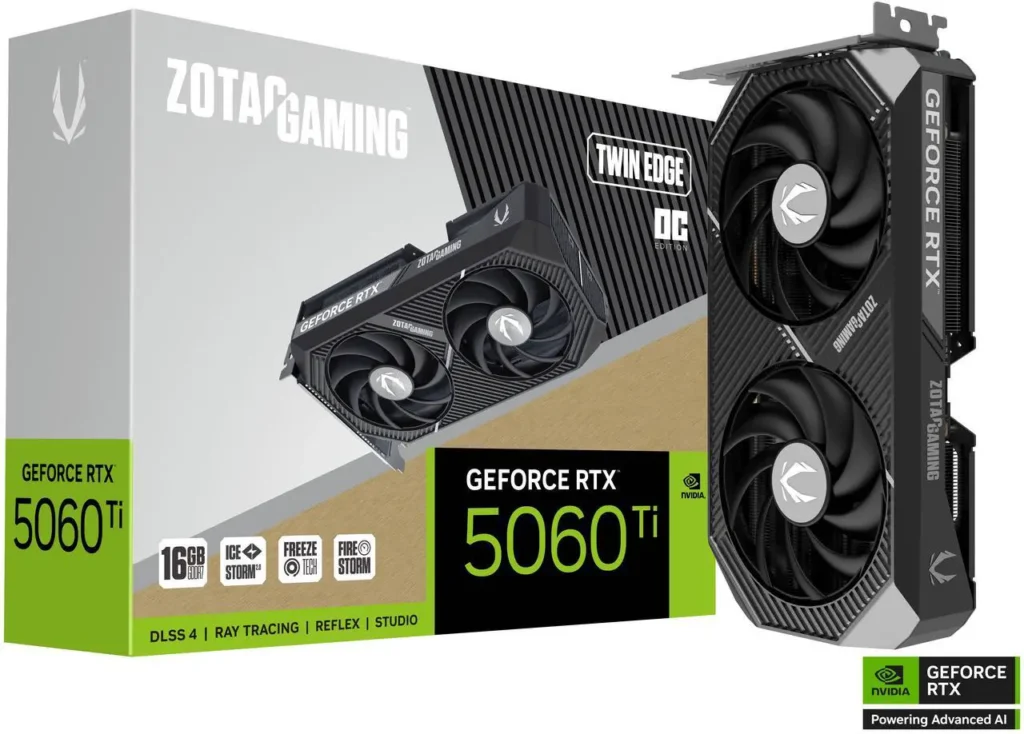
At 1440p, the Medium tier’s RTX 3070 requirement translates to current-generation cards like the RTX 5060 Ti or RX 9060 XT at native settings, or the RTX 5070 and RX 9070 XT for comfortable headroom above 60 FPS without relying on upscaling.RTX 5060 Ti vs RX 9060 XT
At 4K, the 16GB VRAM requirement makes current-generation card selection straightforward. The RX 9070 XT at 16GB GDDR6, RTX 5070 Ti at 16GB GDDR7, and RTX 5080 at 16GB GDDR7 are the correct tier for 4K play. The RTX 5070’s 12GB shows pressure at 4K maximum settings , use DLSS 4 Quality to keep VRAM demand below the ceiling or drop textures one tier.
The upscaling options: all four supported
DLSS 4 with the Transformer model for Nvidia RTX 30 series and newer. FSR 4 for AMD RX 7000 and RX 9000 series. XeSS for Intel Arc. TSR as the native Unreal Engine 5 temporal solution for everything else.
NVIDIA Reflex, AMD Anti-Lag, and Intel XeLL are all supported for latency reduction. Enable the one matching your GPU manufacturer , these are free performance improvements that reduce input lag without any image quality cost.
What’s actually new in Campaign Evolved
For players who know Combat Evolved, the visual overhaul is the headline. Rebuilt in Unreal Engine 5 with photorealistic textures, modern lighting, and fully remade cinematics with re-recorded voice acting from the original cast. The core gameplay is faithful , this isn’t a reimagining, it’s a rebuild.How to Add a Second SSD to Your PC
Three prequel missions were added covering events before the original game’s opening. Nine additional weapons and new vehicle sections appear throughout. The mission structure has been expanded with redesigned levels that maintain the original’s open feel while improving navigation.
No competitive multiplayer , Campaign Evolved is campaign-only. Four-player online co-op is supported with shared progression and crossplay between PC, Xbox, and PS5. Two-player split-screen on console. PC players get uncapped frame rate, all four upscaling options, and ReBAR support for compatible Nvidia and AMD GPUs.
The storage check: do this today
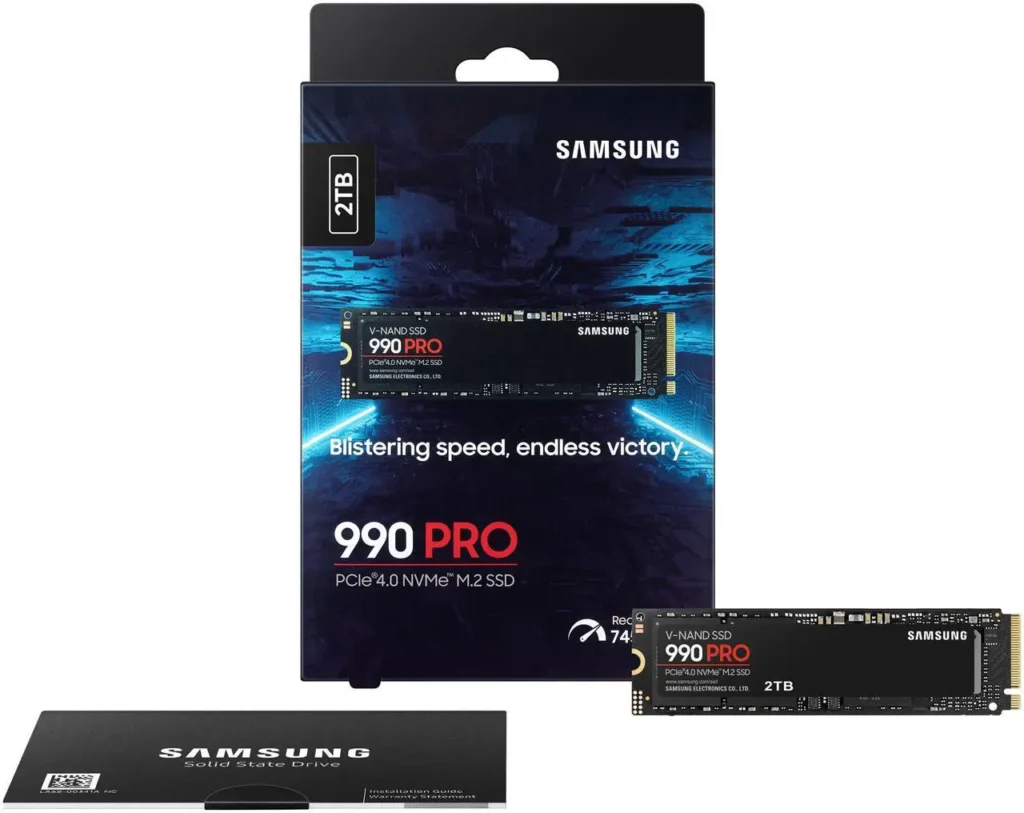
100GB is a significant install. At current SSD prices , a 2TB Samsung 990 Pro sits around $383 on Newegg , adding storage before a big launch is increasingly common. The SpecClear guide to adding a second SSD without reinstalling Windows covers the full process if your primary drive is running low. An NVMe SSD is recommended at the High and Ultra tiers rather than strictly required , a SATA SSD at Low and Medium works but expect marginally longer level load times.What Is a Good FPS for Gaming