
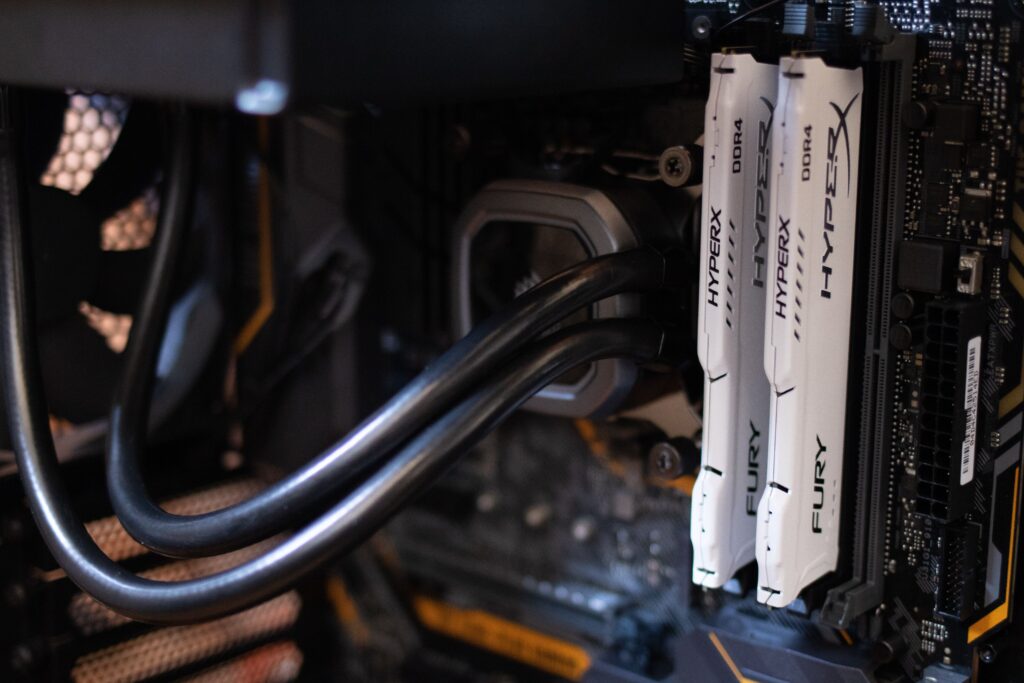
Most RAM buying guides will tell you to buy the fastest kit you can afford. That’s wrong advice in 2026, and following it will cost you money you could have spent on the GPU.
Here’s the honest version: the right RAM for gaming is the kit that matches your CPU’s memory controller at the right capacity. Speed beyond that threshold returns almost nothing in games. The kit that does that costs less than the premium options that dominate most recommendation lists.
This guide covers AM5 and Intel LGA1851 builds only. If you’re on AM4 or an older Intel platform, DDR4 is still your answer and this article doesn’t apply.
The One Number That Matters for AMD AM5 Builds
DDR5-6000. That’s the AM5 answer.
AMD’s Infinity Fabric (the interconnect that links CPU cores, cache, and memory) runs at half the memory frequency. At DDR5-6000, it runs at 3000MHz. That’s the fastest stable Infinity Fabric clock on most Ryzen 7000 and 9000 systems without manual tuning. At that speed, memory latency is minimised and bandwidth is maximised for gaming workloads.
Go above DDR5-6000 on AM5 and the Infinity Fabric drops into a 2:1 mode: the memory runs faster but the Fabric doesn’t keep pace, which adds latency back into the equation. The result is that DDR5-6400 and DDR5-7200 kits on Ryzen systems often perform identically to DDR5-6000 in games, and occasionally worse.
For X3D chips specifically, the 3D V-Cache absorbs a significant portion of memory latency anyway. The 9800X3D is less sensitive to RAM speed than almost any other gaming CPU. DDR5-6000 CL30 is all it needs.BIOS Settings Most People Never Check
The one timing that does matter at DDR5-6000 is CAS latency. CL30 is tighter than CL36, which is tighter than CL38. The real-world gaming difference between CL30 and CL38 at 6000MHz is typically 1-3 FPS in CPU-sensitive titles at 1080p and negligible in GPU-limited scenarios. It’s worth paying for CL30 if the price gap is small. It’s not worth paying $100 more to go from CL36 to CL30.
What Intel LGA1851 Builds Need
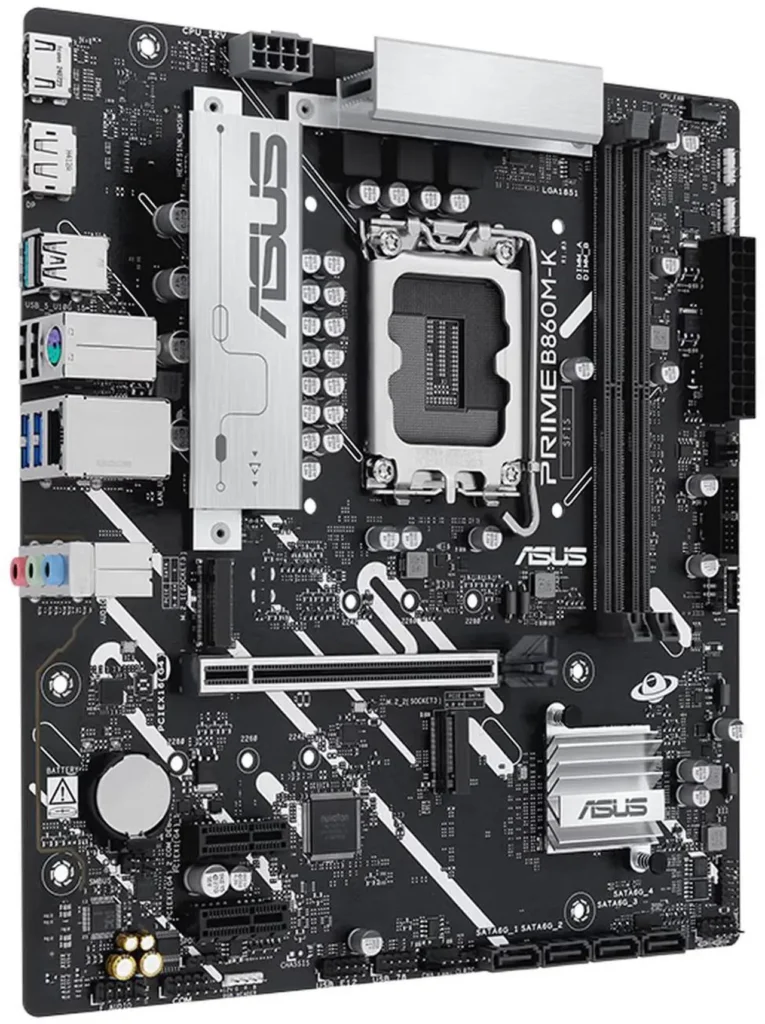
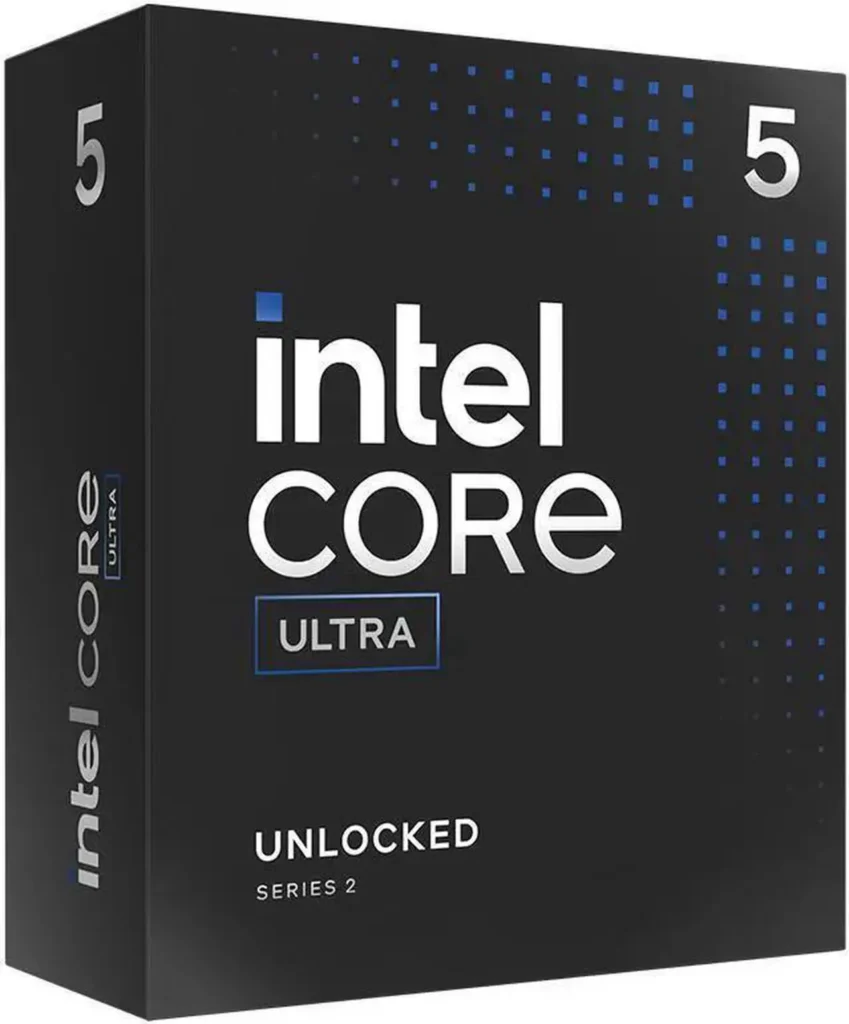
Intel’s memory controller is more flexible than AMD’s. Core Ultra 200S and 200S Plus chips handle DDR5-6400 to DDR5-7200 without the Infinity Fabric constraint that limits AM5. The real-world gaming difference between DDR5-6000 and DDR5-7200 on Intel is still only 1-3% in most titles, but Intel systems don’t penalise you for running faster kits the way AM5 does.Best Motherboard for Gaming 2026
DDR5-6000 CL30 is a safe, performant baseline for Intel builds. If you want to push further, DDR5-6400 CL32 is the sensible next step. Beyond that, the gains shrink fast relative to cost.
Capacity: 32GB Is the Answer
16GB is the floor for gaming in 2026, not the target. Modern AAA titles push 12-14GB of system RAM in demanding scenes. Add Windows overhead, a browser, Discord, and background recording software and 16GB is running at its ceiling regularly. You’ll feel it as micro-stutters in open-world games, not as crash screens, which makes it easy to miss.
32GB is the correct capacity for any new gaming build in 2026. It’s not future-proofing. It’s the amount you need today to game without hitting RAM limits in current titles.
64GB makes sense for content creators who run DaVinci Resolve or Premiere alongside gaming, or for builders running local AI models. For pure gaming, it’s money spent where it doesn’t move the needle.RAM Prices 2026, DDR5 Shortage Explained
The painful reality of 2026: DDR5 prices are 4-5x their 2024 lows due to the AI-driven DRAM shortage. A 32GB DDR5-6000 kit that cost $85 eighteen months ago now lands around $375–$420 on good days (not the old $240 fantasy, and not the stale $150–$280 bands). That’s the market you’re buying in. Meaningful normalisation is a 2027–2028 conversation, not a 2026 plan.
The Kits to Buy
Budget 32GB AM5: TeamGroup T-Force Vulcan DDR5-6000 CL38 32GB (~$399 on Newegg)
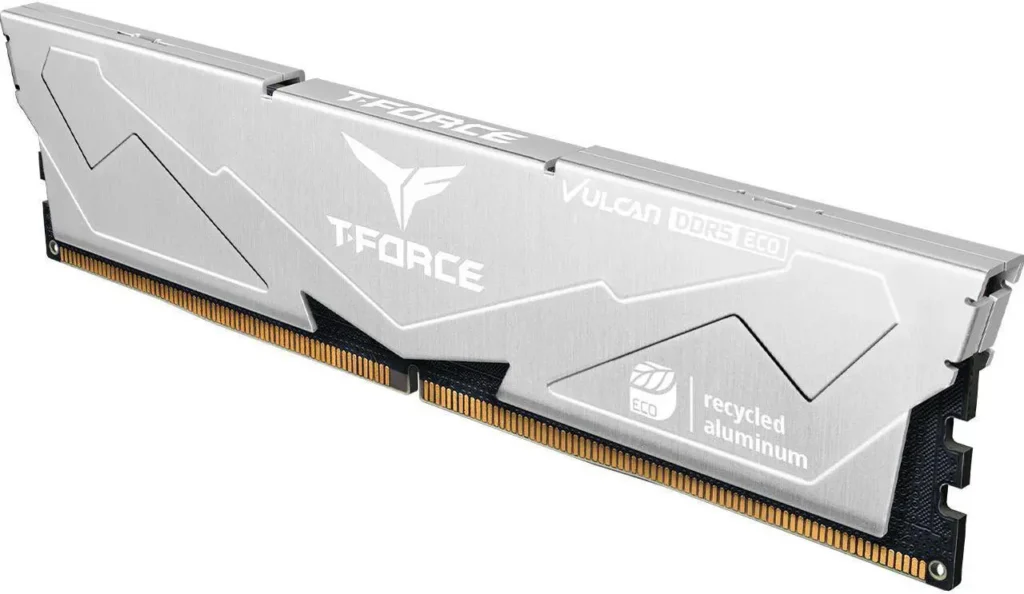
Hits the DDR5-6000 sweet spot with both EXPO and XMP profiles. CL38 is looser than CL30 but the gaming performance difference is 1-3 FPS in CPU-sensitive scenarios. For a budget build where every dollar counts, this is the kit. It runs stable and trains reliably on B650 and X870 boards.TeamGroup T-Force Vulcan DDR5-6000 CL38 32GB
The alternative if you want tighter timings for $20-30 more: Kingston Fury Beast DDR5-6000 CL36 32GB. Same sweet-spot speed, slightly tighter timings, excellent board compatibility track record.Best Gaming PC Build Under $1500 2026
Best value 32GB AM5: G.Skill Flare X5 32GB DDR5-6000 CL30 (~$515-$599 on Newegg)
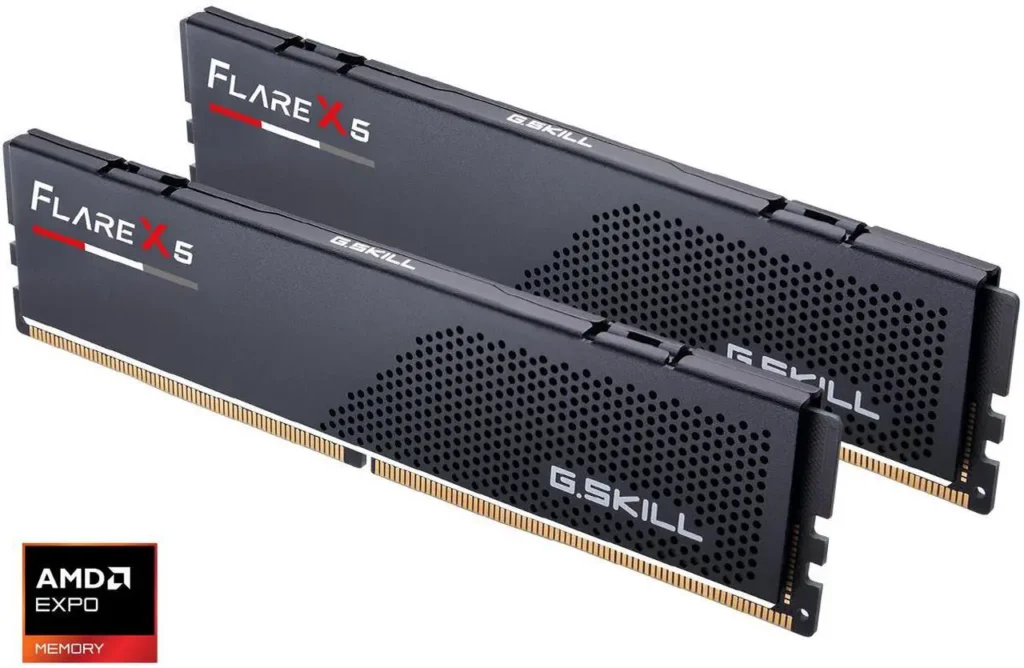
CL30 EXPO-certified, validated for AMD platforms, and the default recommendation for Ryzen 7000 and 9000 builds across every major hardware publication. The Flare X5 doesn’t have RGB, it’s a performance kit, not a show kit. If you want the same performance with lighting, G.Skill Trident Z5 Neo RGB kits at the same 6000 CL30 class still sit in the elevated September 2026 DDR5 market, not the old ~$280 street.G.Skill Flare X5 32GB DDR5-6000 CL30
Best value 32GB Intel: G.Skill Trident Z5 RGB DDR5-6000 CL32 32GB (~$609 on Newegg)
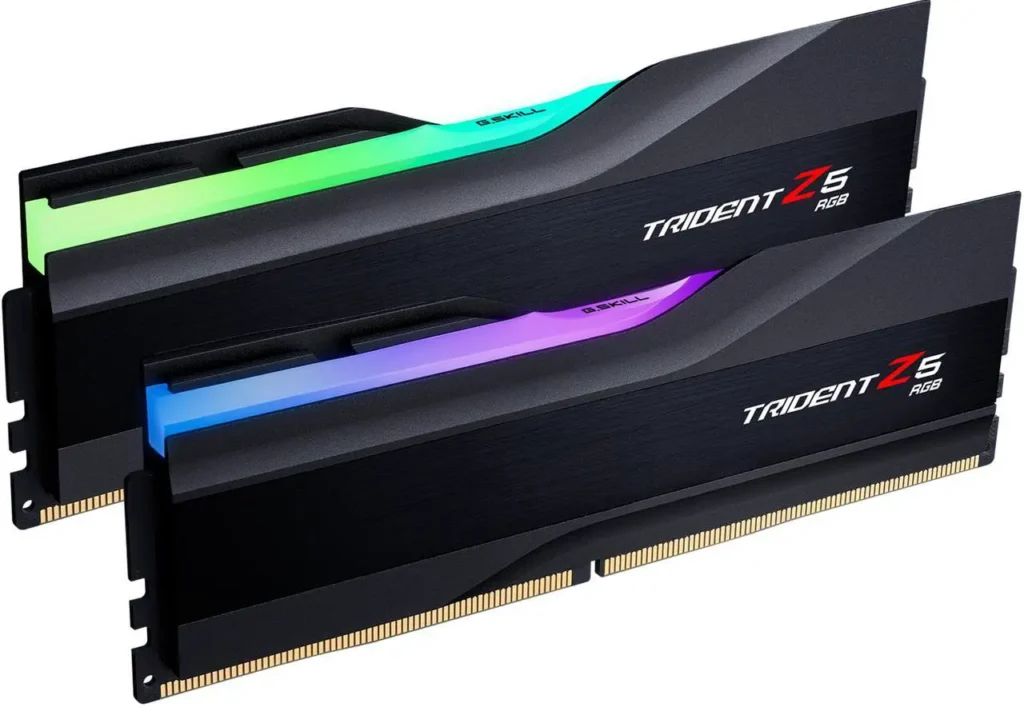
XMP 3.0 certified, tuned for Intel’s LGA1851 platform, and CL32 is tighter than the CL36 budget options. For Core Ultra Arrow Lake Refresh builds, this is the sensible mid-range pick.G.Skill Trident Z5 RGB DDR5-6000 CL32 32GB
Skip the premium tier unless you have a specific reason
DDR5-7200 CL34 kits cost $439-$659 for 32GB. In gaming benchmarks they produce 2-5% more FPS than DDR5-6000 CL30 in CPU-limited 1080p scenarios. In GPU-limited scenarios (most gaming at 1440p and 4K) the difference is statistically zero. That $100-$200 premium belongs on a better GPU, not faster RAM.
Three Rules Before You Buy
Enable EXPO on AMD, XMP on Intel. Your kit ships at 4800MHz regardless of what the box says. One BIOS toggle sets it to rated speed. If you don’t do this, you’ve bought a premium kit and it’s running at base spec. The SpecClear BIOS settings guide covers this process in detail.How to Install RAM, DDR5 Dual Channel XMP
Buy a matched dual-stick kit, not two single sticks. Dual-channel mode requires both slots populated with identical modules. A kit sold as 2x16GB is guaranteed matched, two separately purchased sticks of the same SKU often are not, and mismatches cause instability at rated speeds.
Don’t mix kits. Adding a second 16GB kit to an existing 16GB kit from a different brand or production batch is the most common cause of DDR5 instability. If you’re starting with 16GB and plan to upgrade later, buy a 32GB kit now and use both sticks from day one.