
Most people spend more time choosing a GPU than a monitor, then plug the GPU into a display that limits what they paid for. A $400 graphics card feeding a 60Hz IPS panel from 2019 is money left on the table. A high-refresh OLED monitor on a GPU that can’t reach its frame rate target is the same problem in reverse.
The monitor is where every frame your GPU produces becomes something visible. Getting this decision right matters as much as getting the GPU right. Here’s how to do it without overcomplicating it.
Resolution First: Match It to Your GPU
Resolution determines how many pixels your GPU has to push. More pixels means more load. The right resolution is the one your GPU can drive consistently at your target frame rate in the games you actually play.
1080p is the correct choice if you’re on a budget GPU (RTX 5060 ~$449, RX 9060 XT 8GB ~$399, Intel Arc B580 ~$309). These cards are built for 1080p. At 1440p they’ll reach their limits in demanding titles and you’ll be turning settings down to compensate. A quality 1080p 144Hz or 165Hz IPS monitor between $120 and $200 is the right pairing.Best Gaming Monitor 2026
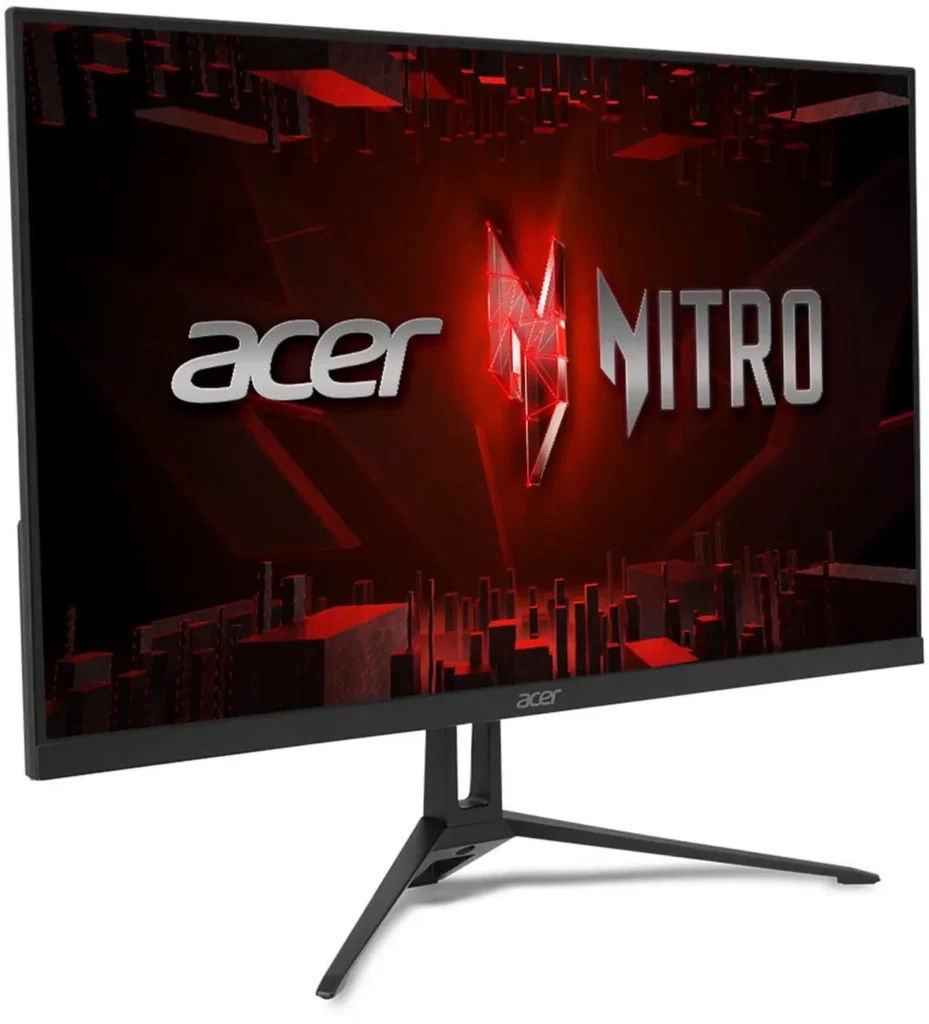
Don’t let anyone tell you 1080p looks bad on a 24-inch monitor. At normal viewing distances, pixel density on a 24-inch 1080p panel is fine. What looks bad is running 1440p on a GPU that can’t keep up, choppy frame rates and settings compromises are more visible than pixel density.
1440p is the sweet spot in 2026 for mid-range builds. RX 9060 XT 16GB (~$469), RTX 5060 Ti, and RX 9070 (~$649 street) are built for 1440p. The resolution is genuinely sharper than 1080p at 27 inches, the GPU load is manageable, and the monitor selection in the $250-$400 range is excellent. If you’re spending $350-$500 on a GPU, you should be spending $250-$350 on a 1440p monitor to match it.Nvidia G-Sync Pulsar Monitor Upgrade 2026
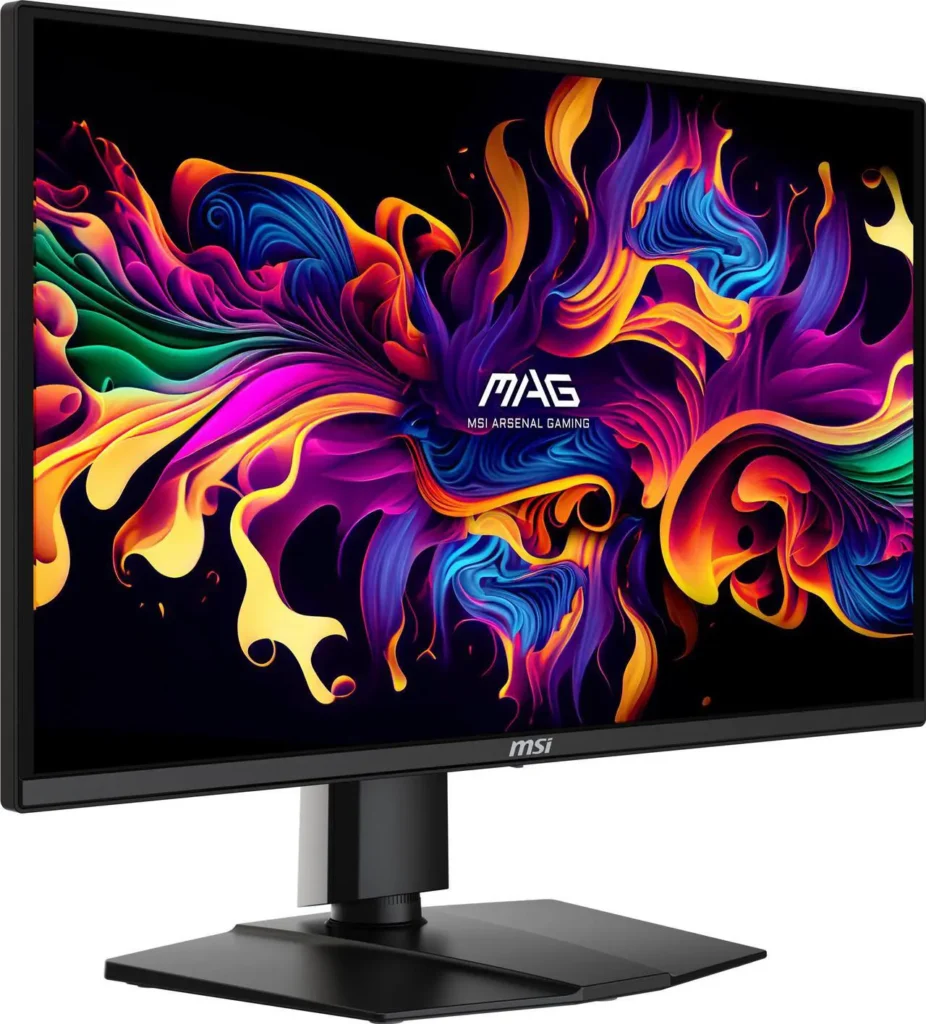
4K is for the RTX 5080, RTX 5090, and RX 9070 XT tier. Don’t pair a 4K monitor with a mid-range GPU expecting to game at native 4K in demanding titles. Upscaling, DLSS 4 or FSR 4, can make 4K more accessible, but you’re rendering at a lower internal resolution and upscaling to 4K output. That’s a different proposition than native 4K, and worth understanding before spending $500+ on a 4K panel.27-inch Fast IPS,
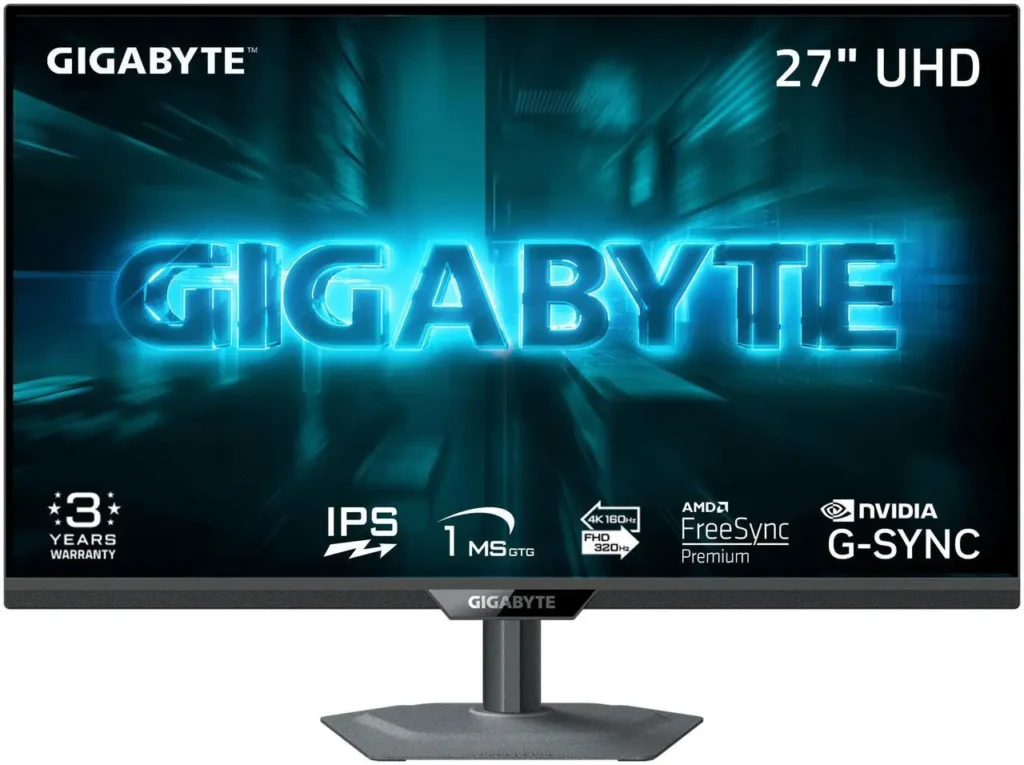
Refresh Rate: How High Do You Actually Need to Go?
Refresh rate is measured in hertz. A 144Hz monitor can display 144 frames per second. A 240Hz monitor can display 240. The benefit is real but it follows a law of diminishing returns.
60Hz to 144Hz is the most impactful upgrade most people can make. The difference in motion clarity and input feel is immediately noticeable to anyone who games regularly. If you’re on a 60Hz monitor, this is where to start.
144Hz to 165Hz is a modest step. Most 165Hz monitors are priced similarly to 144Hz panels and use the same panel technology. Buy 165Hz over 144Hz when the price is equal. Don’t pay a premium for it.
165Hz to 240Hz is meaningful for competitive gaming. CS2, Valorant, Apex Legends at high frame rates feel smoother and more responsive at 240Hz than at 165Hz. The catch: your GPU needs to actually hit 240fps to use those frames. A mid-range GPU at 1440p in demanding games won’t. For esports titles at 1080p where frame rates are easily achievable, 240Hz is worth chasing.Best Gaming PC Build Under $1500 2026
240Hz and above, 360Hz, 480Hz, is professional esports territory. The improvement over 240Hz is real but small. Most builders don’t need it.
Variable refresh rate (VRR), G-Sync Compatible or FreeSync Premium, is non-negotiable on any monitor you buy in 2026. It synchronises the monitor’s refresh rate to your GPU’s frame output, eliminating screen tearing and smoothing out frame rate drops. Every monitor recommendation at every price point should include this. It’s standard across all panel types now.
Panel Type: The Decision Most People Get Wrong
Panel technology determines colour accuracy, contrast, viewing angles, response time, and motion clarity. It’s the foundational characteristic of the display.
IPS (In-Plane Switching) is the right choice for most builders. Accurate colours, wide viewing angles, fast enough response times for gaming, and available at every price point from $120 to $600. Fast IPS panels in 2026 have response times of 1ms GtG, fast enough that motion blur is not an issue for the vast majority of gaming scenarios. The weakness is contrast: IPS blacks aren’t true black, they’re dark grey. In a bright room you won’t notice. In a dark room gaming with bright scenes against dark backgrounds, the glow is visible.27-inch Fast IPS
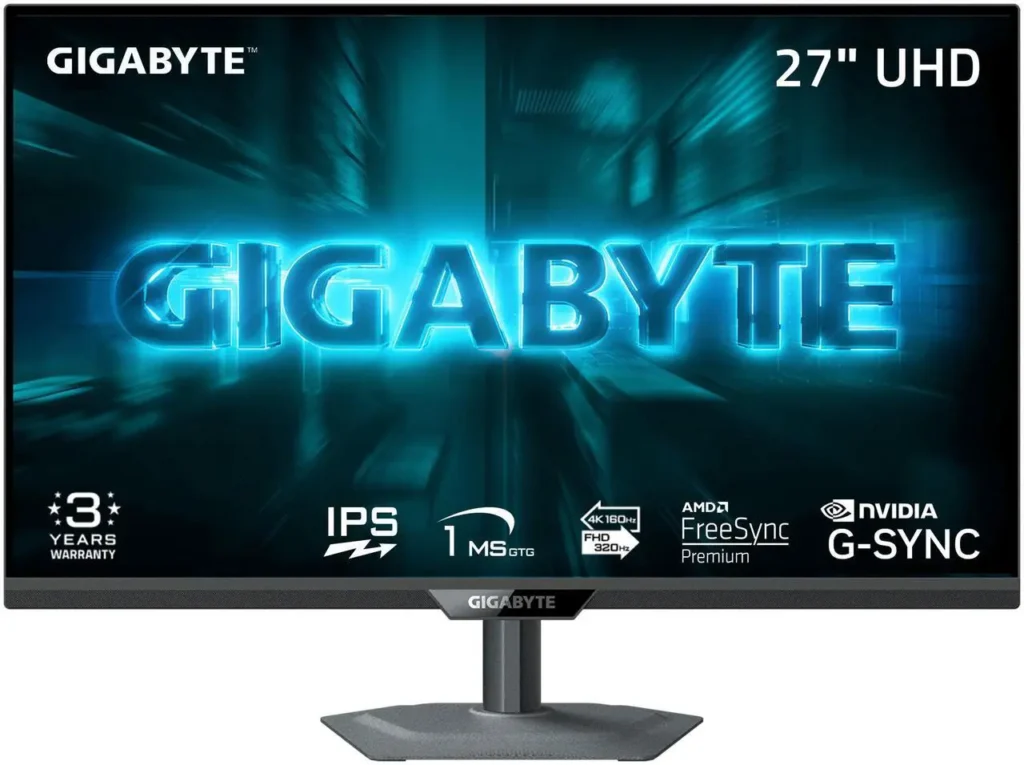
Buy IPS if: you want the safest, most versatile choice at any budget. You game in a well-lit room. You use the monitor for work alongside gaming.RTX 5060 vs RX 9060 XT
VA (Vertical Alignment) offers significantly better contrast than IPS, blacks are genuinely dark, HDR scenes look more dramatic. The historical weakness was slow pixel response causing smearing in fast dark scenes. Modern VA panels in 2026 have improved, but the best VA monitors are still behind the best IPS panels in motion clarity. VA shows up most often on curved ultrawide displays and value-focused 32-inch panels.
Buy VA if: you game predominantly in a dark room. You value deep blacks and contrast over absolute motion clarity. You’re looking at curved ultrawide formats.
OLED is the premium choice and increasingly accessible in 2026. Infinite contrast, pixels turn completely off for true black. Sub-1ms response times that make even the fastest IPS panels look slow. Colour accuracy that exceeds IPS. The trade-offs: OLED costs more, and static elements, health bars, minimaps, HUDs, carry a burn-in risk with extended hours of identical content in the same position. Modern OLEDs with pixel refresh cycles have significantly reduced this risk, but it hasn’t been eliminated.27-inch OLED, 240Hz
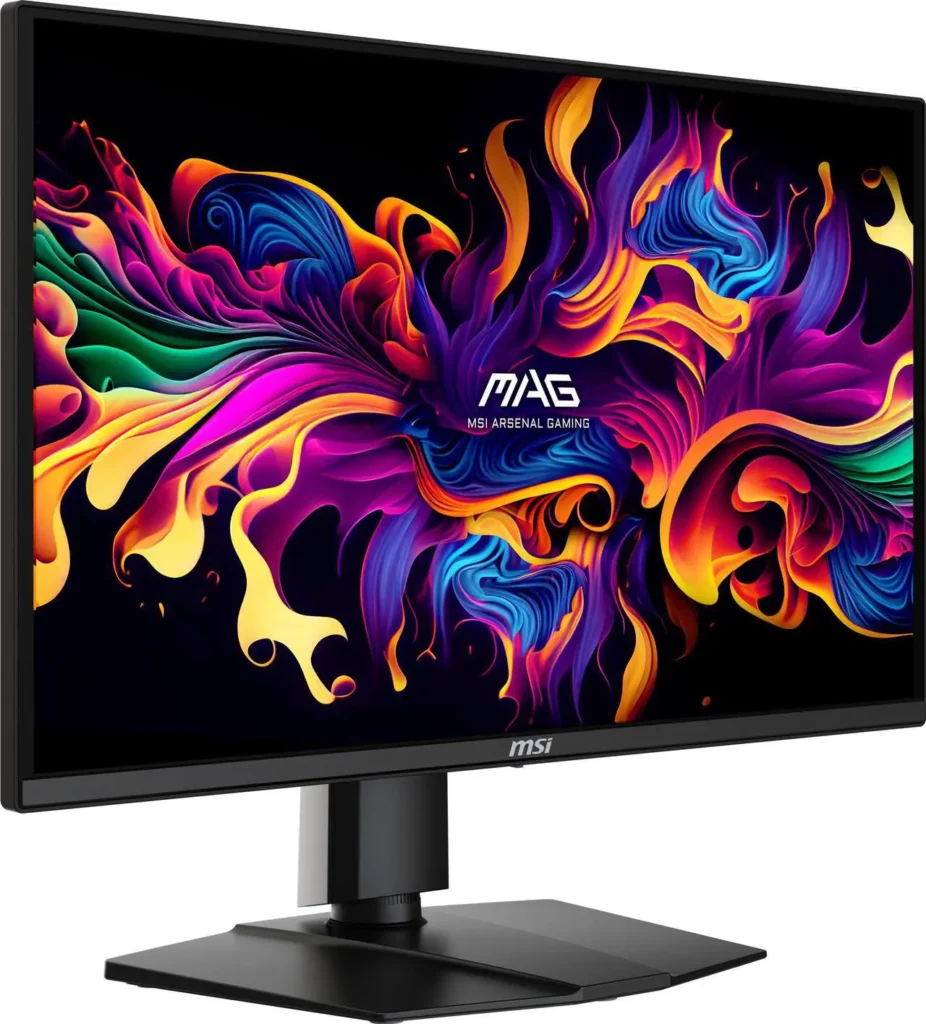
Buy OLED if: image quality is the priority and budget allows. You play single-player story games where visuals matter. You game in a controlled lighting environment.
TN (Twisted Nematic) was the esports standard five years ago. In 2026, Fast IPS panels match TN for speed while delivering substantially better colours and viewing angles. TN is hard to recommend in 2026 unless you’re specifically hunting the fastest refresh rates at the lowest price and genuinely don’t care about image quality.In-Game Graphics Settings Explained
Size: The Number People Overthink
Use 24-25 inches at 1080p, 27 inches at 1440p, and 32 inches at 4K. Those combinations produce similar pixel density and an appropriate field of view for typical desk distances. Deviating from them, running 1080p on a 32-inch panel, for example, results in noticeably softer image quality because the pixel density is too low for the screen size.
Ultrawide (21:9) and super-ultrawide (32:9) formats are a separate category worth its own article. The short version: ultrawide at 1440p is excellent for immersive single-player gaming and productivity. Super-ultrawide is genuinely impractical for most competitive games which don’t support the aspect ratio properly.
The Quick Decision Guide
You’re on a budget GPU gaming at 1080p: 24-inch Fast IPS, 144-165Hz, $120-$200. AOC, LG, ASUS all make solid options here.
You’re on a mid-range GPU gaming at 1440p: 27-inch Fast IPS, 144-165Hz, $250-$329. This is the most populated and best-value segment of the monitor market.
You want the step up without going OLED: 27-inch Fast IPS or Mini-LED IPS, 240Hz, $350-$500. Better HDR, higher refresh rate, same colour accuracy baseline.
You want the best image quality available: 27-inch OLED, 240Hz, $579. The jump in visual quality over IPS is immediately obvious. Worth every dollar if budget allows.
You play competitive games exclusively and want maximum frame rate: 24-inch Fast IPS or TN, 240Hz+, $250-$400. Prioritise refresh rate and response time over colour accuracy.