
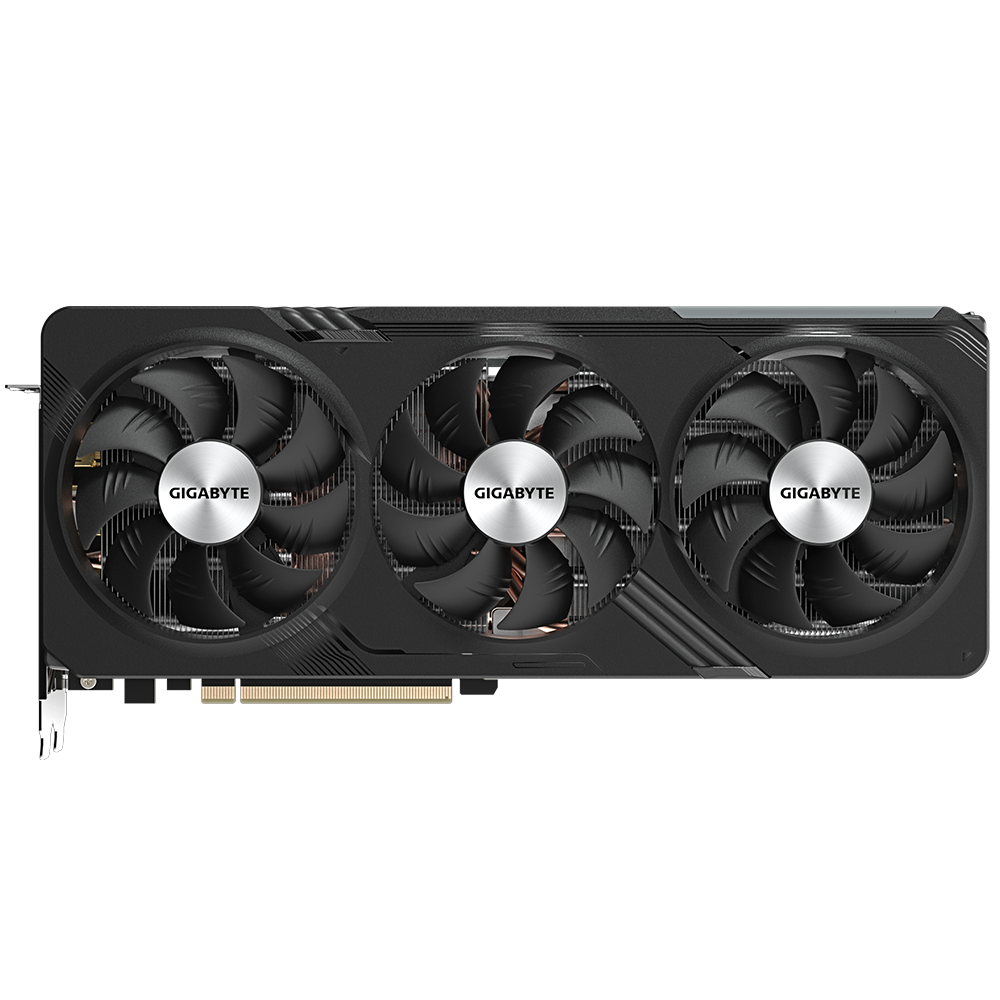
If you have a desktop RX 7600 through RX 7900 XTX, install Adrenalin 26.6.2 or newer and turn on AMD FSR Upscaling. Official FSR 4.1 is on RDNA 3 now, which is a huge step up from what it used to be, especially at this price point.
Last verified: September 12, 2026. AMD shipped FSR 4.1 for RX 7000 discrete GPUs in Adrenalin 26.6.2 on June 22, 2026, ahead of the July window they had floated. This is the ML upscaler that launched on RX 9000 first. RX 7000 gets an INT8 build, not the FP8 path RDNA 4 uses.
Why it took so long
FSR 4.1 is not a simple toggle rename. RDNA 4 runs the model on FP8 matrix hardware. RDNA 3 speaks INT8. A naive convert throws artefacts, so AMD retrained and requantized for INT8. That is why this lagged the RX 9000 launch by more than a year.
Honest trade-off: INT8 on 7000 costs some efficiency versus FP8 on 9000. Roughly high-single-digit to about 10% overhead shows up in coverage versus RDNA 4 running the same algorithm. Against FSR 3.1 on the same 7000 card, image quality is still the upgrade you wanted.
Frame generation is the other hard line. FSR 4.1 here is the upscaler. The frame-synthesis path that RDNA 4 leans on does not become RDNA 4-class FG on RX 7000. You get better reconstruction. You do not get a free RDNA 4 FG transplant.
What the numbers actually mean
AMD demoed large uplifts (example territory: 7900 XTX in a 4K title jumping hard with FSR 4.1 versus native). Treat that as a ceiling in a title and preset they chose, not a promise for your library.
Independent full suites were still filling in after launch. When you see a review suite you trust, use that for title-by-title expectations. What is settled: official Adrenalin beats the old community INT8 injectors for most people. If you were on OptiScaler only for FSR 4 on RDNA 3, move to 26.6.2+, confirm the Adrenalin path, and drop the mod unless a specific unsupported title still needs it.
How to enable FSR 4.1 on RX 7000
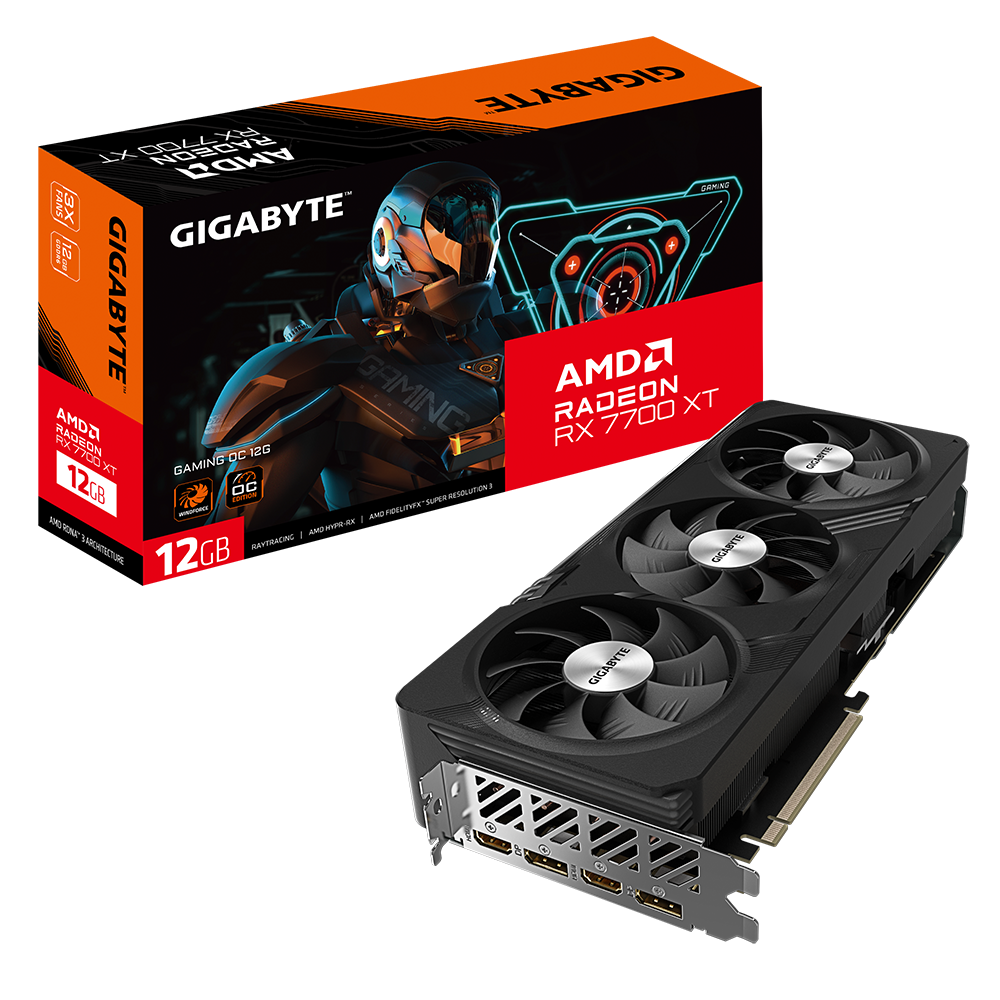
- Update the driver. Open AMD Software: Adrenalin Edition and install 26.6.2 or newer.
- Enable the driver upscaler. Gaming → Graphics → turn on AMD FSR Upscaling. That is the override that upgrades supported FSR 3.1 integrations to FSR 4.1 on RX 7000.
- Enable FSR in the game. In a supported title (AMD cites 300+), set AMD FSR / FSR Upscaling. Start on Quality at 1440p/4K. Use Performance when you need the FPS more than edge clarity.
To confirm version, use Adrenalin’s overlay/watermark so you see FSR 4.1 running, not a silent FSR 3.1 fallback.
Hard limit: if the game never had an FSR 3.1-class integration the driver can hook, the override will not invent one. Those titles still need a native update or a careful third-party path, with anti-cheat risk on multiplayer.
Which cards are covered
Desktop RX 7000 discrete: RX 7600, 7600 XT, 7700 XT, 7800 XT, 7900 GRE/XT/XTX and the rest of that desktop stack called out in the 26.6.2 notes.
Not the same story yet: RDNA 3 APUs were called out for a separate lighter model with no firm window in the early coverage. RDNA 2 (RX 6000) was still pointed at a later wave (early 2027 talk at announcement time). Check AMD’s current notes before you promise a laptop iGPU anything.
Steam Deck / Steam Machine style RDNA 3.x paths are their own Proton/driver story. This page is for Windows desktop RX 7000 + Adrenalin.
Does this change a buy or upgrade decision?
If you already own a strong 7800 XT / 7900 XTX, this weakens the argument of “upgrade only for FSR 4.” If you’re buying new, the 9000 series still wins FP8 + FG. It’s a careful balance depending on which way you decide to go.
Related: Should I upgrade my GPU in 2026? and best budget GPU.
Verdict
Update to Adrenalin 26.6.2+, enable AMD FSR Upscaling, turn FSR on in-game, verify with the watermark. Expect better image reconstruction than FSR 3.1, a bit less efficiency than RX 9000 FP8, and no RDNA 4 frame-gen transplant. That is the honest RX 7000 FSR 4.1 deal.
SpecClear participates in affiliate programmes. When you purchase through links on this site we may earn a commission at no additional cost to you.