
Corsair ThermalProtect PinProtect the battle between three different GPU connectors
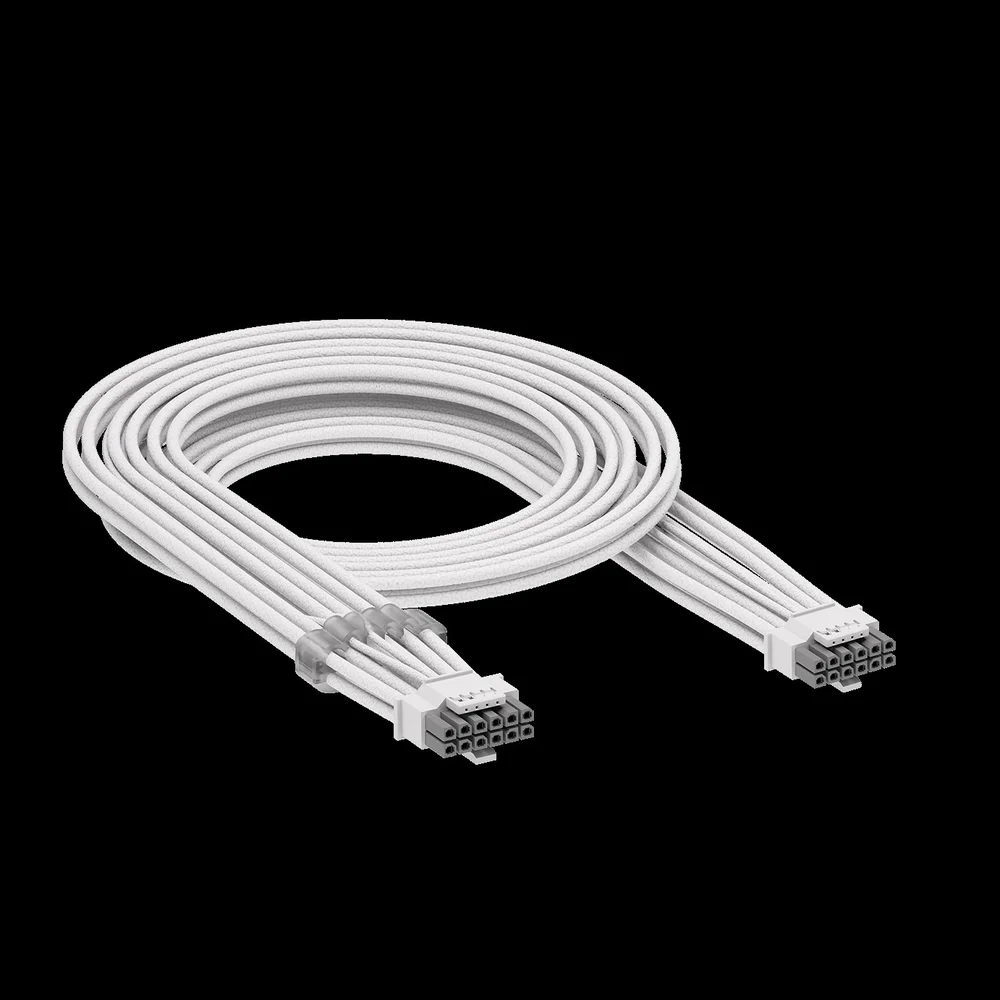
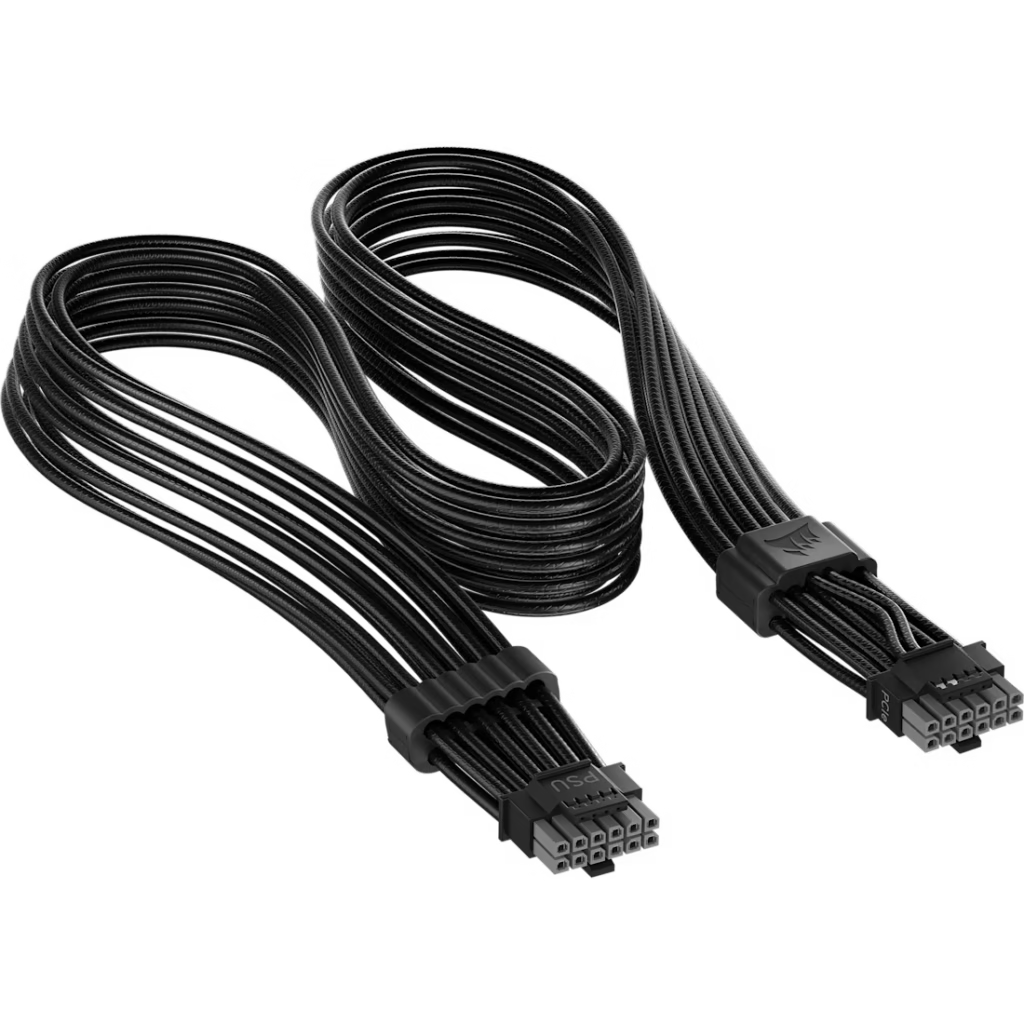
Corsair launched three different GPU connector protection technologies in 2026 and named them in a way that makes them sound like a product family when they’re actually three fundamentally different things the CORSAIR thermal protect is a cable. PinProtect is built into a PSU. PinProtect+ is a smarter version of PinProtect with software monitoring. They’re not interchangeable and they don’t stack you pick the one that fits your situation.
Here’s exactly what each one does, which products include it, what it costs, and who should actually buy it.
Corsair ThermalProtect and PinProtect: Why These Technologies Exist
The 12V-2×6 connector problem has been documented in detail in SpecClear’s RTX 5090 connector melting article. The short version: certain pins in the 12V-2×6 connector can carry disproportionate current due to how GPU PCBs route power internally+. When a single pin carries three times its rated load, it overheats, the connector melts, and in serious cases the GPU and PSU are destroyed.
Corsair’s three technologies each address this problem from a different point in the power delivery chain. ThermalProtect addresses it at the cable. PinProtect and PinProtect+ address it at the PSU itself.
ThermalProtect: The Cable-Level Solution
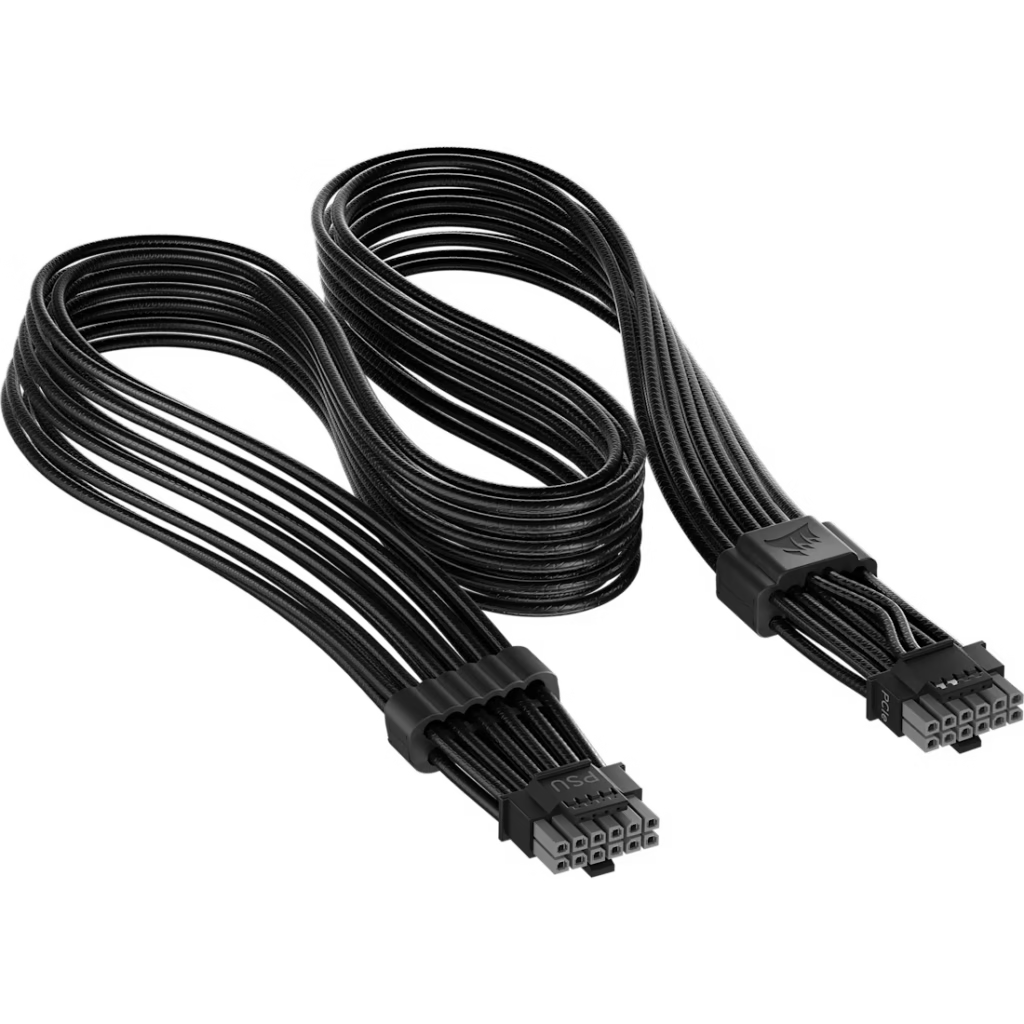
What it is: A replacement 12V-2×6 cable with a built-in temperature sensor housed in a cable comb 30mm from the connector. When ThermalProtect detects an unsafe temperature, the OTP technology activates, causing the GPU to shut down to prevent any potential damage.
What it actually does: The sensor monitors the cable’s own temperature continuously. If the cable gets hot which happens when pins are carrying excessive current ThermalProtect cuts power to the GPU before the heat becomes destructive. It addresses the symptom rather than the underlying cause: it can’t prevent uneven pin loading from occurring, but it can detect the heat signature that uneven loading produces and shut things down before damage occurs.
Compatibility: ThermalProtect is an entirely passive in-cable design, meaning that it does not require a specific PSU, GPU, or any sort of software or firmware to function. As long as the GPU and PSU use a native 12V-2×6 connection, this cable is compatible. This is its biggest advantage it works with any PSU from any manufacturer that has a native 12V-2×6 connector. You don’t need a new power supply.
What it doesn’t do: ThermalProtect monitors temperature, not current. ASUS focuses on current balancing and higher wire load capacity, while Corsair adds a thermal shutdown trigger through an integrated sensor. Temperature is a downstream indicator of excessive current it rises after current has already been running high. PinProtect monitors current directly at each pin, which is an earlier warning signal than temperature. ThermalProtect is the more accessible solution; PinProtect is the more precise one.
Price: $24.99 available in black and white, this makes it half the price of the ASUS ROG Equalizer, which is listed on the ASUS US store at $49.99.
Who should buy it: Anyone running an RTX 5080, RTX 5090, RX 9070 XT, or any other high-wattage GPU on a PSU they’re keeping. You replace your existing 12V-2×6 cable with ThermalProtect and your existing setup gets over-temperature protection without any other changes. At $24.99 it’s the cheapest entry point to connector protection available.
PinProtect: The PSU-Level Solution
What it is: A technology built directly into the PSU that monitors current flowing through each individual pin of the 12V-2×6 connection. If the current through any one or multiple pins is too high for too long, the PSU will drop the current, shutting down the GPU, preventing damage.
What it actually does: Rather than monitoring the downstream temperature effect of uneven current loading, PinProtect monitors the current at each pin directly. This is a more precise measurement it catches the problem at its source rather than waiting for the heat signature to develop. If pin 3 is carrying 22 amps when it should be carrying 8, PinProtect knows immediately rather than waiting for the connector to get hot enough for ThermalProtect to notice.
Which PSUs include it: The CORSAIR RM1200e power supply is one of the first PSUs to feature PinProtect, making it one of the safest power supplies for modern high-wattage GPUs. It’s Cybenetics Platinum certified, Intel ATX 3.1 certified, and PCIe 5.1 ready. Its 140mm fan features Zero RPM fan mode for silent operation at low loads, and its 10-year warranty means it’ll last through several builds.
Price: The RM1200e is priced at approximately $179.99, PinProtect comes included there’s no separate purchase.
Who should buy it:
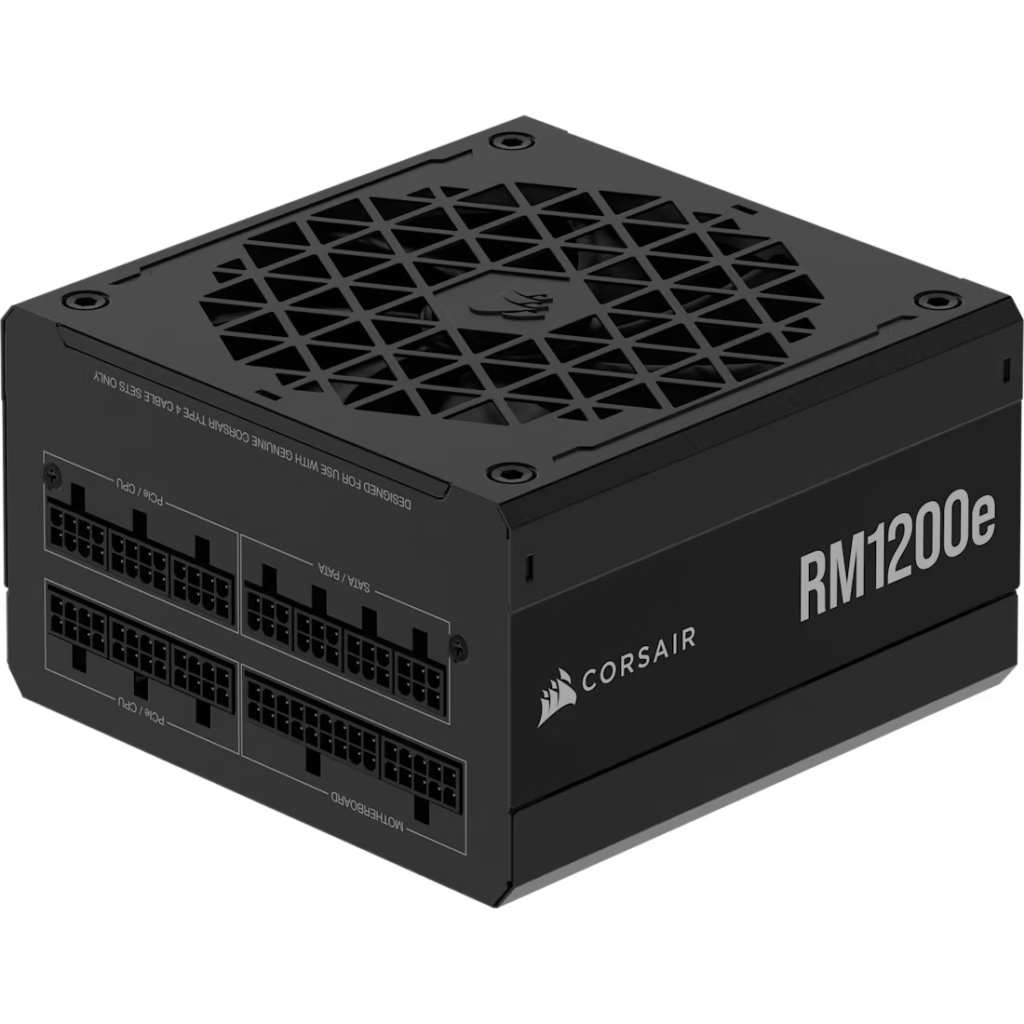
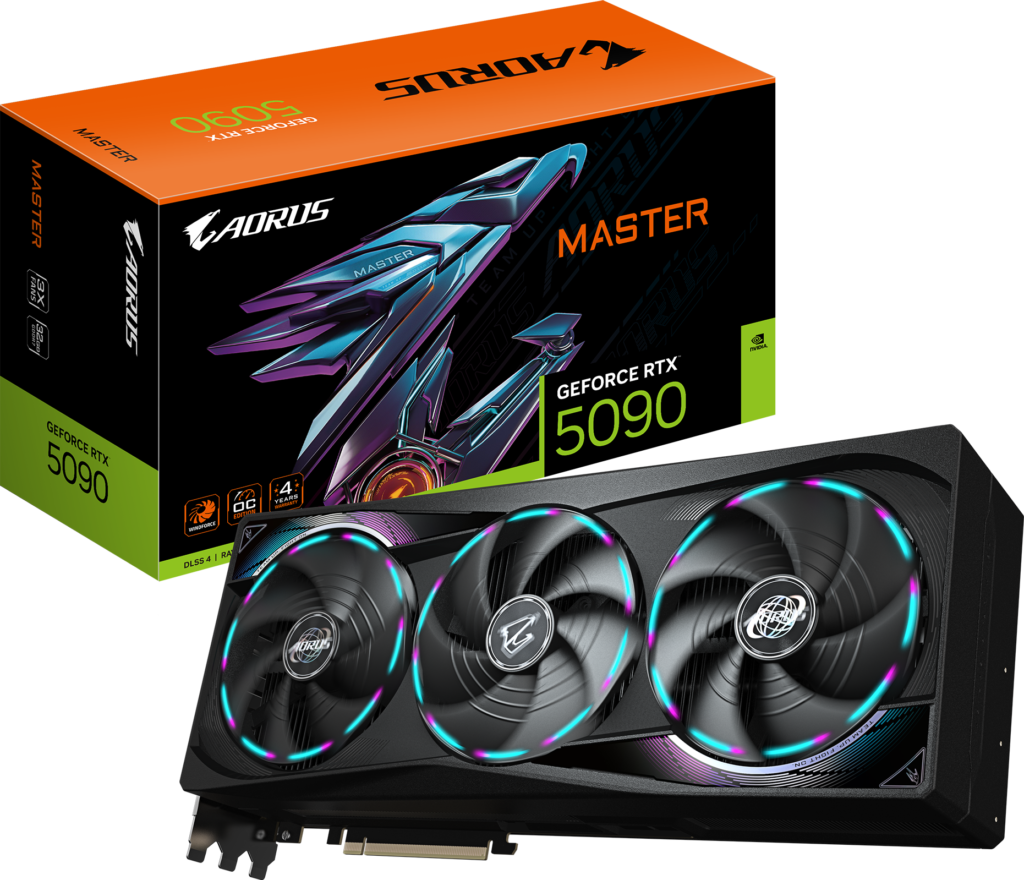
Anyone buying a new PSU for a high-wattage GPU build, if you’re pairing an RTX 5090 or RTX 5080 with a new power supply anyway, the RM1200e gives you PinProtect as a standard feature at a competitive price for a 1200W PSU.
PinProtect+: PinProtect With Software Monitoring
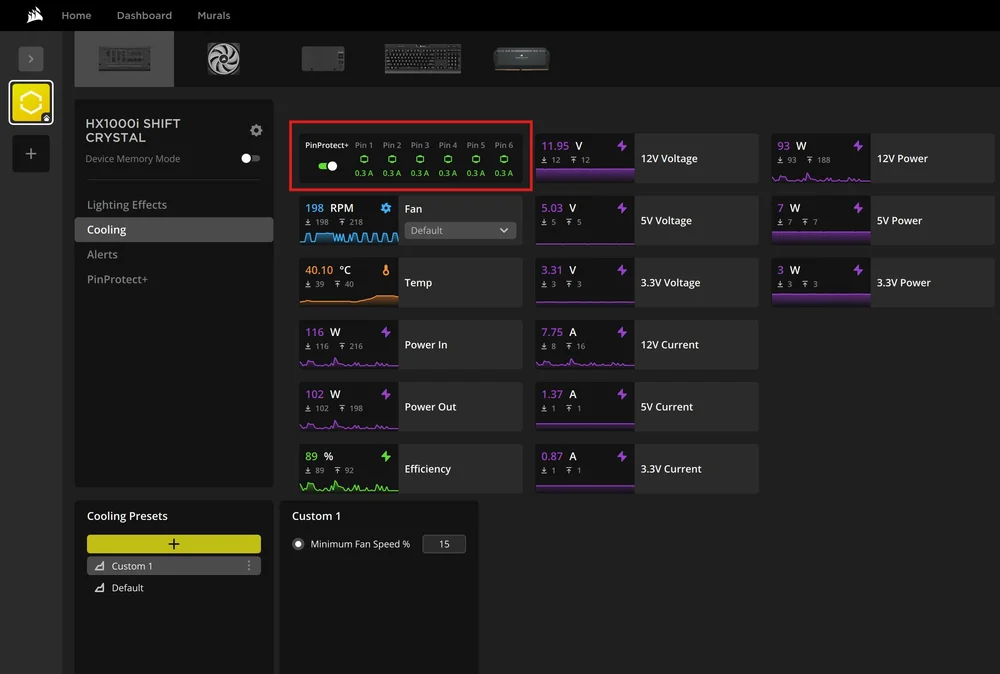
What it is: PinProtect+ accomplishes the same objective as PinProtect, but the + means that you can monitor the current for the pins via iCUE and even change the threshold at which the PSU shuts down the GPU if you want some additional control.
What it actually does: Same per-pin current monitoring as PinProtect, with two additions. First, real-time current data for each pin is visible inside Corsair’s iCUE software you can see exactly how much current each pin is carrying during gaming, not just whether a threshold has been exceeded. Second, the shutdown threshold itself is adjustable. The default threshold is calibrated for safety; if you want to run your system more conservatively or more aggressively, PinProtect+ lets you tune it.
Which PSUs include it:
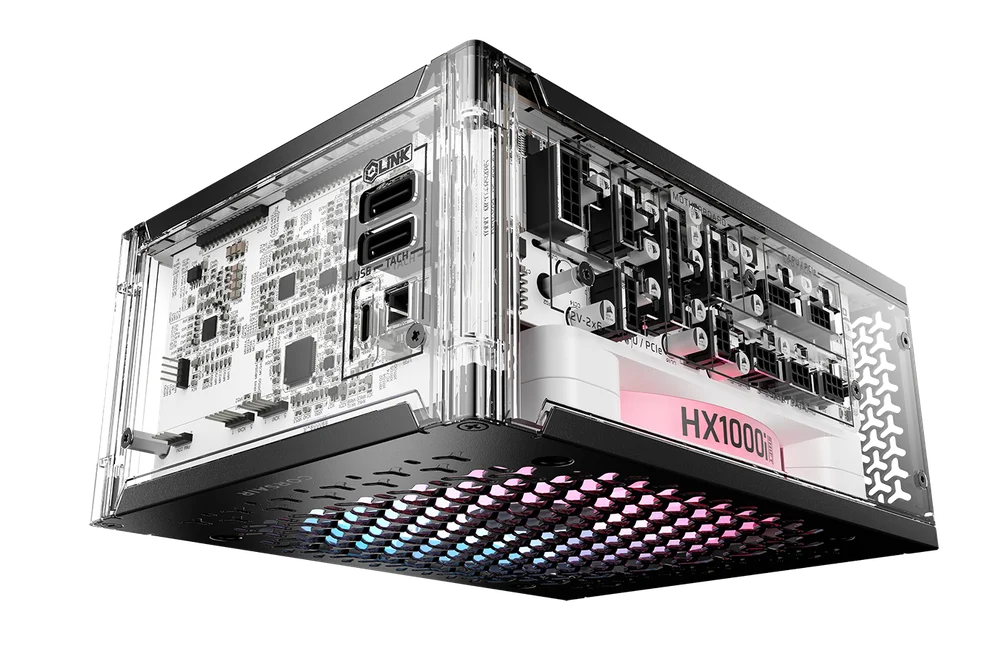
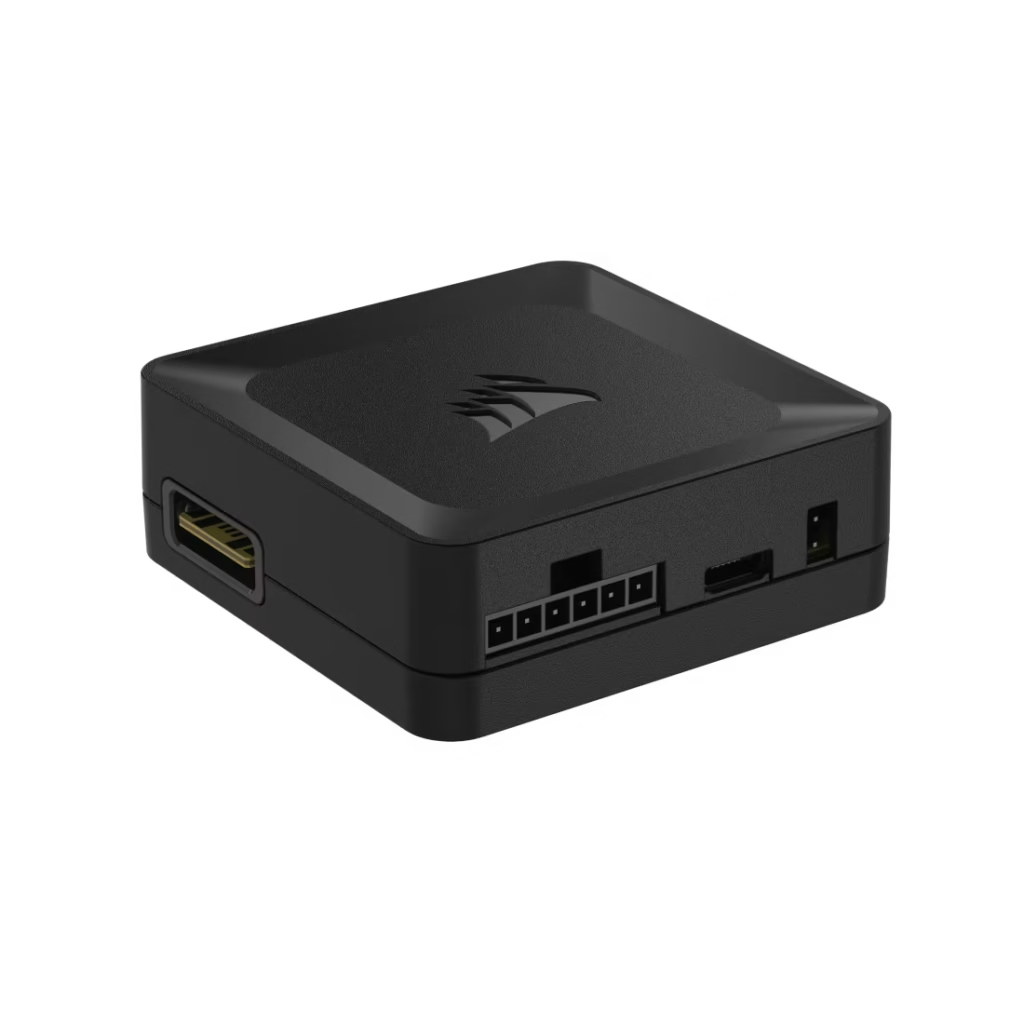
The HX1000i SHIFT CRYSTAL includes PinProtect+ along with real-time monitoring of the cable’s current in iCUE, a 140mm RGB Magnetic Dome bearing fan, premium individually-sleeved cables with low-profile combs, an integrated iCUE LINK System Hub, Cybenetics Platinum-certified efficiency, and side-mounted SHIFT connectors. It’s also included in the AX1600i SHIFT.
Price: The HX1000i SHIFT CRYSTAL is priced at approximately $299.99. The AX1600i SHIFT at approximately $559.99.
Who should buy it: Builders who want complete visibility into their 12V-2×6 pin current in real time, or overclockers who want to fine-tune the shutdown threshold alongside their GPU tuning. The monitoring capability specifically is valuable if you’re running an RTX 5090 at high power states and want to verify pin loading rather than just having a safety net.
The Quick Comparison
| Feature | ThermalProtect | PinProtect | PinProtect+ |
|---|---|---|---|
| Where it lives | Cable | PSU | PSU |
| What it monitors | Cable temperature | Pin current | Pin current |
| Software monitoring | No | No | Yes (iCUE) |
| Adjustable threshold | No | No | Yes |
| Works with existing PSU | Yes — any native 12V-2×6 | No — new PSU required | No — new PSU required |
| Price | $24.99 | Included with RM1200e | Included with HX1000i/AX1600i |
| Reacts to | Heat after it builds | Current as it flows | Current as it flows |
The Honest Verdict
If you’re keeping your current PSU and want connector protection today, ThermalProtect at $24.99 is the right buy. It’s compatible with any native 12V-2×6 PSU from any manufacturer, costs less than a game, and adds a genuine safety layer that wasn’t there before. The limitation monitoring temperature rather than current means it reacts to a problem that’s already developing rather than catching it earlier. That’s a real trade-off, but it’s a reasonable one at the price.
If you’re buying a new PSU for a high-wattage GPU build, PinProtect in the RM1200e is the smarter baseline. You’re spending money on a PSU anyway get one where pin current monitoring is built into the hardware rather than retrofitted via cable. The RM1200e is a well-specified unit at a fair price independent of the safety feature.
PinProtect+ in the HX1000i SHIFT CRYSTAL or AX1600i SHIFT is for builders who want maximum visibility and control. The iCUE monitoring capability is genuinely useful for anyone who wants to verify their specific GPU and cable combination is behaving correctly rather than hoping the safety net never triggers.
None of these technologies solve the underlying 12V-2×6 connector design problem. They’re safety nets of varying sophistication. The fundamental protection remains: use native cables, no adapters, leave 35mm of clearance before any cable bend, and buy from reputable PSU manufacturers.
SpecClear participates in affiliate programmes. When you purchase through links on this site we may earn a commission at no additional cost to you.