
SpecClear earns a commission if you buy through Newegg links on this page, at no extra cost to you.
$1400 in October 2026 doesn’t build what $1400 built in 2024. That’s the honest starting point.
DDR5 memory is expensive. GPU prices never came back down to launch MSRP. SSDs that were almost free in 2023 have crept back up. Building under $1400 right now means making smarter choices than most guides from six months ago are telling you to make.
This guide uses Newegg prices as of October 19, 2026. No optimistic MSRPs. No sale prices that expired last week. The build below handles 1080p at high settings with room to spare and plays most games well at 1440p, on a budget that actually exists.
The Complete Build: October 2026 Pricing
| Component | Part | Price (Oct 19, 2026) |
| CPU | AMD Ryzen 5 7600 | About $155 |
| Motherboard | Gigabyte B650M Gaming Plus WiFi | About $117 |
| RAM | Klevv 16GB (2 x 8GB) DDR5-6000 CL30 | About $265 |
| GPU | Sapphire Pulse RX 9060 XT 16GB | About $520 |
| Storage | Kingston NV3 1TB NVMe Gen4 | About $160 |
| PSU | Corsair RM750e (2025) 750W Gold | About $90 |
| Case | NZXT H5 Flow (2024) | About $70 |
| Total | About $1,375 |
Everything except the SSD (a marketplace seller) and the CPU (a marketplace listing) is sold by Newegg itself. Since the last update most of the list changed: the RX 9060 XT 16GB replaces the RTX 5060 8GB because it’s now only about $50 more, and the board, RAM, SSD, PSU and case changed because the old picks went up in price or out of stock.
What This Build Actually Handles
At 1080p, it runs everything. Esports games like CS2, Valorant and Fortnite run well above 144 FPS at high settings. Demanding AAA games like Cyberpunk 2077 run at 60 FPS or more on high settings, and FSR 4 upscaling helps in the heaviest releases like Alan Wake 2.
At 1440p, the RX 9060 XT 16GB handles high settings in most games, leaning on FSR 4 in the most demanding ones. With 16GB of VRAM, texture settings aren’t the limit; raw GPU speed is. If 1440p at maximum quality is the goal, the RX 9070 XT upgrade below is the step to take.
On VRAM: 16GB is the main reason this build uses the RX 9060 XT. 8GB cards like the RTX 5060 still work at 1080p, but 8GB is already tight in demanding 2026 games, and the extra memory is worth about $50.
The CPU: AMD Ryzen 5 7600
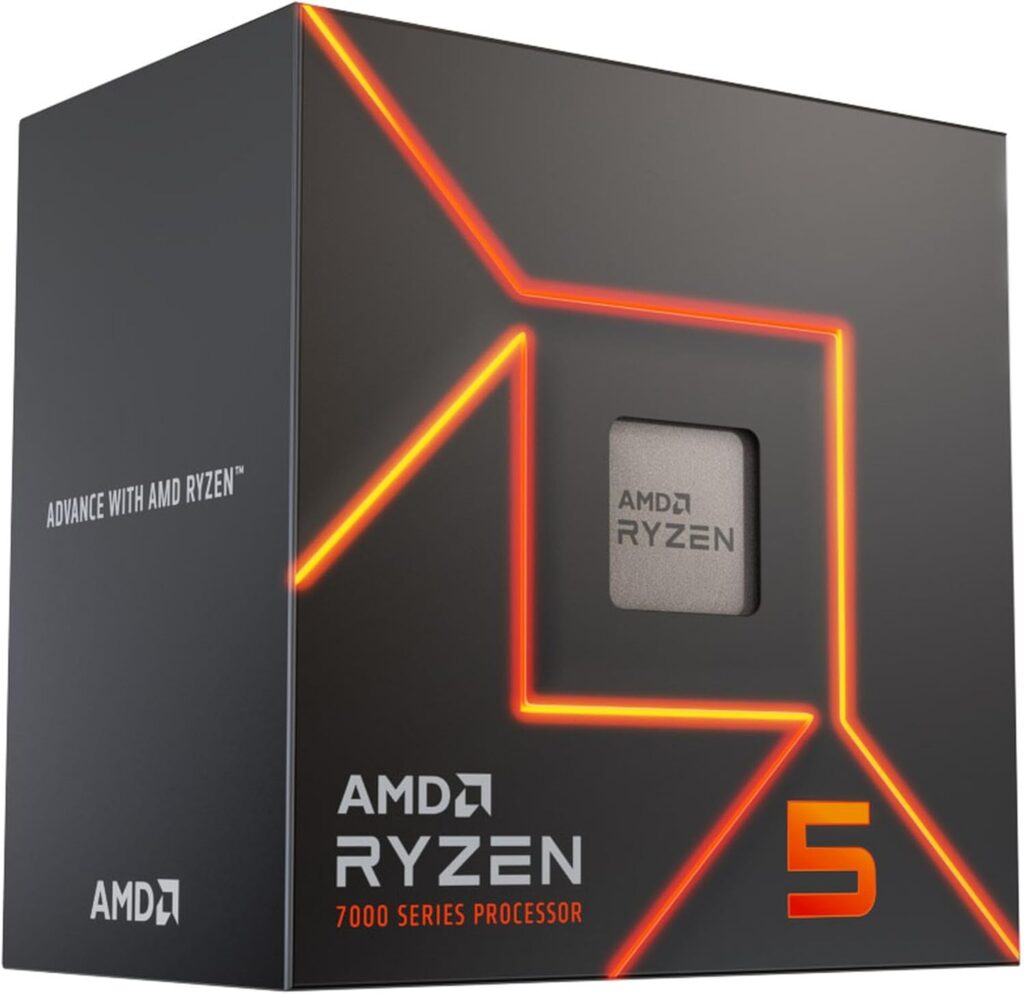
Six cores, twelve threads, 65W TDP. The AMD Ryzen 5 7600 is the right CPU for this budget because at 1080p and 1440p the graphics card is almost always the limit, not the processor. The 7600 won’t be what holds this build back.
The boxed version ships with AMD’s Wraith Stealth cooler, which handles the 7600’s 65W TDP at normal gaming loads. Check that the listing you buy includes the cooler. If it doesn’t, the be quiet! Pure Rock Slim 3 is about $23 on Newegg and the build still comes in under $1,400.
The AM5 platform matters here too. It supports Ryzen 7000, 8000 and 9000 series on the same socket, and AMD has committed to AM5 through at least 2027. The board and RAM you buy today carry forward when a CPU upgrade makes sense two or three years from now.
Newegg price as of October 19, 2026: about $155 from a marketplace seller.
The Motherboard: Gigabyte B650M Gaming Plus WiFi
The Gigabyte B650M Gaming Plus WiFi is about $117 from Newegg. It’s a micro-ATX B650 board with WiFi 6E, 2.5Gb Ethernet and PCIe 4.0 M.2 storage, which is everything this build needs. The full ATX Gigabyte B650 Gaming X AX that used to be listed here is now only available from marketplace sellers at about $160, and that would push the build over budget.
What it doesn’t have: PCIe Gen 5 M.2 support. For this build that’s fine. Nothing at this price point is bottlenecked by Gen 4 bandwidth, and Gen 5 drives carry a premium you don’t need to pay here.
One thing to do before installing the CPU: check the Gigabyte support page for the latest BIOS and update it with Q-Flash if needed. A five-minute firmware update before assembly saves a headache later.
If you want a full ATX board, the MSI B650 Gaming Plus WiFi is about $150 on Newegg. It’s a fine board, but it takes the build just over $1,400.
The RAM: 16GB DDR5-6000 CL30
DDR5 pricing is elevated right now. The AI-driven DRAM shortage pushed 32GB DDR5-6000 kits to about $470 and up, and 16GB kits followed. The Klevv 16GB (2 x 8GB) DDR5-6000 CL30 kit is about $265 from Newegg, which is less than the slower Corsair Vengeance 16GB DDR5-5200 kit this build used before.
16GB is still the right call for gaming. Windows 11 uses 3 to 4GB at idle, and modern games pull 8 to 12GB. 16GB in dual channel leaves headroom for a browser and Discord running at the same time.
After your first boot, enable EXPO in the BIOS. The kit is rated for DDR5-6000 but runs at a slower default speed until you do. That’s free performance left on the table, and it takes 30 seconds.
If you edit video or stream while gaming, budget for 32GB from the start. The Klevv 32GB DDR5-6000 CL30 kit is about $470 on Newegg, which adds about $210 and pushes you over $1,400. Be honest with yourself about your usage before committing.
The GPU: AMD Radeon RX 9060 XT 16GB
This is where the budget goes and where the debate is.
The Sapphire Pulse RX 9060 XT 16GB is about $520 from Newegg as of October 19, 2026. The RTX 5060 8GB that used to be the pick here is about $470, so the gap is only about $50 and the 16GB card is now the better buy at this budget.
What makes the 9060 XT work here: 16GB of VRAM, strong 1080p and solid 1440p raster performance, and FSR 4 upscaling in a growing list of games. The extra memory is what keeps it useful as games get heavier.
If you’d rather have Nvidia’s features, the RTX 5060 still fits the budget and saves about $50. DLSS 4 with Multi Frame Generation is genuinely useful in single-player games, but you’re back on 8GB of VRAM.
Board partner picks: the Sapphire Pulse is the value choice with solid cooling and no RGB tax. Stick to known brands. Quality control matters at the budget tier.
Storage: Kingston NV3 1TB NVMe Gen4
SSDs aren’t cheap in 2026. The WD Black SN770 that used to be listed here isn’t sold new on Newegg right now, so the build uses the Kingston NV3 1TB at about $160 from a marketplace seller. It’s a PCIe 4.0 drive with sequential reads up to 6,000 MB/s. It’s slower on long sustained writes than a premium drive, but game loads are short bursts, so you won’t feel much difference.
1TB is tight for a 2026 gaming library. Call of Duty alone is around 150GB. If you keep more than five or six large games installed, you’ll hit the wall within a year. A 2TB drive like the WD Blue SN5000 2TB is about $235 from a marketplace seller on Newegg and is worth the stretch if the budget allows.
The PSU: Corsair RM750e (2025)
A Ryzen 5 7600 and RX 9060 XT 16GB system draws roughly 250 to 300W from the wall under a full gaming load, so a quality 650W to 750W unit gives plenty of headroom and runs near the middle of its range, where Gold units are efficient and quiet.
The Corsair RM750e (2025) is the pick at about $90 from Newegg. The 650W RM650e that used to be listed here isn’t in stock on Newegg right now, and the 750W model is the same family: fully modular, ATX 3.1 compliant, 105°C-rated capacitors and a native 12V-2×6 cable.
Don’t buy a no-name unit to save $30. A failed PSU doesn’t just stop working; it can damage every component it powers. Corsair, Seasonic, be quiet! and other well-known brands are the ones to look at. This is not the place to gamble.
The Case: Your Call, Within These Rules
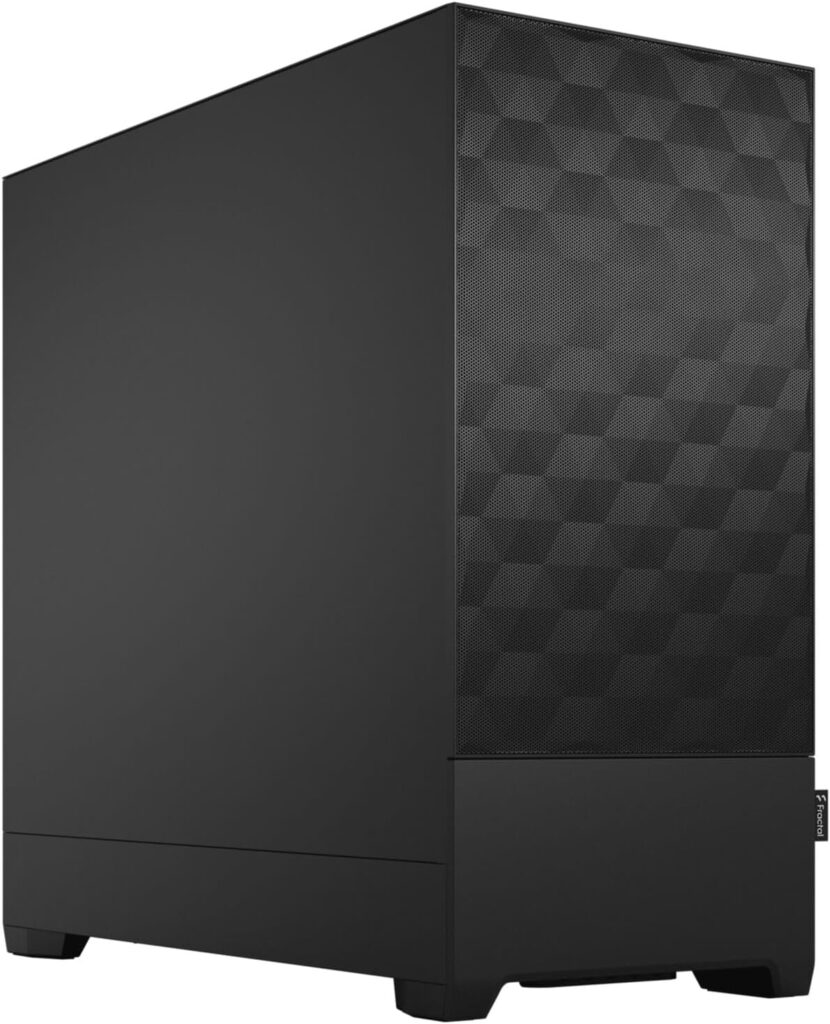
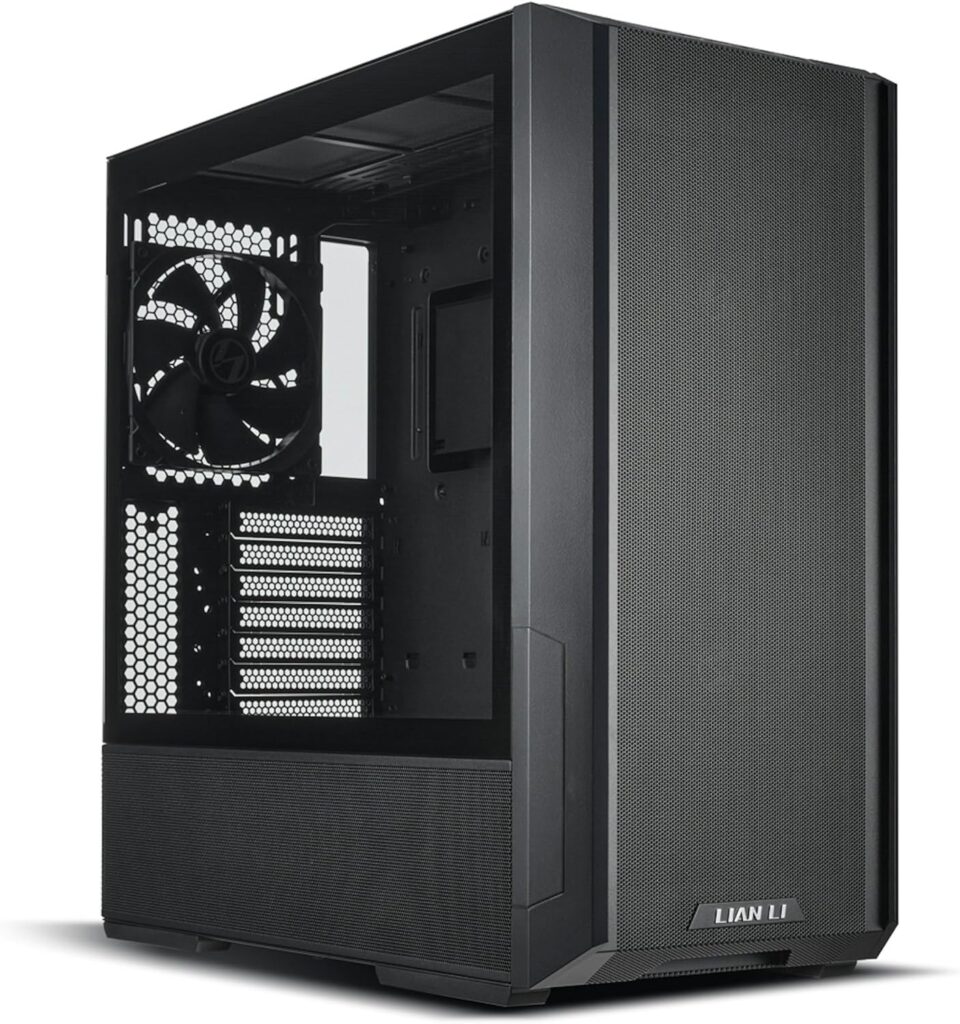
The case is the one component where personal preference genuinely governs the decision: colour, panel type, size, RGB. Pick what you actually want to look at.
Three things it must do for this build:
- Micro-ATX support at minimum. The Gigabyte B650M Gaming Plus WiFi is micro-ATX, so almost any mid tower fits it.
- Enough GPU clearance. Check the length of the card you buy against the case spec.
- A mesh front panel or decent front intake. Solid glass fronts restrict airflow, and thermal headroom matters under sustained gaming load.
NZXT H5 Flow (2024): about $70 from Newegg. Clean look, solid mesh front, well-organised interior. The default recommendation.
Lian Li Lancool 216RX: about $70 from Newegg, with two 160mm ARGB front fans included. Outstanding airflow for the price and very spacious inside.
Fractal Design Pop Air: mesh front, excellent airflow, clean interior, about $85 but backordered on Newegg right now.
If You Have Budget Left
The build as specified lands at about $1,375, so there’s very little left under $1,400. If you can stretch past it, here’s the upgrade order:
- GPU upgrade to the RX 9070 XT 16GB (about $900, so about $380 more). The single most impactful upgrade, and the one that makes 1440p at high to max settings comfortable. Spend here first.
- Storage to 2TB (about $75 more). Doubling now is cheaper than adding a second drive later. If your library is large, do this before day one.
- CPU cooler upgrade (about $48 for a Thermalright Peerless Assassin 120 SE). Noticeably quieter than the Wraith Stealth under sustained load. Not necessary, but you’ll notice it.
- RAM to 32GB (about $210 more). Only relevant if you stream while gaming or run creative software alongside games. For pure gaming, 16GB is fine in 2026.
The Honest Bottom Line
$1400 in 2026 is tighter than it used to be. But it still builds a machine that plays everything at 1080p high settings, handles most games at 1440p, and gives you a real upgrade path through AM5 when the time comes.
The graphics card is the load-bearing decision. Right now the RX 9060 XT 16GB is only about $50 more than the RTX 5060 8GB, which is why it’s in this build. If you’d rather have DLSS 4 and Nvidia’s encoder, the RTX 5060 also fits. Neither is wrong; they’re different trade-offs for different priorities.
Prices are Newegg prices as of October 19, 2026, and component prices move weekly, so check the links before purchasing.