
Your SSD choice matters less for gaming than almost any other component decision you’ll make in 2026. That’s not a reason to buy something terrible. It’s a reason to stop overthinking it and spend the money where it actually moves frame rates.
Here’s the honest guide: what PCIe generations actually mean for gaming, which capacity to buy, and the specific drives worth your money right now.
PCIe 4 vs PCIe 5: The Answer Most Guides Bury
PCIe 5.0 SSDs hit 14,000+ MB/s sequential reads while PCIe 4.0 tops out around 7,000-7,450 MB/s, nearly double the throughput on paper.

In gaming, that difference is effectively zero.
The bottleneck in game loading isn’t raw SSD bandwidth, it’s asset decompression and CPU processing. The engine has to decompress texture data, stream it into memory, and feed it to the GPU. That pipeline saturates long before a PCIe 4.0 drive’s bandwidth ceiling. Real-world testing consistently shows under one to two seconds of load time difference between the fastest PCIe 5.0 drives and a quality PCIe 4.0 drive in the same game. In some titles the gap is zero.
Microsoft’s DirectStorage API, which routes asset decompression through the GPU rather than the CPU, is where PCIe 5.0 starts to matter for gaming, it reduces that CPU bottleneck and allows faster drives to show more of their capability. As of 2026, very few games fully implement DirectStorage. ARC Raiders uses a partial implementation. DirectStorage is expected to become standard in 2027-2028. By then, a PCIe 5.0 drive purchased today will earn its price premium. Right now, it won’t.
Buy PCIe 4.0 for gaming unless you have a specific reason not to. Buy PCIe 5.0 if you edit 4K or 8K video, work with large 3D project files, or run local AI workloads where sequential bandwidth matters for your actual work.
Capacity: 2TB Is the New Baseline
1TB fills faster than you expect. Modern AAA games run 100-150GB per install. Call of Duty titles push 200GB. A 1TB drive gives you room for roughly 6-8 large games before you’re constantly managing installs.
2TB is the correct starting point for a gaming PC in 2026. It’s not future-proofing, it’s what you need today. The price difference between 1TB and 2TB has narrowed enough that 2TB is the obvious choice at every budget tier.
4TB makes sense if you keep a large library installed simultaneously or use the drive for game captures and recordings alongside gaming. The per-gigabyte cost at 4TB is slightly higher than 2TB but the convenience is real.What Is DirectStorage and Does It Make Games Load Faster
Don’t buy a 512GB drive for a gaming PC in 2026. You’ll be uninstalling games within a month.
The PCIe 5.0 Thermal Problem

Before dismissing PCIe 5.0 entirely, the thermal situation is worth understanding because it affects which motherboard M.2 slot you use.
Gen 5 drives run significantly hotter than Gen 4 under sustained load. Crucial’s T705 dropped from 13,600 MB/s to 6,200 MB/s after four minutes of sustained writes without a heatsink in testing, the drive literally halves its speed to protect itself from heat. Every PCIe 5.0 SSD needs either the motherboard’s M.2 heatsink cover or an aftermarket solution.Best Motherboard for Gaming 2026
Gen 4 drives don’t have this problem. They run warm under sustained writes but not hot enough to throttle in normal gaming and desktop use. Your motherboard’s M.2 slot is adequate for Gen 4 without additional cooling in the vast majority of builds.
The Drives to Buy
Best overall gaming SSD: Samsung 990 Pro 2TB (~$380 on Newegg)
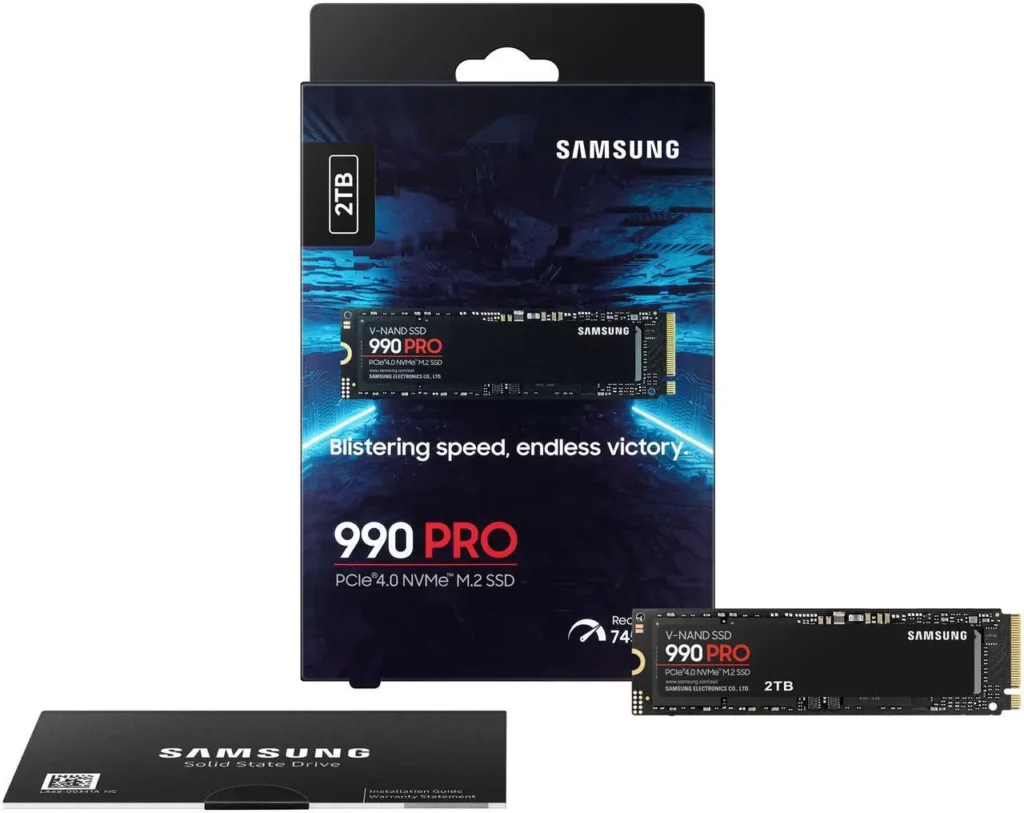
7,450 MB/s sequential reads, 6,900 MB/s writes, excellent random IOPS, Samsung’s seventh-generation V-NAND TLC NAND, five-year warranty. It runs cooler than competing Gen 4 drives under sustained load and Samsung’s Magician software is the best drive management utility in the consumer SSD market.Samsung 990 Pro 2TB ($388)
The 1TB version costs around $90, a good entry point if budget is genuinely tight, but you’ll likely want a second drive within twelve months. The 2TB at $130 is the one to buy.
The alternative: WD Black SN850X 2TB at ~$341. Marginally lower peak sequential writes than the 990 Pro but virtually identical in real-world gaming. Runs slightly cooler under sustained load. The SN850X is the correct choice if you find it cheaper than the 990 Pro or if you’re buying for a PS5 as well, it’s one of the few drives PS5-certified with a heatsink option built in.
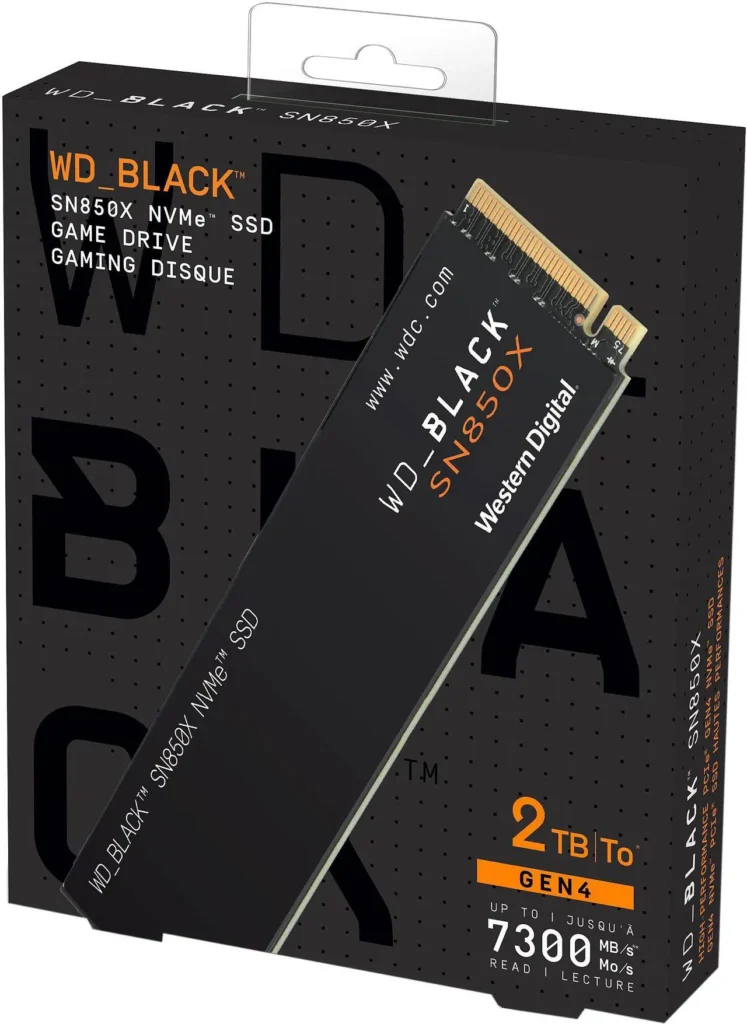
Both drives are within 1-2 seconds of each other in every real-world gaming test. Choose based on price at the time you buy.PC Gaming on a Tight Budget
Budget gaming SSD: Kingston NV3 1TB (~$160) or WD Blue SN5000 2TB (~$275)
If the build budget is tight and you’re prioritising GPU spend correctly, the Kingston NV3 at $65 for 1TB or WD Blue SN5000 at $95 for 2TB get the job done. Sequential reads around 6,000-6,500 MB/s, slower than the 990 Pro on paper, indistinguishable in gaming. Plan to add a second drive for game storage within the year. Kingston NV3 1TB ($160)
Don’t buy unbranded NVMe drives to save $10. The warranty, firmware support, and reliability records of established brands are worth the small premium. Kingston, WD, Samsung, Seagate, and Crucial are the names to stick to.WD Blue SN5000 2TB ($247)


Best PCIe 5.0 SSD if you genuinely need it: Samsung 9100 Pro 2TB (~$395) or Crucial T705 2TB (~$392)

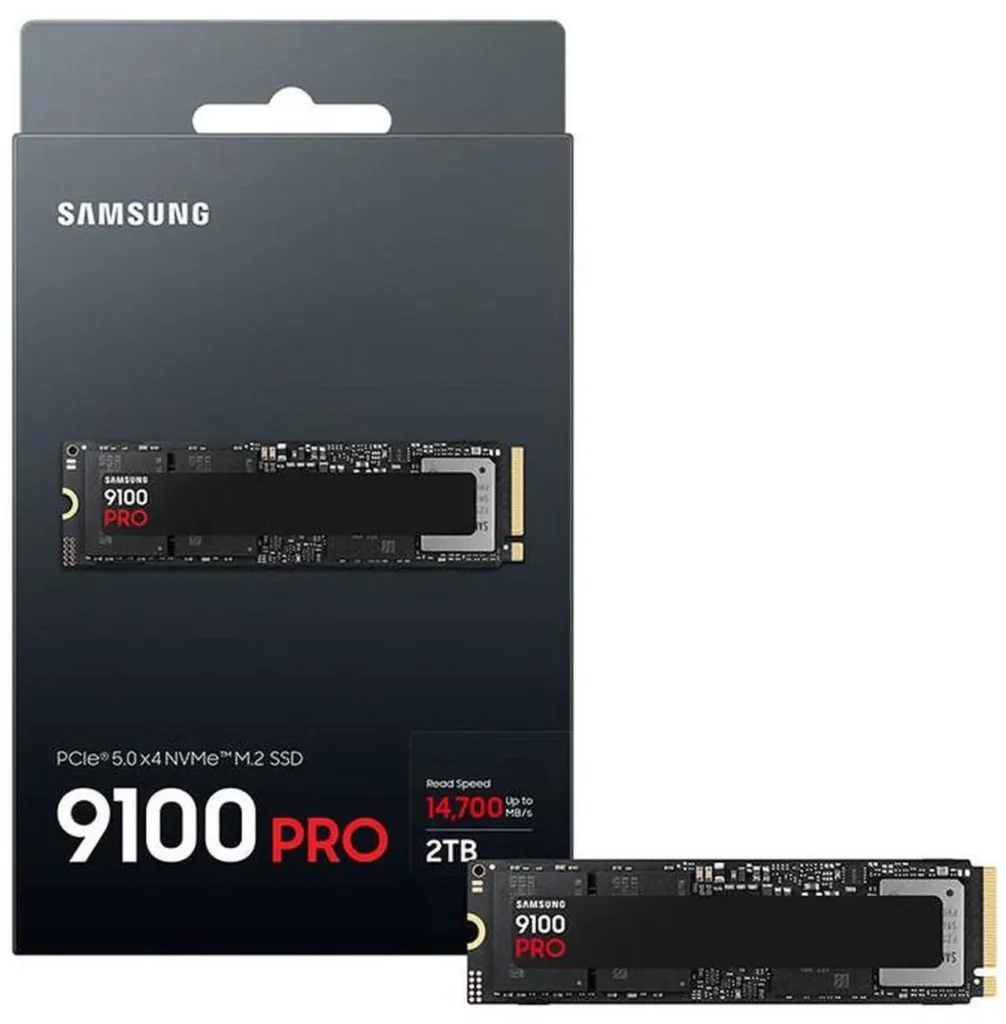
The Samsung 9100 Pro hits 14,800 MB/s reads and 13,400 MB/s writes, the fastest consumer SSD you can buy. The Crucial T705 at ~$160 for 2TB is the more accessible PCIe 5.0 option and has dropped significantly from its launch price. Both require a heatsink. Neither provides a meaningful gaming advantage over the 990 Pro. Crucial T705 2TB ($373)
Buy these if you’re a content creator who regularly moves large project files and your workflow actually saturates PCIe 4.0 bandwidth. Don’t buy them to future-proof gaming performance, buy a better GPU instead.How to Add a Second SSD to Your PC
The Quick Decision
Gaming-only build: Samsung 990 Pro 2TB at ~$388. Done.
Budget gaming build: WD Blue SN5000 2TB at ~$247. Save the $35 for elsewhere.
Content creation plus gaming: Crucial T705 2TB at ~$373 if your workflow genuinely moves large files. Otherwise the 990 Pro is still the answer.
Upgrade from an old SATA SSD: Yes, upgrade. The jump from SATA’s 550 MB/s ceiling to a PCIe 4.0 drive’s 7,000+ MB/s is the one storage upgrade that produces a noticeable real-world improvement. Going from a PCIe 3.0 NVMe to a PCIe 4.0 drive is a smaller but still worthwhile step. Going from PCIe 4.0 to PCIe 5.0 for gaming is money that belongs in your GPU budget.Best Gaming PC Build Under $1500 2026