
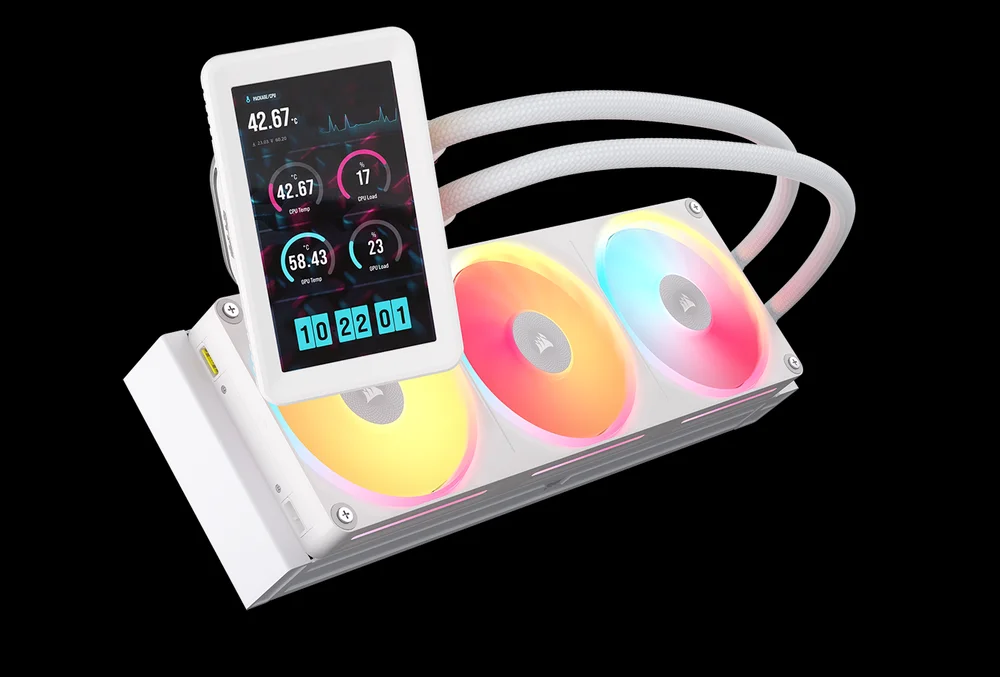
The TITAN II ULTRA 360 LX LCD is Corsair’s answer to one question: what happens when you stop iterating and actually rebuild? A 40mm dual-layer cross-flow radiator, a second-generation FlowDrive pump, a 5-inch LCD that doubles as a real secondary display this isn’t a refresh with a new sticker. It’s a fundamentally different cooler from anything in the previous TITAN lineup.
It’s also the most demanding AIO Corsair has ever shipped when it comes to case requirements. That 40mm radiator is 13mm thicker than a standard 27mm unit. Before you read another word, check whether your case can accommodate it.
What Makes the Corsair iCUE LINK TITAN II ULTRA 360 LX LCD AIO Different
The original TITAN used a standard single-layer radiator. The TITAN II ULTRA uses a dual-layer cross-flow design. That matters because of how coolant actually moves through the radiator. In a standard AIO, coolant travels a single path from one end to the other. The cross-flow dual-layer setup splits that into two paths, so the coolant contacts a much larger surface area during each pass. More contact means more heat transferred out of the loop and into the fins where the fans can deal with it.
The result is a radiator that performs significantly better than any previous Corsair AIO Corsair’s own words, backed up by the fundamental physics of the design change.
The FlowDrive Gen 2 pump sits behind that improvement. The original FlowDrive was already a strong performer for low-noise operation. The Gen 2 version delivers higher flow rate at lower noise specifically, it moves coolant through the dual-layer radiator more efficiently than a standard pump could manage, which is necessary given the additional resistance of two radiator layers instead of one.
This isn’t a case of Corsair slapping a bigger screen onto a known design. The cooling hardware was rebuilt to justify the flagship position.
The 40mm Radiator — Check Your Case First
Standard AIO radiators are 27mm thick. The TITAN II ULTRA’s dual-layer radiator is 40mm. That extra 13mm needs to go somewhere.
Most mid-tower cases designed for 360mm radiators are built around that 27mm standard. Before buying this cooler, check your case’s maximum radiator thickness specification. If your case lists 360mm radiator support without specifying thickness tolerance, assume 27mm and verify before purchasing.
Cases that can handle the TITAN II ULTRA without modification include anything with 45mm or more of radiator clearance. The Corsair Warthog was announced at the same Computex 2026 showcase also is built with exactly this in mind. If you’re pairing with any other case, confirm the spec.
This is not a dealbreaker. It’s a prerequisite. Know it before you buy.
The 5-Inch LCD: It’s Not a Gimmick
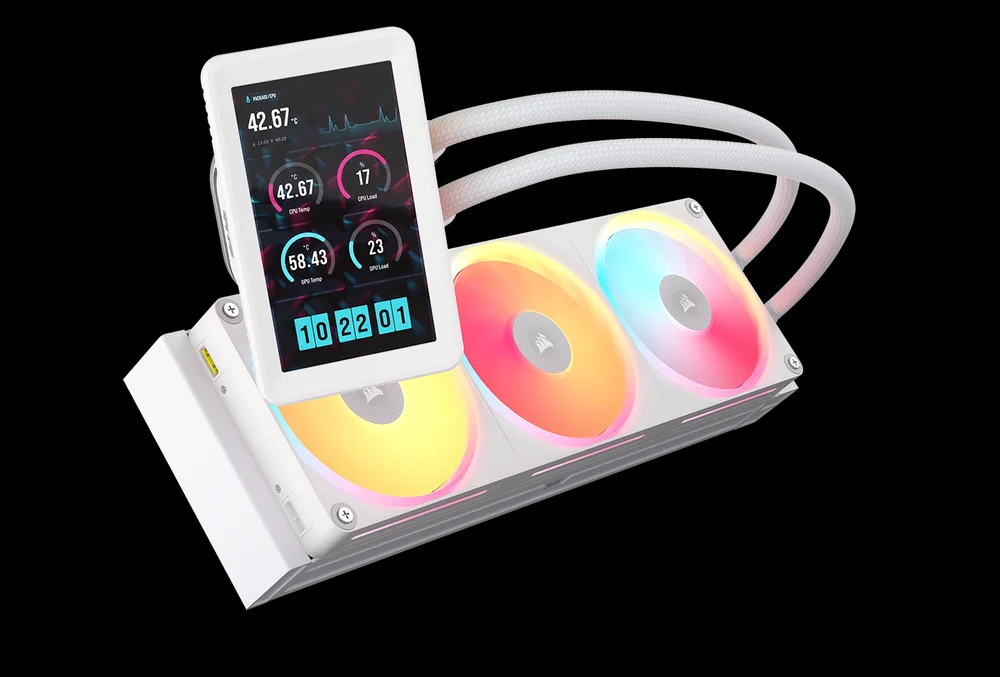
Most AIO displays are 2-inch circles showing a CPU temperature and some animations. The TITAN II ULTRA’s 5-inch IPS panel at 720×1280 is genuinely different in scale and capability.
The display runs through iCUE software to show real-time system metrics, custom widgets, and animated content. That part is standard for LCD AIOs. What isn’t standard is the DisplayPort connection the screen can function as an actual secondary monitor in Windows. You can drag windows onto it. Run a dashboard. Display whatever you want, independent of iCUE.
An integrated 70mm fan sits inside the LCD module. This isn’t just a thermal management detail that fan actively cools the motherboard VRM area while the display runs. It’s a meaningful addition that most LCD coolers don’t have.
The LCD module is also CapSwap compatible. If you own a previous Corsair AIO that supports CapSwap, you can purchase the 5-inch LCD module separately and drop it in without replacing the whole cooler.
LX360 Unified Frame Fans
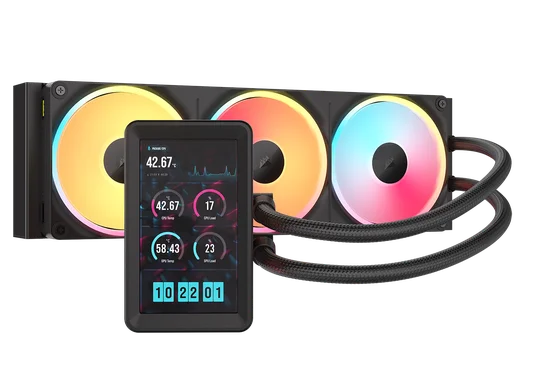
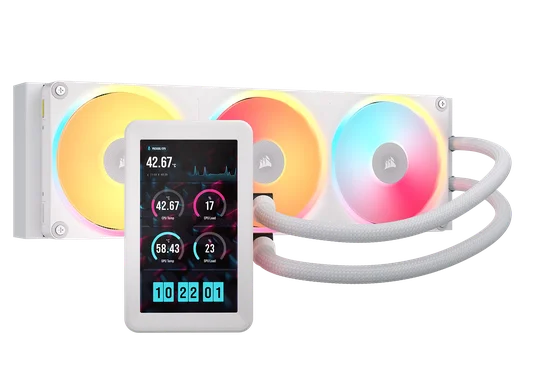
Three fans, one frame. The LX360 Unified Frame houses all three 120mm fans as a single unit. Installation involves dropping the frame onto the radiator and securing it rather than mounting three separate fans with nine screws while balancing the radiator.
The practical benefit goes beyond installation time. The unified frame eliminates gaps between fans, which means airflow coverage across the radiator surface is more even. No edge bleed, no inconsistent pressure between fans. Under sustained load the scenario where AIO performance actually separates that consistency matters.
The LX360 fans are static pressure focused rather than airflow focused. That’s the right call for pushing air through a 40mm thick radiator. High static pressure fans are the reason Corsair paired them with the ULTRA specifically, while the RX360 Unified Frame (found on the TITAN II 360 RX) is used for the standard radiator models.
RGB is present and fully controlled through iCUE. If you’re in a Corsair ecosystem, everything talks to the same software.
AM5 Out of the Box, Intel Supported
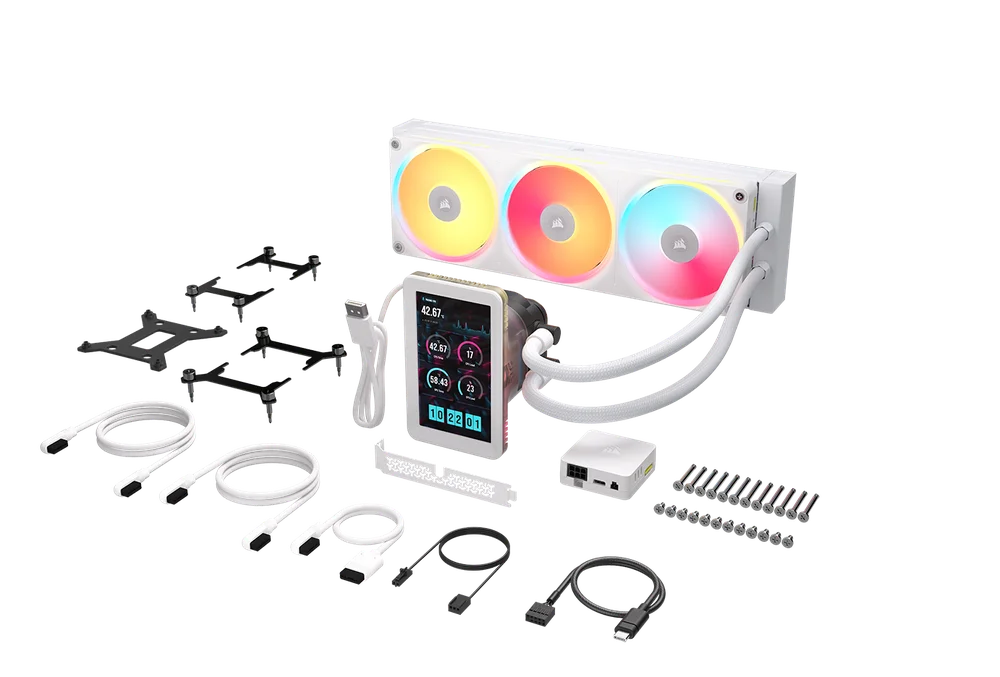
The AM5 mounting bracket comes pre-attached. If you’re on Ryzen AM5, you install the backplate and mount the cooler. No hardware swap, no bracket hunt.
The cold plate itself has been optimised for AMD’s integrated heat spreader profile. It’s not just a marketing note the contact surface geometry is designed around where AM5 processors actually concentrate heat, which improves real-world transfer efficiency over a generic flat plate.
Intel LGA 1851 and LGA 1700 are supported via the included bracket kit. A VideoCardz report also noted that Corsair’s Italian product page listed LGA 1954 (the expected socket for Intel’s next-generation Nova Lake platform), though this doesn’t appear on the English-language spec sheet. Make of that what you will, but future socket support appears to be in planning.
The iCUE LINK Ecosystem — Know What You’re Getting Into
The TITAN II ULTRA is an iCUE LINK product. Everything connects through the LINK hub via single-cable daisy-chain connections. It’s genuinely cleaner than traditional fan headers and RGB header arrangements when you’re building an all-Corsair system.
If you’re not building an all-Corsair system, it’s more complicated. The iCUE LINK System Hub requires a USB 2.0 header and a 6-pin PCIe power connector. If your build already has everything running on different RGB ecosystems, the LINK hub adds a layer of setup that won’t integrate cleanly.
The PC Gamer review of the previous TITAN 360 RX LCD put it directly: this cooler makes sense inside a full iCUE LINK build. Outside of that context, there are simpler options for an LCD AIO. That assessment applies equally here.
If your build is Corsair top to bottom or you’re planning one this is the best AIO they’ve ever made. If you’re mixing brands, you’re adding complexity without using the full value of what you paid for.
Thermal Interface Material: XTM100
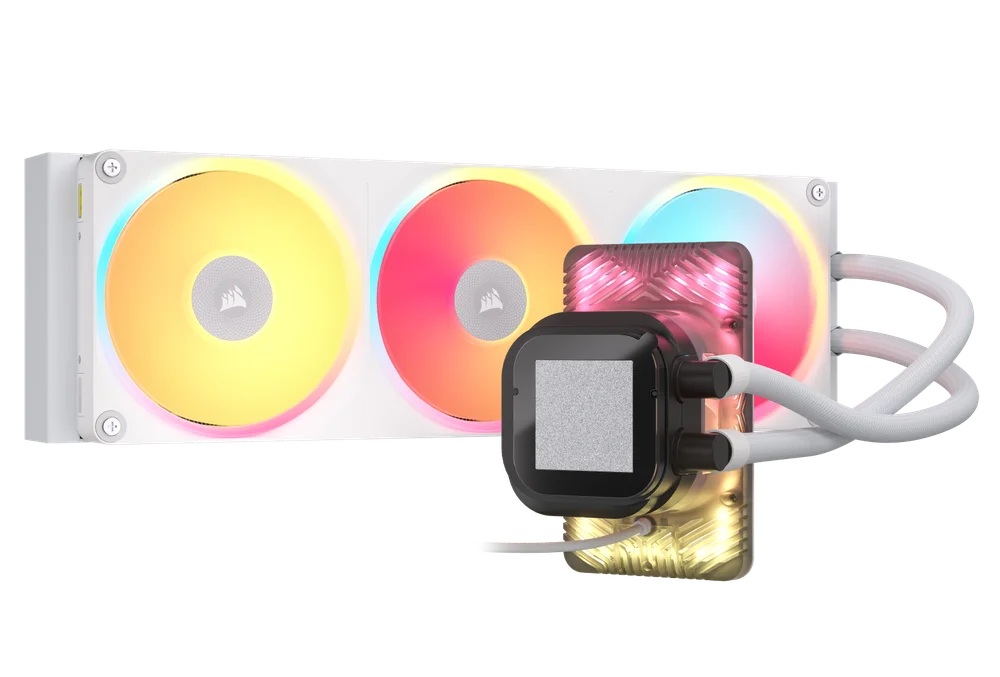
Corsair ships the TITAN II ULTRA with XTM100 pre-applied. XTM100 is Corsair’s soft metal thermal interface material phase-change compound that performs significantly better than standard silicone-based thermal paste. It’s factory applied, so installation doesn’t require you to source your own thermal compound or worry about application consistency.
This is worth noting because it’s a measurable advantage over competitors that ship with generic gray paste. You’re not leaving performance on the table out of the box.
Who Should Buy This
Buy it if you’re on AM5 with a high-TDP processor a Ryzen 9 9950X3D, anything pushing 200W sustained and you want an AIO that won’t throttle under extended load. Buy it if you’re building inside a case that supports a 40mm radiator and you want the cleanest possible Corsair ecosystem build. Buy it if the 5-inch display connected over DisplayPort matters to you and you want a screen that does more than loop a CPU temperature animation.
Don’t buy it if your case tops out at 27mm radiator clearance that’s a hard wall. Don’t buy it if you’re on a mixed-brand build and don’t plan to use iCUE LINK properly. The premium is real and the ecosystem dependency is real. Outside the right context, there are better-value options that cool equally well.
Availability
The TITAN II ULTRA 360 LX LCD was announced at Computex 2026 in June. As of September 2026, retail pricing and a firm street date still haven’t been confirmed — Corsair’s related TITAN II RX models have started shipping, but this ULTRA LX LCD SKU remains announcement-only. Check Corsair’s direct store for listings if/when it moves to general release.
SpecClear participates in affiliate programmes. When you purchase through links on this site we may earn a commission at no additional cost to you.