
Updated October 19, 2026
Phantom Blade Zero launches on PC and PS5 on October 29, 2026. It unlocks at the same moment worldwide, 02:00 UTC, which is the evening of October 28 in the Americas (7 PM PT, 10 PM ET). That is why the Steam page shows October 28 in the US. On PC it is on Steam and the Epic Games Store.
S-GAME published the official PC system requirements on August 12, and Steam lists the same minimum and recommended specs. There are four tiers, and every one of them assumes upscaling is switched on. Here is what each tier asks for, what that means for your PC, and when an upgrade actually makes sense.
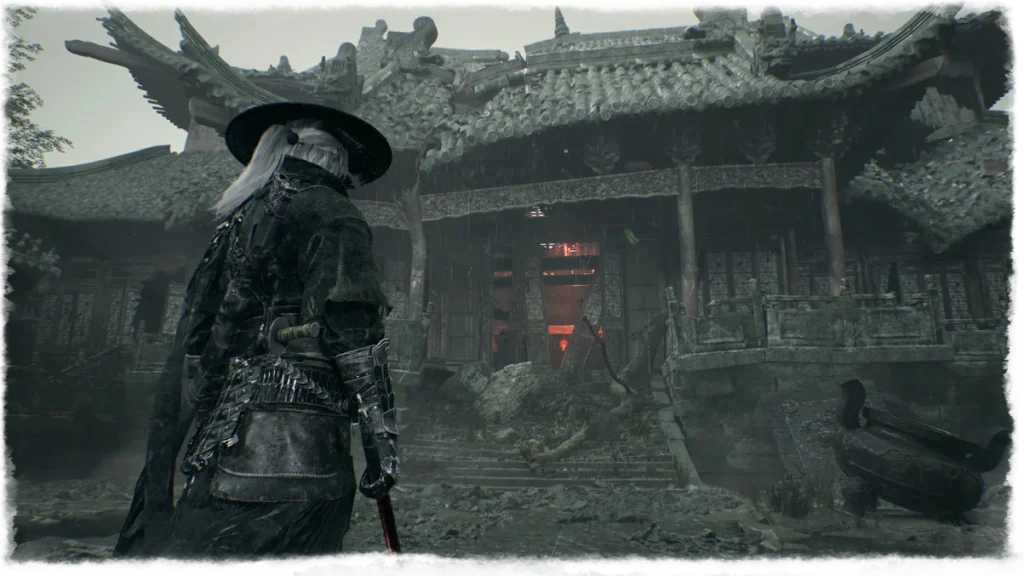
Official Phantom Blade Zero PC requirements
Minimum (1080p, 30 FPS, upscaling on):
- OS: Windows 10/11 64-bit
- CPU: Intel Core i7-8700K or AMD Ryzen 5 3600
- RAM: 16GB
- GPU: NVIDIA GeForce GTX 1660 6GB or AMD Radeon RX 5500 XT 8GB
- DirectX: 12
- Storage: SSD required
Recommended (1440p, 60 FPS, upscaling on):
- OS: Windows 10/11 64-bit
- CPU: Intel Core i5-10600K or AMD Ryzen 5 5600X
- RAM: 16GB
- GPU: NVIDIA GeForce RTX 3060 Ti 8GB or AMD Radeon RX 6700 XT 12GB
- DirectX: 12
- Storage: SSD required
Ray tracing recommended (1080p, 60 FPS, upscaling on): NVIDIA GeForce RTX 5060 8GB.
Path tracing recommended (4K, 60 FPS, upscaling on): NVIDIA GeForce RTX 5080 16GB.
S-GAME lists only a graphics card for the two ray tracing tiers, with no separate CPU or RAM figure. It also has not published an install size. The only storage rule is that the game must sit on an SSD.
What the specs tell you
This is a friendly sheet for an Unreal Engine 5 game. A six-core Ryzen 5 3600 and a GTX 1660 get you in the door, and the recommended cards date from 2020 and 2021. RAM is 16GB on both tiers, so 16GB is the real floor and 32GB is a comfort upgrade, not a requirement.
The catch is the upscaling note. Every target, from 1080p/30 up to 4K/60, assumes DLSS or another upscaler is on. Expect lower frame rates at native resolution, and treat the minimum tier as playable rather than smooth.
Note that both ray tracing tiers name only Nvidia cards. AMD owners get a clear minimum and recommended target, but S-GAME has not said which Radeon cards handle ray tracing or path tracing.
PC features confirmed for launch
- DLSS 4.5: Super Resolution and Multi Frame Generation from day one, confirmed by Nvidia. Multi Frame Generation needs an RTX 50 series card.
- Ray tracing: PC-only ray-traced reflections, shadows and caustics, plus the path tracing mode in the top tier.
- Ultrawide and high frame rates: S-GAME has said the PC version supports ultrawide displays and higher frame rates than the 60 FPS PS5 performance mode.
- Denuvo: the Steam page lists Denuvo as third-party DRM.
AMD FSR and Intel XeSS have not been announced. The official sheet only says “upscaling enabled”, so Radeon and Arc owners should wait for launch details before counting on a specific upscaler. Our DLSS 4.5 Ray Reconstruction explainer covers what the newest Nvidia upscaling changes do.
On the engine side, Digital Foundry’s look at the Gamescom 2025 demo found mostly baked lighting instead of Lumen, with ray-traced shadows and reflections used selectively. Director Soulframe Liang has also said the team wants the game to run on Steam Deck class hardware. Both help explain why the requirements are lighter than Black Myth: Wukong’s.
Which upgrade makes sense
If your PC already matches the recommended tier, an RTX 3060 Ti or RX 6700 XT with a Ryzen 5 5600X class CPU, you do not need to buy anything for this game. Wait for launch-day performance data before spending money.
If you are below the minimum, the graphics card is the upgrade that matters most. An older 4GB card or a GTX 1060 class GPU falls short of the official sheet. An RTX 5060 roughly matches or beats an RTX 3060 Ti, so it clears the recommended tier, and it is the card S-GAME names for ray tracing at 1080p. If you want more VRAM headroom for the next few years, the 16GB versions of the RTX 5060 Ti and RX 9060 XT are the safer buys, and our RTX 5060 Ti vs RX 9060 XT comparison goes deeper on those two.
Two cheap checks come before any GPU spend. If you still have 8GB of system RAM, move to 16GB. If your games live on a hard drive, install this one on an SSD, since the official sheet requires it. Path tracing at 4K is the only place where an RTX 5080 class card is the real answer.
What to do right now
Check your CPU, GPU, RAM and drive against the official tiers above, and leave room for the fact that every target assumes upscaling. Launch-day PC benchmarks will show how close the recommended tier gets to 1440p/60 in real fights, and this page will be updated once they are out.