
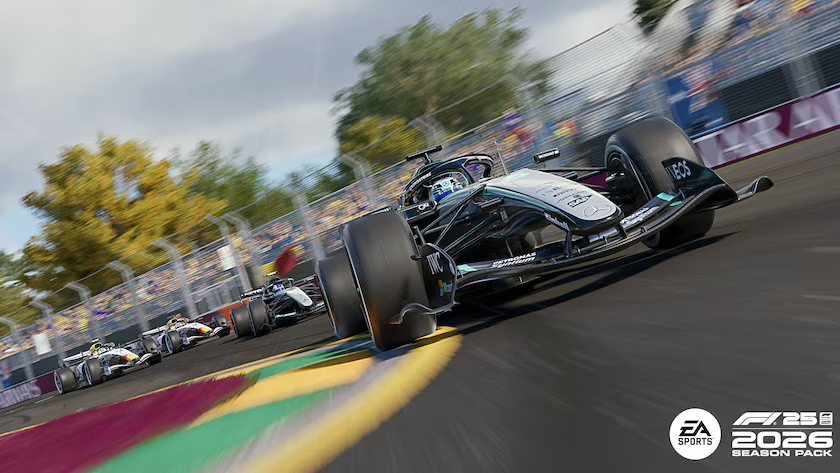
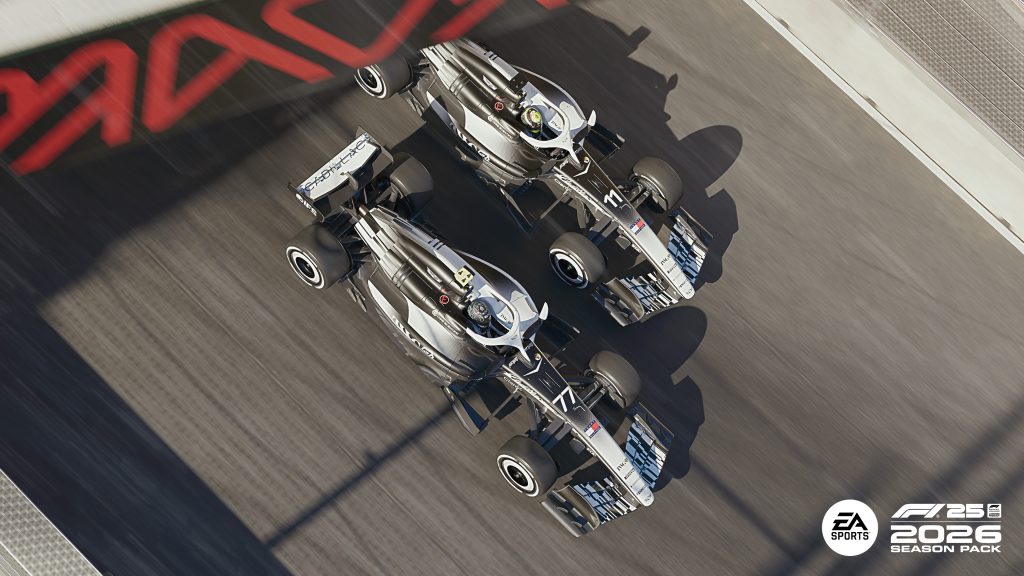
F1 25 2026 Season Edition launched with the new regulations and bringing the new Audi and Cadillac teams, the Madrid MADRING circuit, and completely revised 2026 car regulations with active aerodynamics to EA’s Formula One game. For existing F1 25 owners it’s the 2026 Season Pack DLC. For newcomers it’s a standalone release that includes the full base game alongside all 2026 content.
The good news for most PC builders: Codemasters has once again built one of the most scalable racing games on PC. Getting 60 FPS at your target resolution is achievable on a wider range of hardware than most 2026 releases. The catch is VRAM F1 25 uses GPU memory aggressively, and that creates a specific problem for 8GB cards at higher resolutions and settings.
The system requirements , what they actually mean
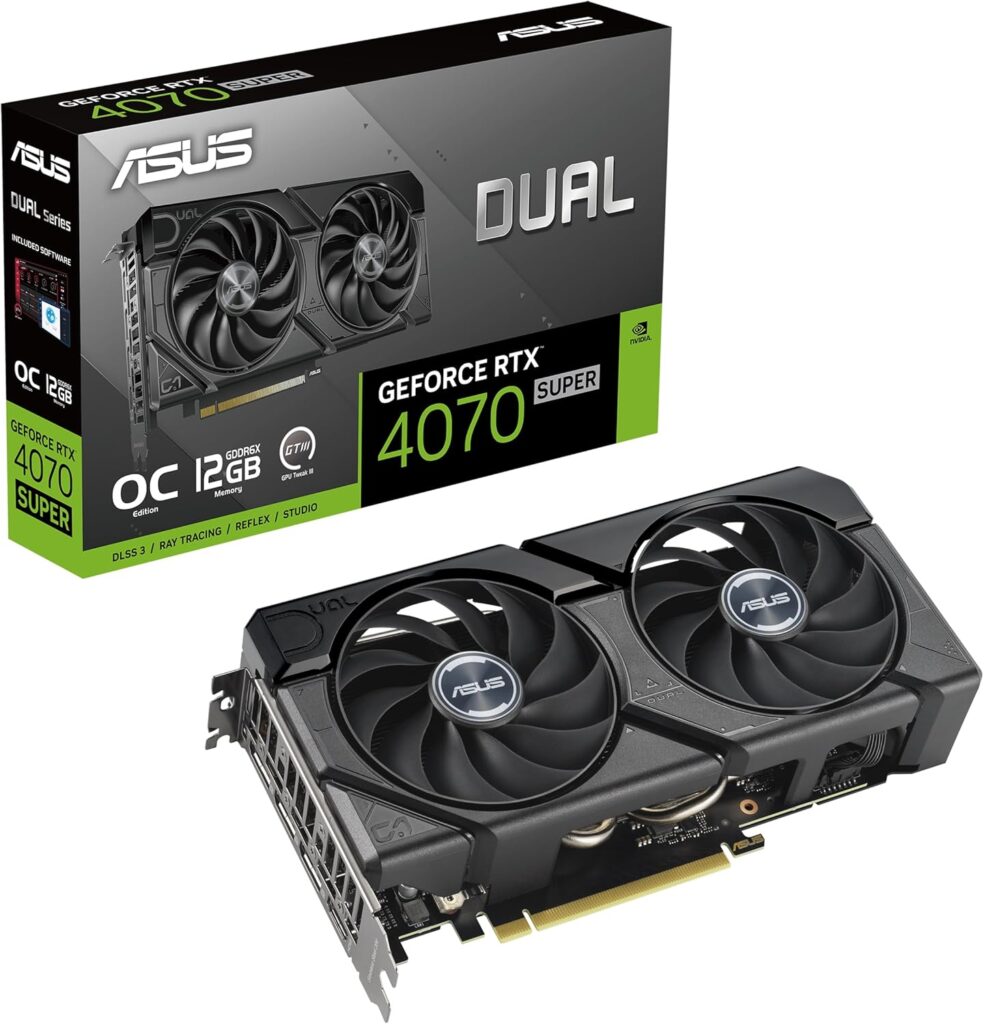
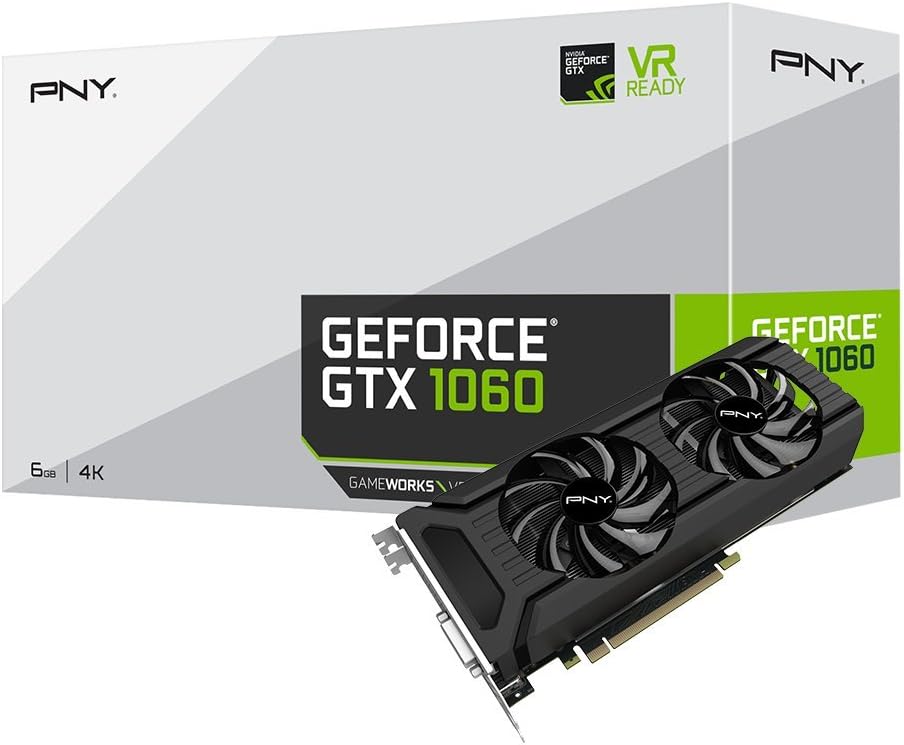
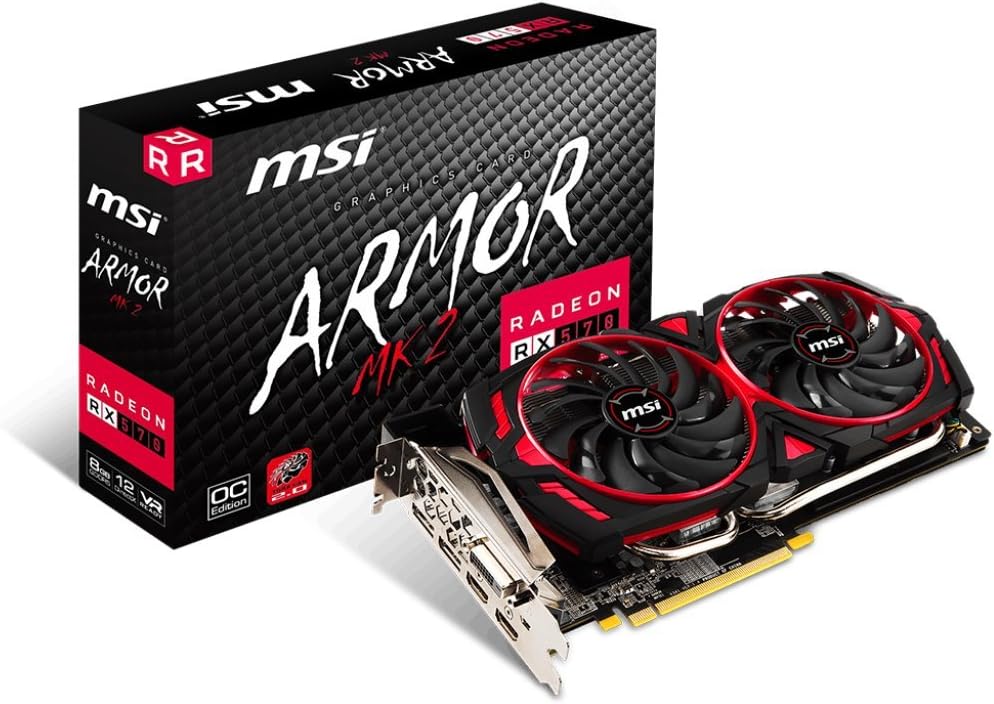
Official minimum requirements call for a GTX 1060 6GB or RX 570 8GB for standard gameplay, stepping up to an RTX 2070 or RX 6600 XT for the recommended spec. For ray tracing, EA requires an RTX 3070 or RX 6800 minimum. Path tracing the most demanding visual mode needs an RTX 40 or 50 series GPU to be genuinely playable.
These are conservative minimum figures from EA, not targets for comfortable play. The GTX 1060 6GB will run the game at 1080p low settings. It won’t do it comfortably at high settings. Use these as compatibility floors, not performance targets.
The VRAM situation , read this before buying
F1 25’s most important hardware characteristic in 2026 is its memory usage. Tom’s Hardware’s testing recorded an average of 15.5GB of VRAM at 4K without any ray tracing enabled, climbing to 17GB with ray tracing active. That’s not a bug it’s a consequence of the high-resolution texture assets and the game’s streaming architecture at 4K.
At 1440p the numbers are more manageable, most testing shows VRAM usage in the 10–12GB range at 1440p ultra settings without RT. Still above the 8GB cards that dominate the mid-range GPU market. At 1080p high settings VRAM usage drops to 6–8GB, which is where 8GB cards start to work comfortably.
The practical implication: if you’re gaming at 1080p and not using maximum texture settings, an RTX 5060 Ti 8GB or RX 9060 XT 8GB is adequate. At 1440p ultra settings those same cards will show texture pop-in and stuttering in the most VRAM-intensive scenarios. The correct starting point for comfortable 1440p at max textures is 12GB minimum the RTX 5060 Ti 16GB, RX 9060 XT 16GB, or Arc B580.
1080p , what works and what doesn’t
At 1080p ultra settings without ray tracing, any mid-range GPU from the RTX 5060 Ti, RX 9060 XT, or Arc B580 handles F1 25 well above 100 FPS average. The game is predominantly GPU-bound and showed no CPU limitation in Tom’s Hardware testing, which means a Ryzen 5 9600X or Core Ultra 5 is more than sufficient to feed any of these cards in F1 25. If you are choosing between those cards, our RTX 5060 Ti vs RX 9060 XT comparison covers it.
At 1080p the VRAM concern is minimal for standard raster settings. The 8GB versions of the RTX 5060 Ti and RX 9060 XT are fine here. DLSS 4 or FSR 4 at Quality mode pushes frame rates substantially higher and reduces the rendering resolution, which also reduces VRAM demand a double benefit.
For esports-style competitive play at 1080p where frame rates matter more than visual quality, even an RX 6600 XT or RTX 3060 12GB delivers competitive frame rates at medium-high settings.
1440p , where most SpecClear readers are gaming
At 1440p ultra settings without ray tracing, an RTX 5070 or RX 9070 XT delivers comfortable 100+ FPS average in F1 25. The game’s excellent scaling means you don’t need to drop settings drastically to hit high frame rates medium to high at 1440p on an RTX 5060 Ti 16GB stays well above 60 FPS and looks genuinely good.
With DLSS 4 Quality mode active, an RTX 5060 Ti 16GB pushes well past 100 FPS at 1440p equivalent quality, making it a very capable card for this game at that resolution. FSR 4 Quality on the RX 9060 XT 16GB delivers a similar experience.
One note on ray tracing at 1440p: standard RT mode shadows, reflections is manageable on RTX 5070 Ti and above with DLSS 4 Quality active. Path tracing at 1440p requires RTX 5080 or RTX 5090 territory even with upscaling. Tom’s Hardware confirmed path tracing is only recommended for RTX 5090, 5080, or 4090 class hardware with DLSS Performance mode even at those tiers.
4K , the VRAM wall is real
At 4K ultra settings the 15.5GB average VRAM usage means only the RTX 5090’s 32GB and RTX 5080’s 16GB are genuinely comfortable without any texture setting compromises. The RX 9070 XT’s 16GB of GDDR6 handles 4K raster settings well AMD’s wider 256-bit memory bus actually gives it an advantage over the RTX 5070’s 12GB at this resolution. If you are weighing the top two cards, see our RTX 5080 vs RTX 5090 guide.
With DLSS 4 or FSR 4 Quality mode active at 4K, the rendering resolution drops to approximately 1440p, which brings VRAM usage down to manageable levels for 12–16GB cards. If you’re gaming at 4K on an RTX 5070, enable DLSS 4 Quality from the start and your experience will be smooth. Without it, the 12GB buffer shows strain.
Path tracing , the showcase feature
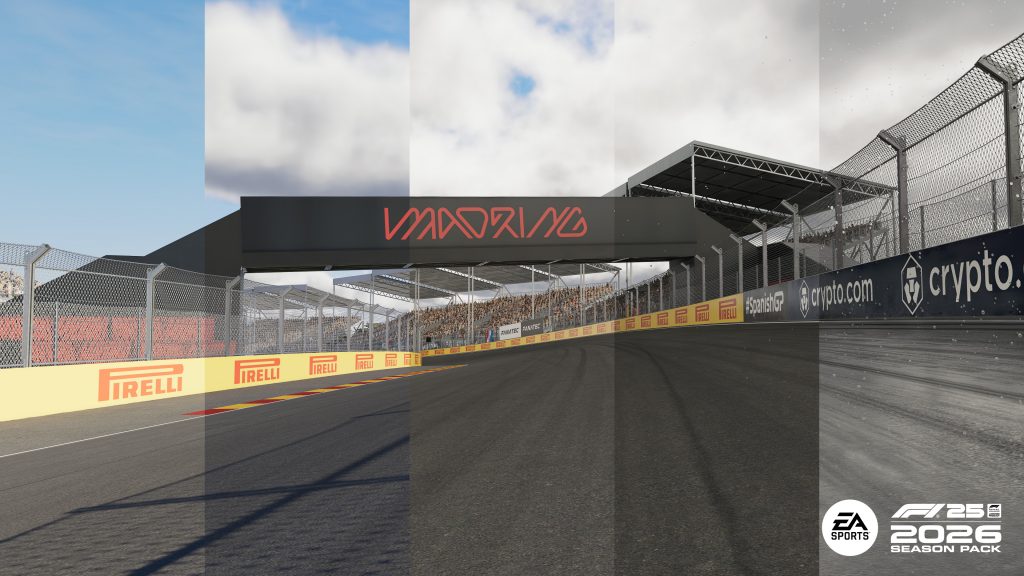
Path tracing in F1 25 is genuinely impressive visually more realistic lighting, shadows, and reflections, with night races benefiting most dramatically. The MADRING Madrid circuit at night with path tracing and wet weather is one of the best-looking scenes in any racing game currently available.
The performance cost is extreme. An RTX 4090 at 1080p with path tracing and DLSS Quality mode averages around 104 FPS a card that costs over $1,000 on the used market. At 1440p the same card drops to around 75 FPS at path tracing with DLSS Quality, and to approximately 41 FPS at 4K. Path tracing is a feature for RTX 5080 and RTX 5090 owners using DLSS Performance mode at 1440p or 1080p respectively.
For everyone else which is essentially everyone reading this path tracing is a mode to screenshot and then turn off during actual gameplay. Standard ultra settings at 1440p on mid-to-high-range hardware look excellent without it.
The settings worth tweaking first
Resizable BAR enable it in BIOS if you haven’t. F1 25’s performance scales meaningfully with ReBAR active, particularly on AMD hardware. Hardware-Accelerated GPU Scheduling (HAGS) in Windows settings provides a small additional benefit. Both are free performance gains that take under two minutes to set.
Texture quality is the first setting to drop if VRAM is showing pressure it has the largest VRAM impact and the smallest visible quality loss in motion at racing speeds. Shadow quality and ambient occlusion are the next targets if frame rates still need recovery. Our Nvidia App and AMD Adrenalin settings guide shows where to change these settings globally.
The quick GPU recommendations
1080p competitive and high refresh: RTX 5060 Ti 8GB or RX 9060 XT 8GB minimum 16GB preferred for texture headroom.
1440p high settings solid 100+ FPS: RTX 5060 Ti 16GB or RX 9060 XT 16GB with FSR 4 or DLSS 4 Quality.
1440p ultra with standard RT: RTX 5070 Ti or RX 9070 XT minimum with upscaling active.
4K ultra raster: RTX 5080 16GB or RX 9070 XT 16GB with Quality upscaling.
Path tracing at any resolution: RTX 5080 minimum with DLSS Performance, RTX 5090 for comfortable headroom.