
SpecClear earns a commission if you buy through Newegg links on this page, at no extra cost to you.
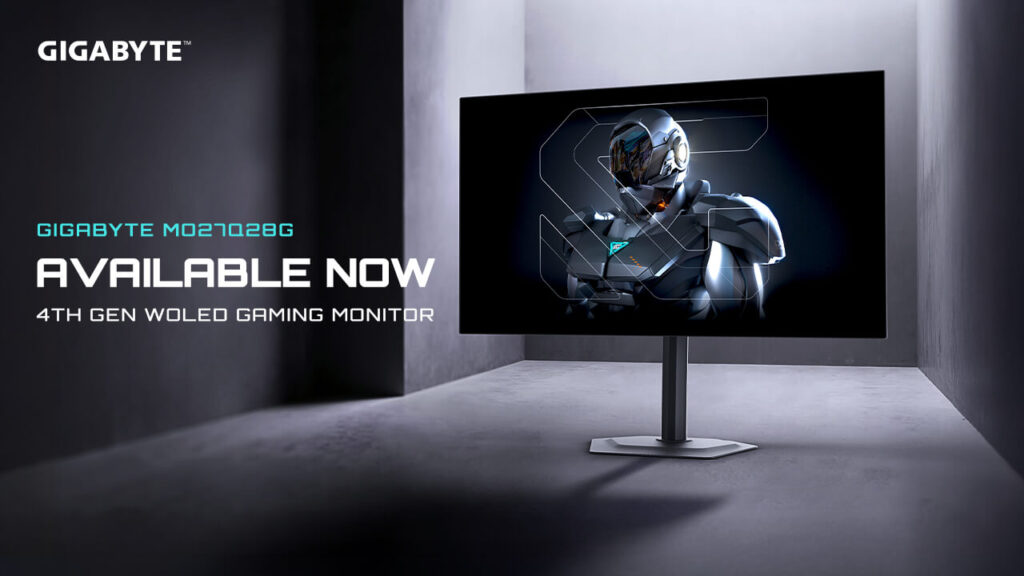
Gaming monitors are the one PC component category that hasn’t been battered by the memory crisis. As one of the only PC-related items still seeing discounts in the ever-increasing AI boom-related price inflation, gaming monitors have become the best bang-for-buck upgrade for your gaming setup. GPU prices are up. RAM is up. CPU prices are elevated. And here’s a 4th-generation WOLED monitor with a 280Hz refresh rate that sells for about $430 on Newegg as of October 2026, against a $599.99 MSRP.
That price matters. OLED gaming monitors at 240Hz or above have historically started at $500-$600. About $430 for a 280Hz WOLED is roughly $170 off the $599.99 listing. That discount is what puts genuinely excellent OLED technology at a price point where the comparison to quality IPS monitors becomes a real conversation.
What 4th-Gen WOLED Actually Means
WOLED is LG Display’s White OLED technology, the same panel manufacturing approach used across LG’s own monitor lineup, licensed to Gigabyte, Asus, and others. The “W” in WOLED refers to a white subpixel added to the standard RGB subpixel arrangement, which boosts peak brightness significantly over earlier OLED generations.
The 4th generation specifically uses Primary RGB Tandem OLED technology, a dual-layer construction where two OLED stacks are layered to produce higher brightness and better longevity than single-layer designs. Gigabyte’s 4th-gen WOLED panel features 99.5% of the DCI-P3 colour gamut and 84% of BT.2020. Those colour coverage figures put it in the professional display tier for content creation work, the same panel that makes games look exceptional also makes colour grading and photo editing accurate.
Peak brightness reaches 1,500 nits HDR. For reference, the ROG Xbox Ally X20 handheld we covered recently targets 1,400 nits as its headline spec. The Gigabyte MO27Q28G desktop monitor at current street pricing hits 1,500 nits, more brightness than a $1,000+ premium handheld, which tells you where the OLED brightness curve sits in 2026 relative to recent years.
The Performance Numbers
Tom’s Hardware testing placed the MO27Q28G among the fastest monitors regardless of refresh rate, with very low input lag and precise aim response in shooter testing. That’s a meaningful statement from a publication with rigorous monitor methodology. Input lag is what you feel between moving the mouse and seeing the crosshair move on screen, the number that matters for competitive gaming, separate from the panel’s rated response time. MO27Q28G (about $430)
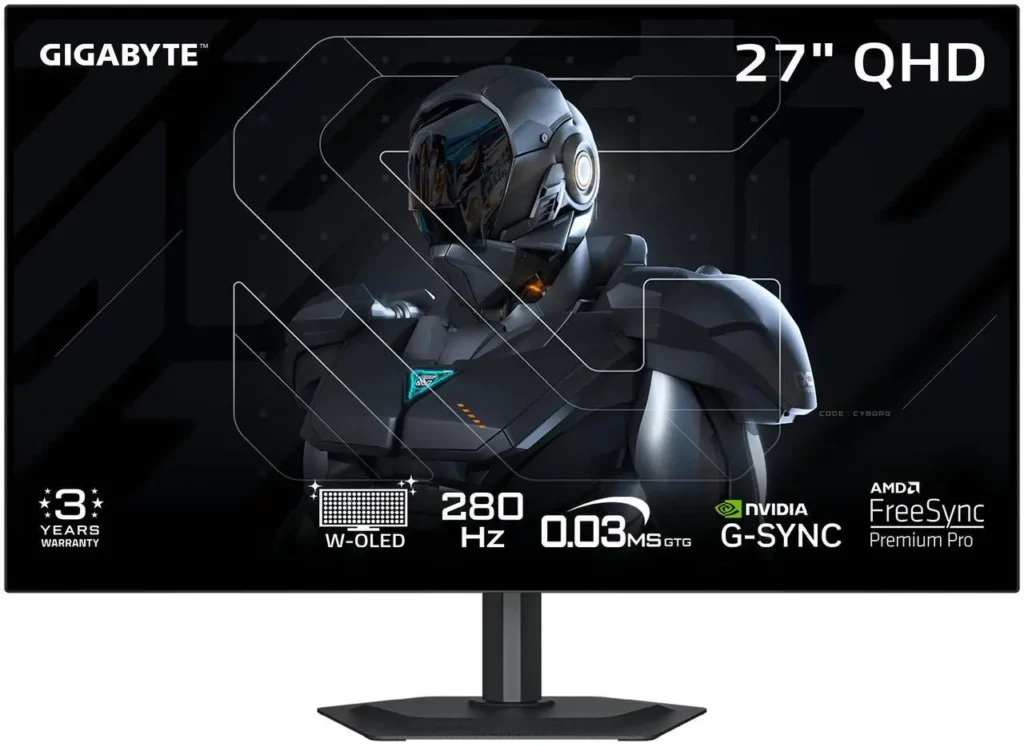
The rated specs: 280Hz refresh rate, 0.03ms grey-to-grey response time. The 280Hz sits between 240Hz and 360Hz, meaningfully faster than 240Hz for anyone whose GPU can push above 240fps in competitive titles, and considerably cheaper than the 360Hz+ premium tier. For esports-focused gaming at 1440p where 200+ fps is achievable on current-gen mid-range hardware, 280Hz is a sensible ceiling that doesn’t require a flagship GPU to utilise. To see how it ranks against other screens, check our best gaming monitors for 2026.
Resolution is 2560×1440 QHD. The combination of 280Hz and 1440p means this monitor performs best paired with a GPU capable of hitting 200+ fps in competitive titles at 1440p, an RTX 5060 Ti or RX 9070 covers this in CS2 and Valorant without difficulty. Demanding AAA titles at 1440p will run below 280fps on anything short of an RTX 5080, but the monitor adapts through VRR, the display’s actual refresh matches whatever the GPU delivers.
G-Sync Compatible and AMD FreeSync Premium Pro certification means VRR works with both Nvidia and AMD cards. No compatibility compromise regardless of which GPU you’re running.
The Features That Separate It From Cheaper OLED Options
KVM switch. A KVM (Keyboard, Video, Mouse) switch lets one keyboard and mouse control two computers connected to the same monitor, switch between your gaming PC and a work laptop with one button press. For dual-computer setups, gaming rig plus work machine, this replaces a separate $30-80 KVM switch purchase. The feature appears on monitors costing $200+ more than this and is genuinely useful for mixed-use setups.
USB-C connectivity. The monitor accepts USB-C input with video signal, meaning a laptop with a USB-C DisplayPort Alt Mode output connects with one cable, no separate power adapter, no separate display cable. Single-cable laptop connection is the quality-of-life feature that justifies USB-C on a desktop monitor.
Tactical Gaming Switch. The MO27Q28G features a tactical switch for switching between screen ratios and resolutions. This allows rapid format switching for games that play differently in different aspect ratios, fighting games, older titles with native 4:3 output, or games where a reduced resolution produces a competitive frame rate advantage. A niche feature, but one that costs nothing to include and serves a specific use case well.
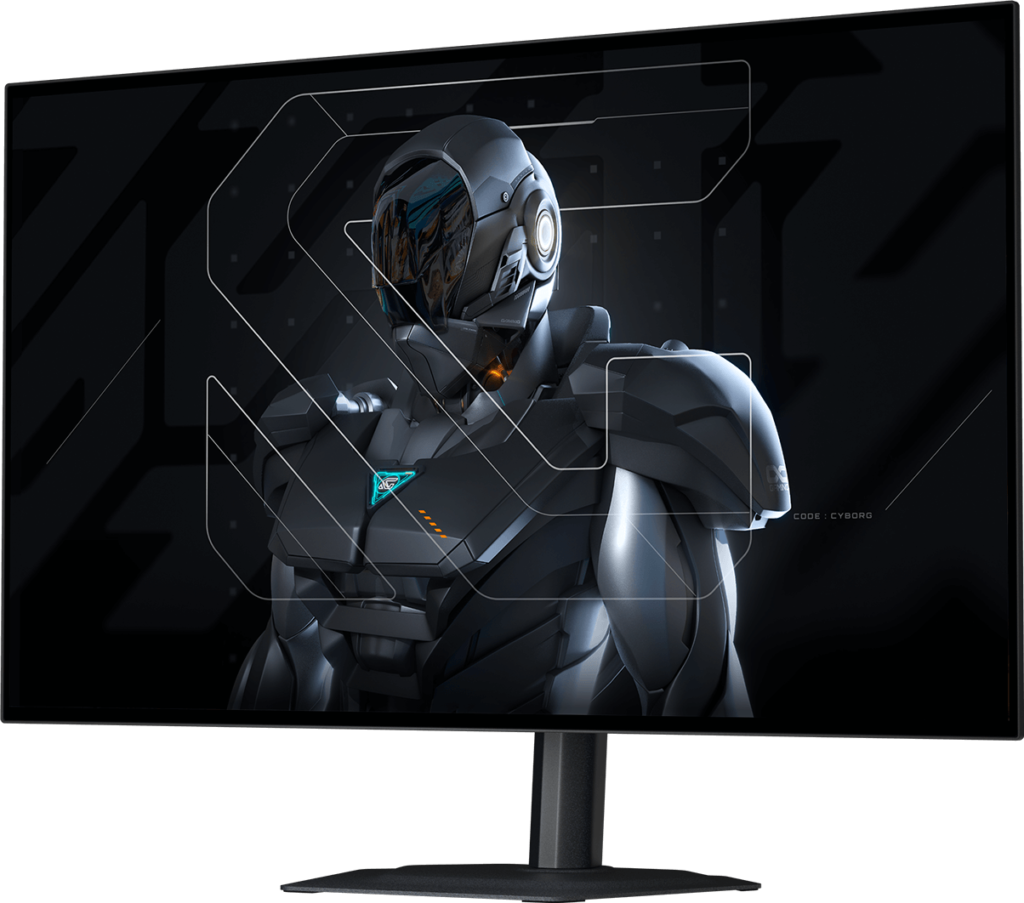
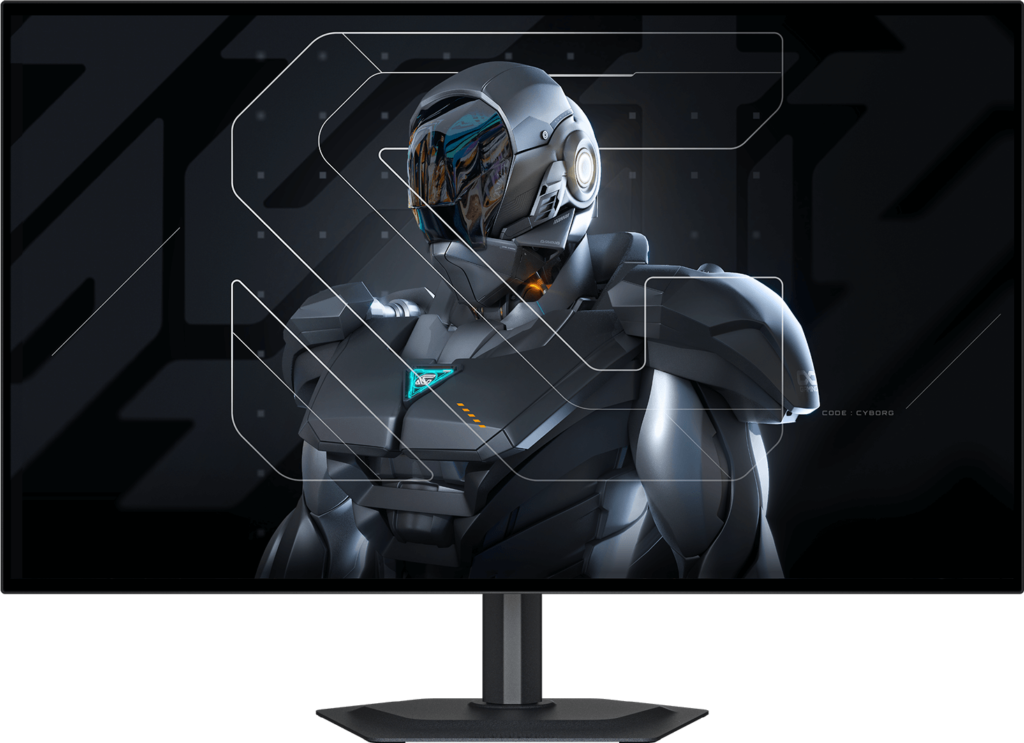
Fully adjustable stand. Height, tilt, swivel, and pivot adjustment on the included stand. Most budget-tier monitors ship with tilt-only stands. Full ergonomic adjustment at this price is above the expected standard.
WOLED vs QD-OLED: Which Technology Is Better?
Both are OLED. The distinction matters for colour and brightness characteristics.

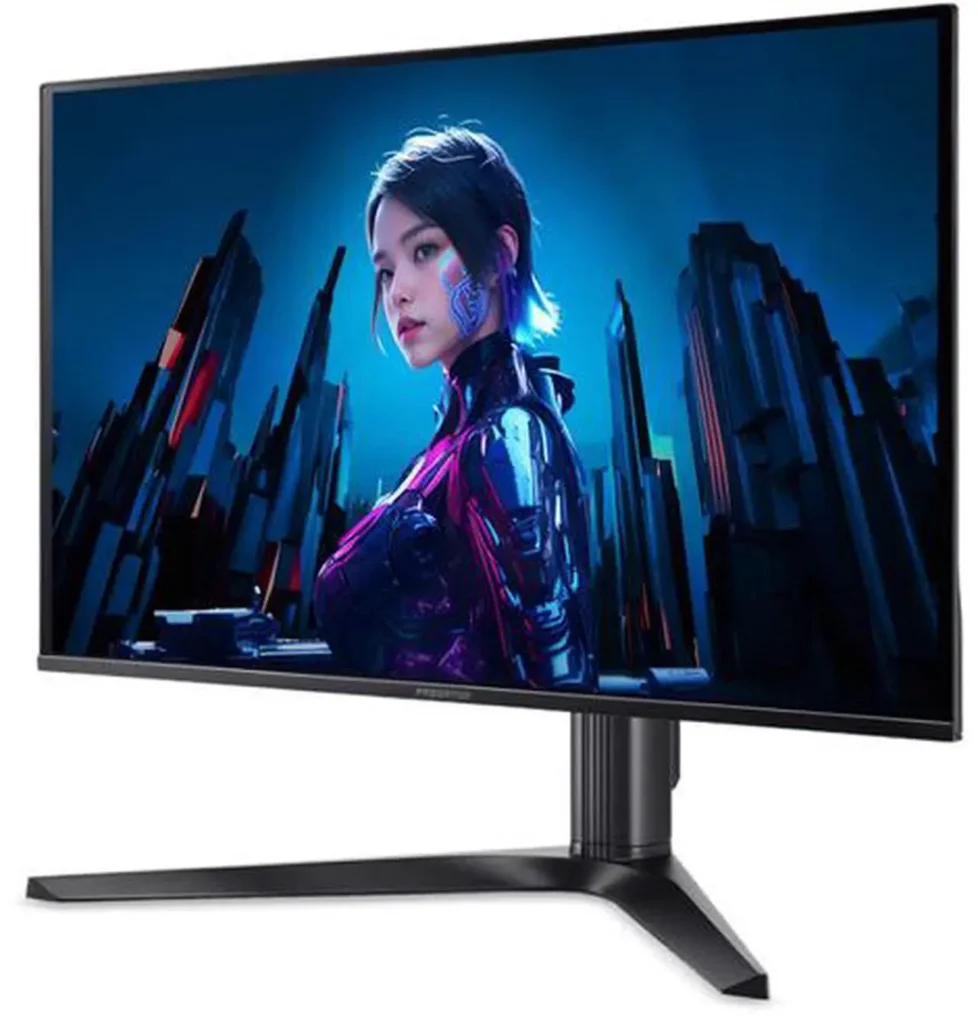
WOLED uses a white subpixel alongside RGB, which enables higher peak brightness, the MO27Q28G’s 1,500 nits is achievable partly because of the white subpixel’s contribution to bright highlights. The trade-off is that the white subpixel slightly dilutes colour saturation at maximum brightness, the absolute colour volume at peak HDR is slightly lower than QD-OLED’s pure quantum dot colour approach. Our guide to choosing a gaming monitor explains the panel types in more detail.
QD-OLED uses quantum dots to convert blue OLED light into red and green, producing exceptional colour saturation and colour volume without a white subpixel. Peak brightness is lower than 4th-gen WOLED, but colour at any brightness level is purer.
In practice for gaming: WOLED produces brighter highlights in HDR games, making explosions and light sources look more dramatic. QD-OLED produces slightly more saturated colour in non-HDR content. The difference is visible on direct comparison and invisible during normal gaming. Buy whichever is cheaper at the moment you’re buying. At about $430 this Gigabyte is a strong deal for a 280Hz panel. If 240Hz is enough, the MSI MAG 272QP QD-OLED X24 is about $400 on Newegg.
The Honest Caveats
OLED burn-in risk. Static elements, health bars, minimaps, HUDs, taskbars, that sit in the same position for thousands of hours carry a burn-in risk. Modern OLEDs with pixel refresh cycles have reduced this risk substantially. Normal gaming use, varied content, not leaving a static image on screen for hours, is low risk in practice. Leaving the desktop showing the same wallpaper for 6 hours a day is higher risk. The MO27Q28G includes pixel refresh and screen protection features standard on 2026 OLEDs. Use them.
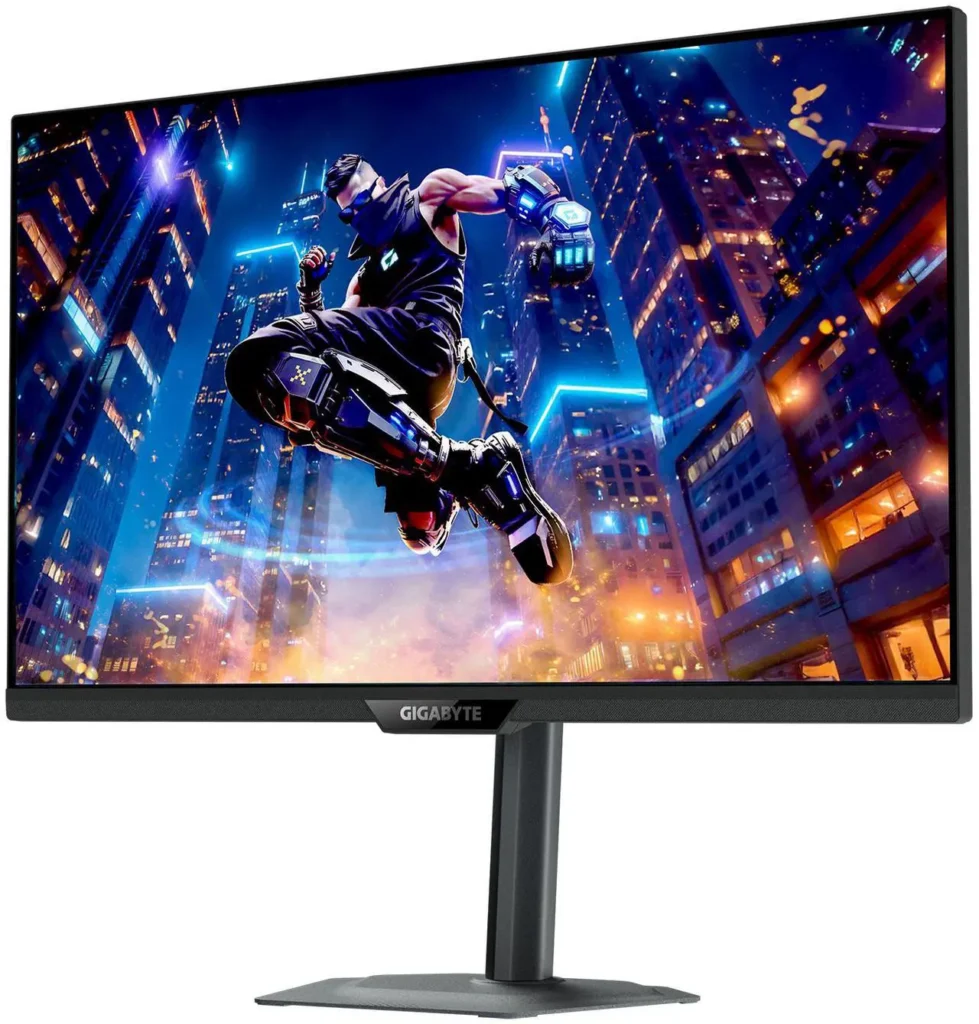
Glossy vs matte. The standard MO27Q28G uses a matte anti-glare coating. The MO27Q28GR variant uses a RealBlack Glossy coating that produces slightly deeper blacks and more vibrant colour at the cost of significantly more reflections in bright rooms. The glossy variant is more expensive and only appropriate for dark or controlled-lighting gaming environments. The standard matte version at about $430 is the right choice for most rooms. For another way to sharpen motion, read about the Nvidia G-Sync Pulsar monitor upgrade.
1500 nits is peak, not sustained. The 1,500-nit figure applies to small highlight windows in HDR content, the kind of brightness a sun glare or explosion produces in a small percentage of the frame. Sustained full-screen brightness is significantly lower. This is true of every OLED monitor and not a Gigabyte-specific issue. It means WOLED HDR looks spectacular on content designed for HDR and similar to a quality IPS in SDR full-screen brightness.
Who Should Buy It
You’re looking for a 1440p OLED monitor and the $500-$600 price of most OLED panels has been the barrier. At about $430 on Newegg right now, that barrier is much thinner.
You play a mix of competitive gaming and single-player story games. 280Hz serves the competitive side; OLED’s infinite contrast and colour accuracy serves the story game side. It’s the combination that no IPS monitor at any price fully delivers.
You have a dual-computer setup and want KVM functionality without a separate device.
Don’t buy it if: your room receives significant direct sunlight and you’re considering the glossy variant, reflections will ruin the experience. Don’t buy it if you play the same game for 8+ hours daily with a persistent static HUD and are concerned about burn-in, risk is low but non-zero.
Check the live price before buying. Treat anything near $450–$500 as a solid street buy against $599.99 MSRP, and treat sub-$400 promotions as a bonus rather than the default. If it is sitting at $549–$599 with no discount, wait for the next sale cycle. OLED monitor deals have become increasingly frequent in 2026 as panel prices decline.
Specs
| Spec | Detail |
|---|---|
| Panel | 4th-Gen WOLED (Primary RGB Tandem) |
| Resolution | 2560×1440 QHD |
| Refresh rate | 280Hz |
| Response time | 0.03ms GtG |
| Peak brightness | 1,500 nits HDR |
| Colour gamut | 99.5% DCI-P3, 84% BT.2020 |
| VRR | AMD FreeSync Premium Pro, G-Sync Compatible |
| Connectivity | HDMI 2.1 ×2, DisplayPort 1.4, USB-C |
| KVM | Yes |
| Stand | Height, tilt, swivel, pivot |
| Model | MO27Q28G (matte) / MO27Q28GR (glossy) |
| Sale price | about $430 on Newegg (was $599.99) |