
Most gaming mouse advice overcomplicates a straightforward decision. The gap between a $40 gaming mouse and a $180 gaming mouse is real but smaller than the marketing suggests and the gap between grip styles, hand sizes, and game genres matters far more than whether you have the latest sensor revision.
This guide cuts through the tier list noise and tells you specifically which mouse to buy based on what you actually need it for.
What actually matters in a gaming mouse in 2026
Three things. Shape, weight, and sensor quality. Everything else is secondary.
Shape is the most personal variable and the one most buyers ignore until they’ve bought the wrong mouse twice. A symmetrical mouse works for ambidextrous grips and left-handed players. An ergonomic right-hand shape the DeathAdder being the classic example fits palm grip players with larger hands significantly better than a symmetrical shell. Claw grip players generally do better with a shorter, lighter mouse. Fingertip grip players want the lightest option available.
Weight has a documented effect on fatigue in long gaming sessions. Under 70g is the benchmark for competitive play above that you’ll feel the difference after two to three hours. Under 50g is the ultralight category where the mouse essentially disappears in your hand. The benefit is real; the question is whether you game long enough and competitively enough to justify paying for it.
Sensor quality stopped being a meaningful differentiator at the top tier several years ago. Every flagship gaming mouse from Razer, Logitech, SteelSeries, and Asus uses a sensor that is more accurate than any human hand can exploit. The 2026 sensor race is about polling rates 8,000Hz versus 1,000Hz and the benefit of 8,000Hz is measurable in controlled testing but imperceptible to most players in real game conditions.Best Gaming Headset Under $100 2026
Under $50 — Logitech G305 (~$34-$40)
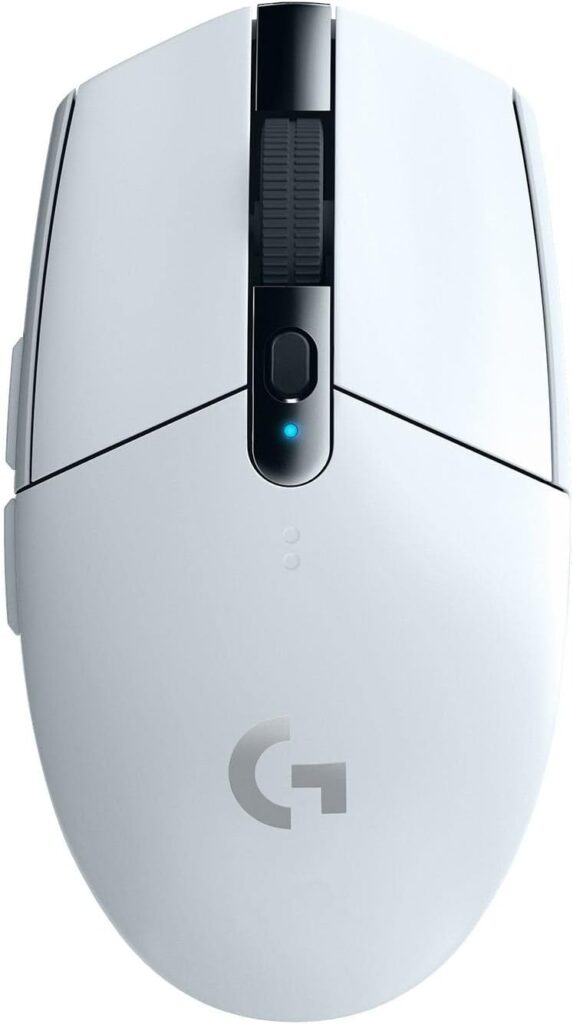
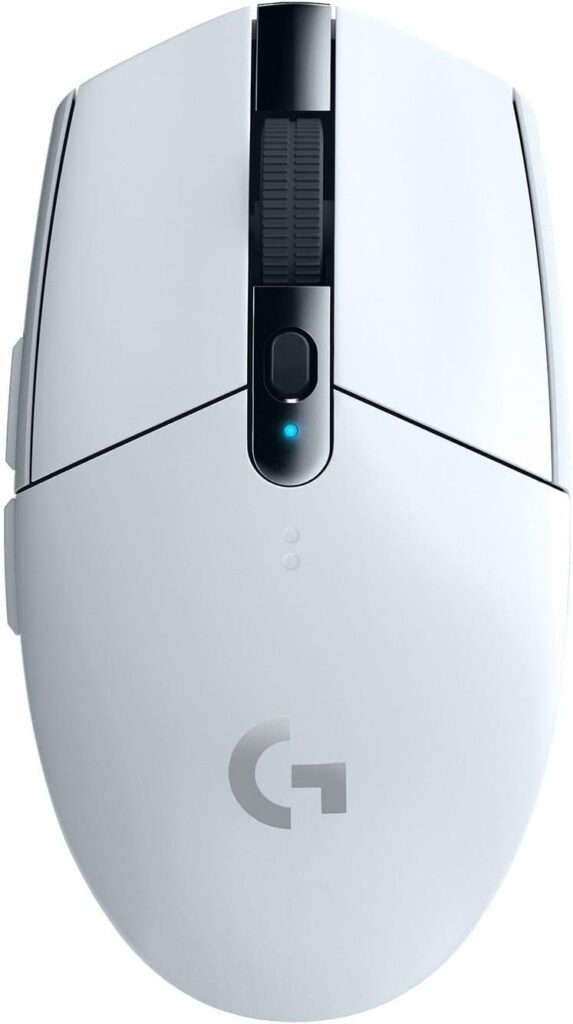
The Logitech G305 ($44)has been the budget wireless recommendation for years and it remains the correct call at this tier in 2026. 2.4GHz LIGHTSPEED wireless at 1ms connection speed, the HERO optical sensor, 250-hour battery life from a single AA battery, and a 99g weight that’s heavier than flagships but perfectly manageable for casual to moderate competitive play.Best Gaming Monitor 2026
Nothing at $40 touches the G305’s wireless performance, wired mice at this price tier compete with it on raw specs, but the freedom from cables combined with the LIGHTSPEED latency makes the G305 feel premium compared to what it costs. The sensor is not the HERO 2 found in flagship models it’s a previous generation HERO but the tracking accuracy is completely competent for 99% of gaming use cases.
If you’re building a gaming PC and the mouse budget is tight, buy the G305 and allocate the remaining budget elsewhere. A $100 gaming mouse doesn’t improve your game. A better GPU does.
Around $100 — Razer Viper V3 Pro (~$ 100 159)
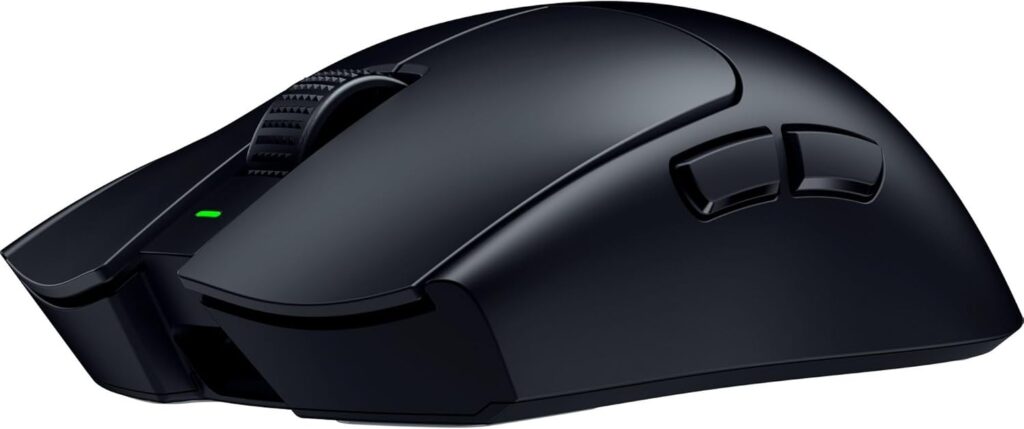
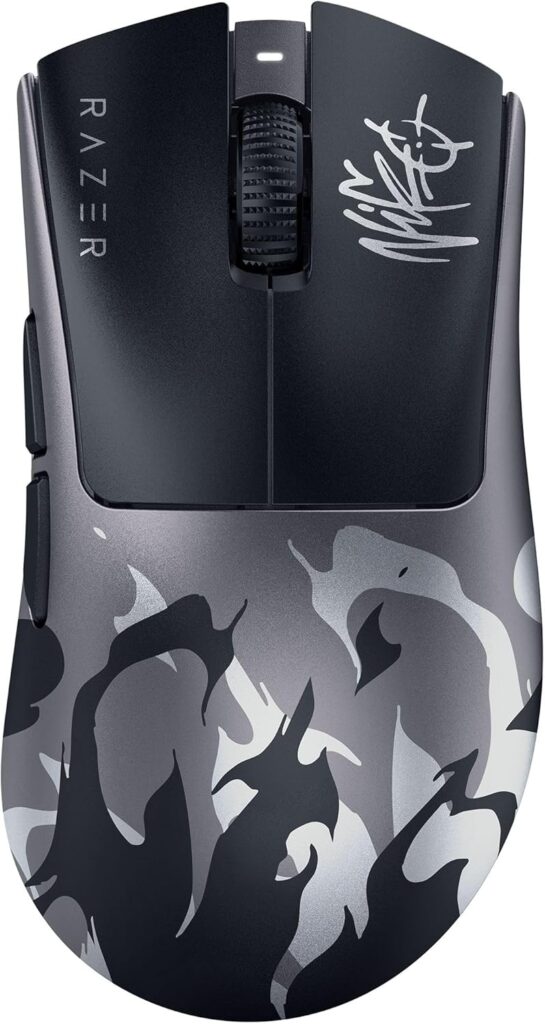
The Viper V3 Pro is the all-round recommendation for buyers who want a proven competitive mouse without paying flagship prices. Ambidextrous symmetrical shape, 54g weight, the Razer Focus Pro 35K optical sensor, 4,000Hz polling rate, and 95-hour battery life. Pro player usage data confirms it as one of the most popular choices across CS2, Valorant, and Apex Legends professional rosters in 2026.
What the Viper V3 Pro does particularly well is eliminate reasons not to buy it. The shape suits most grip styles. The weight is genuinely light without the ultralight compromise of reduced battery capacity. The sensor is top tier. Razer’s HyperSpeed 2.4GHz wireless competes with Logitech LIGHTSPEED at less than 1ms latency. It’s the safe recommendation for competitive players who don’t want to research grip geometry for two hours before buying a mouse.ROG Azoth Extreme Edition 20 and Harpe II Review
At $159.99 it currently sits below the V4 Pro tier, if you find the V3 Pro on sale, it’s one of the best value propositions in the gaming mouse market.
Around $160 — Razer Viper V4 Pro (~$159.99)
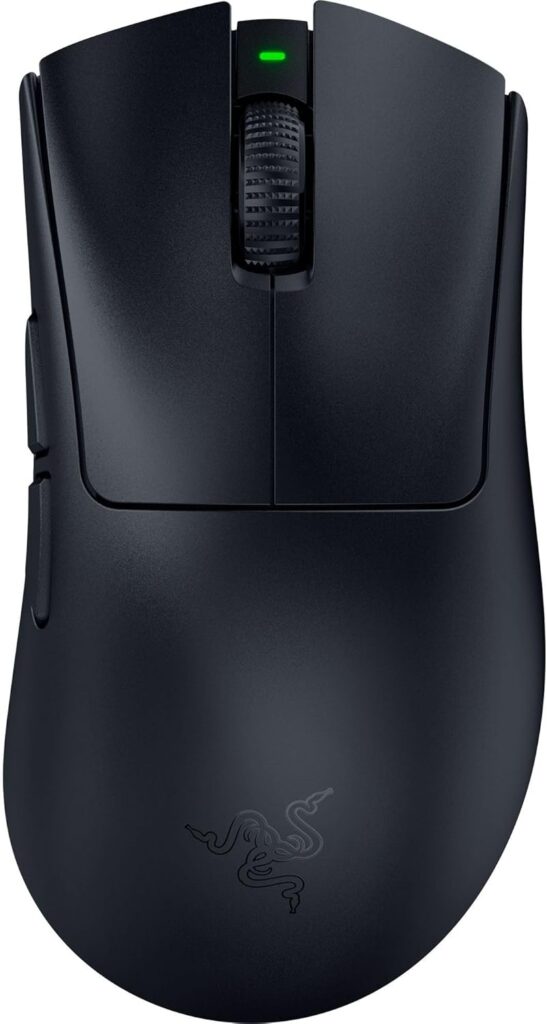
PC Gamer’s overall recommendation for 2026 and the mouse that put the Logitech G Pro X2 Superstrike’s more expensive haptic click technology in an uncomfortable position. The Viper V4 Pro weighs 47g meaningfully lighter than the Superstrike’s 61g has the Focus Pro 50K Gen-3 sensor with 50,000 DPI and 930 IPS tracking, delivers 180 hours of battery life at 1,000Hz, and has practically flawless build quality that PC Gamer noted feels more premium than anything else they’d handled.
The optical scroll wheel is a specific feature worth mentioning. Logitech’s mechanical scroll wheel on the Superstrike has a documented history of developing issues with long presses over time. The Viper V4 Pro’s optical wheel has no mechanical contact points to wear it’s more durable by design.
For most buyers who want a top-tier competitive mouse, the Viper V4 Pro at $159.99 is the correct purchase over the Superstrike at $179.99. You get a lighter mouse, longer battery life, a better build quality, and a more performant sensor for $20 less. The only thing the Superstrike does that the Viper V4 Pro can’t is haptic click actuation tuning which is a genuinely interesting feature but one that most players won’t notice in real gameplay.
Around $180 — Logitech G Pro X2 Superstrike (~$179.99)
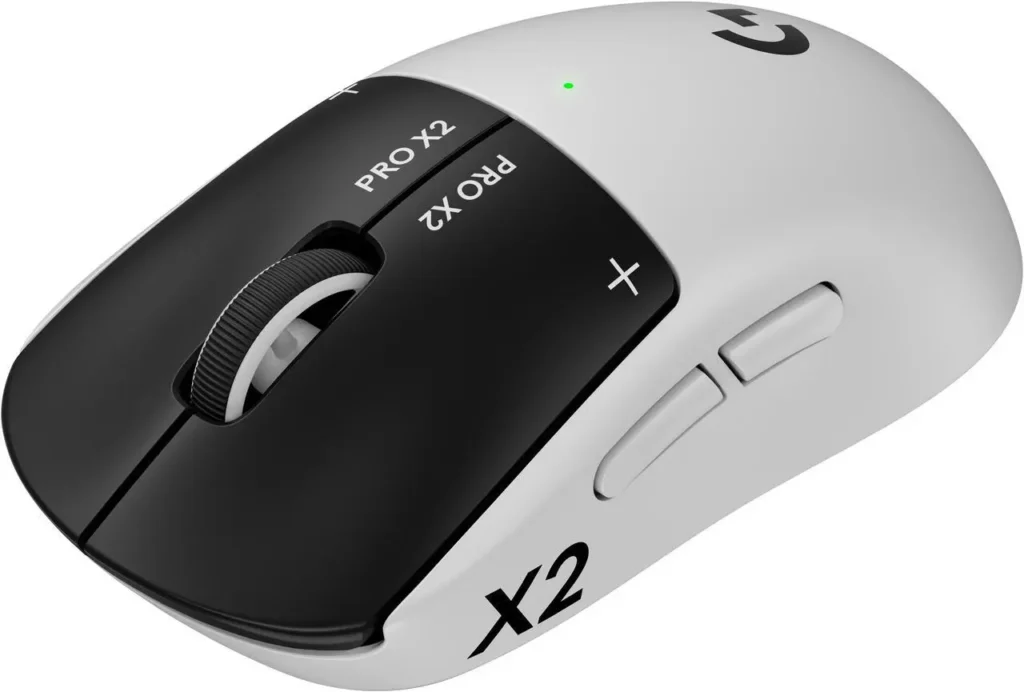
The most technically interesting gaming mouse released in 2026, and the one with the most polarising reception. The Superstrike’s Haptic Inductive Trigger System replaces the traditional microswitch with an electromagnetic coil and haptic motor the click is simulated rather than mechanical, and the actuation point is tunable in software. Independent testing showed 8–9% faster click registration compared to a standard microswitch under controlled conditions.Logitech PRO X2 SUPERSTRIKE LIGHTSPEED
RTINGS named it the best gaming mouse they’d tested in 2026. PC Gamer tested both the Superstrike and the Viper V4 Pro side by side and concluded the Viper V4 Pro is the better all-round package at a lower price while acknowledging the Superstrike’s click technology is genuinely different and genuinely faster in measurable terms.
The honest recommendation: if you’re a competitive CS2 or Valorant player who games several hours daily at a high level and every millisecond of click registration matters to you, the Superstrike is worth the premium. The haptic click is not a gimmick it’s measurably faster and the tunable actuation point is something serious players will use. If you’re a strong competitive player but not at the level where 8% faster clicks changes your outcomes, the Viper V4 Pro saves you $20 and delivers a better experience in everything else.
One caveat from TechRadar’s review: the Superstrike lacks Bluetooth connectivity only 2.4GHz wireless is available. If you want to use your mouse across multiple devices, that’s a meaningful limitation.
For large hands or palm grip — Razer DeathAdder V4 Pro (~$169.99)
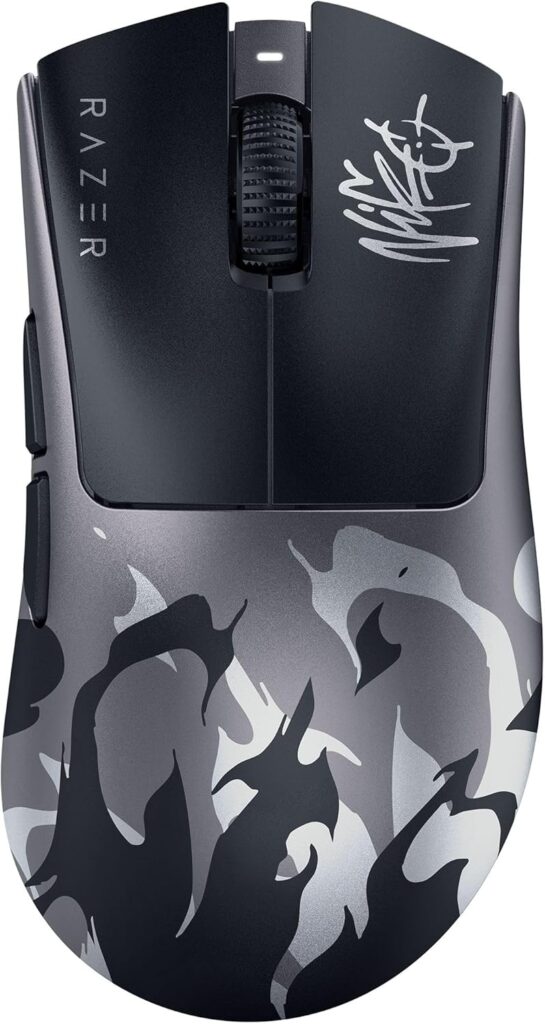
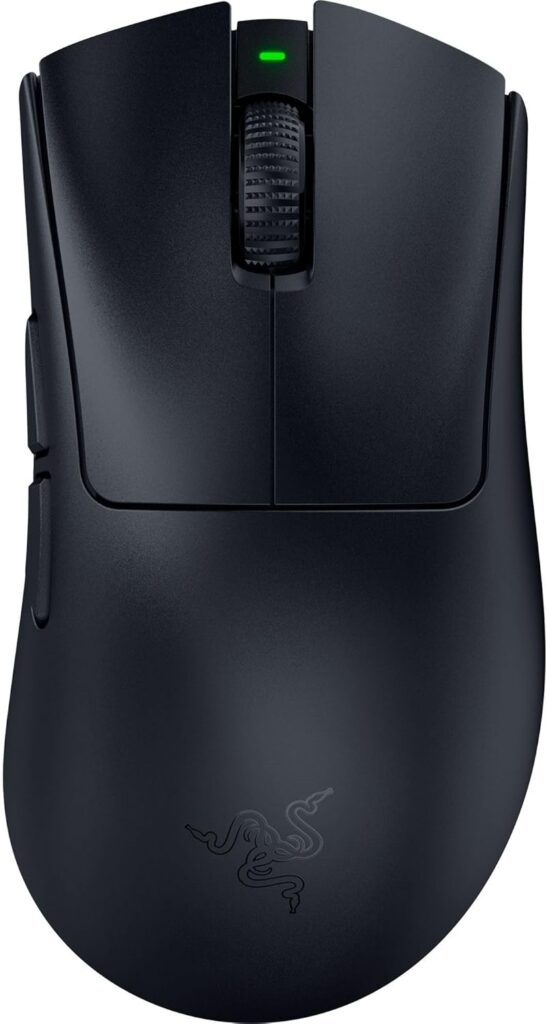
The Superstrike and Viper are symmetrical mice designed for claw and fingertip grip. If you have large hands and prefer palm grip where your entire hand rests on the mouse body the DeathAdder V4 Pro ($169) is the correct recommendation. The right-handed ergonomic shape that defined the DeathAdder series for fifteen years reaches its best implementation here. Focus Pro 30K sensor, 19g lighter than the previous generation at launch, three wireless connectivity options including Bluetooth for multi-device use.
Palm grip players who buy symmetrical mice and wonder why their hand aches after long sessions have usually answered their own question. Shape fit is that important. The DeathAdder V4 Pro is the right-hand ergonomic benchmark in 2026. Razer DeathAdder V4 Pro ($169)
The one thing most buyers get wrong
Buying a mouse primarily on DPI spec, 50,000 DPI sounds dramatically better than 25,000 DPI. In real gaming use, most competitive players run 400–800 DPI with in-game sensitivity tuned around it. The sensor’s tracking accuracy at your actual DPI setting matters far more than its ceiling and every flagship mouse in 2026 tracks accurately at 400–800 DPI. Stop reading DPI numbers as a quality signal.
Also: don’t confuse polling rate with performance. 8,000Hz versus 1,000Hz is measurable in lab conditions. In real gaming sessions, switching from 1,000Hz to 8,000Hz and telling the difference requires controlled conditions and testing methodology that casual gaming doesn’t provide. Buy for shape, weight, and brand ecosystem first. Polling rate ceiling is a footnote.