
SpecClear earns a commission if you buy through Newegg links on this page, at no extra cost to you.
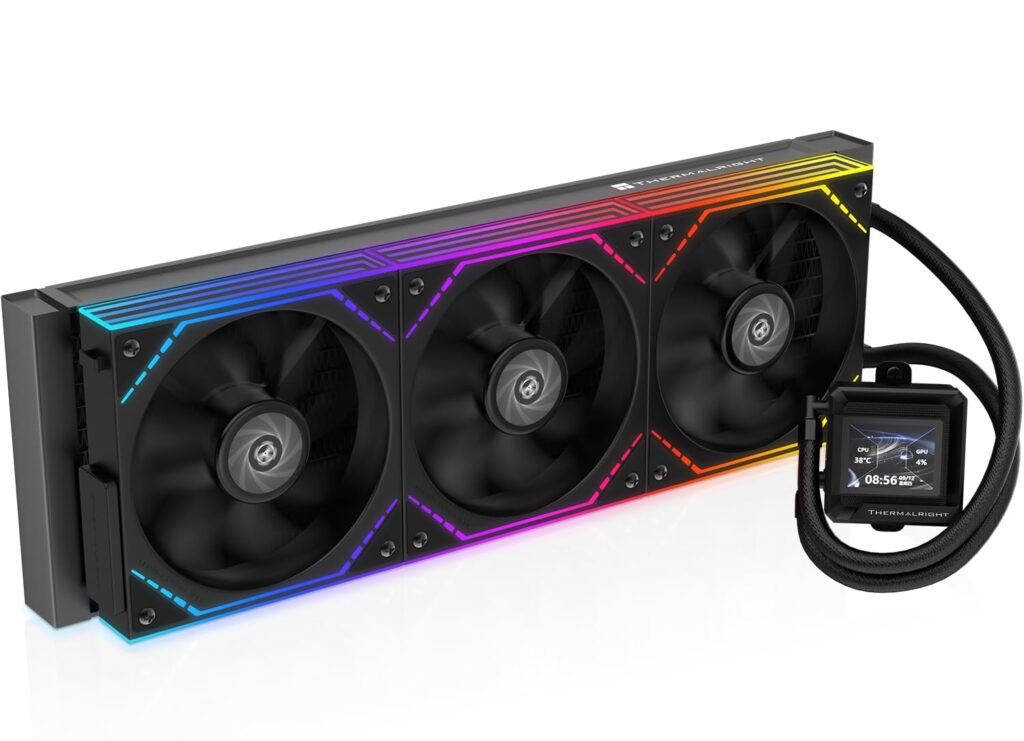
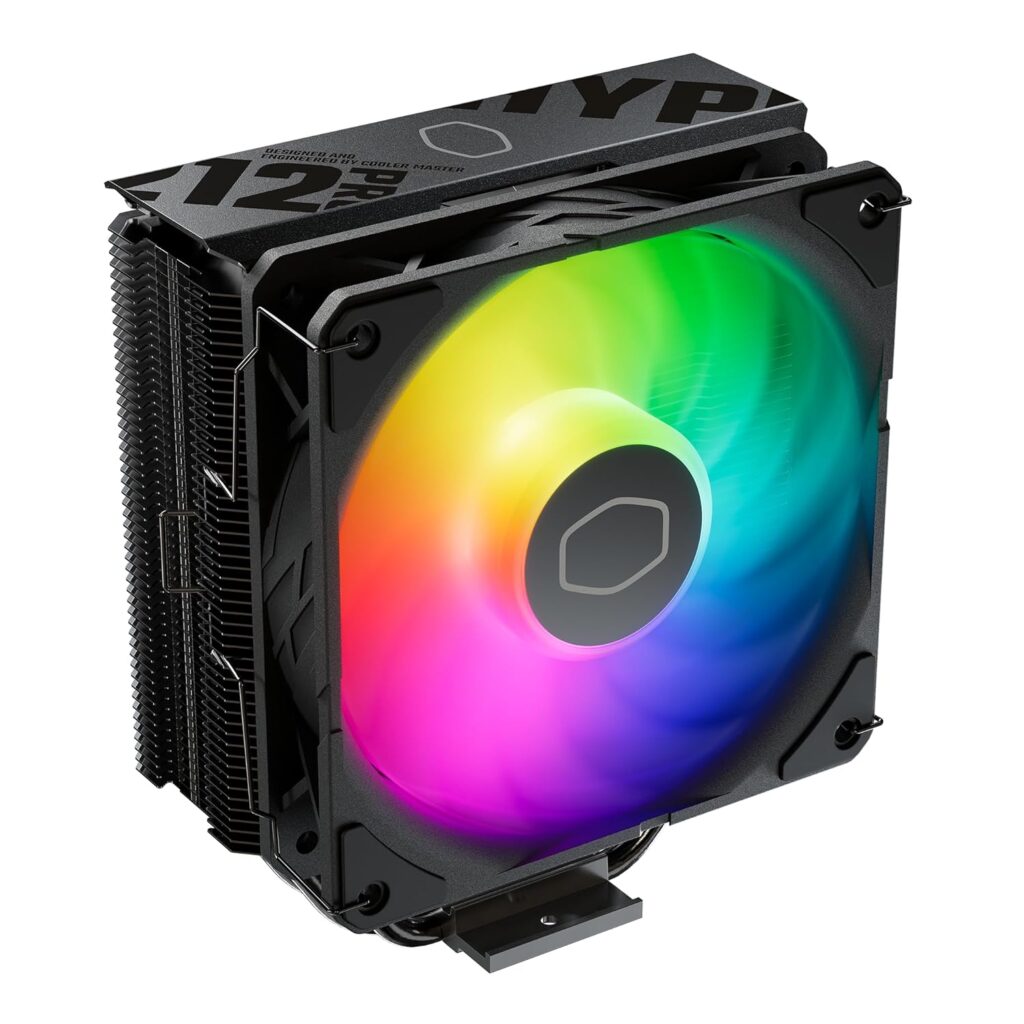
Most PC builders spend too much on CPU cooling not because cooling doesn’t matter — it does — but because the advice floating around forums and YouTube was written for a different era of CPUs. The “you need a 360mm AIO or your build will throttle” wisdom made more sense when Intel’s 12th and 13th gen chips were consuming 250W under sustained all-core load. In 2026, on the CPUs most people are actually building around, it’s mostly wrong.
Here’s the honest answer: for the majority of gaming builds, a quality air cooler is the correct choice. Not a compromise. The correct choice.
Why the old advice no longer applies
Intel’s Core Ultra 200S series trades the furnace reputation of its predecessors for a cooler, more predictable thermal profile. AMD’s Ryzen 9000 series and X3D chips are efficiency-focused designs the Ryzen 7 9800X3D has a 120W TDP and under gaming load, where it’s typically exercising a handful of cores rather than all eight simultaneously, it rarely approaches that ceiling.
Modern dual-tower air coolers from Thermalright, Noctua, DeepCool, and be quiet! dissipate enough heat to keep any current mainstream gaming CPU comfortable during the workloads those chips actually encounter during gaming. The GPU is doing most of the work. The CPU is fetching data, running game logic, and occasionally spiking it’s not sustaining 200W for hours the way a rendering workstation does.
The case for a 360mm AIO is real but narrow, it applies to specific CPUs under specific workloads. For most buyers it doesn’t apply at all.
What air cooling actually costs to do right
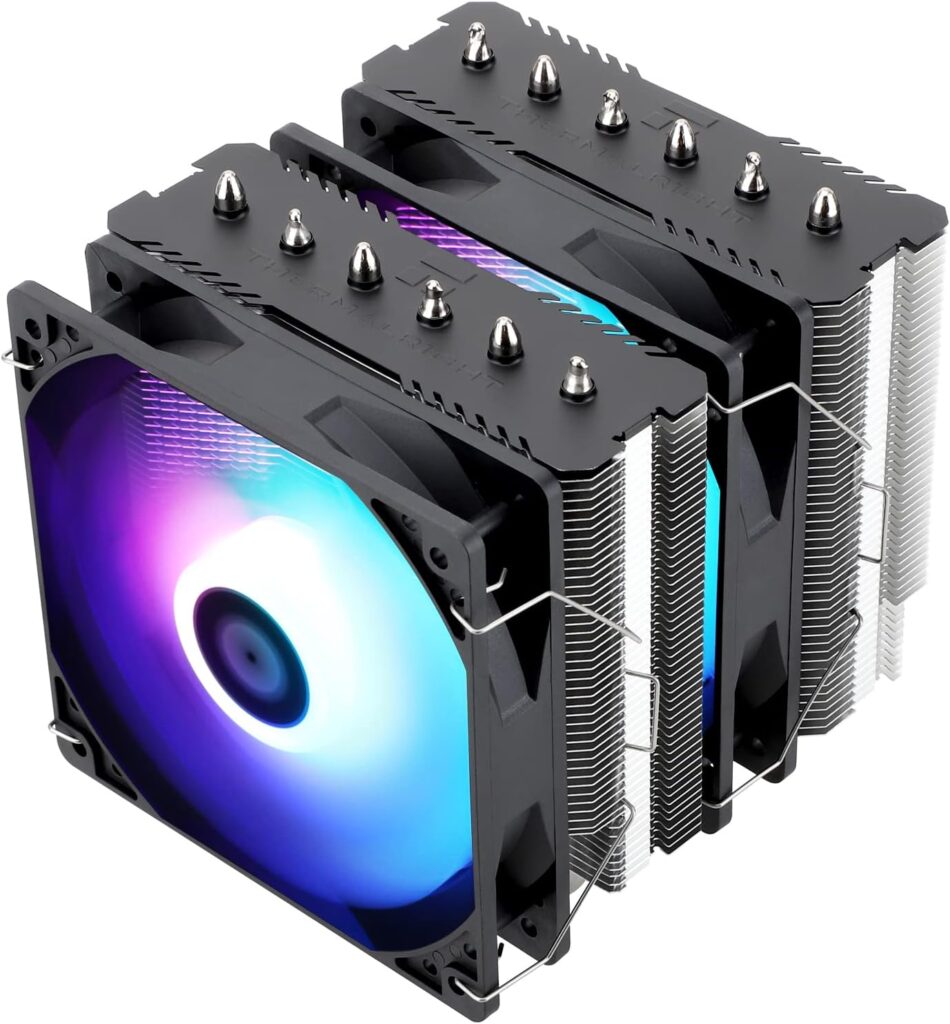
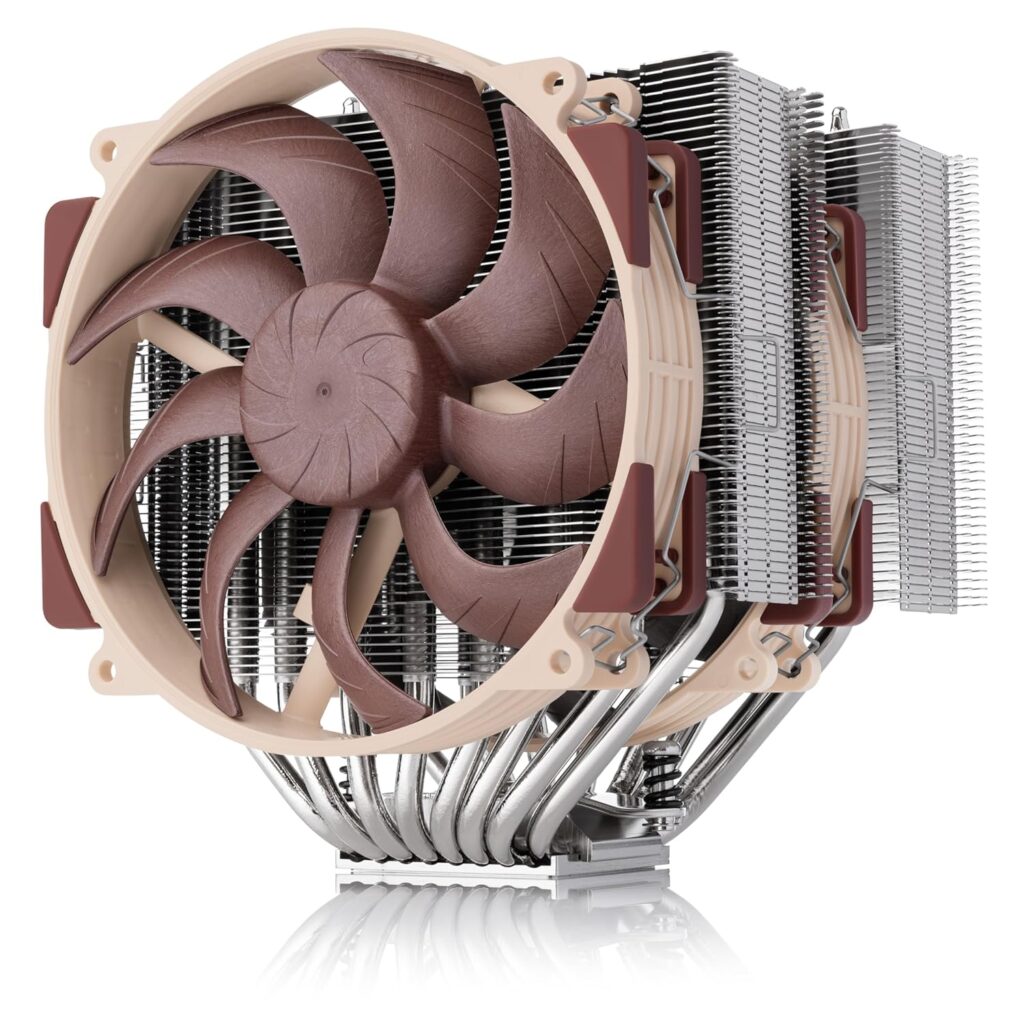
The Thermalright Peerless Assassin 120 SE is the most recommended cooler in PC building communities right now and has been for over two years. At roughly $35 it delivers cooling performance that matches hardware costing three to four times more. Some people found it only 1.5°C behind the $159 Noctua NH-D15 G2 in noise-normalised testing. Independent 2026 testing confirmed it outperforms every 240mm AIO tested alongside it a remarkable result for a $35 tower cooler. The Noctua it was tested against is the Noctua NH-D15 G2 LBC, Dual Tower.
It handles the Ryzen 7 9800X3D, 9850X3D, and Intel Core Ultra 7 265K without complaint. The 265W TDP rating is conservative this cooler has thermal headroom well beyond what a gaming CPU demands.
The Thermalright Phantom Spirit 120 SE is the alternative if RAM clearance is a concern. Its asymmetric dual-tower design gives full DDR5 DIMM slot access on one side, which matters when tall heatspreader DDR5 kits conflict with a symmetrical cooler. It performs within a degree of the Peerless Assassin at a $5 premium.
The Noctua NH-D15 G2 at $150 is the benchmark for air cooling performance. Eight heat pipes, dual 140mm fans, rated for every 2026 socket. Under gaming loads the fans spin below 800 RPM and the cooler is functionally inaudible.People confirmed it leads every air cooler tested in noise-normalised sustained workloads. The honest caveat: it’s 1.5°C better than a $35 Peerless Assassin in gaming. That gap does not justify $115 more for gaming builds. The NH-D15 G2 earns its price when you need the absolute thermal ceiling sustained rendering, encoding, multi-hour Cinebench not when you’re gaming. If low noise matters more to you than the last degree, see our be quiet! Dark Rock 6 and Dark Rock Pro 6 review.
What AIO liquid cooling actually costs
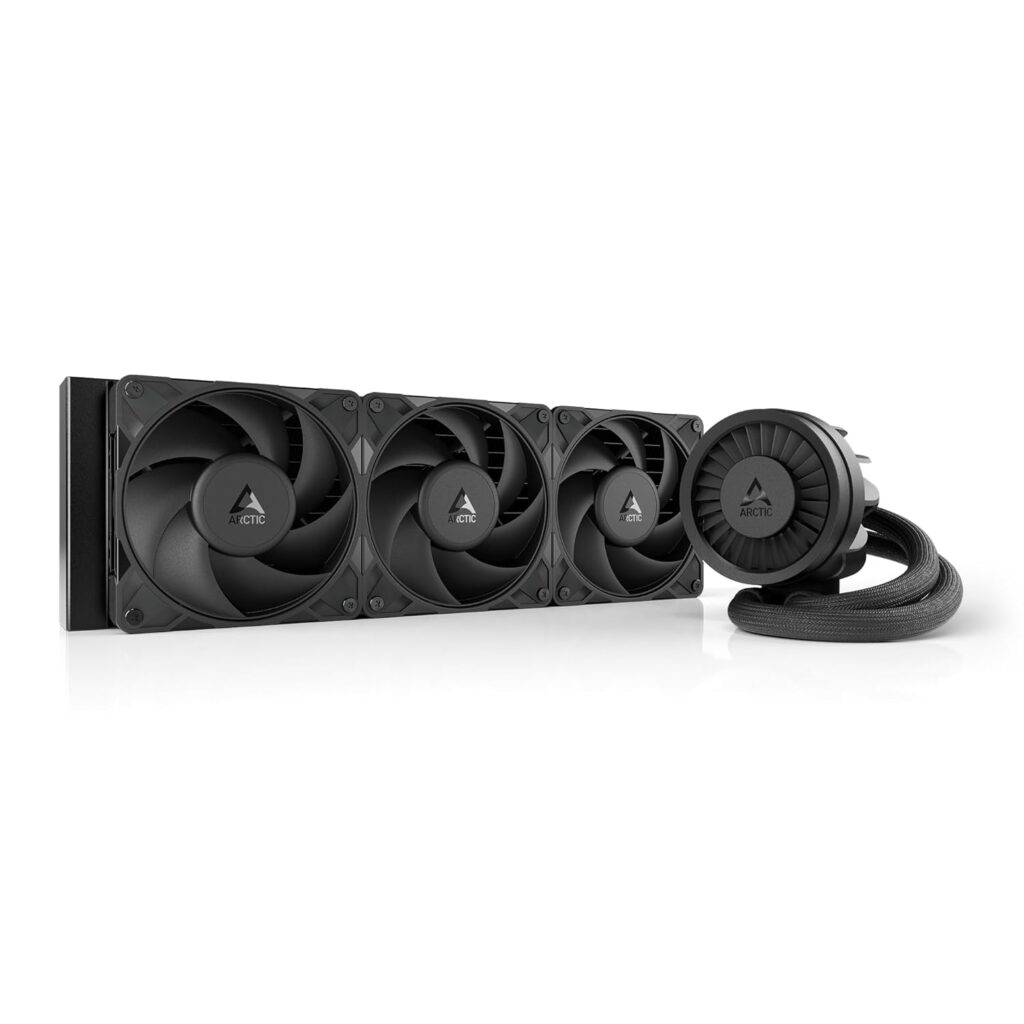
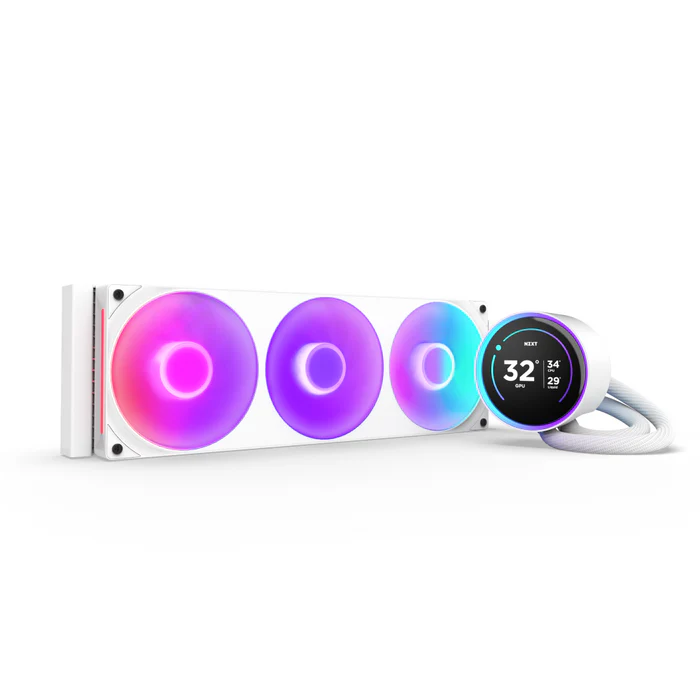
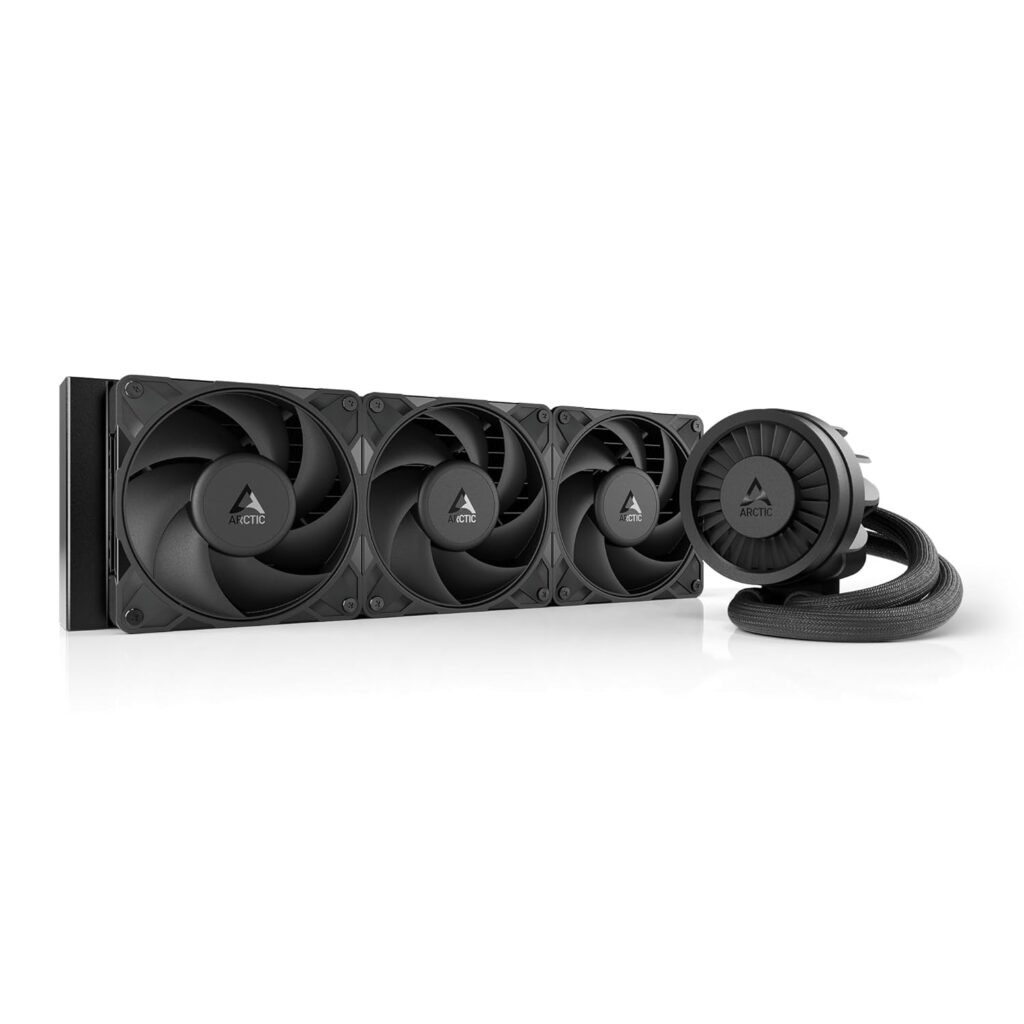
The Arctic Liquid Freezer III 360 at $105 is the standard AIO recommendation from most reviewers for builds that genuinely need it. Exceptional performance, six-year warranty, and it undercuts most competitors by $30–$60 at the same radiator size. The improved Pro variant adds denser radiator fins and better fan RPM control for a modest premium.
The NZXT Kraken Elite 360 is the aesthetics pick its 2.7-inch IPS LCD display shows real-time CPU temperatures, custom images, and system telemetry. It’s not the thermal performance leader. It’s for builders who want a glass-panel showcase build and are willing to pay the premium for it.
A quality 360mm AIO runs 8–15°C cooler than a dual-tower air cooler under heavy sustained all-core loads Cinebench, video encoding, 3D rendering. That gap is real and meaningful when the CPU is pegged at full package power for extended periods. During gaming, where sustained all-core load almost never happens, the gap shrinks to 3–5°C and frequently less.
The decision tree — match the cooler to your actual CPU
Budget Ryzen 5 or Intel Core Ultra 5 builds: a $25–$35 single or dual-tower air cooler is correct these chips run at 65W in typical gaming scenarios. Putting a $120 AIO on a Ryzen 5 9600X is spending cooling budget that should go toward the GPU.
Mainstream gaming with Ryzen 7 9800X3D or Core Ultra 7 265K: the Thermalright Peerless Assassin 120 SE at $35 handles it without drama. This is the value sweet spot for the majority of people reading this guide. The $115 you don’t spend on the NH-D15 G2 goes toward a better GPU tier.
High-end gaming with a Ryzen 9 9950X3D or sustained creative work alongside gaming: a 280mm or 360mm AIO is justified here. The 9950X3D runs 16 cores that can sustain genuinely high package power during rendering or encoding workloads. The Arctic Liquid Freezer III 360 is the correct call at this tier the thermal headroom it provides over air cooling is real when all-core load is sustained.
Small form factor builds: AIO wins by default. A 240mm AIO in a compact case where a 165mm+ tower simply doesn’t fit is the practical solution. Check case clearance before buying any cooler most SFF cases specify maximum cooler height clearly in their spec sheets.
The one cooler mistake that’s surprisingly common
Buying a cheap 240mm AIO instead of a quality air cooler.
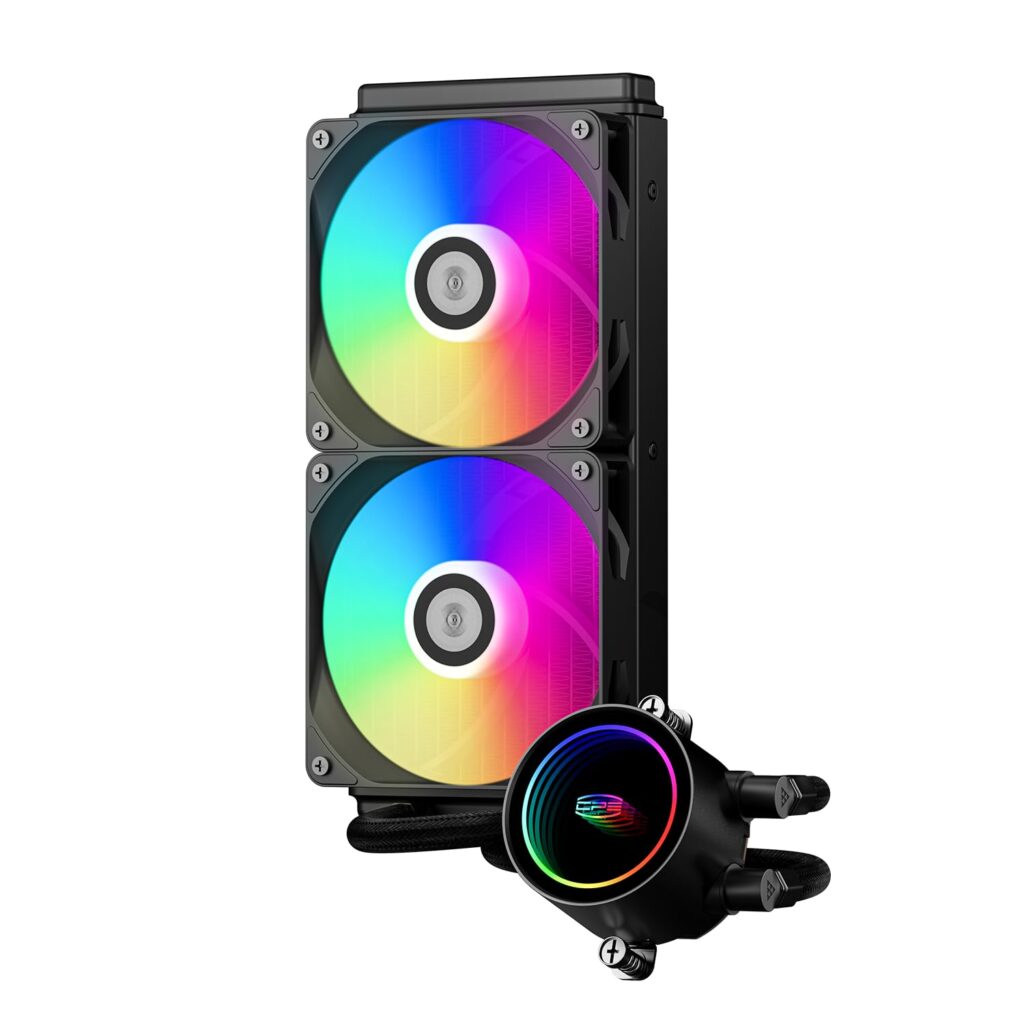
A $50–$79 240mm AIO performs worse than the $32-$39 Thermalright Peerless Assassin 120 SE in noise-normalised testing. It adds pump noise, introduces a failure point that doesn’t exist on an air cooler, and delivers inferior thermals at a higher price. The budget AIO trap is real and it’s the most common cooling mistake in mid-range builds.
The correct choice at every budget is either a quality air cooler or a quality 360mm AIO. The 240mm AIO middle ground delivers neither the value of air nor the thermal performance of a proper liquid cooling setup. Skip it.
Reliability the argument most comparison guides miss
An air cooler’s only moving parts are the fans. Fans can be replaced if they fail. The Noctua NH-D15 G2 ships with a seven-year warranty and replacement fans cost a few dollars each. A well-maintained air cooler can genuinely outlast the rest of the build.
AIO coolers add a pump and sealed coolant loop, modern units are reliable five-plus years is typical for quality brands like Arctic and NZXT but a pump is still one more thing that can eventually wear out. Be quiet!’s newer AIO designs include coolant refill ports, extending serviceable life considerably. For most buyers this isn’t a deciding factor. For builders putting together a system they intend to run for five or more years without touching, it’s worth knowing.
The verdict
For most gaming builds: buy the Thermalright Peerless Assassin 120 SE at $32-$39 and put the money saved toward the GPU. It handles every mainstream gaming CPU available in 2026, runs quietly, and requires no maintenance.Once your cooler is installed, run a stress test to confirm temperatures are within safe limits before closing the case
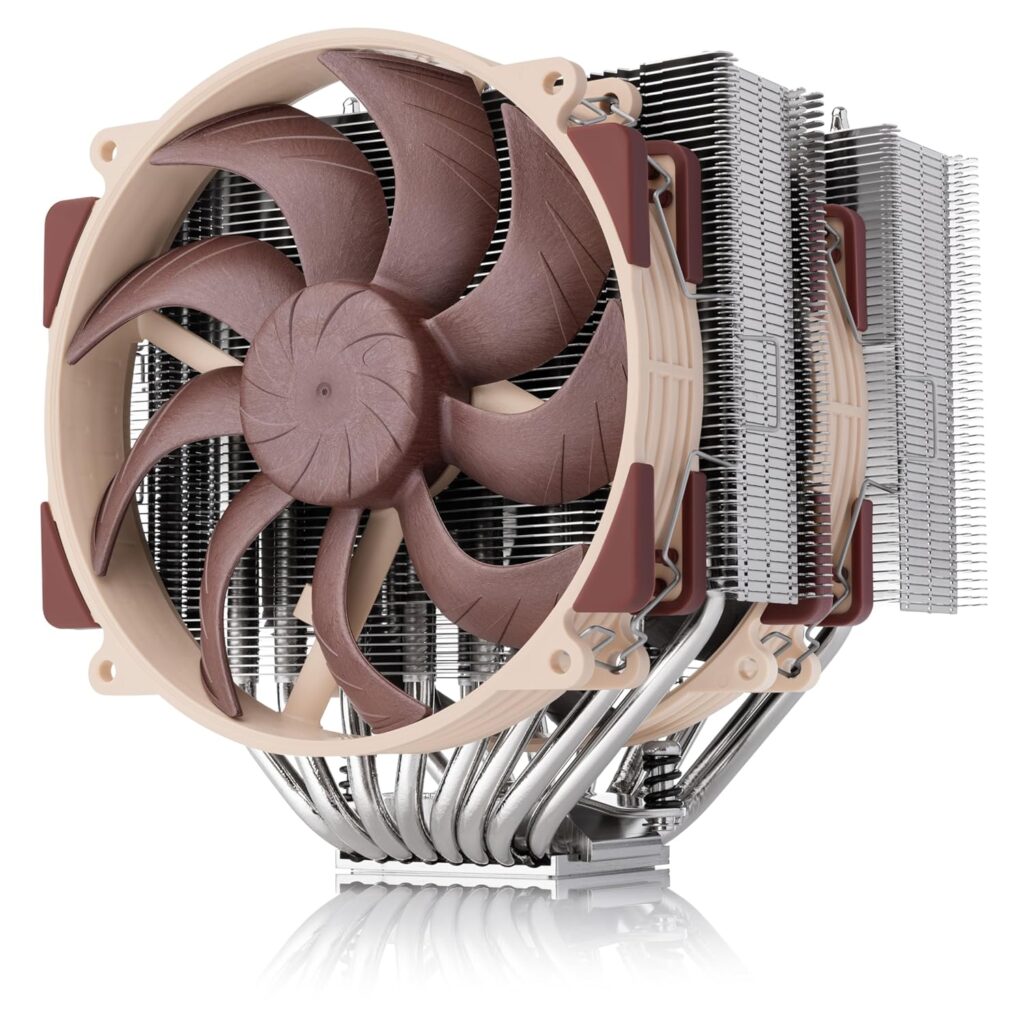
Step up to the Noctua NH-D15 G2 at $159 if you want the absolute best air cooling for a high-end chip and acoustics are a priority home office builds, living room setups, anywhere that fan noise matters more than usual.
Buy the Arctic Liquid Freezer III 360 at $238–$298 if you’re running a Ryzen 9 9950X3D or Core Ultra 9 285K under sustained all-core workloads, you’re in an SFF case where a tower doesn’t fit, or the glass-panel aesthetic of a radiator genuinely matters to you.
Don’t buy a 240mm AIO for a gaming build. The thermals don’t justify it and the price premium over a quality air cooler doesn’t either.