
Best Gaming PC Build Under $1,500 in 2026: The Complete Parts List
best gaming PC build under $1500 2026 is harder than it should be. The AI-driven DRAM shortage has pushed RAM and SSD prices to levels that would have seemed absurd two years ago. GPU prices are elevated across the board. In more sane times, the components in a strong $1,500 build would cost closer to $1,200 that extra $300 buys nothing in performance terms, it just disappears into the RAM market.
The good news: $1,500 is still a genuinely capable gaming budget. Build smart and you get a system that handles virtually every modern game at 1440p with high settings, dominates 1080p competitive play, and has a clear upgrade path for years ahead. Here’s exactly how to spend it in July 2026.
Best Gaming PC Build Under $1,500 in 2026: The Core Components
The $1,500 budget in 2026 supports two distinct builds depending on your GPU preference. Both are strong. The right choice depends on whether DLSS 4 or VRAM headroom is a higher priority for you.
Build A — Ryzen 5 9600X + RTX 5070 (DLSS-first build):
| Component | Choice | Price |
|---|---|---|
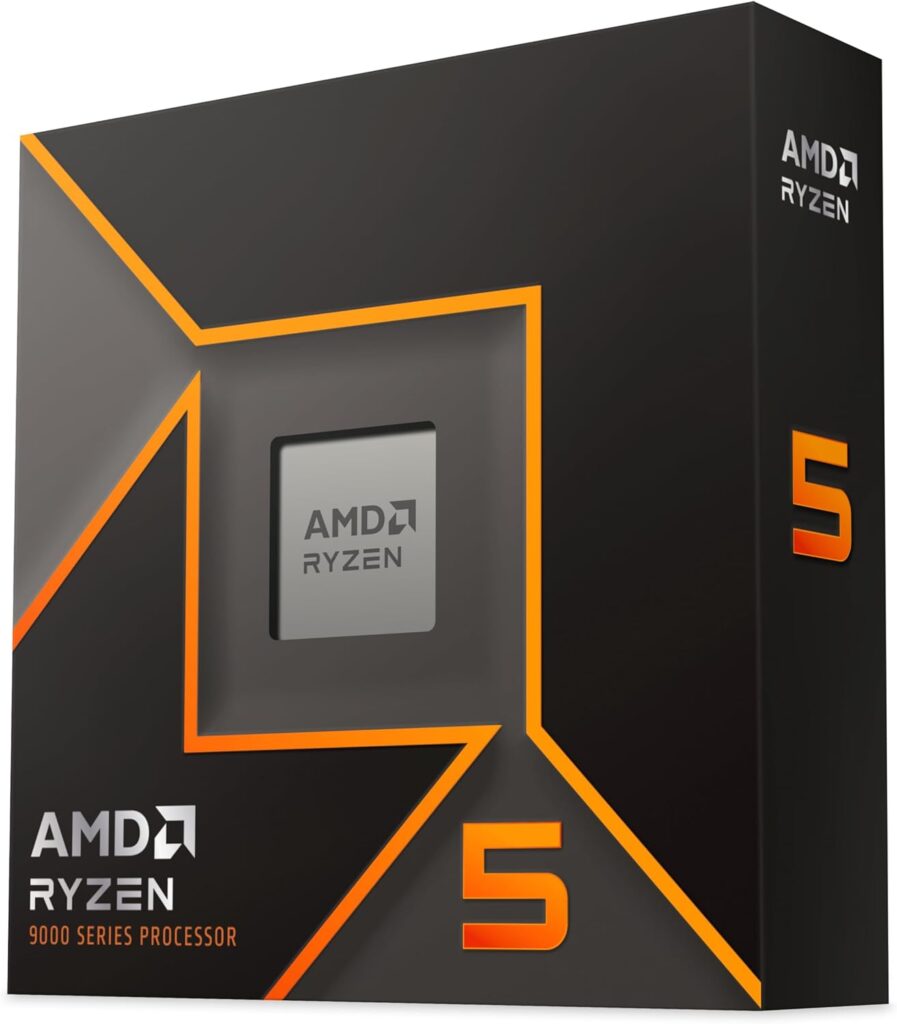
| CPU | AMD Ryzen 5 9600X | ~$176 |
| GPU | Nvidia RTX 5070 | ~$575-639 |
| Motherboard | MSI B650M Pro-A WiFi | ~$109-$158 |
| RAM | 32GB DDR5-6000 CL30 | ~$430-$519 |
| SSD | 2TB NVMe PCIe 4.0 | ~$289-$349 |
| Case | Lian Li Lancool 207 | ~$80 (4 fans included) |
| PSU | 750W ATX 3.1 80+ Gold | ~$95 |
| CPU Cooler | DeepCool AK400 | ~$40 |
| Windows 11 | CDKeys | ~$20 |
| Total | ~$1,414–$1,841 |
Build B — Ryzen 5 9600X + RX 9070 (VRAM-first build):
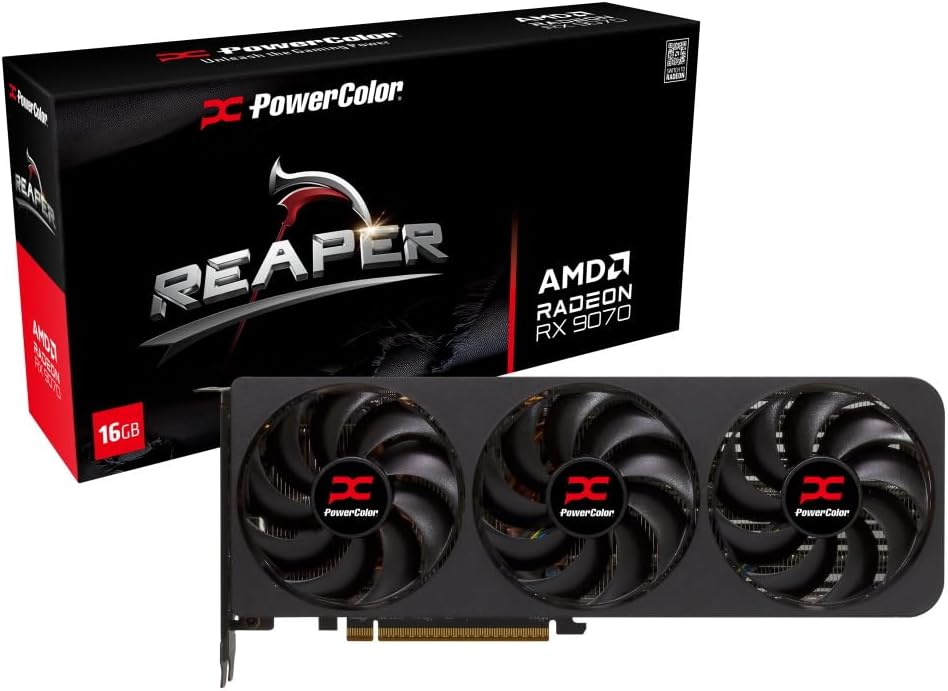
Swap the RTX 5070 for the RX 9070 16GB at ~$580–600. The RX 9070 usually comes out slightly ahead of the RTX 5070 in rasterization gaming benchmarks, and its 16GB of VRAM provides significantly more headroom than the RTX 5070‘s 12GB at 1440p high settings and any 4K usage. You lose DLSS 4 and Multi Frame Generation. You gain 4GB of VRAM and marginally stronger raster performance. Total build cost lands in the same range.
Which build to choose: if you play titles with DLSS 4 support and value the frame generation capability, Build A. If you want the most VRAM and the strongest native raster performance at 1440p, Build B.
Component Decisions Explained
CPU — Ryzen 5 9600X at ~$176
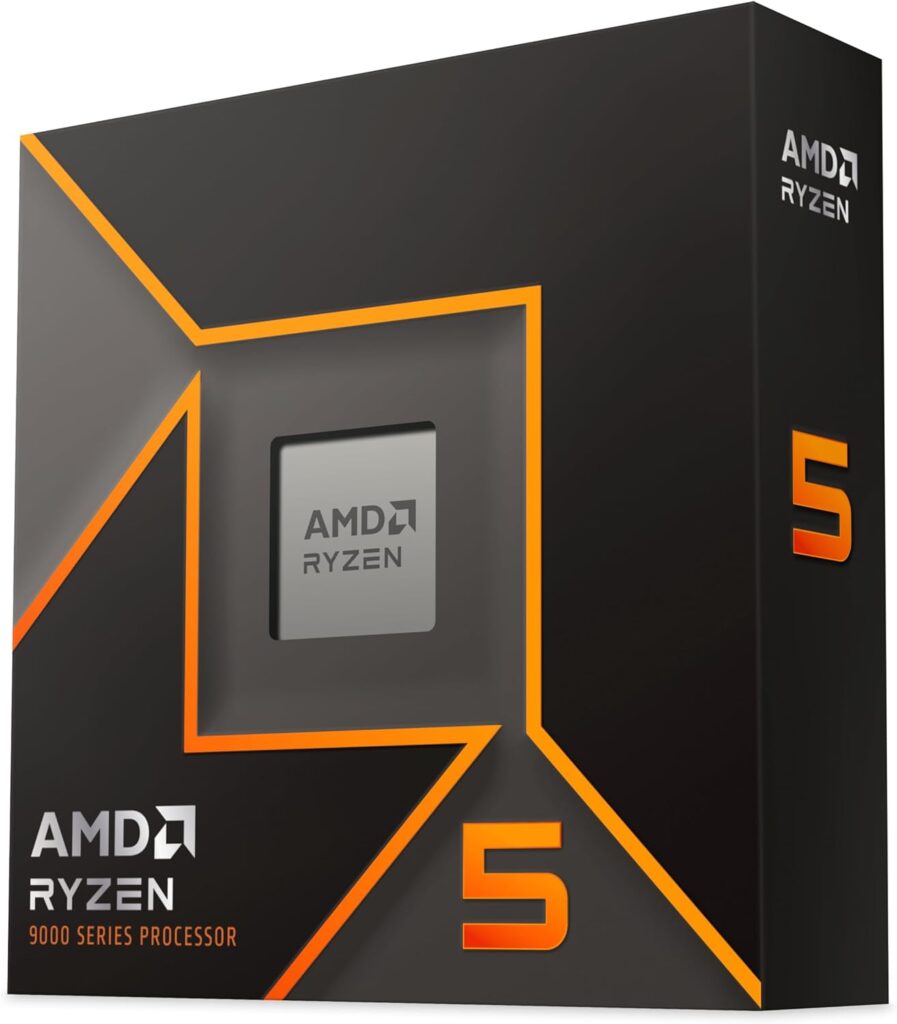
The Ryzen 5 9600X is the correct CPU choice at this budget. At 1440p gaming where the GPU is the primary constraint, the performance difference between a $176 9600X and a $444 9800X3D is typically 5-10% in CPU-bottlenecked titles. That 5-10% difference costs $220. Putting that $220 toward a better GPU moves the dial far more than the CPU upgrade would.
GamersNexus confirmed this in their February 2026 $1,491 build guide: the 9600X at $176 paired with an RTX 5070 is the performance-per-dollar choice. The 9600X barely edges out the Intel Core Ultra 7 265K in F1 25 at 1080p, and the Intel chip costs $85 more. The AM5 platform means you can drop in a 9800X3D or 9850X3D later via BIOS update the upgrade path is fully open from day one.
GPU — RTX 5070 at ~$575-630 (or RX 9070 at ~$580-635)
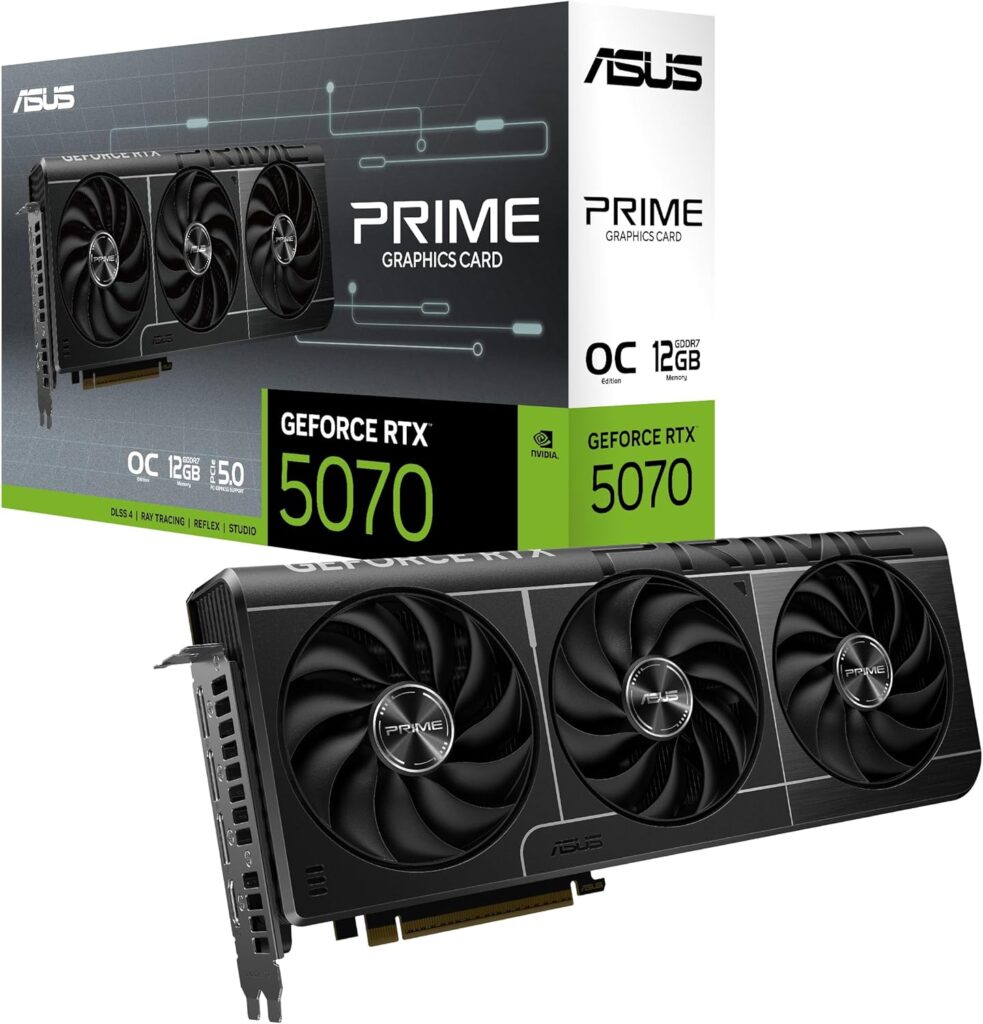
60-65% of a gaming PC budget belongs to the GPU. At $1,500 that means $900-$975 in components, with the GPU taking the largest single share. The RTX 5070 and RX 9070 are the correct choices at this tier in July 2026.
The RTX 5070 delivers strong 1440p performance with DLSS 4 and Multi Frame Generation which can effectively double displayed frame rates at the cost of some input latency. It carries 12GB of GDDR7. This GPU has been measured doing 550-630 at various retailers check current prices before buying, they shift week to week.
The RX 9070 16GB is the alternative if you prioritise VRAM and raster performance over DLSS. It consistently leads the RTX 5070 slightly in rasterization benchmarks and its 16GB of GDDR6 provides meaningful headroom at 1440p with demanding texture settings.
RAM — 32GB DDR5-6000 CL30
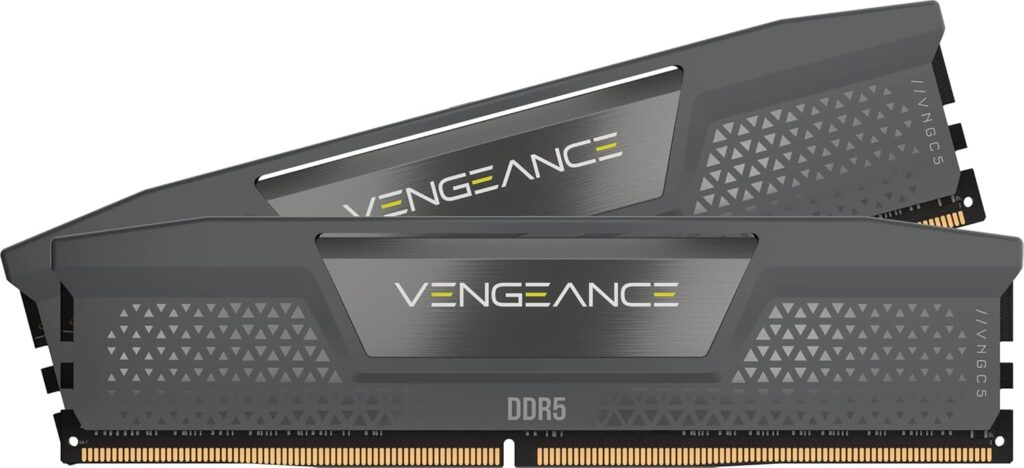
32GB is the correct choice in 2026 not 16GB. Modern AAA titles are routinely allocating 12-16GB of system RAM in demanding scenes. 16GB creates situations where the operating system starts swapping to storage during gaming, which produces stutters that no amount of GPU performance can fix. 32GB costs more in 2026 than it should, but it’s the right call.
DDR5-6000 CL30 is the AM5 sweet spot. This is the speed range where the Ryzen platform’s memory controller performs optimally. Don’t pay a premium for DDR5-7000 or above the gaming performance difference is within margin of error. DDR5-4800 costs less but leaves meaningful performance on the table. DDR5-6000 CL30 is the sensible middle.
Enable EXPO in BIOS after installing RAM. Every AM5 board ships with RAM running at slow JEDEC defaults until you enable it manually. The Windows 11 gaming optimisation guide on SpecClear covers exactly how to do this.
Storage — 2TB NVMe
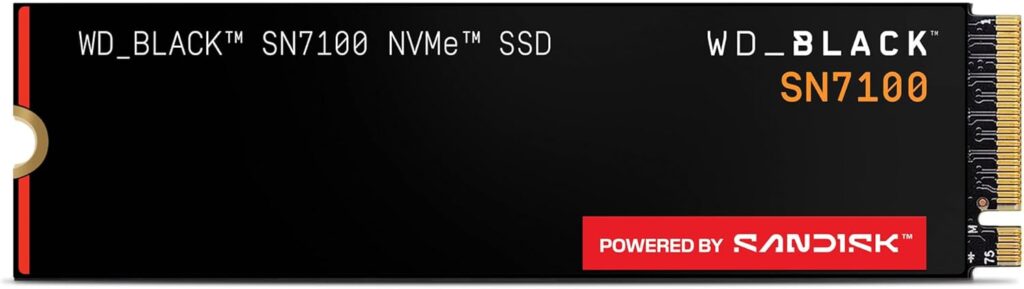
Modern AAA games regularly exceed 80-100GB per title. A 1TB SSD sounds adequate until you have three major titles installed simultaneously. 2TB NVMe PCIe 4.0 at ~$287 is the sensible choice 2TB from WD, Crucial, or Samsung at this price point is genuinely cheap and eliminates the constant storage juggling that constrains 1TB builds.
NVMe is mandatory for DirectStorage support in games that use it. If you’re installing on a SATA drive or hard drive, you’re leaving DirectStorage performance entirely unused.
Motherboard — B650 tier
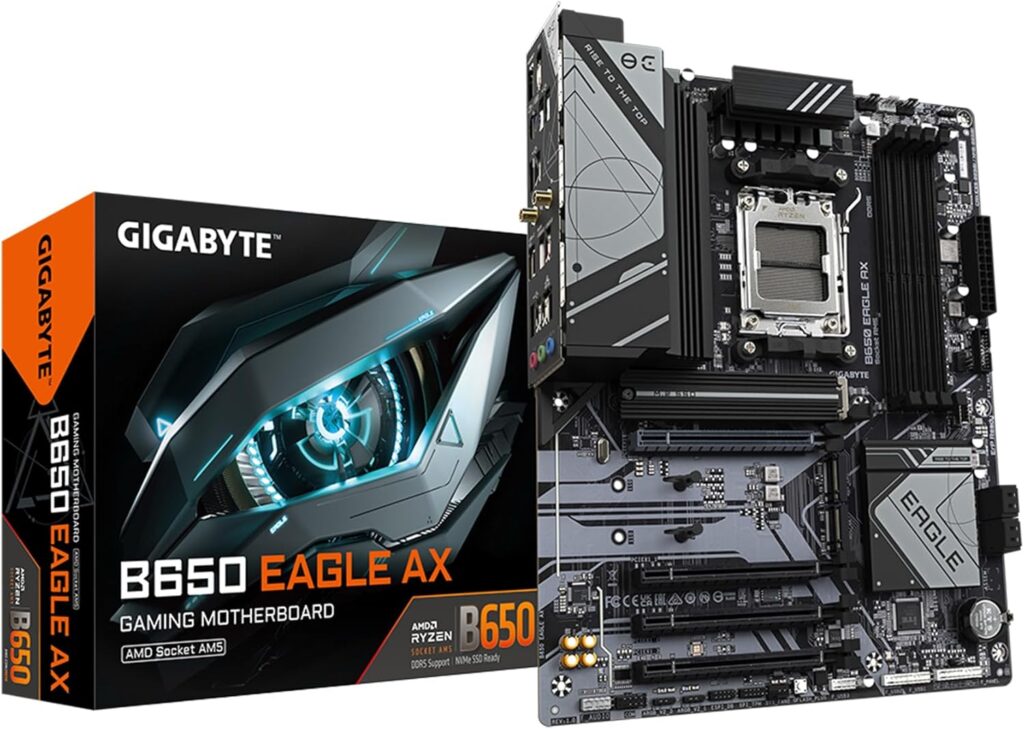
A B650 motherboard at $109-$150 is everything this build needs. The AM5 platform’s B650 boards support PCIe 5.0 for the GPU slot, DDR5-6000 via EXPO, and full compatibility with every current and upcoming Ryzen 7000/9000 series chip including X3D variants. Spending on an X670 or X870 board for a Ryzen 5 9600X build is unnecessary save it for the GPU or RAM.
Confirm WiFi is included if you need wireless connectivity. The MSI B650M Pro-A WiFi includes it. Many budget B650 boards don’t.
PSU — 750W ATX 3.1
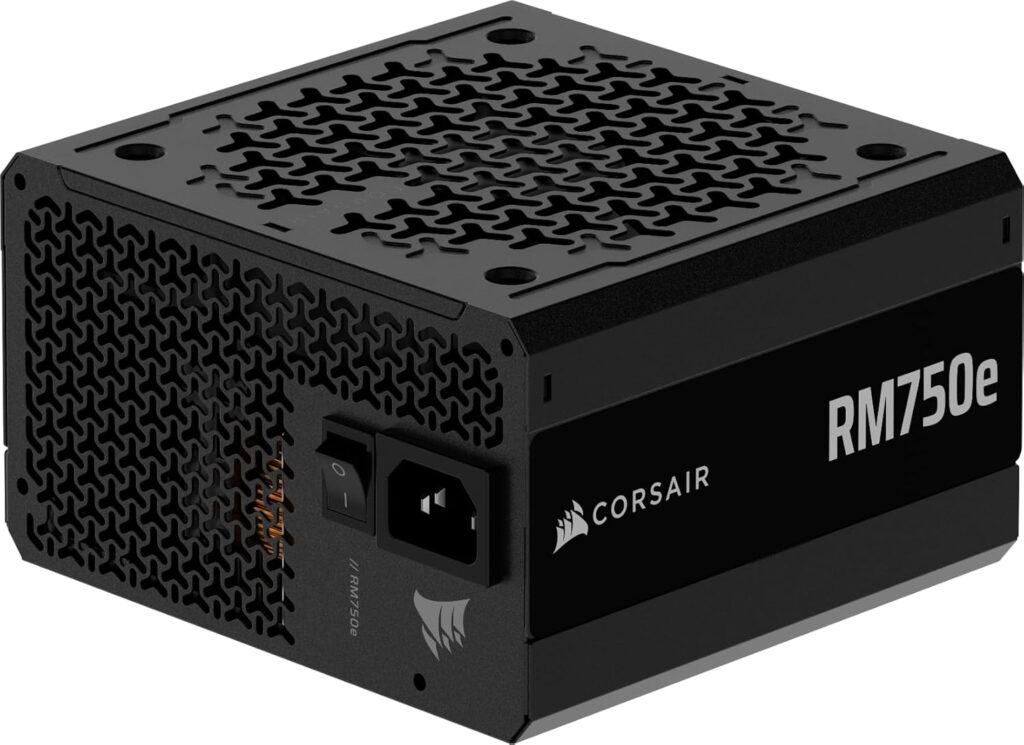
750W at ATX 3.1 with a native 12V-2×6 cable. For the reasons covered in the PSU guide transient load handling and native connector safety an ATX 3.1 unit is the right specification for any RTX 50 or RX 9000-series build. 750W provides comfortable headroom for this CPU+GPU combination and room for a future GPU upgrade without changing the PSU.
The Corsair RM750x, MSI MAG A750GL PCIE5, and be quiet! Pure Power 12 M 750W are all strong choices at this tier.
Case — Lian Li Lancool 207
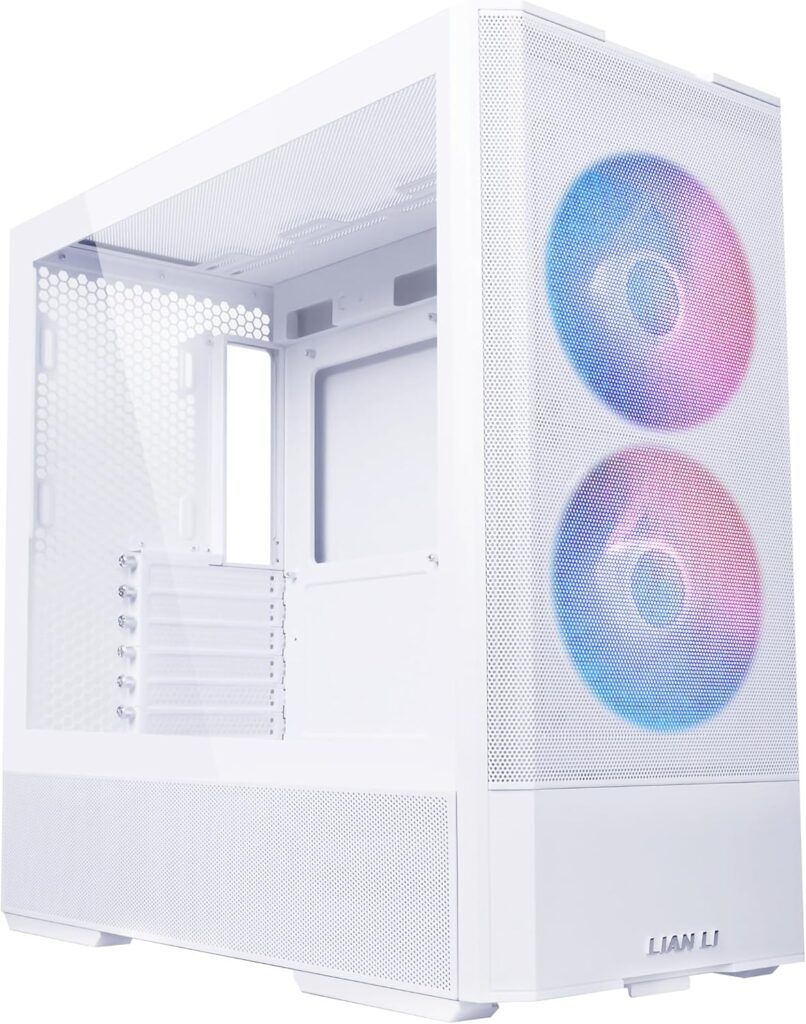
The Lancool 207 ships with four fans and produces the best noise-normalised thermal results of any case in its price range according to GamersNexus testing. The GPU-facing fan design directs airflow specifically across the graphics card rather than relying on general case circulation. At $89 with four fans included it’s the best value case on the market for this build tier.
If you’d prefer a dual-chamber layout with better cable management aesthetics, the NZXT H6 at $109.99 is the clean alternative no fans included, but the design is cleaner and back-connect motherboard support is built in. Budget for a fan kit separately.
What This Build Actually Delivers
At 1080p: This system dominates. The Ryzen 5 9600X + RTX 5070 combination pushes well above 144fps in virtually all titles at high settings. Competitive titles at 1080p Counter-Strike 2, Valorant, Apex Legends run at framerates limited by the monitor, not the hardware.
At 1440p: The RTX 5070 handles 1440p High settings at 60+ fps in every current title without upscaling. With DLSS Quality mode enabled, frame rates improve by 30-50% without meaningful visual quality loss. Most 1440p gaming with this build runs well above 100fps with DLSS enabled.
At 4K: Playable in many titles with DLSS Performance mode. For serious 4K gaming, you’d need to step up to the RTX 5070 Ti or RX 9070 XT tier. At $1,500, 4K is achievable but not the primary target.
One Upgrade Path Worth Planning Now
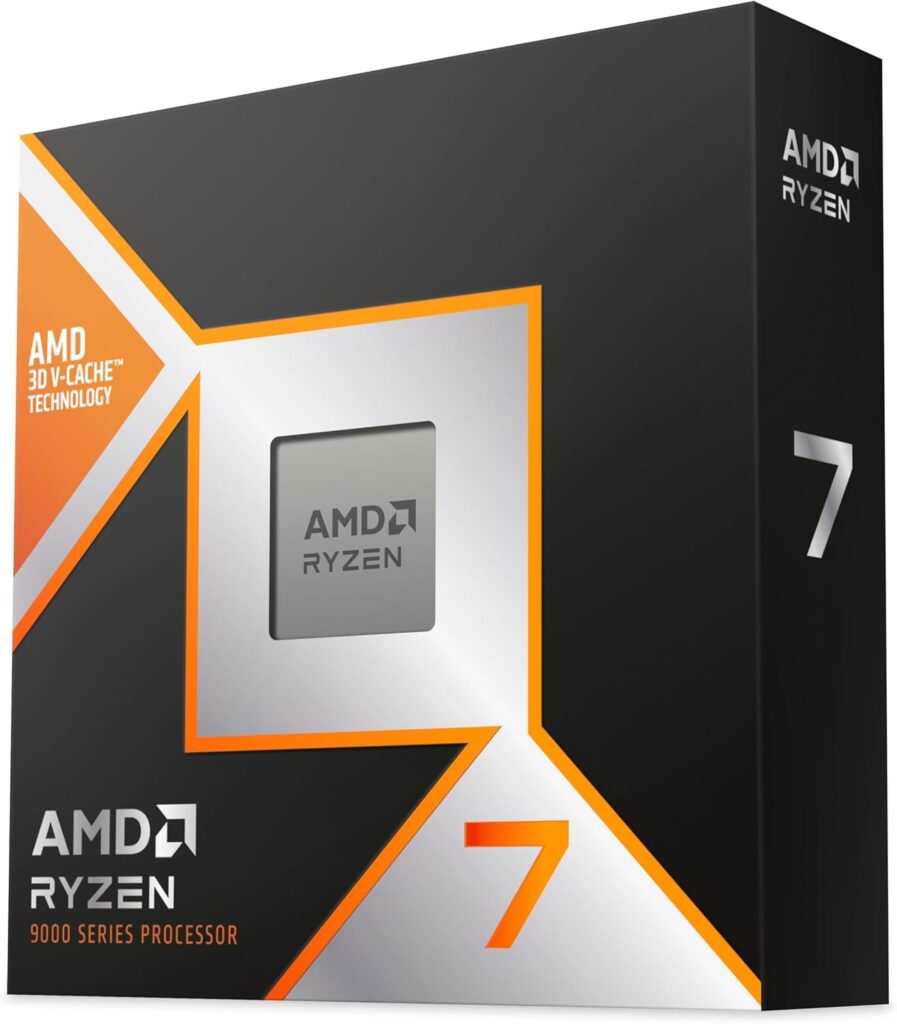
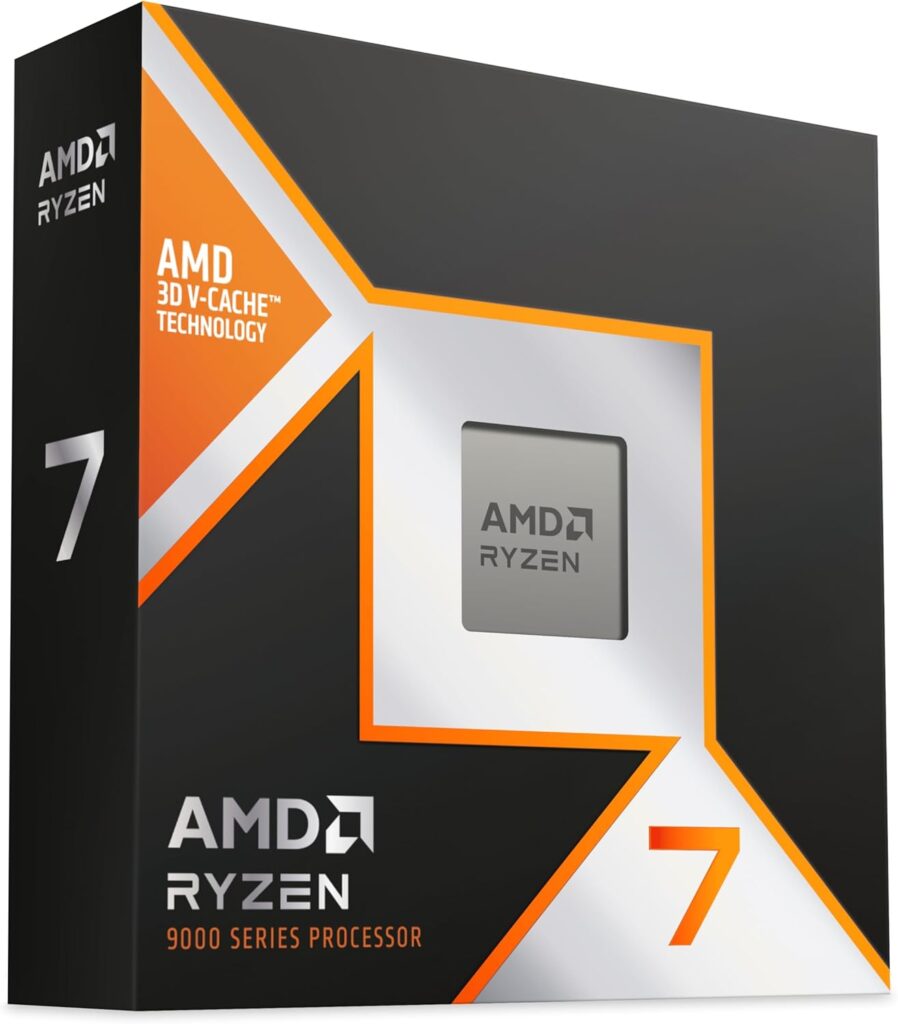
The AM5 platform choice means this build has a direct upgrade path to the Ryzen 7 9800X3D or 9850X3D via BIOS update no new motherboard, no new RAM. When you’re ready to push gaming performance further, the CPU swap is the cleanest single upgrade available. The GPU is the other obvious upgrade target in 2-3 years as the next generation of cards arrives.
Should You Buy a Prebuilt Instead?
It’s a legitimate question in 2026. The cost premium over self-building has narrowed to $100-200 for comparable specs due to volume purchasing advantages on RAM that OEMs have over individual builders. If you want something that works immediately without assembly, a CyberPowerPC or iBUYPOWER system with an RTX 5070 and Ryzen 7 CPU in the $1,200-$1,400 range is genuinely competitive.
What prebuilts typically compromise on: PSU quality, storage (1TB where 2TB makes more sense), and RAM speed (XMP/EXPO often not enabled from factory). Verify those three specifics before buying any prebuilt. Everything else is roughly comparable to a self-build at this tier.
SpecClear participates in affiliate programmes. When you purchase through links on this site we may earn a commission at no additional cost to you.