

Most prebuilt gaming PCs in 2026 are not bad, and that is the honest starting point. A few years ago this conversation was simpler: prebuilts routinely used scalper-priced GPUs and the premium over DIY was impossible to justify. That has changed. The GPU shortage has normalised and boutique builders like Skytech, iBUYPOWER, and NZXT are competing hard enough that the value math has shifted.
What hasn’t changed is that prebuilt manufacturers still cut corners in specific places that are easy to hide in a product listing and hard to identify without knowing what to look for. The GPU model number on the box is real, and the PSU inside it might not be.
This guide tells you exactly where prebuilts cut corners, which brands do it less than others, when buying prebuilt genuinely makes sense, and when building custom produces meaningfully better value for your money.Should You Build or Buy a Prebuilt Gaming PC in 2026
The Current Pricing Reality
In the current 2026 component market with DDR5 elevated and GPU prices above MSRP, the price gap between prebuilt and custom has narrowed significantly compared to where it was in 2023-2024. Some Skytech configurations are buying components at contracted prices that individual builders can’t match at retail, a legitimate reason the headline price gap between prebuilt and custom is smaller than it was.
The honest current comparison: at the $1,200-$1,500 tier, a well-chosen prebuilt from a boutique builder and a comparable custom build using current market prices are within $100-$200 of each other when you account for Windows licence ($120-$140 retail), the time cost of research and assembly, and the fact that boutique builders include a warranty covering labour and parts together. Below $1,200, custom builds produce better value for money in most configurations because the corners prebuilts cut at lower price points are more impactful.
Above $1,500, custom builds consistently produce better value and better component quality than prebuilts at comparable prices, because at higher price points the boutique builder’s margin becomes more visible relative to what the money could buy in components.BIOS Settings Most People Never Check
The Five Places Prebuilts Cut Corners
These aren’t theoretical concerns. They’re documented practices across the major prebuilt brands based on teardown analyses and community testing.
1. The power supply: the most dangerous corner cut
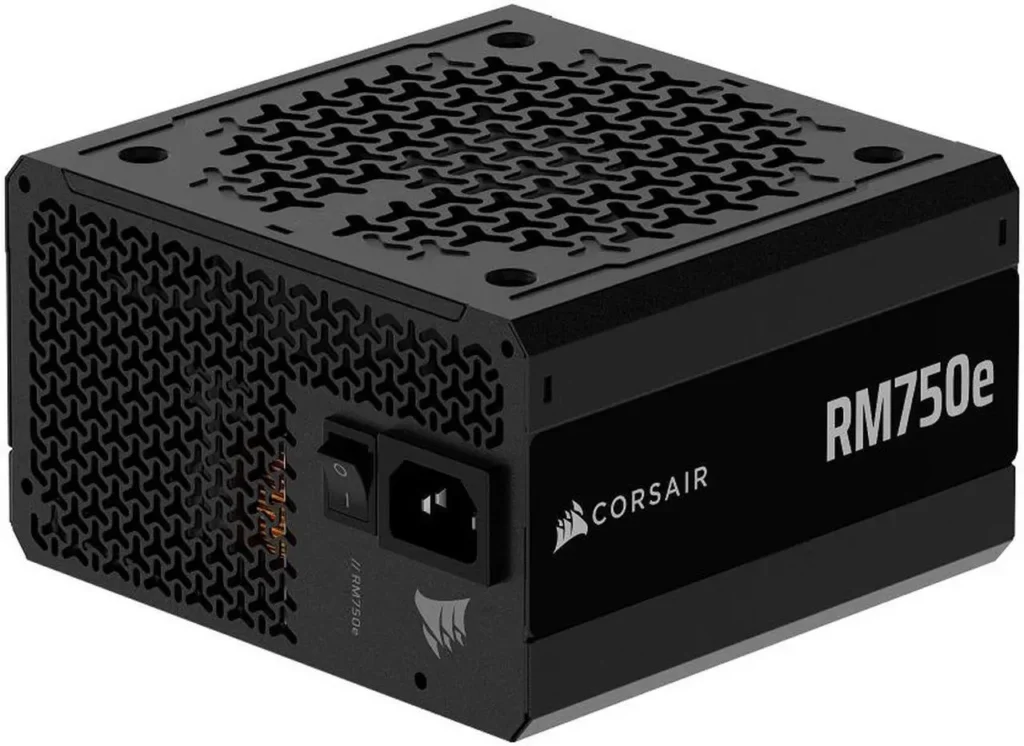
The PSU is the component prebuilt manufacturers most consistently downgrade because it’s invisible in product listings. A system sold with an RTX 5080 that genuinely draws 320W at peak load needs a quality 750W PSU minimum for stability and longevity. Many prebuilts in the $1,000-$1,400 range ship with unbranded or budget-tier 500-600W units.
The risk is real. An undersized or poor-quality PSU doesn’t fail immediately. It stresses components over time, causes instability under sustained load, and when it does fail it can take other components with it. A failed PSU can kill a GPU, motherboard, or storage drive.
What to look for: name-brand PSUs only. Corsair, SeaSonic, EVGA, be quiet!, Thermaltake. A prebuilt listing that names the PSU brand and model is a good sign. A listing that says “650W 80+ Bronze” without a brand name is a warning sign. The 80+ efficiency rating only confirms it passed an efficiency test, it says nothing about build quality, capacitor quality, or reliability under sustained load.
2. RAM: single channel and wrong speed

Two DDR5 slots and two memory sticks is dual-channel, effectively double the memory bandwidth available to the CPU and GPU. One stick in one slot is single-channel, which cuts gaming performance by 10-15% in CPU-sensitive scenarios. Some prebuilts at lower price points install 16GB as a single 16GB stick rather than two 8GB sticks to save $5-$10 per unit. The product listing says “16GB DDR5” and technically that’s true.RAM Prices 2026, DDR5 Shortage Explained
The speed problem is equally common. AMD Ryzen 9000 series chips have their Infinity Fabric sweet spot at DDR5-6000. A 16GB DDR5-4800 kit running at default JEDEC speed in a 9800X3D system runs 12-15% slower in gaming than the same chip with DDR5-6000 properly enabled. RAM capable of 6000MHz speeds and running at 4800MHz because XMP was never enabled in the BIOS is the single most common performance issue in prebuilt systems, and the easiest free fix once you know about it.
Check after purchase: go into BIOS and enable XMP or EXPO. If the RAM was shipped at 4800MHz and the kit is rated for more, enabling XMP takes 30 seconds and immediately improves performance. This applies whether you build custom or buy prebuilt.
3. The SSD: DRAM-less and slower than you’d expect

DRAM-less NVMe SSDs lack the onboard memory cache that quality NVMe drives use to buffer write operations. Under sustained write loads, game installs, large file transfers, DRAM-less drives drop to dramatically lower speeds than their peak sequential ratings suggest. For gaming load times the difference is small. For a system that also handles content creation or large file management, a DRAM-less drive is a meaningful step down.
Prebuilt listings frequently name the capacity and interface (1TB NVMe PCIe 4.0) without naming the specific drive. A Samsung 990 Pro and a no-name DRAM-less Gen 4 drive are both accurately described as “1TB NVMe PCIe 4.0” in a product listing. The quality gap between them is significant.
Ask for the specific SSD model before buying, or look for teardown posts of the specific system configuration on Reddit. If the listing won’t name the drive, assume the cheaper option.
4. The GPU variant: 8GB vs 16GB matters
The RTX 5060 Ti comes in 8GB and 16GB variants. Both are “RTX 5060 Ti” in a product listing. The 16GB version costs $50-$80 more wholesale and the 8GB version has genuine VRAM limitations at 1440p in demanding titles. Prebuilts at lower price points frequently use the 8GB variant while listing the GPU as “RTX 5060 Ti” without specifying which. RTX 5060 Ti
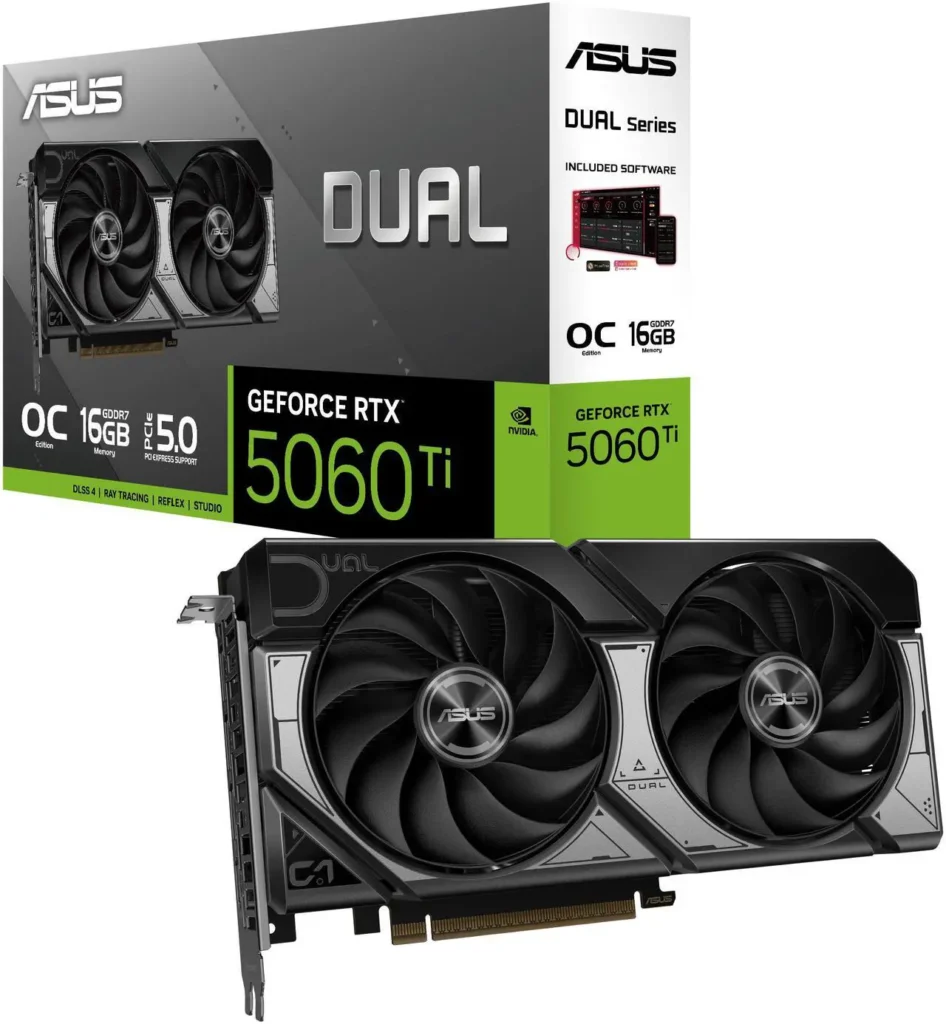
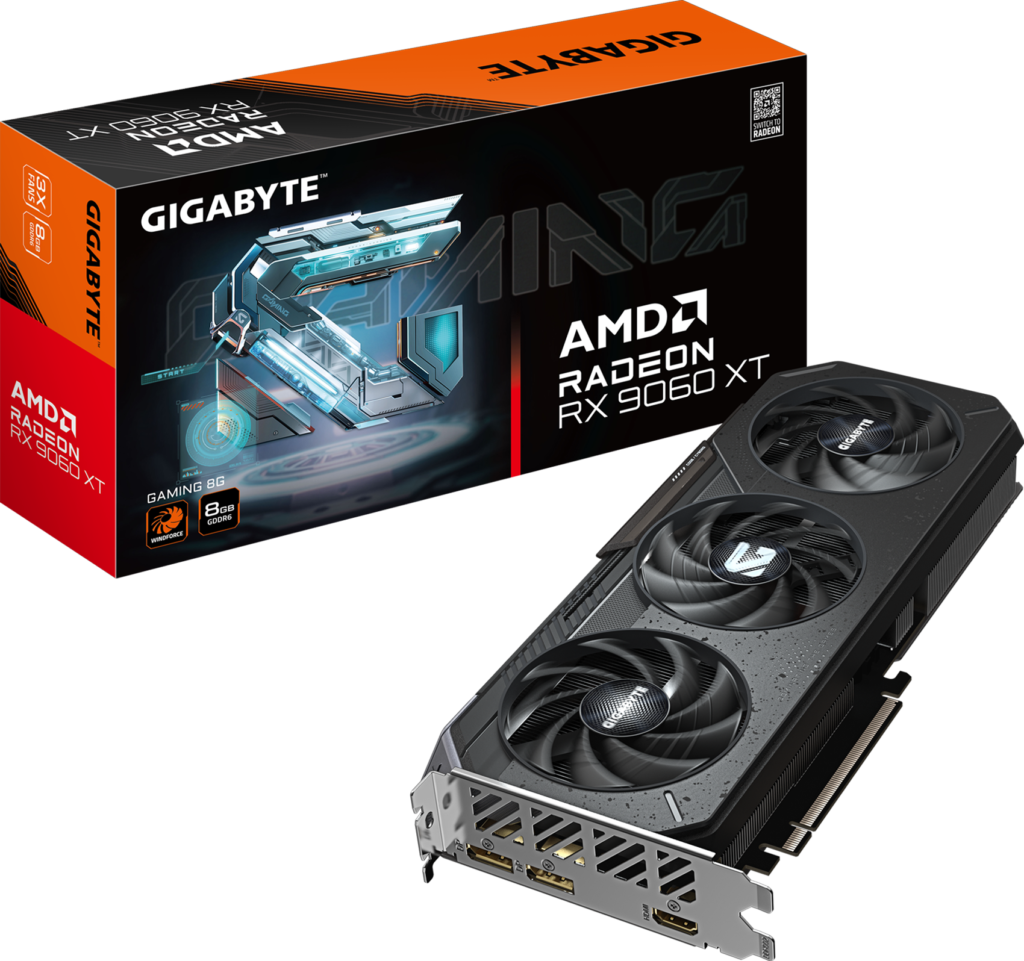
The same issue exists with the RX 9060 XT where an 8GB and 16GB variant both exist at different price points with dramatically different VRAM headroom for 1440p gaming.
Verify the exact GPU variant, not just the model name, before purchasing any prebuilt. The full SKU name or the exact VRAM spec needs to be stated. “RTX 5060 Ti 8GB” and “RTX 5060 Ti 16GB” are different products. A listing that says only “RTX 5060 Ti” without specifying VRAM is a warning.
5. The motherboard: proprietary or bargain-tier

Mass-market prebuilts from Dell, HP, and Lenovo frequently use proprietary motherboards, custom form factors that don’t accept standard replacement parts and limit upgrade options. Want to swap the GPU in an Alienware Aurora? Some configurations require specific power connectors that standard aftermarket GPUs don’t support. Boutique builders, Skytech, iBUYPOWER, CyberPowerPC, NZXT, use standard ATX or Micro-ATX boards that accept off-the-shelf parts. This is the most important reason to avoid mass-market prebuilts from the big consumer electronics brands if long-term upgradeability matters.
Within the boutique builder category, motherboards at lower price points are often B-series chipsets with fewer PCIe lanes and reduced connectivity. Fine for a gaming-only build. A concern if you plan to add a second NVMe drive, use USB4 for external storage, or eventually upgrade to the next CPU generation.
The Brands: Who to Trust and Who to Avoid
Skytech Gaming: consistent quality at the boutique level, standard ATX components throughout, reasonable support response for a mid-size company. RMA turnaround can be slow compared to larger brands, inspect GPU seating on arrival and run a stress test within the return window. Their Azure series with X3D CPUs represents genuine value when it’s not during a component shortage premium. This is SpecClear’s pending Rakuten affiliate, expect links here when the approval comes through.
iBUYPOWER: the largest boutique builder, available through Best Buy and Newegg directly which gives you retailer warranty recourse as a backup. Build quality is consistent across the RDY and SLATE series. The PSU situation has improved, recent configurations use 80+ Gold units from named brands more consistently than in previous years. Their support is rated better than most boutique competitors for response time.
CyberPowerPC: similar profile to iBUYPOWER, competitive at the value end of the market. Build quality variance is higher, some configurations have strong community feedback, others don’t. Research the specific configuration you’re considering on Reddit before buying.
NZXT BLD: boutique builder using NZXT’s own cases and coolers with standard components throughout. Higher price point than Skytech or iBUYPOWER but build quality and aesthetics justify the premium. The H7 Elite-based configurations are genuinely well-built machines. Good choice if aesthetics and build quality matter alongside gaming performance.
Avoid: Dell, HP, Lenovo, and Acer for gaming builds. Proprietary components, limited upgrade paths, and support that routes through call centres rather than hardware specialists. The name-brand recognition is not worth the technical constraints. Alienware specifically uses proprietary PSUs and cases on some configurations that make GPU upgrades unnecessarily complicated.Should You Build a PC Now or Wait Until 2027
When Prebuilt Makes Sense

You need a PC this week and can’t wait for parts to be ordered, delivered, and assembled. A prebuilt ships assembled and ready to plug in. That’s a genuine advantage for someone with an immediate need.
You’ve never built a PC and the process genuinely feels too daunting. Building a PC is less complicated than the YouTube videos make it look, but it does require several hours of careful assembly, driver installation, and configuration. If that process feels like a stressful chore rather than an interesting project, a prebuilt removes it entirely and a single warranty covers everything.Best Gaming PC Build Under $1500 2026
Your budget is under $1,200 and you want 1080p gaming without spending time on research. CyberPowerPC and iBUYPOWER both produce adequate configurations at this price. The component quality compromises are real but the machines work for their intended purpose. Ryzen 7 9800X3D ($479)

You specifically want the X3D experience without the research overhead. Skytech’s Azure 3 series with Ryzen 7 9800X3D and RTX 5070 configurations hit the mid-range sweet spot and deliver genuine gaming performance without requiring you to source each component separately.AMD Ryzen 9 9800X3D Review
When Custom Builds Win
You have $1,500 or more to spend on the system and care about component quality. At this budget level, the boutique builder’s margin becomes visible enough that a comparable custom build produces meaningfully better component quality, specifically a better PSU, faster RAM, and a named-brand SSD, for the same or lower price.
You want specific component combinations that prebuilt offerings don’t provide. A white build, a Mini ITX form factor, a specific GPU and cooler pairing, boutique builders offer limited configuration options. Custom builds offer unlimited ones.How to Upgrade Your PC Without Buying a New One
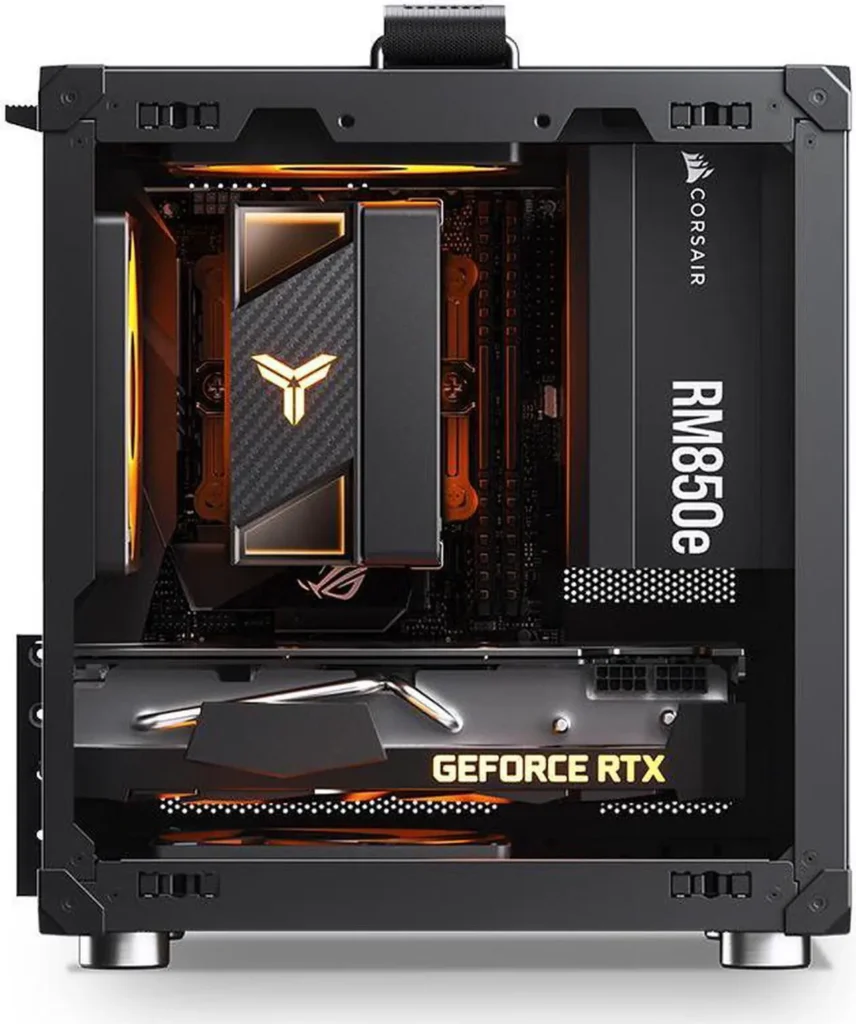
You plan to upgrade components over time. A custom build on AM5 with a quality B850 or X870 motherboard accepts the next two generations of AMD CPUs. A prebuilt’s upgrade path depends entirely on what motherboard the builder chose, which isn’t always disclosed upfront.
You already own some components. An existing monitor, keyboard, mouse, or even a GPU you’re bringing forward from a previous build reduces the total cost of a custom build in ways that don’t translate to prebuilt pricing.
The Quick Checklist Before Buying Any Prebuilt
Run through these five questions before completing any prebuilt purchase:
Is the PSU from a named brand with a specific model number? If the listing won’t name it, email support and ask.
Is the RAM two sticks or one? The listing should say “2x8GB” or “2x16GB.” “16GB” without the dual-channel specification is a warning sign.
What is the exact SSD model? Not just capacity and interface, the brand and model.
Is the GPU variant named with VRAM spec? “RTX 5060 Ti 16GB” not just “RTX 5060 Ti.”
Does the motherboard use standard ATX form factor? If Dell, HP, or Lenovo, check specifically.
A prebuilt listing that can answer all five questions clearly is a prebuilt worth considering. One that obscures any of them is one to research more carefully before buying.